- AI Fire
- Posts
- 💡 6 Essential AI Skills That Will Catapult Your Career
💡 6 Essential AI Skills That Will Catapult Your Career
Master 6 key AI skills to work smarter & grow your career. This guide covers prompting, data analysis, and automation for an immediate work advantage.

Neil Phan
December 18, 2025

😫 What’s the most exhausting part of your job? |
Table of Contents
Introduction: Why AI Skills Matter More Than Ever
The world of work is changing at a dizzying pace, and Artificial Intelligence (AI) is at the heart of this transformation. While some fear that AI might replace their jobs, sharp professionals see it differently. They understand that AI is unlocking some of the greatest opportunities for career growth we've ever seen.
Think of it this way: AI can take over the repetitive and tedious tasks that consume most of your time. This frees you up to focus on what truly matters - strategic thinking, creative problem-solving, and making decisions that create real impact for your business.
In this comprehensive guide, we will explore the practical AI skills that will help you stand out in today's competitive workplace. These aren't just technical skills - they are strategic capabilities that will help you work smarter, not harder, and position yourself as a valuable asset in any organization.
Whether you're just beginning your AI journey or looking to enhance your existing skills, this guide will provide you with a clear roadmap to success. Let's dive in and discover how you can use AI to supercharge your career.
Understanding The AI Landscape At Work
Before we dive into specific skills, let's clarify the three main types of AI you'll encounter in your work. Understanding these categories will help you choose the right tool for each task and maximize your efficiency.
1. Standalone AI Chatbots

These are the AI tools you're likely most familiar with - ChatGPT, Google Gemini, Claude. They are like having a smart assistant you can chat with about almost anything. You open the app, type your question or request, and receive helpful responses.
These tools are ideal for general office tasks like brainstorming ideas, drafting emails, analyzing data, or getting quick answers. They are incredibly versatile and can handle a wide range of tasks across different industries and roles.
2. Integrated AI Features
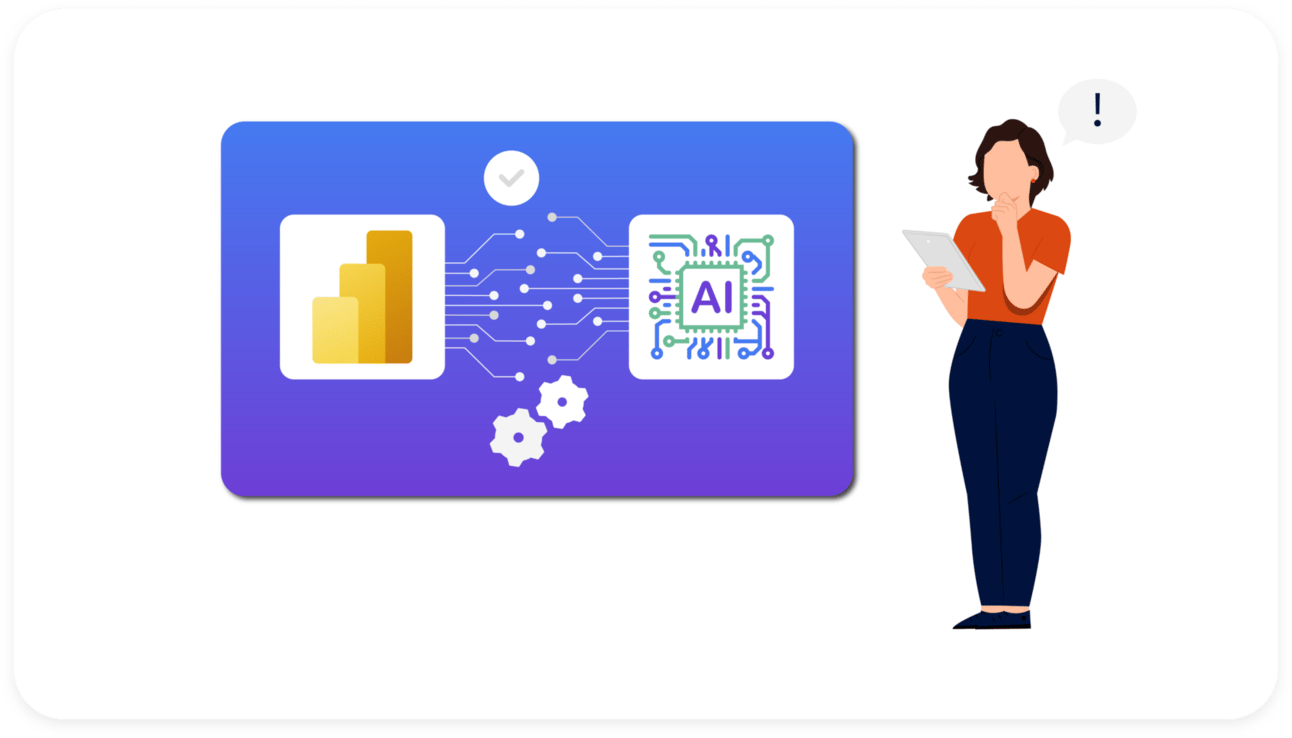
These are AI capabilities built directly into the software you already use every day. Think of Gemini in Gmail helping you compose emails, or Microsoft Copilot in Word and Excel making your documents smarter.
The beauty of integrated AI is that it feels natural - you don't have to switch between different apps or learn entirely new interfaces. AI assistance appears right where you need it, making your existing workflows more efficient.
3. Specialized AI Solutions

These are custom tools designed for specific tasks. For example, Grammarly focuses on improving writing skills, while Gamma helps create beautiful presentations quickly. These tools often provide more advanced features for their specific use cases than general AI chatbots.
Now that you understand the AI landscape, let's explore the specific skills that will give you a competitive edge at work.
Learn How to Make AI Work For You!
Transform your AI skills with the AI Fire Academy Premium Plan - FREE for 14 days! Gain instant access to 500+ AI workflows, advanced tutorials, exclusive case studies and unbeatable discounts. No risks, cancel anytime.
Skill 1: Master AI Prompting In A Practical Way
You may have heard of "prompt engineering" - it sounds technical, but it's really the art of communicating clearly with AI. Think of it like assigning a task to a new team member. How would you explain the task to them to get the best results?
Why Most Frameworks Are Unnecessary
Many people get caught up in complex prompting formulas and frameworks. The truth is: as AI gets smarter, these rigid frameworks become less important. Effective prompting really boils down to two simple things:
Clear thinking - Know exactly what you want.
Coherent communication - Express it in a way the AI can understand.
The Core Principles Of Effective Prompting
Be Clear and Specific
Instead of vague requests, use action verbs and specific instructions.
Instead of: "Help me with marketing."

Try: "Analyze our social media engagement data from the last 3 months and identify three specific strategies to increase follower interaction rates. Present them as bullet points."


Provide Quality Context
This is where most people cut corners, but it makes a huge difference. If you provide mediocre input, you'll get a mediocre output. Include details like:
Important background information (goal, audience...).
Examples of your desired outcome.
Any constraints or requirements (length, tone, format).
The specific output format you need (table, JSON, email...).
Example Prompt:
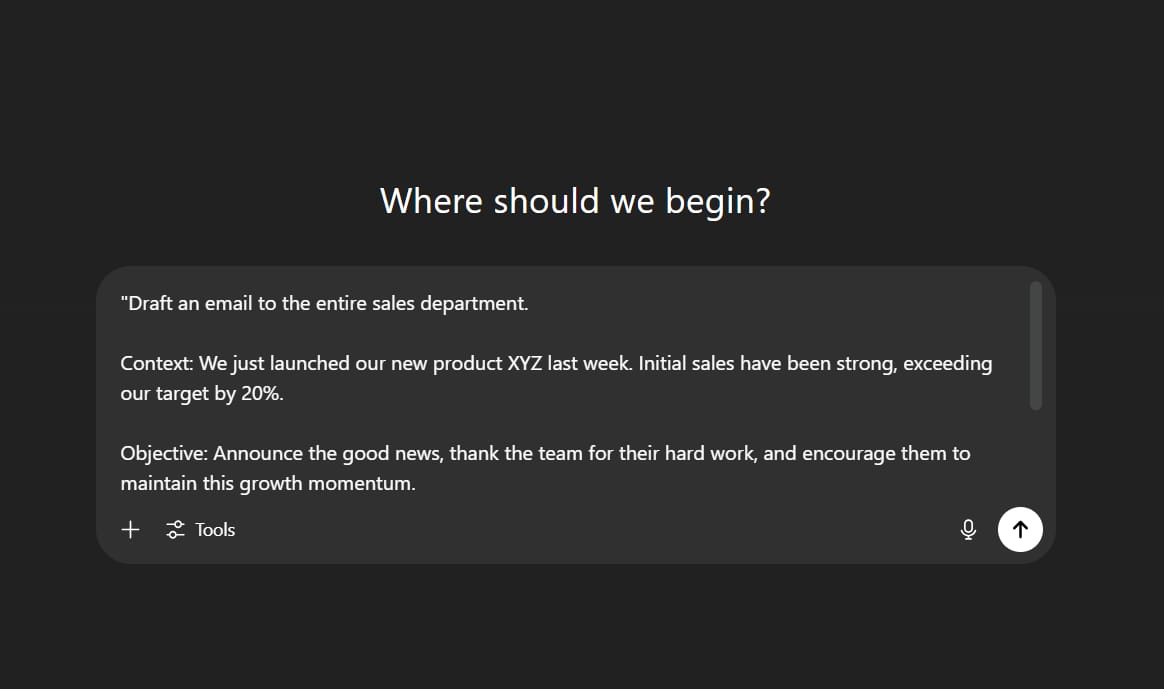
"Draft an email to the entire sales department.

Context: We just launched our new product XYZ last week. Initial sales have been strong, exceeding our target by 20%.

Objective: Announce the good news, thank the team for their hard work, and encourage them to maintain this growth momentum.

Requirements: The tone must be inspiring and professional yet friendly. The email needs a catchy subject line, a short paragraph summarizing the achievement, a specific thank you, and a call to action for the coming week. Keep it under 250 words."
Use Examples When Necessary (Few-shot Prompting)
Showing the AI one or more examples of what you want can dramatically improve the result, rather than just describing it.
Example Prompt:
"I want to generate catchy ad headlines for an 'organic sunscreen' product. Here are a few examples of the style I like:

Example 1: 'Broad-spectrum protection, gentle on sensitive skin.'

Example 2: 'Confidence under the summer sun with a natural protective barrier.'

Based on this style, generate 5 more headlines."
Skill 2: AI-Assisted Content Creation
This is where AI can immediately boost your productivity and help you create better content, faster. Whether you're writing emails, creating presentations, or developing marketing materials, AI can be your creative partner.
The Three-Layer Approach To AI Content Creation
Layer 1: Speed - Let AI Create the First Draft
Stop staring at a blank page. Instead of starting from scratch, give the AI context and let it generate the first draft.
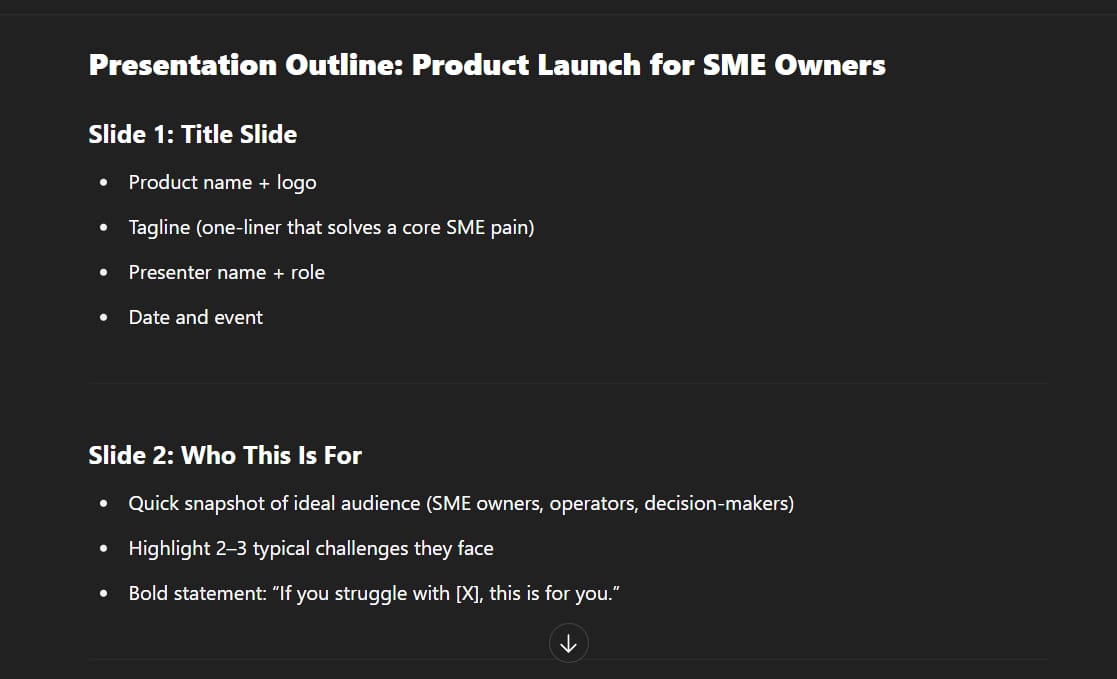
Prompt: "Create an outline for a presentation to launch our new product, targeting small and medium-sized enterprise (SME) owners."

Prompt: "Draft an email to the team about the Q4 budget planning meeting, including the agenda items we discussed."

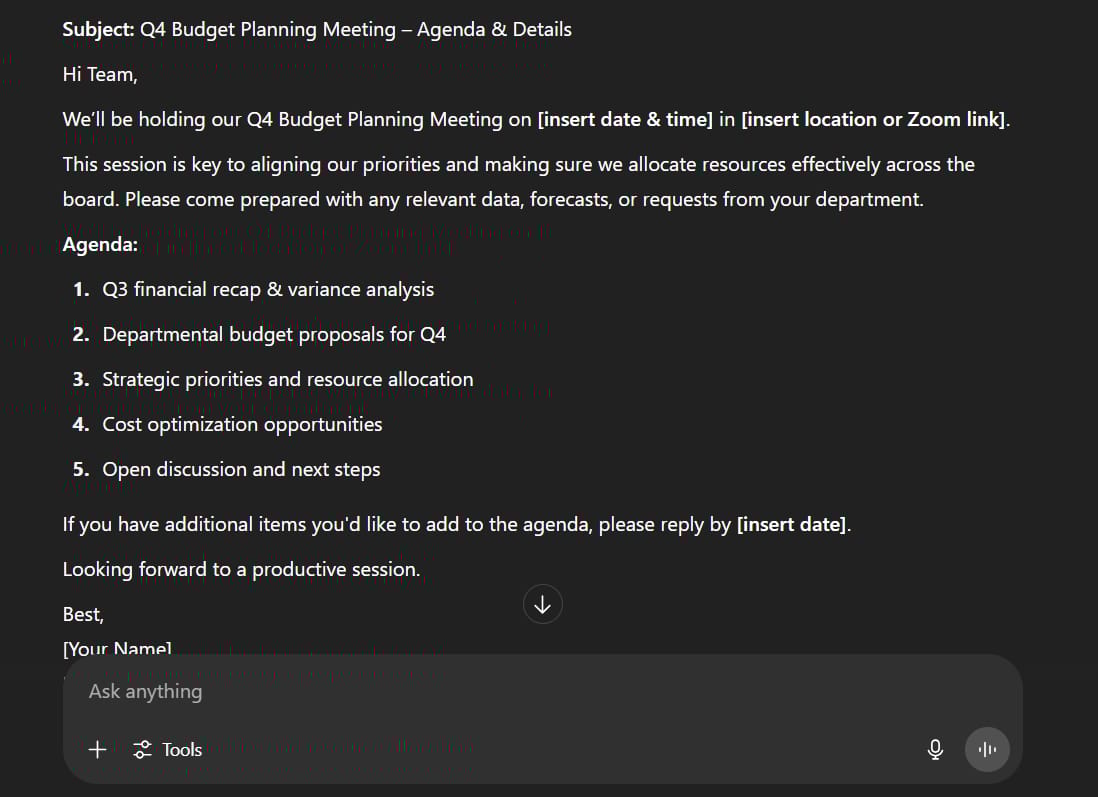
This immediately gives you structure and content, which you can then refine and personalize.
Layer 2: Style - Add Your Personal Touch
AI doesn't know your personal tone or how your content might affect team relationships. This is where you add your personality:
Ask the AI to adjust the tone (more casual, more professional, more encouraging).
Add relationship-specific details the AI wouldn't know.
Ensure the language aligns with your company culture.
Layer 3: Quality Assurance - Use AI as a Feedback Loop
Before you send that important email or present to stakeholders, use AI to review your work:
Prompt: "I'm about to present this plan to the board of directors. What questions or concerns might they raise? Act as a CFO and ask me 3 challenging questions."

Prompt: "Where might this proposal be misunderstood? How can I rephrase it for better clarity?"

Skill 3: AI-Powered Business Intelligence
The future workplace needs more data storytellers, not just data reporters. AI can help you find connections in data and make strategic decisions that drive real business impact.
Three Areas To Master
1. Data Organization
AI excels at turning messy, unstructured data into something you can actually work with.
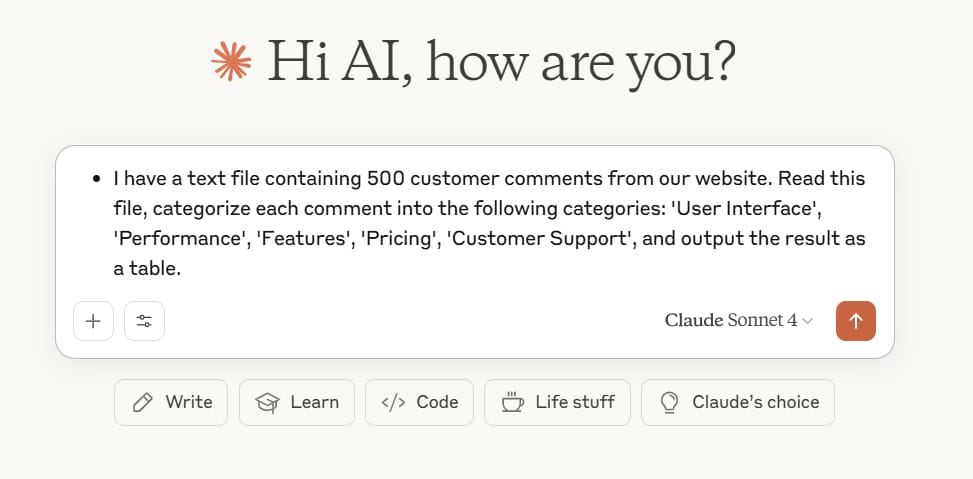
Prompt: "I have a text file containing 500 customer comments from our website. Read this file, categorize each comment into the following categories: 'User Interface', 'Performance', 'Features', 'Pricing', 'Customer Support', and output the result as a table."
2. Context Enrichment
AI can cross-reference and fill in gaps in your data.

Prompt: "Here is a list of attendees for my event (only Name and Email are available). Based on their email domains and public information, please add the columns 'Company', 'Job Title', and 'Industry' for each person."
3. Pattern Recognition and Visualization
Don't just clean data - use AI to identify trends and create compelling visual stories.
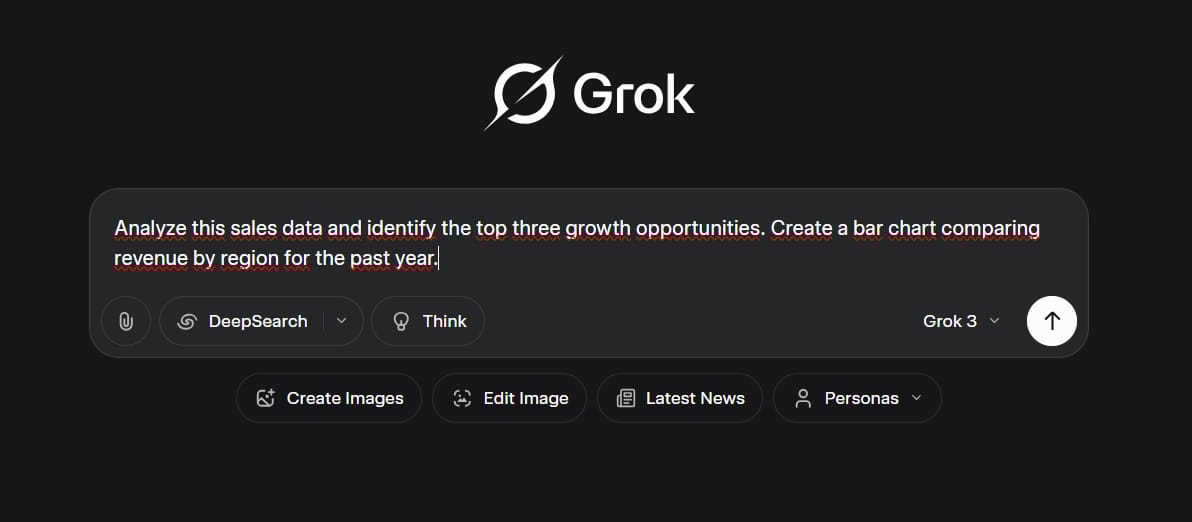
Prompt: "Analyze this sales data and identify the top three growth opportunities. Create a bar chart comparing revenue by region for the past year."
Prompt: "Generate a scatter plot showing the relationship between our marketing spend and the number of leads generated."

The Key To Success: Start With The Right Question
Always start with a clear business question, such as, "What factors contribute most to the success of our top-performing sales reps?" instead of a vague request like, "Find insights in this data."
Skill 4: In-Depth Research With AI Support
Research is a part of almost every job. AI can make your research faster, more thorough, and more insightful.
Choose The Right AI Search Tool
Perplexity AI: Excellent for general research with clear source citations.
Google Gemini: Strong in academic sources and integration with Google Scholar.
ChatGPT (with Browse): Good for synthesizing and analyzing research topics.
Advanced Research Techniques
Use Search Operators For Better Control
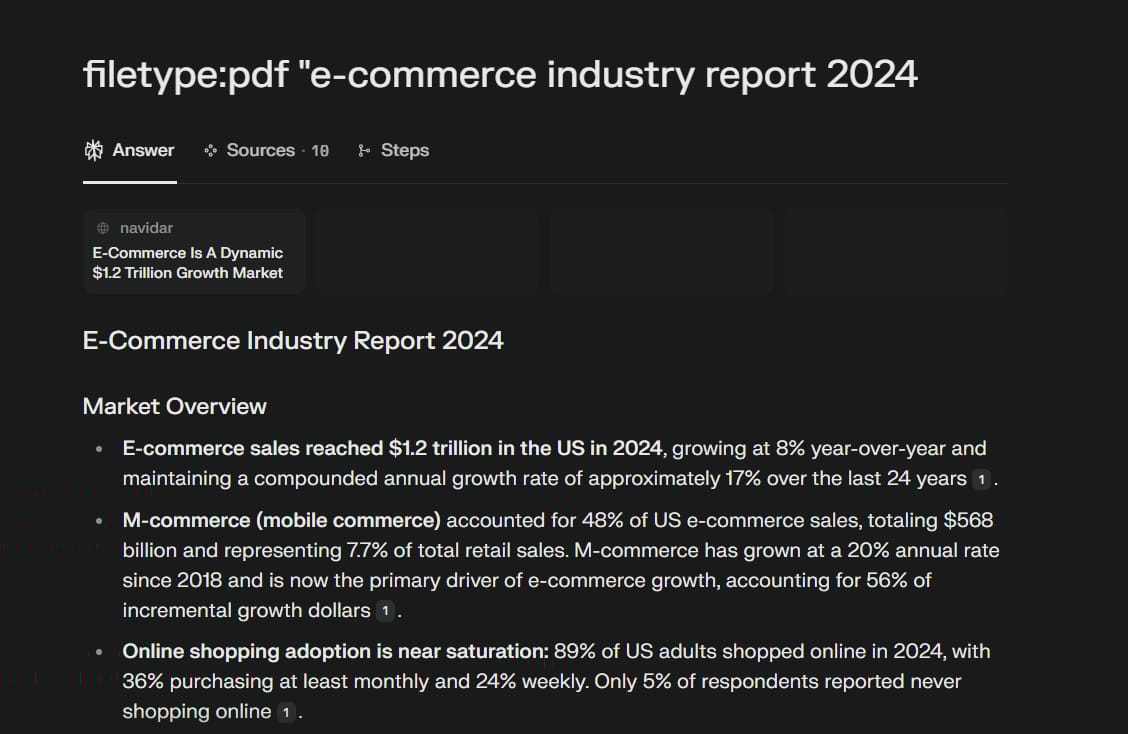
filetype:pdf "e-commerce industry report 2024"to find only PDF documents.
site:gov "corporate tax policy"to search only government websites.

The Research Planning Strategy
Don't just dive into research. Use AI to help you plan:
Ask a reasoning model to create a research plan first: "I need to research 'the impact of remote work on employee productivity in Vietnam'. Propose a detailed research plan, including key research questions, types of sources to look for (reports, surveys, academic articles), and effective search keywords."


Define your research questions clearly.
Identify the types of sources you need.
Establish verification steps for important claims.
Critical Research Advice
Always Verify Important Information
Never use statistics or quotes from an AI without verification. Ask the AI to:
Provide the original source for specific claims.
Give you the exact citation for quotes.
Explain how it found that particular information.
Skill 5: Automation And Workflow Design
Once you've mastered the basics, you can start building AI-powered workflows that automatically handle routine tasks. This isn't about coding - it's about smart process design.
The Foundation: Process Mapping
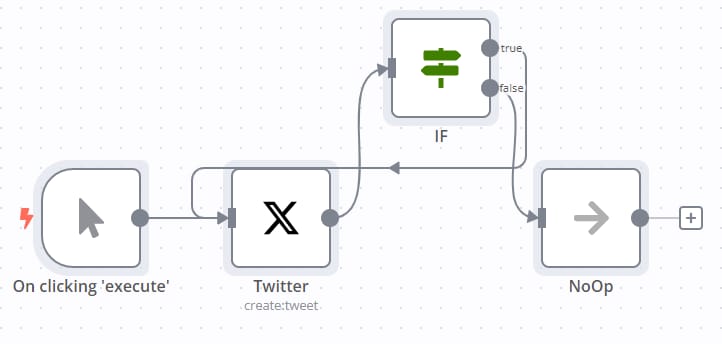
Before automating anything, map out your current workflow:
List every step in the process.
Identify which steps are repetitive.
Determine the flow of information between steps.
Spot opportunities for automation.
You can even ask AI to help design your workflow: "I want to automate my weekly project progress reporting process. The current process involves: collecting updates from Jira, compiling them in Google Sheets, and writing a summary email. Propose an optimal automated workflow."
No-Code Automation Platforms
AI Agents Vs. Automation Workflows

Use Automation Workflows when: You have a clearly defined process, and the steps are predictable and repeatable.
Use AI Agents when: The task requires decision-making, you are comfortable with the AI having more autonomy, and the risk is low if something goes wrong.
Skill 6: Enhanced Decision-Making
This is the most valuable skill that most people miss. Instead of just using AI to find information, use it as a thinking partner to make better decisions.
Prepare Quality Context Strategically
Create a "project context file" for each type of decision. For example, for operational decisions, include:
Current systems and tools.
Existing workflows.
Resource allocation.
Key Performance Indicators (KPIs).
Team structure and capabilities.
Ask Strategic Questions
Instead of asking the AI simple questions, use it to challenge your thinking.
Instead of: "Which marketing strategy should I choose?"
Try: "Based on the project context file I've provided, analyze the pros and cons of Strategy A versus Strategy B. Act as a 'devil's advocate' and point out the hidden risks and flawed assumptions in each strategy."

Instead of: "What should our next product feature be?"
Try: "What assumptions am I making about my customers that could be wrong? What market trends could make our proposed features obsolete in 2 years?"

The Power Of Multiple Perspectives
Use AI to:
Challenge your assumptions: "What if my hypothesis is completely wrong?"
Explore different viewpoints: "How would our competitors approach this problem?"
Identify blind spots: "What risks have I not considered?"
Test scenarios: "What would happen if our budget were cut by 20%?"
Understanding Limitations And Using AI Responsibly
As powerful as it is, AI has its limits. Understanding this helps you avoid common pitfalls.
Where AI Excels

Processing large amounts of information quickly.
Identifying patterns in data.
Generating creative ideas and alternatives.
Providing different perspectives on a problem.
Where Human Judgment Is Essential
Making final decisions with real-world consequences.
Understanding company culture and politics.
Reading between the lines in human communication.
Handling sensitive or confidential situations.
Taking responsibility for outcomes.
Ethical And Responsible Use

Data Privacy: Never input sensitive company, customer, or personal information into public chatbots.
Bias: Be aware that AI can perpetuate biases from its training data. Always critically review its output.
Transparency: Be clear when content is AI-generated, especially in professional communications.
Intellectual Property: Understand the ownership regulations for AI-generated content.
Conclusion
The AI revolution isn't coming - it's already here. The question isn't whether AI will change how we work, but whether you will be ready to seize the opportunities it creates.
By mastering these six essential AI skills, you're not just keeping up with change - you're getting ahead of it. You're positioning yourself as someone who can work smarter, make better decisions, and create more value for your organization.
Remember, this isn't about replacing human creativity and judgment with AI. It's about augmenting your natural abilities to achieve better results, faster. AI handles the routine work so you can focus on strategy, creativity, and the uniquely human skills that drive real business impact.
Your AI journey starts now. Pick one skill from this guide, practice it for a week, and see the difference it makes in your work. The future belongs to those who can effectively collaborate with AI while maintaining their uniquely human strengths. By developing these skills today, you are investing in a future where you don't just survive change - you lead it.
If you are interested in other topics and how AI is transforming different aspects of our lives or even in making money using AI with more detailed, step-by-step guidance, you can find our other articles here:
12 ChatGPT Tricks To Instantly Transform Your Daily Workflow
The Secret AI System For Endless Viral Videos (Yes, Really!)*
Unlock Automated Leads: How AI Can Build Your Lead Generation Powerhouse*
Turn Any Website into AI Automation in Minutes (Here’s How)*
3 New AI Tools You Haven't Heard Of (That Crush The Big Guys!)
*indicates a premium content, if any
How useful was this AI tool article for you? 💻Let us know how this article on AI tools helped with your work or learning. Your feedback helps us improve! |
Reply