- AI Fire
- Posts
- 🖥️ Master All 4 New Claude Cowork Features (Without Wasting Half Their Power)
🖥️ Master All 4 New Claude Cowork Features (Without Wasting Half Their Power)
Small updates, big shift. Learn what these new Claude Cowork features really enable and how they affect daily AI workflows.

Max Anh
April 06, 2026
TL;DR BOX
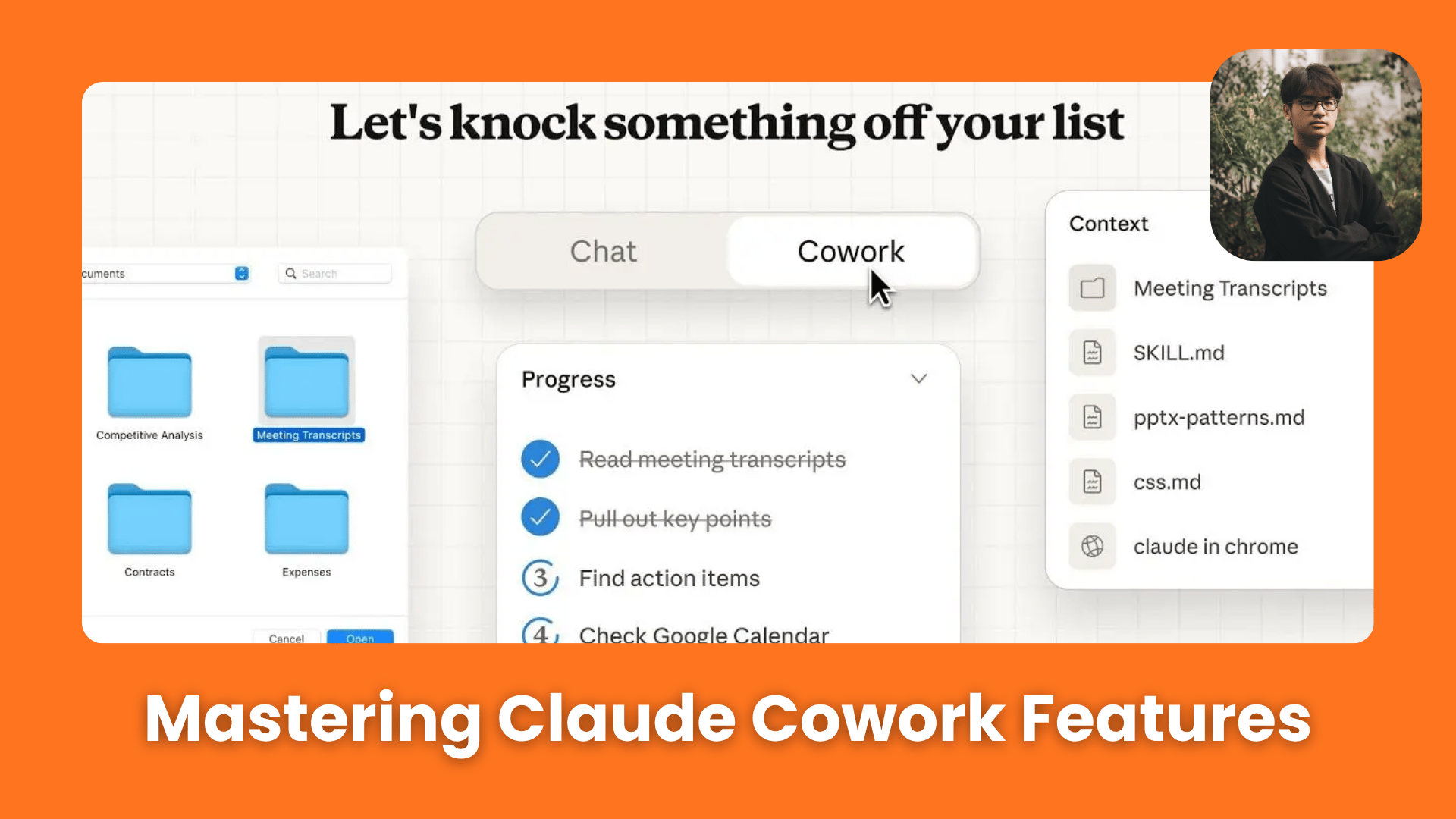
In April 2026, Claude Cowork changed from a simple "chatbot" into a powerful system that lives on your computer. The system’s power lies in its transition from one-off chats to persistent Projects, which anchor Claude with local folder access, task completion and specific project rules. With the recent rollout of Scheduled Tasks and Claude Dispatch, Claude can now function as a 24/7 digital employee, executing Skills (automated playbooks) while you sleep or allowing you to trigger complex desktop workflows from your phone while you are away from your computer.
Key Points
Fact: On April 3, 2026, Anthropic expanded Computer Use and Claude Dispatch to both Windows and macOS for all Pro and Max subscribers.
Mistake: Over-using "Computer Use" for everything. The Pro Move: Use Connectors (API-based) first for stability, Browser Control second for web tasks and only use Computer Use for legacy desktop apps that lack an API.
Action: Set up a Morning Briefing Skill (Section IV) today. Schedule it to run at 8:00 AM to scan your Gmail, Slack and Calendar and have the summary waiting for you when you open your laptop.
Critical Insight
Now, by pointing Cowork at a specific local folder and wrapping it in a Project, Claude maintains a persistent understanding of your files, past decisions and style preferences, making it a true long-term collaborator.
Table of Contents
I. Introduction
If you’ve opened Claude recently and felt like several new features appeared overnight while you were just trying to get through your morning coffee, you’re not imagining it.
The pace of AI updates in 2026 is fast enough that useful features can arrive quietly and go unnoticed. The biggest misunderstanding is still treating Claude Cowork like a normal chatbot.
Instead of designing only to answer questions, it is built to manage context, follow structured instructions and support ongoing workflows that extend beyond a single prompt.

This guide explains the 4 key features of Claude Cowork that make it more useful for real work and how to set them up in a simple way without needing a technical background. This guide is useful if:
You want to automate repetitive work with Skills and scheduled tasks.
You want Claude to run workflows while you are away using Dispatch.
You want AI that can interact with apps using Computer Use.
You want integrations with tools like Zapier, Gmail, Slack and Google Drive.
🚀 Is your Claude still a "Chatbot" or is it your "Co-worker" yet? |
II. What Is the Mindset Shift Needed to Use Claude Properly?
The shift is simple: stop chatting, start building systems. Instead of starting from scratch every time, you give Claude memory, structure and access to your work. This turns it into something that can continue tasks instead of restarting them.
Key Takeaways:
Empty chats forget everything.
Using a "system" helps the AI stay consistent.
Memory reduces repeated work.
Structure increases reliability.
Setup determines long-term value.
Before looking at the features, you need to understand one thing: Claude Cowork is strongest when you give it memory, structure and access.
When every task starts in a blank chat, the system has no context about your work, your preferences or your goals. Claude has to figure everything out again each time, which limits how useful it can be.
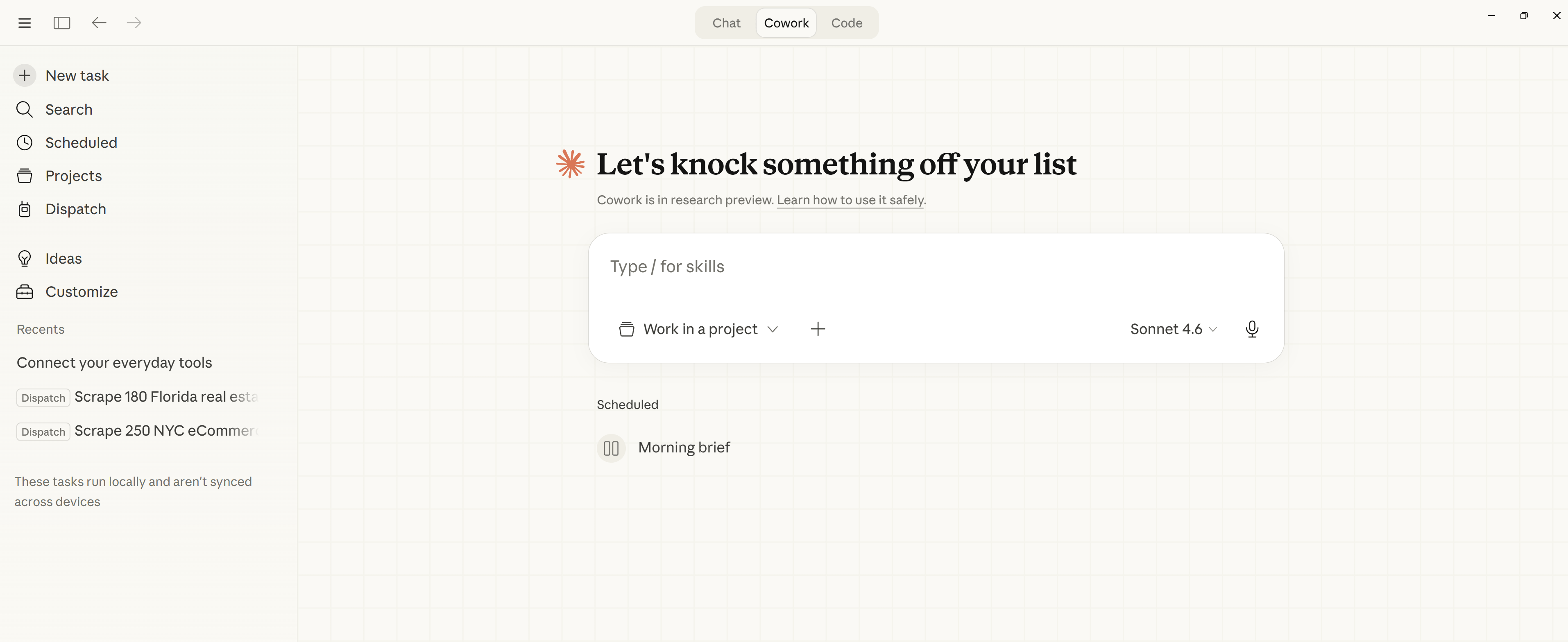
But once you set up Cowork properly using Projects, Skills, automations and integrations, the experience changes completely. Claude begins to operate more like a teammate that already understands your workflow and can pick up where work left off.
The four features below are the building blocks of that system.
III. Claude Cowork Feature 1: Projects

You’ve reached the locked part! Subscribe to read the rest.
Get access to this post and other subscriber-only content.
Already a paying subscriber? Sign In.
A subscription gets you:
- • Instant access to 700+ AI workflows ($5,800+ Value)
- • Advanced AI tutorials: Master prompt engineering, RAG, model fine-tuning, Hugging Face, and open-source LLMs, etc ($2,997+ Value)
- • Daily AI Tutorials: Unlock new AI tools, money-making strategies, and industry (ecommerce, marketing, coding, teaching, and more) transformations (with videos!) ($3,650+ Value)
- • AI Case studies: Discover how companies use AI for internal success and innovative products ($1,997+ Value)
- • $300,000+ Savings/Discounts: Save big on top AI tools and exclusive startup discounts
Reply