- AI Fire
- Posts
- 😬 Your AI Automation Works. But Can a Client Actually Run It?
😬 Your AI Automation Works. But Can a Client Actually Run It?
A practical guide to hosting, security, API keys, testing, and handover.

Robin Do
April 14, 2026
TL;DR
AI automation projects fail after the demo, not during the build. The real risk is unclear hosting, weak security, messy billing, and poor handover.
This guide explains how to deliver AI automation as a real system, not a prototype. You’ll learn how to decide where the automation should live, how to keep client data safe, how to handle API keys and billing without confusion, and how to test and hand over workflows professionally.
The focus is on delivery, not prompts. Hosting, security, testing, documentation, and ownership are what turn working AI automation into something clients trust and keep using. By following a clear lifecycle, you avoid legal risk, billing stress, and post-launch chaos.
Key points
• One important fact: Most delivery issues come from hosting and ownership decisions made too late.
• One common mistake: Running client workflows on your own server without clear licensing.
• One practical takeaway: Clients should always own their API keys and usage.
Critical insight
In real projects, clean delivery matters more to clients than how smart the AI looks.
The part of AI automation I least enjoy is… |
Table of Contents
Introduction: Why “Building the AI” Is the Easy Part
Most AI automation projects don’t fail because the AI is bad. They fail after the demo. The workflow looks great, the outputs are fine, but once a client asks where it runs, who pays for usage, or how their data is protected, things get unclear.
Clients care less about prompts and more about trust. They want to know who owns the system, what happens if it breaks, and whether their team can run it without you. If you can’t answer those questions clearly, even a working AI automation feels risky.
The hard part of AI automation is delivery. That means hosting, security, billing, testing, and handover. It’s about thinking beyond the build and treating the automation like a real system that has to live inside a business.
In this guide, I’ll walk you through how to deliver AI automation projects step by step, from the first hosting decision to final handover and long-term maintenance. If you’re selling AI workflows or building systems for clients, this is the part that turns experiments into real work.
Step 1: Decide Who Hosts the AI Workflow
This decision has to come first. Hosting affects everything that comes after it: licensing, security, billing, ownership, and even how easy the handover will be. If you build first and think about hosting later, you usually end up redoing work or putting yourself in a risky position.
Here’s the core idea you need to understand. There’s a big difference between selling AI automation as a service and selling AI automation as a product. Most tools allow you to build workflows for clients, but they don’t allow you to run one shared system for multiple clients unless you have a commercial license. One wrong assumption here can create legal and operational problems.
In practice, there are three hosting models.
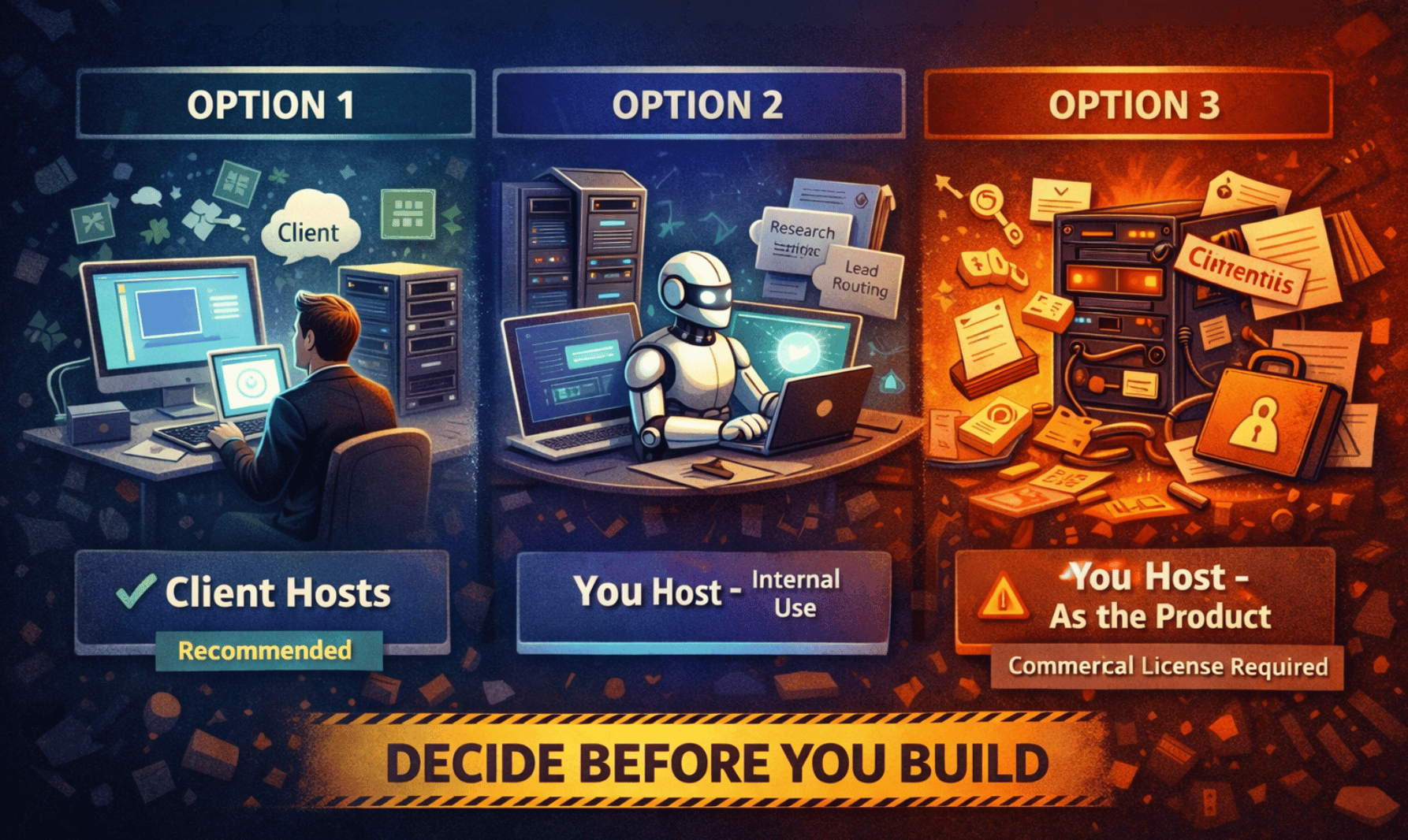
Option 1: The client hosts their own instance (recommended).
This is the cleanest setup for client work. Each client has their own environment, and you build inside it. They might use a cloud version, a VPS, or even a local server. You can help them set it up, but they own it and pay for it. This keeps AI automation compliant, makes ownership clear, and makes handover simple. It’s similar to how Zapier consultants work. Every client has their own seat, and you’re the builder.
Option 2: You host it for your own internal operations.
This is allowed only when the AI automation is powering your business, not the client’s. For example, internal lead routing, research workflows, or reports you send to clients. Clients never log in, never add their own API keys, and never touch the system. You’re selling the outcome, not access to the automation.
Option 3: You host it as the product.
This is when the automation itself is the service. Clients give you credentials, and everything runs on your server. This crosses into a SaaS-style model and usually requires a commercial or enterprise license. For most freelancers and agencies, this is expensive and unnecessary unless you’re building a real platform.
If you remember one rule, remember this:
Client work means the client hosts. Internal operations mean you host. If you want to sell AI automation as a platform, you need the right license.
Step 2: Security & Data Protection
Security is not optional in AI automation. If your workflow touches emails, CRM records, payments, or user messages, you are handling real business data. Clients may not know the technical details, but they care deeply about one thing: nothing bad happens to their data.

Start with credentials.
Never paste API keys or passwords directly into workflow steps. Always use the platform’s built-in credential system. Credentials should be encrypted when saved and only used when the automation runs. Set permissions so people can run workflows without seeing the actual keys. This is what makes handover safe and professional.
Next, webhooks.
A webhook is a public entry point into your AI automation. If someone has the URL, they can hit it. That means you must protect it. Always use HTTPS. Verify requests when possible, so only trusted systems can trigger the workflow. Never put secrets in the URL. If the webhook accepts user input, validate it before doing anything else.
Now, AI-specific risks.
AI automation should never blindly trust inputs. Check what goes in before sending it to a model. Limit what the AI is allowed to do, especially if it can trigger tools, send messages, or update systems. Simple guardrails prevent expensive mistakes.
Then, personal data.
If the workflow processes names, emails, messages, or anything that identifies a person, follow a simple rule: only use what you need. Limit who can see execution logs. Make sure data can be deleted or corrected if the client asks. In most client projects, you are processing data for them, not owning it.
Finally, self-hosting.
Running AI automation inside the client’s own environment gives them full control over their data. They choose where it lives and who has access. For many clients, especially larger ones, this is a major reason to trust the system.
Good security doesn’t look impressive. It looks boring and predictable. That’s exactly what clients want.
Learn How to Make AI Work For You!
Transform your AI skills with the AI Fire Academy Premium Plan - FREE for 14 days! Gain instant access to 500+ AI workflows, advanced tutorials, exclusive case studies and unbeatable discounts. No risks, cancel anytime.
Step 3: API Keys & Billing
API keys and billing need clear rules from day one. If this part is vague, AI automation becomes stressful very quickly.
The rule is simple.
Clients own their API keys. Clients pay for their usage.
Why this matters.
When clients own the keys, costs are transparent. They can see usage, charges, and limits themselves. You’re not guessing, explaining invoices, or absorbing surprise costs. This keeps the relationship clean as the automation scales.
The ideal setup.
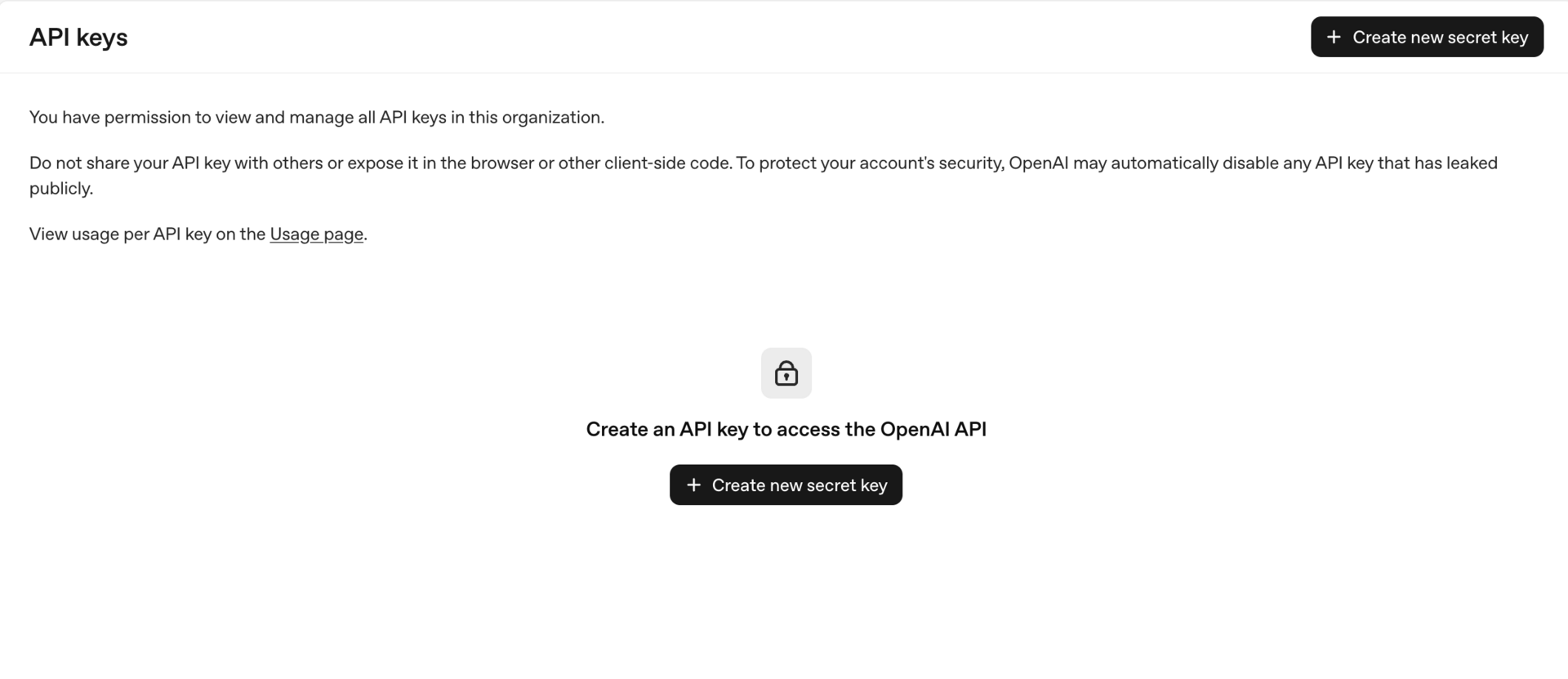
The client signs up for the tool.
The client adds billing.
The client generates the API key.
The client pastes the key directly into the automation system.
You don’t store keys locally. You don’t resell usage. You just build and maintain the AI automation.
How to make this easy for clients: Most friction here is emotional, not technical. Record a short Loom video or walk them through it on a call. Show them exactly where to click. Once they do it once, it’s done.
If the client insists you handle the key: Never accept keys in plain text. Use a secure, one-time sharing tool or encrypted vault. The key should be revocable. Treat it like financial access, because it is.
Clear API ownership protects both sides. Clients stay in control, and you stay out of billing confusion. This is one of the biggest differences between a clean AI automation project and a painful one.
Step 4: Testing & QA
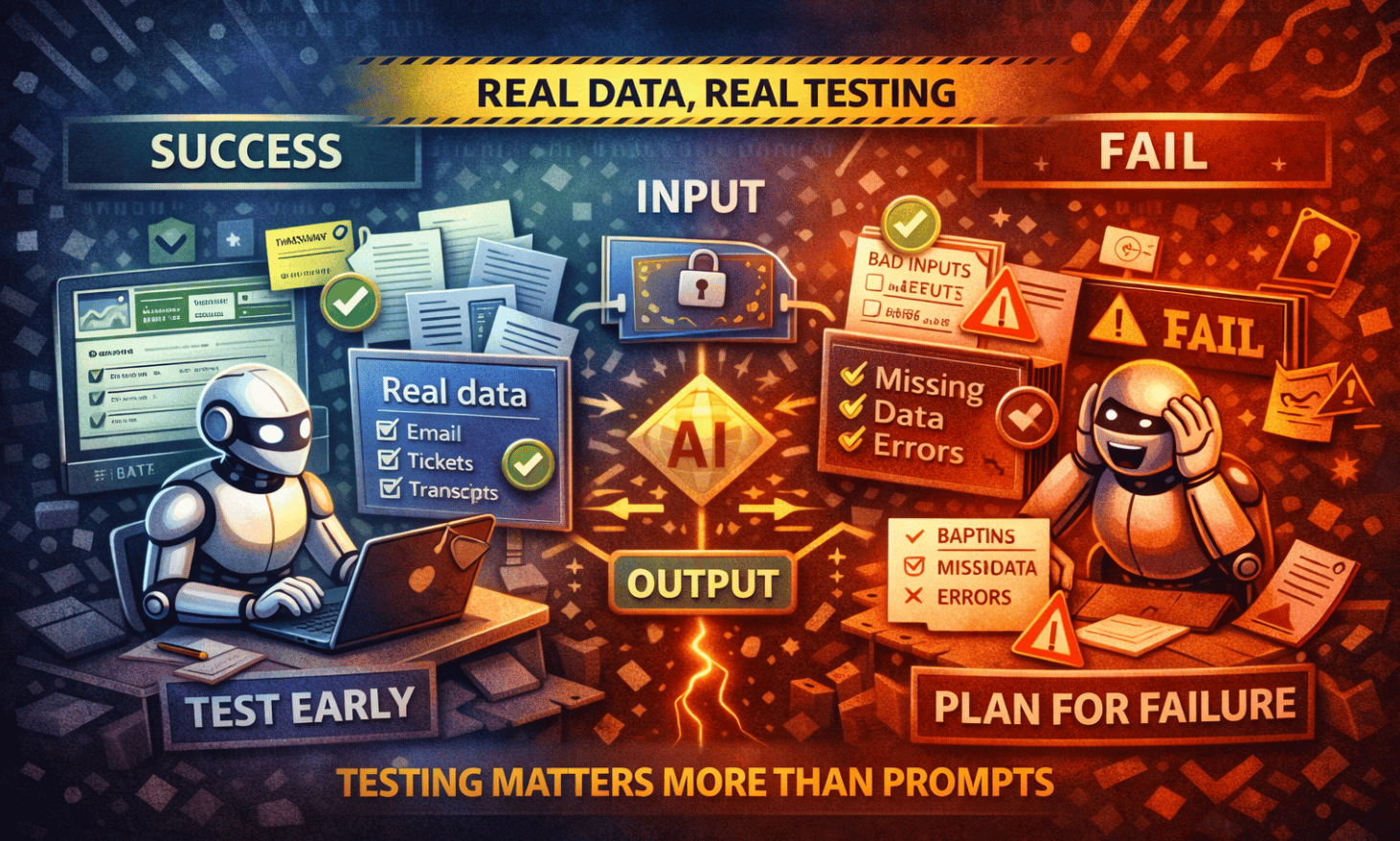
Testing AI automation is not about clicking through nodes to see if they run. It’s about making sure the system behaves correctly when real data, real users, and real mistakes show up.
Test with real data early: Don’t wait until the end. Ask the client for a small set of real examples before or during the build. Emails, tickets, CRM records, transcripts-whatever the automation will actually process. If needed, they can anonymize it. Fake data hides real problems.
Define success before testing: Be clear on what must happen and what must never happen. Wrong tags, wrong recipients, broken links, leaked data-write these down. Testing without rules is just guessing.
Plan for failure: Assume things will go wrong. Missing fields. Bad inputs. Duplicates. Timeouts. Unexpected formats. AI automation should fail safely. Add checks, fallbacks, and timeouts so nothing breaks loudly or causes damage.
Add basic guardrails: If something fails, the system should stop cleanly. Log the error. Alert the right person. Don’t let the workflow continue blindly. Quiet failures with clear logs are better than loud ones without context.
Test the system as a black box: Run many examples through it, not just one or two. Look at input → output, not internal steps. Compare results against the success rules you defined. Flag weak or inconsistent outputs.
QA for AI output quality: Check three things: relevance, correctness, and tone. The answer should match the request, be factually sound, and stay on-brand and safe. Also check consistency. Similar inputs should produce similar results.
Log everything that matters: Store inputs, outputs, errors, and basic usage data. Logs turn testing into proof. They help you improve the system and explain decisions to clients without hand-waving.
Good testing doesn’t aim for perfection. It aims for reliability. When AI automation breaks, it should do so quietly, safely, and in a way you can fix fast.
Step 5: Client-Facing QA
Once your internal testing looks solid, it’s time to let the client try the AI automation. This part is not about letting them explore everything. It’s about giving them a controlled way to give useful feedback.
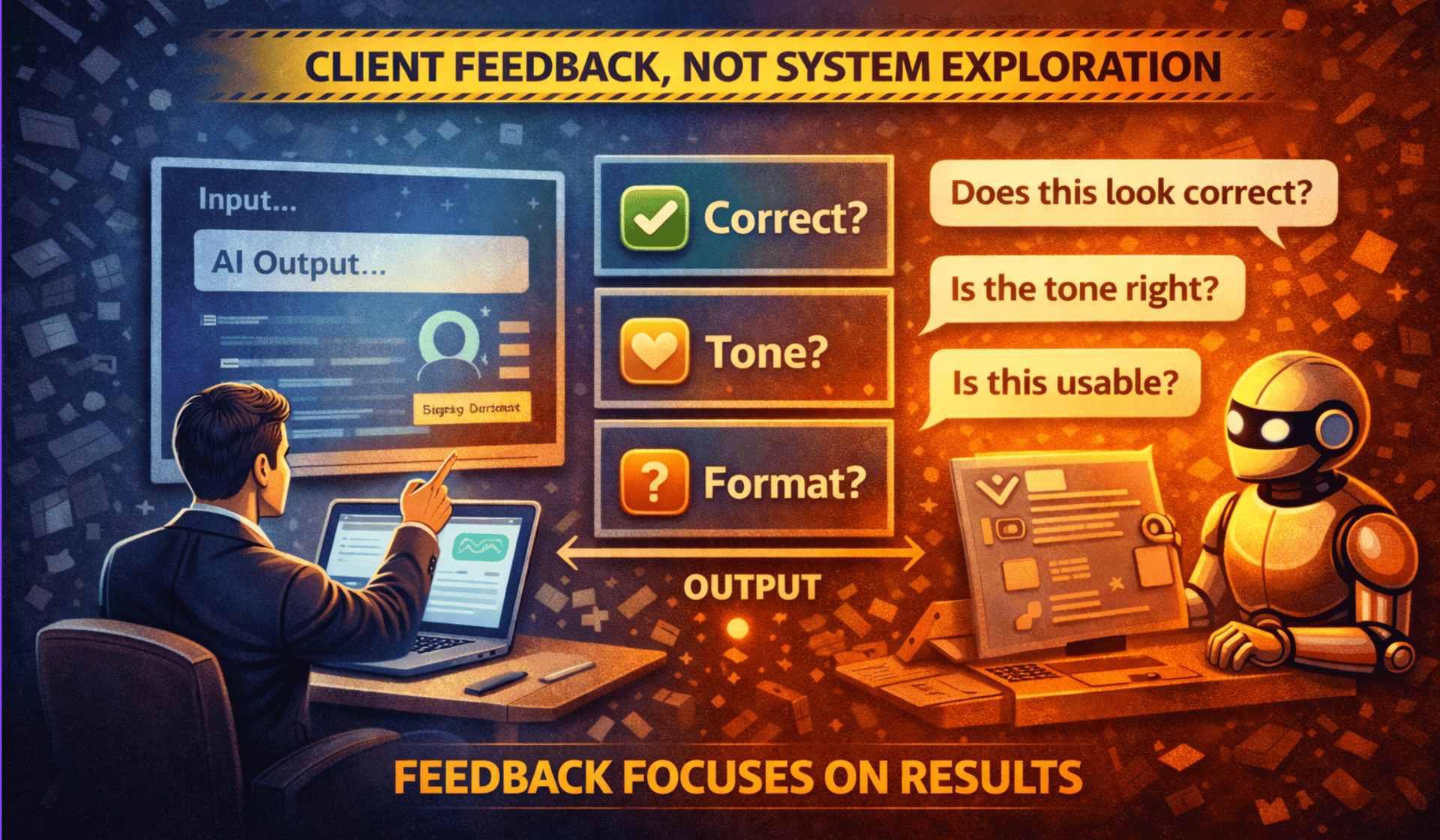
Hide the complexity: Clients should not be inside the automation tool clicking nodes. Give them a simple interface instead. That could be a form, a chat box, or a basic input screen. One input in, one output out. The simpler it feels, the better the feedback you’ll get.
Tell them exactly what to test: Don’t ask, “What do you think?” Ask specific questions. Is the output correct? Does the tone feel right? Is the format usable? Did anything feel confusing or risky? Clear questions lead to clear answers.
Focus feedback on outputs, not implementation: Clients are good at judging results, not system design. Keep the conversation on what comes out of the AI automation, not how it’s built. This prevents scope creep and unproductive debates.
Run a short iteration loop: At this stage, changes should be small. Prompt tweaks. Model adjustments. Minor formatting fixes. If new features come up, park them for a future phase. This keeps delivery clean.
Build trust with visibility: Show one or two real runs end to end. Explain what went in, what happened, and why the output looks the way it does. If something failed, show how it was handled. This turns AI automation from “magic” into a system they can trust.
Client-facing QA is successful when feedback feels calm and structured. The goal is not perfection. The goal is confidence before handover.
Step 6: Handover & Delivery
Handover is where many AI automation projects feel rushed. This is the last impression you leave, so it needs to feel calm, complete, and intentional.
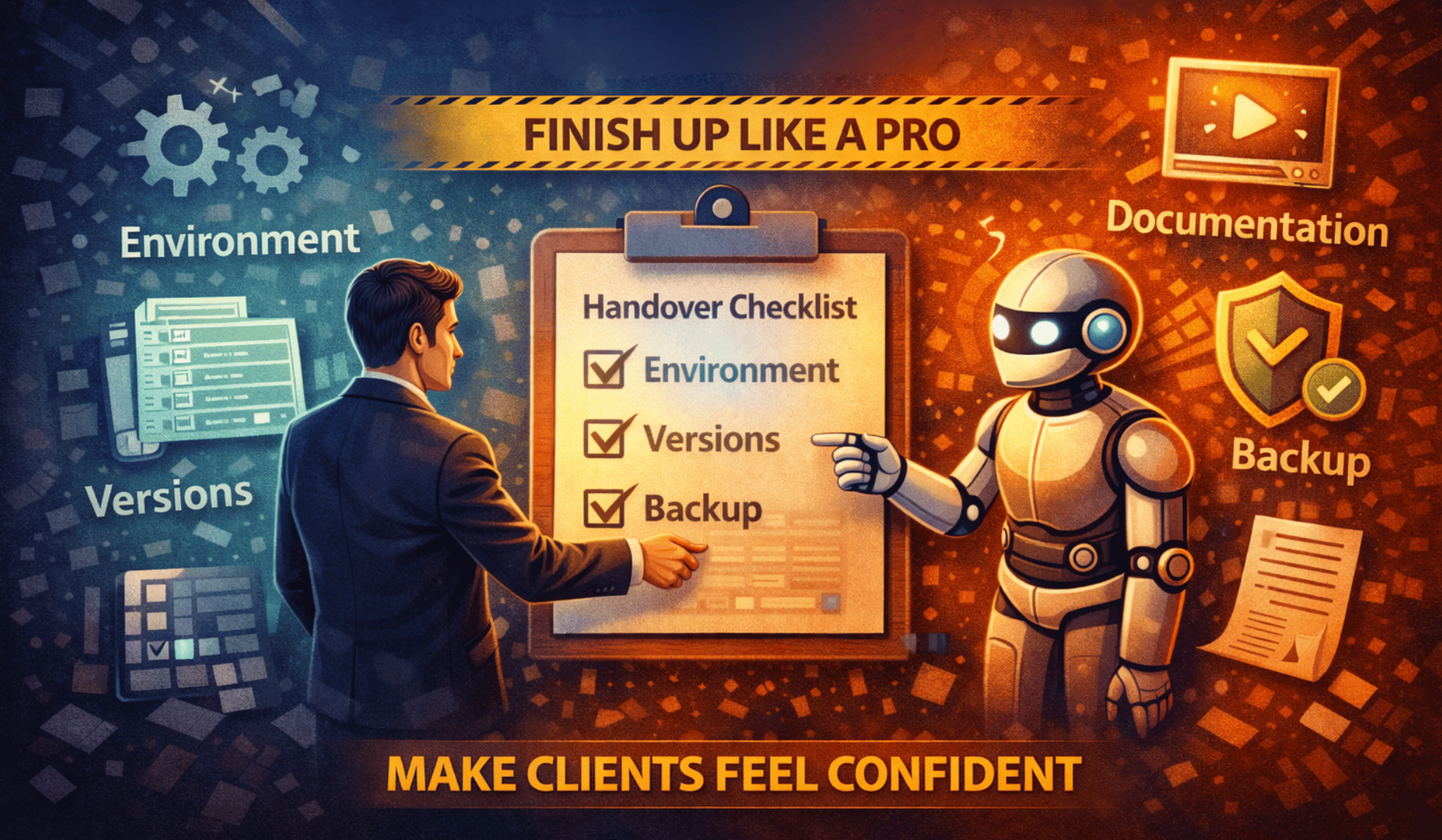
Start with the environment: If you built the automation directly inside the client’s system, handover is easier because credentials and connections already exist. If you built it elsewhere, plan time to migrate keys, reconnect tools, and double-check permissions. Never assume this will “just work” without a walkthrough.
Use versioning like a real software team: Always keep two versions of the workflow. One is for testing and changes. One is for production. Never experiment in production. When updates are needed, change the test version first, confirm it works, then move it into production. This avoids outages and panic messages.
Back everything up: Export the workflow and store it somewhere safe like Drive, GitHub, or a shared folder. Backups protect both you and the client. If something breaks or needs to be rolled back, you’re not rebuilding from memory.
Clean up the workflow: Before delivery, make it readable. Use clear names for steps. Add labels or notes explaining what each section does. Remove anything temporary or unused. Someone else should be able to open it and understand the logic without calling you.
Deliver simple documentation: This doesn’t need to be long. A short Loom video showing how the system works, where keys go, and what can be adjusted is often enough. Explain what’s safe to change and what should be left alone. This reduces support questions later.
Good handover makes the client feel confident without needing you every day. That’s what turns one project into repeat work.
Step 7: Legal, Billing & Long-Term Structure
This is the part many people avoid, but it’s what keeps AI automation projects clean after delivery. You don’t need complex contracts. You need clarity.
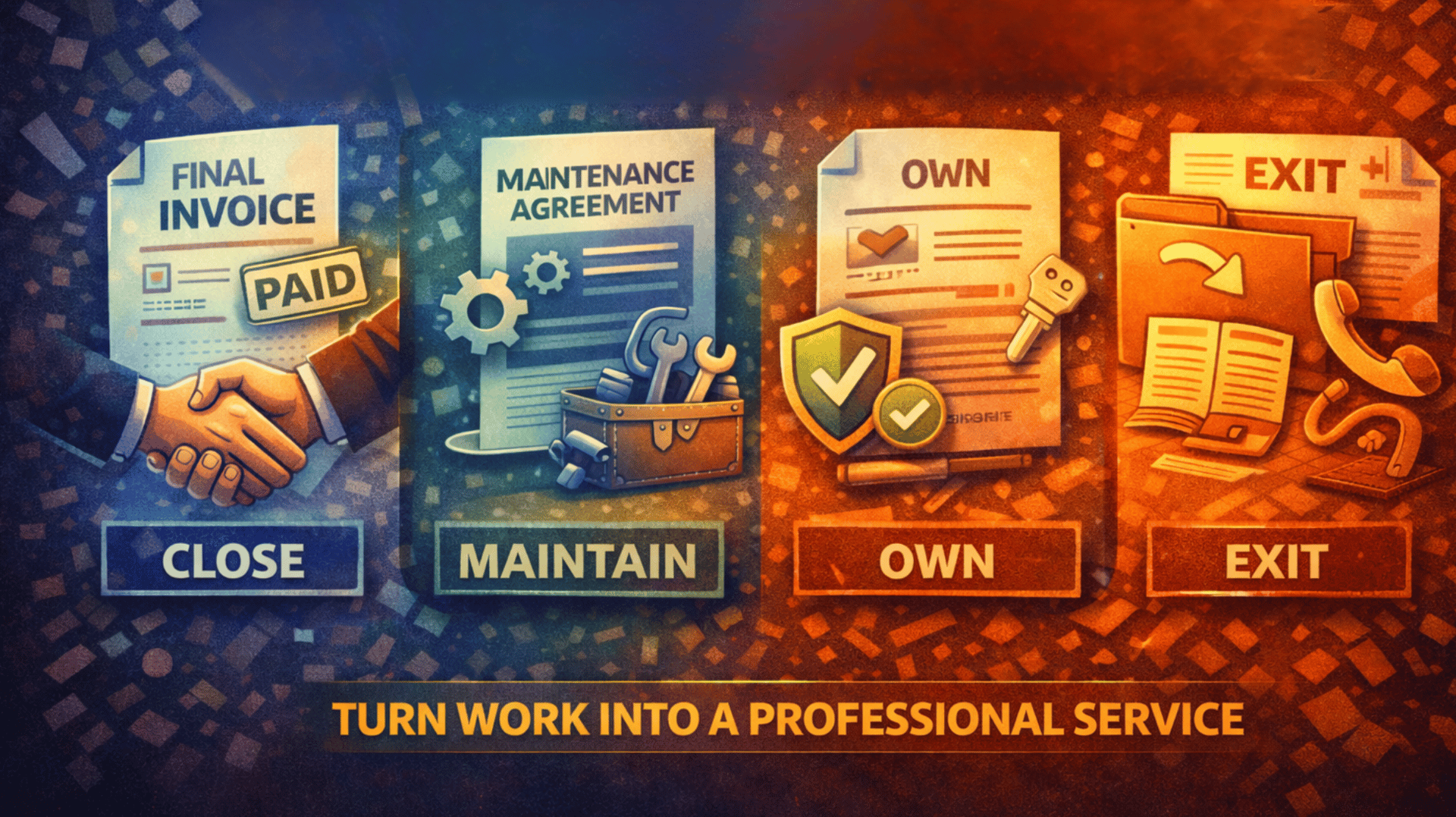
Close the project clearly: Before handover, agree on what “done” means. Which workflows are included, what systems are connected, and what success looks like. Once the automation is live, tested, documented, and accepted, the project is complete and the final invoice is sent. No vague endings.
Separate projects from maintenance: Ongoing support should be a separate agreement. A maintenance retainer usually covers bug fixes, small tweaks, dependency updates, and basic monitoring. It does not include new features or major changes. Those become new projects. This boundary protects your time.
Set simple service levels: You don’t need anything fancy. Just be clear. Critical issues get faster responses. Minor requests take longer. When expectations are written down, fewer things feel urgent.
Clarify ownership and reuse: In most cases, once the client pays, they own the AI automation built for their business. At the same time, you should keep the right to reuse general patterns, templates, or ideas that are not specific to them. This protects both sides and avoids awkward conversations later.
Define the exit process: If the client ever leaves, decide what happens. Usually this includes exported workflows, documentation, and a handover call. Anything beyond that is billable. A clear exit plan makes clients feel safe choosing you.
Clean legal and billing structure turns AI automation from a one-off task into a professional service. Once this is set, you can scale without stress.
The Full AI Automation Delivery Lifecycle
By now, the pattern should be clear. Every solid AI automation project follows the same flow, even if the use case changes.
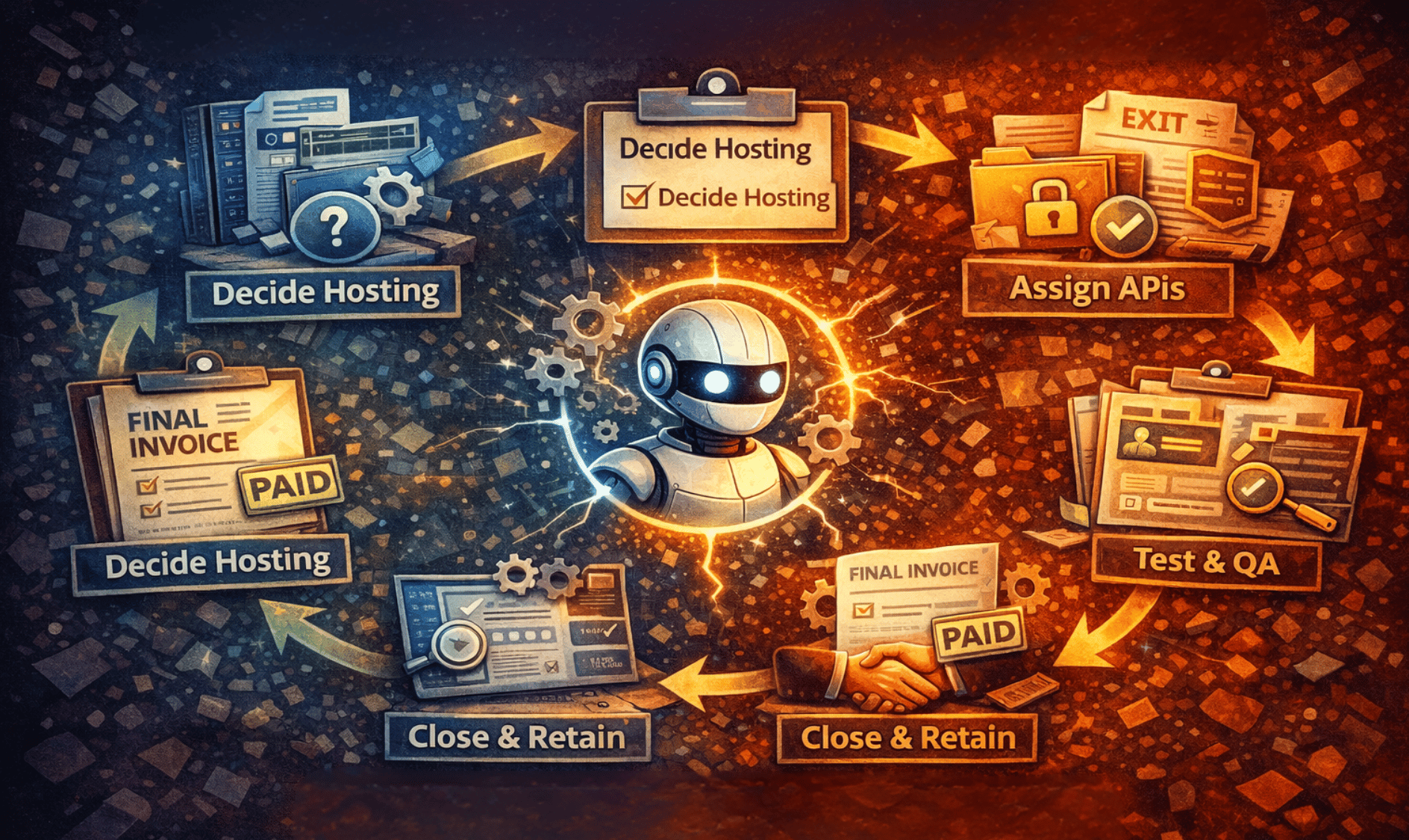
First, decide where the automation lives. Hosting comes before building because it affects everything else.
Second, secure the data. Credentials, webhooks, and personal data must be handled safely from day one.
Third, assign API ownership. Clients own their keys and pay for usage, so billing stays clean.
Fourth, test aggressively. Use real data, expect failure, and log what matters.
Fifth, deliver cleanly. Version your workflows, document simply, and hand over with confidence.
Finally, close or retain intentionally. Finish the project clearly or move into a maintenance agreement with defined boundaries.
You can reuse this lifecycle for almost any AI automation project. Different tools, same structure.
Conclusion
Anyone can connect tools and make AI do something interesting. That’s not what clients pay for long term. They pay for confidence.
Professional AI automation is not about clever prompts. It’s about building systems that can live inside a business without constant babysitting. Systems with clear ownership, predictable costs, safe data handling, and clean handover.
When you deliver this way, projects don’t feel risky. Clients trust you. Work scales. Follow-up projects come naturally. This is how AI automation stops being experiments and starts becoming a real business.
If you are interested in other topics and how AI is transforming different aspects of our lives or even in making money using AI with more detailed, step-by-step guidance, you can find our other articles here:
Overall, how would you rate the AI Fire 101 Series? |
Reply