

TL;DR: Gemini 4 Hydrogen is Google's fast Flash model for coding, building apps, and solving complex problems. It handles real projects well, but some results still need testing and improvement.
Gemini 4 Hydrogen built a playable zombie shooter with working weapons and interactive environments. Its graphics were basic, but the main gameplay systems worked.
The model also created a browser-based operating system with several apps and a JavaScript sandbox. In a separate reasoning test, it turned a 2D apartment floor plan into a detailed 3D model with clear dimensions.
Game development: Built a playable 3D zombie shooter with weapons, enemy waves, and interactive objects.
Web development: Created a functional Web OS with a file manager and multiple apps.
Table of Contents
🎮 What's your biggest concern about Gemini 4 Hydrogen?
Introduction
Gemini 4 Hydrogen is Google's fast, lower-cost Gemini 4 model.
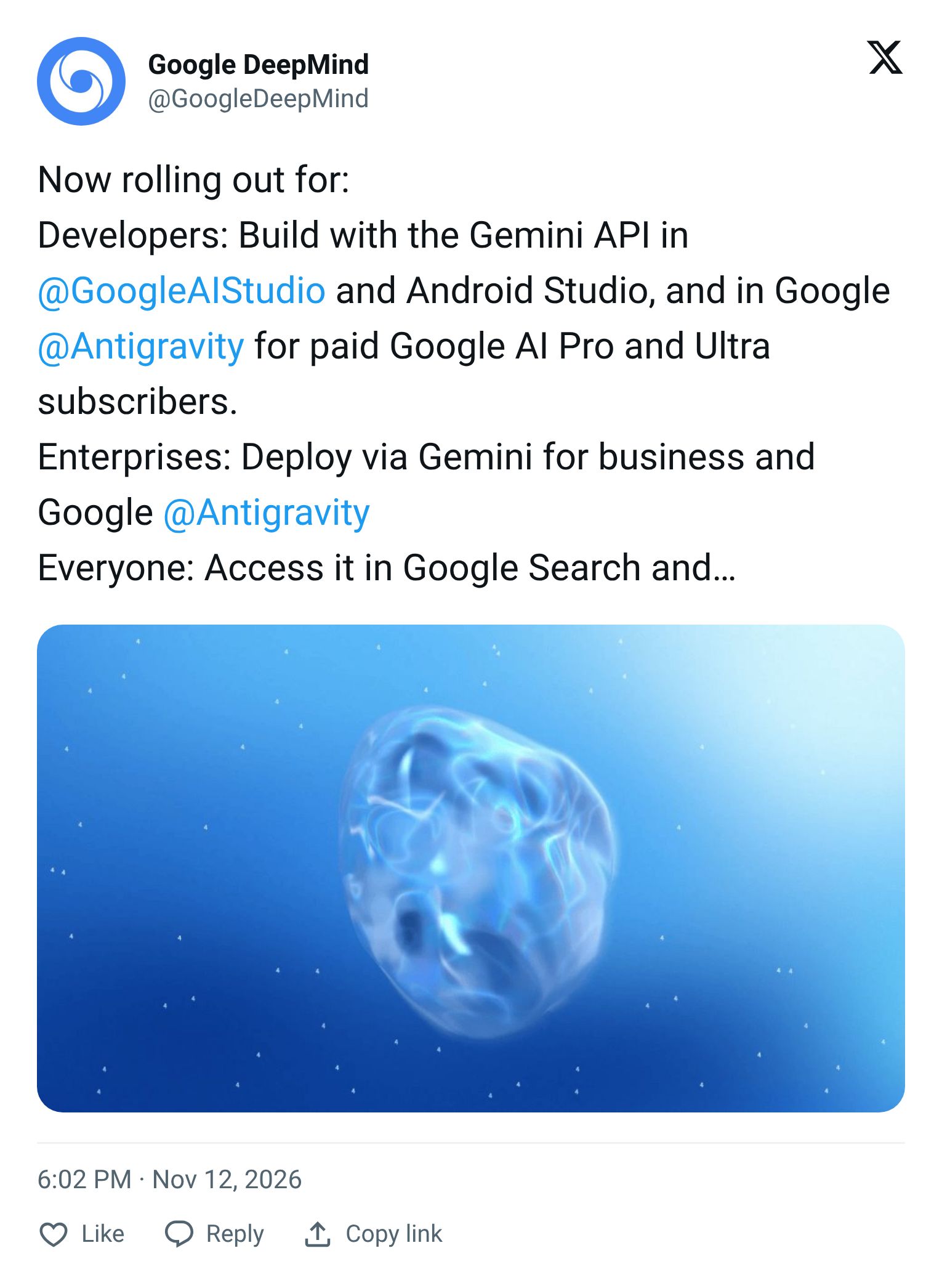
But can Gemini 4 Hydrogen really deliver, or is it just another model with impressive benchmark scores? The early results look promising, but there are a few surprises worth knowing.
In this guide, you'll see how Gemini 4 Hydrogen performs in real-world tasks, where it struggles, and whether it's worth your money.
1. What’s New with Gemini 4 Hydrogen
Gemini 4 Hydrogen is Google's fast Flash-class model for Gemini 4, designed for speed and complex tasks without the full price tag of their flagship models.
Google says it completes tasks 2.5 times faster than Gemini 3.8 Flash at the default high reasoning level.
However, until January 1, 2027, Hydrogen costs twice as much per token as 3.8 Flash. That's because 3.8 Flash is on a promotional rate ($0.75 input / $3.75 output) through December 31, 2026, and on January 1 its standard rates rise to match Hydrogen's.
So right now the speed advantage only becomes a cost advantage if you're doing enough runs for the lower token count to offset the higher rate.
The four reasoning levels:
Level | Best for | Note |
|---|---|---|
| Simple queries, quick fixes | Fastest and cheapest |
| Writing, editing, light coding | Keeps the latency profile of 3.8 Flash |
| Complex projects, deep research | Default |
| Your hardest problems | Slow and very verbose, test first |
Note: Google's own developer guide warns that xhigh can overthink simpler prompts. Use it selectively, not as a default.
Google also pairs Hydrogen with Gemini 4 Carbon in its Antigravity development environment. Carbon is the planning and reasoning model, and Hydrogen handles the execution steps.
In Orchestrator mode, Carbon examines each task and writes a plan, Hydrogen makes the file changes, writes code, runs builds and tests, and checks results against that plan.

If verification fails twice or a design question stays open, the work returns to Carbon to revise the plan.
Test #1: Building a Playable 3D Zombie Shooter
The first Gemini 4 Hydrogen test: build a fully playable 3D first-person game from a single prompt, with working weapons, enemy AI, an interactive environment, and physics.
What I asked for:
Build a complete, playable 3D first-person zombie survival game set inside an abandoned subway station.

GAMEPLAY
- Add WASD movement, mouse aiming, sprinting, and jumping.
- Include a pistol, shotgun, and rocket launcher.
- Create enemy waves with increasing difficulty.
- Give zombies different attack patterns and movement speeds.
- Add health, ammunition, reloads, and a score counter.

INTERACTIVE ENVIRONMENT
- Build a subway train with an accessible interior.
- Make windows, lights, and selected walls destructible.
- Add bullet holes, falling debris, and explosion effects.
- Use different impact sounds for metal, glass, and concrete.
- Make explosions damage nearby zombies and objects.

GAME PHYSICS
- Add realistic collisions and explosion knockback.
- Make objects react naturally when damaged.
- Optimize enemy spawning and particle effects to reduce lag.

QUALITY CHECK
- Test movement, combat, enemy AI, and collision detection.
- Fix broken interactions before delivering the game.
- Include clear instructions for running the project.
What came back: Hydrogen returned a game called Subway Zero, with a clean start screen, three working weapons (pistol, shotgun, rocket launcher), and all the HUD elements in place.
I could move through the subway station, aim at zombies, and watch my health, stamina, and score update in real time. The 3D environment included the subway train, obstacles, and multiple enemy waves with different behaviors.

What needs work: The graphics were basic. The weapons and objects look low-detail, and the visual polish of the environment is clearly first-draft. For a production game, you'd need to follow up with better textures, improved animations, and more polished combat effects.
My take: This is a working FPS prototype, not a finished game. But getting all the core gameplay systems (combat, enemy AI, destructible objects, scoring) in a single pass is genuinely useful. Use it as a starting point and iterate from there.
Learn How to Make AI Work For You!
Transform your AI skills with the AI Fire Academy Premium Plan - FREE for 14 days! Gain instant access to 700+ AI workflows, advanced tutorials, exclusive case studies and unbeatable discounts. No risks, cancel anytime.
Test #2: Building a Functional Web OS
For the second test, I wanted to push Gemini 4 Hydrogen into multi-system complexity: a full operating system running inside a web browser, with real apps, movable windows, and a cyberpunk design.
What I asked for:
Build a fully interactive browser-based operating system inspired by a futuristic cyberpunk desktop.

DESIGN AND INTERFACE
- Use a dark theme with soft neon blue and purple accents.
- Create a desktop with a taskbar, app dock, and live clock.
- Add draggable, resizable windows with minimize, maximize, and close buttons.
- Include animated wallpapers and smooth window transitions.
- Make the interface responsive to different screen sizes.

CORE APPLICATIONS
- File Manager: Create folders, rename files, and organize items.
- Code Editor: Write and run JavaScript inside a safe sandbox.
- Notes: Create, edit, and save notes using browser storage.
- Drawing App: Draw with different brush sizes and colors.
- Settings: Change wallpapers, themes, and sound preferences.

SYSTEM FEATURES
- Add notifications and keyboard shortcuts.
- Allow multiple applications to run at the same time.
- Save window positions and user preferences locally.
- Add a restore point system to recover previous workspace states.

QUALITY CHECK
- Test every app, button, and window interaction.
- Check file operations, local storage, and JavaScript execution.
- Fix broken features before delivering the project.
- Provide simple instructions for running the Web OS.
What came back: Gemini 4 Hydrogen produced CyberOS, a cyberpunk-styled desktop with a neon background, clean app dock, and a working File Manager where I could create new folders and manage files.

The best part was multi-window support. I could have the Code Editor, Notes, and Drawing App open at the same time in separate draggable windows, each working independently.

What needs work: Some features needed more testing before I'd call them production-ready, particularly the JavaScript sandbox execution and local data persistence.
The interface Gemini 4 Hydrogen gave me looked polished, but I'd verify every core feature before shipping anything built on this foundation.
My take: As a prototype Web OS, this is impressive. For anything real, treat it as a scaffold and test each feature individually before you rely on it.
⭐ How helpful was this Gemini 4 Hydrogen review?
Test #3: Demonstrating Strong AI Reasoning
The third test was the most technically demanding: convert a 2D apartment drawing into a 3D printable model, with accurate room proportions, correct scale, and no geometry that would fail on a consumer FDM printer.
→ I wanted to test Gemini 4 Hydrogen's AI reasoning skills here.
What I asked for:
Act as a 3D modeling engineer and create a printable 3D apartment model based on the reference floor plan image I provide.

MODEL REQUIREMENTS
- Rebuild the apartment layout with accurate room proportions and furniture placement.
- Keep the entire model within a 100mm x 100mm footprint.
- Maintain consistent scale across walls, doors, windows, and furniture.
- Use Blender to create the model and export a watertight STL file.

3D PRINTING CONSTRAINTS
- Design all parts for a standard consumer FDM 3D printer.
- Avoid unsupported overhangs and fragile structures.
- Adjust furniture shapes and doorways to print without support materials.
- Ensure all objects have enough thickness for reliable printing.

VERIFICATION
- Compare the 3D model against the original floor plan.
- Check dimensions, object placement, and mesh integrity.
- Generate an isometric preview and a dimension verification sheet.
- Fix any geometry issues before exporting the final STL file.

Deliver the Blender project, printable STL file, and a short report explaining your design decisions.
What came back: Gemini 4 Hydrogen turned the apartment floor plan into a detailed CAD-style layout, with the bedroom, bathroom, living area, and kitchen all recognizable and proportionally placed relative to the original.

The final dimensions came in at 100 x 89.86 x 14mm, within my size limit.


What still needs checking: The STL output needs to go through a slicer (Cura, PrusaSlicer, or similar) before you print. The model looks correct, but slicer validation is the only way to confirm it's truly watertight and free of geometry issues that would cause print failures.
My take: Gemini 4 Hydrogen handled the spatial reasoning well. Taking a flat 2D drawing and building a 3D layout with consistent scale is not a simple task. The result is a solid starting point, but always run the STL through your slicer before committing to a print.
Pricing: Gemini 4 Hydrogen vs. GPT-6.1 Terra vs. Sonnet 5.5
After the three tests, I wanted to see if Gemini 4 Hydrogen is worth the price compared to GPT-6.1 Terra and Claude Sonnet 5.5.
GPT-6.1 Terra | Gemini 4 Hydrogen | Claude Sonnet 5.5 | |
|---|---|---|---|
Input / 1M tokens | $1.00 | $1.50 | $2.00 |
Output / 1M tokens | $5.00 | $7.50 | $10.00 |
Cached input / 1M | $0.05 | $0.075 | $0.10 |
Context window | 1,050,000 | 1,048,576 | 1M |
Max output | 128,000 | 65,536 | 128,000 |
Default reasoning |
|
| varies |
Release date | Oct 26, 2026 | Nov 12, 2026 | Sep 28, 2026 |
Gemini 4 Hydrogen sits in the middle on price, $2.50/M output cheaper than Sonnet 5.5 but $2.50/M more expensive than GPT-6.1 Terra.
At scale, that gap adds up fast. (Note too that Terra's rate rises to $2.00 input / $7.50 output on requests above 272K tokens, so the gap narrows on very long-context work.)
The max output difference matters for certain tasks. At 65,536 tokens, Hydrogen's synchronous output cap is half that of Terra and Sonnet 5.5.
For tasks that generate very long outputs, like a full codebase or a large document, you'll need continuation methods or background execution. Plan for this upfront.
Hydrogen's default reasoning is high, while GPT-6.1 Terra defaults to medium. That means Hydrogen thinks more by default, which affects both quality and cost on every request.
The 2x pricing trap: Until January 1, 2027, Hydrogen costs twice as much per token as Gemini 3.8 Flash. If you're migrating from 3.8 Flash, your costs will double unless Hydrogen's speed advantage reduces your token usage enough to compensate. Run the numbers on your actual workload before switching.
Conclusion
Gemini 4 Hydrogen is worth trying if you want to build games, web apps, or 3D projects from single prompts and use the output as a starting point for further work. It handles complexity better than you'd expect from a Flash-tier model. All three tests produced recognizable, functional results rather than broken prototypes.
That said, nothing it generates is production-ready on the first pass. Test gameplay before you share it. Verify web features before you rely on them. Run your STL through a slicer before you print. Hydrogen gets you to 70% fast, and the remaining 30% still needs your attention.
The practical starting point is to try it on one real project you're working on. Use the prompts above as templates, since the more detail you give upfront, the better the first result. Pick the right reasoning level for the task, starting with high and dropping to medium for quick iterations, and always check the output before you ship it.
If you are interested in other topics and how AI is transforming different aspects of our lives or even in making money using AI with more detailed, step-by-step guidance, you can find our other articles here:
*indicates a premium content, if any

