- AI Fire
- Posts
- 🎨 Claude + Nano Banana Workflow for Premium Social Content Fast
🎨 Claude + Nano Banana Workflow for Premium Social Content Fast
Stop posting generic slides. Learn how to combine Claude’s narrative structure with Nano Banana’s visual generation to build consistent, on-brand carousels in minutes.

Max Anh
April 06, 2026

TL;DR BOX
In 2026, the secret to making great Instagram posts with AI is making them look the same every time. Instead of generating slides one prompt at a time, top creators use Claude Projects to store brand rules and Nano Banana to generate consistent visual assets.
This system allows you to create 7-10 slide educational carousels that maintain visual identity, narrative flow and recognizable style. Claude structures the story (Hook → Explanation → Payoff), while Nano Banana generates images that match the emotional purpose of each slide.
Key Points
Fact: In early 2026, Nano Banana 2 (powered by Gemini 3.1 Flash) became the standard for carousel visuals due to its 300% faster generation speed and superior "Text-in-Image" rendering for headlines.
Mistake: Treating Claude like a copywriter instead of an Art Director. Without a "Brand System" (hex codes, fonts, voice), Claude defaults to the "average" of the internet, making your brand invisible.
Action: Create a Claude Project today. Upload your logo, brand colors and 5-10 "Reference Images" (Section VII) to lock in your visual DNA before generating your next post.
Table of Contents
I. Introduction
Most of AI content in 2026 looks the same. You can see that everywhere: the same Canva templates, the same bullet-point layouts, the same carousel that opens with “5 things you didn’t know about…”.
And as a result, people scroll past all of that content. But creators who actually grow their audience usually use fewer tools but follow a clear system.
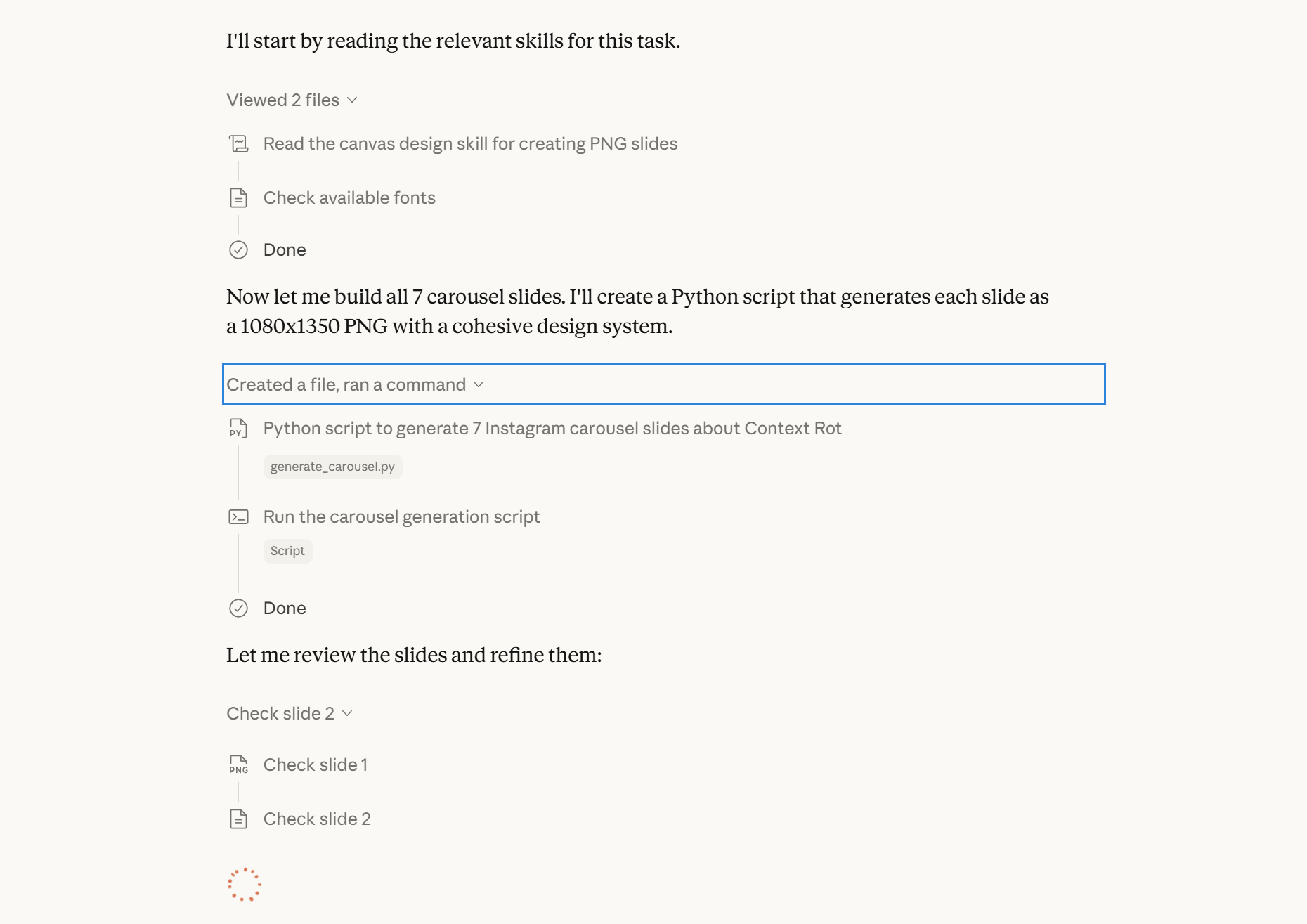
Claude is more powerful than you think
And right now, one of the most effective systems for Instagram content combines Claude for narrative structure and Nano Banana for custom visual assets, producing branded carousels that do not look like typical AI posts.
This guide breaks that system down from level one to level three, so you can start with the basics and build toward a workflow that genuinely sets your content apart. This guide is useful if:
You want a system to create consistent, branded posts faster.
You want Claude to structure content (hook → explanation → CTA).
You want custom visuals using Nano Banana instead of templates.
You want a repeatable workflow from script → carousel.
You want faster content production without losing quality.

You’ve reached the locked part! Subscribe to read the rest.
Get access to this post and other subscriber-only content.
Already a paying subscriber? Sign In.
A subscription gets you:
- • Instant access to 700+ AI workflows ($5,800+ Value)
- • Advanced AI tutorials: Master prompt engineering, RAG, model fine-tuning, Hugging Face, and open-source LLMs, etc ($2,997+ Value)
- • Daily AI Tutorials: Unlock new AI tools, money-making strategies, and industry (ecommerce, marketing, coding, teaching, and more) transformations (with videos!) ($3,650+ Value)
- • AI Case studies: Discover how companies use AI for internal success and innovative products ($1,997+ Value)
- • $300,000+ Savings/Discounts: Save big on top AI tools and exclusive startup discounts
Reply