- AI Fire
- Posts
- 🚀 13 Ideas To Level Up Your AI Tool Stack (Only The Useful Ones)
🚀 13 Ideas To Level Up Your AI Tool Stack (Only The Useful Ones)
Stop chasing hype. Here are the 13 tools (from speech-to-text and meeting assistants to AI browsers and upscalers) that actually save you time

Max Anh
November 30, 2025
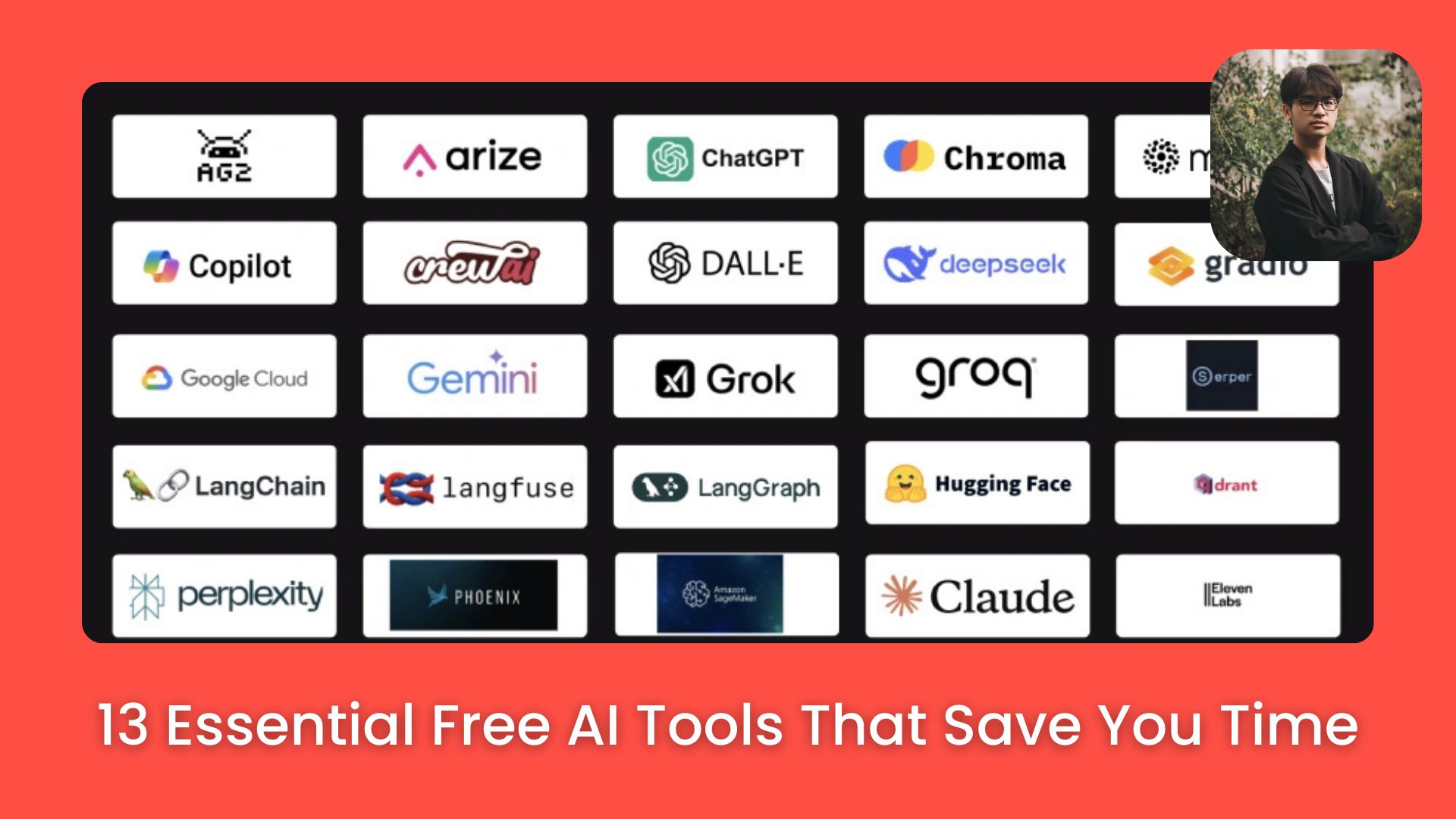
TL;DR BOX
Thirteen specific AI tools, including Wispr Flow and Granola, offer significant productivity gains by automating speech-to-text cleanup and meeting notes without intrusive bots. These tools replace manual tasks in content creation, research and business workflows.
This guide details essential software for 2025, covering AI-native browsers like Comet, creative aggregators like Freepik and research platforms like NotebookLM. Users will learn to self-host n8n for cost-effective automation and use specialized upscalers like Magnific to professionalize AI-generated media.
Key points
Stat: Self-hosting n8n on Hostinger via a one-click template avoids the $20/month cloud subscription fee.
Mistake: Assuming all meeting assistants require bots; Granola records system audio invisibly to avoid disrupting calls.
Action: Use NotebookLM’s "Podcast Mode" to interactively query your research notes rather than just reading them.
Critical insight
The real productivity shift comes from moving beyond single-purpose tools to integrating platforms like n8n that chain multiple AI models into automated business workflows
🚀 Which AI workflow upgrade do you need most right now? |
Table of Contents
I. Introduction: Separating the Hype from the Helpful
New AI tools launch every single day. It’s a flood. I test as many as I possibly can for this channel but here’s the truth: very few are valuable enough to actually keep in my routine.
Most are just cool demos. The ones that stick? Those are the tools that save me significant time. Most of these are centered around content creation, productivity and business. Because that's where AI delivers the biggest, measurable impact.
In this guide, I'm cutting through the noise. I'm going to show you the 13 tools that have earned a permanent spot in my workflow. Many of these include powerful free AI tool options.
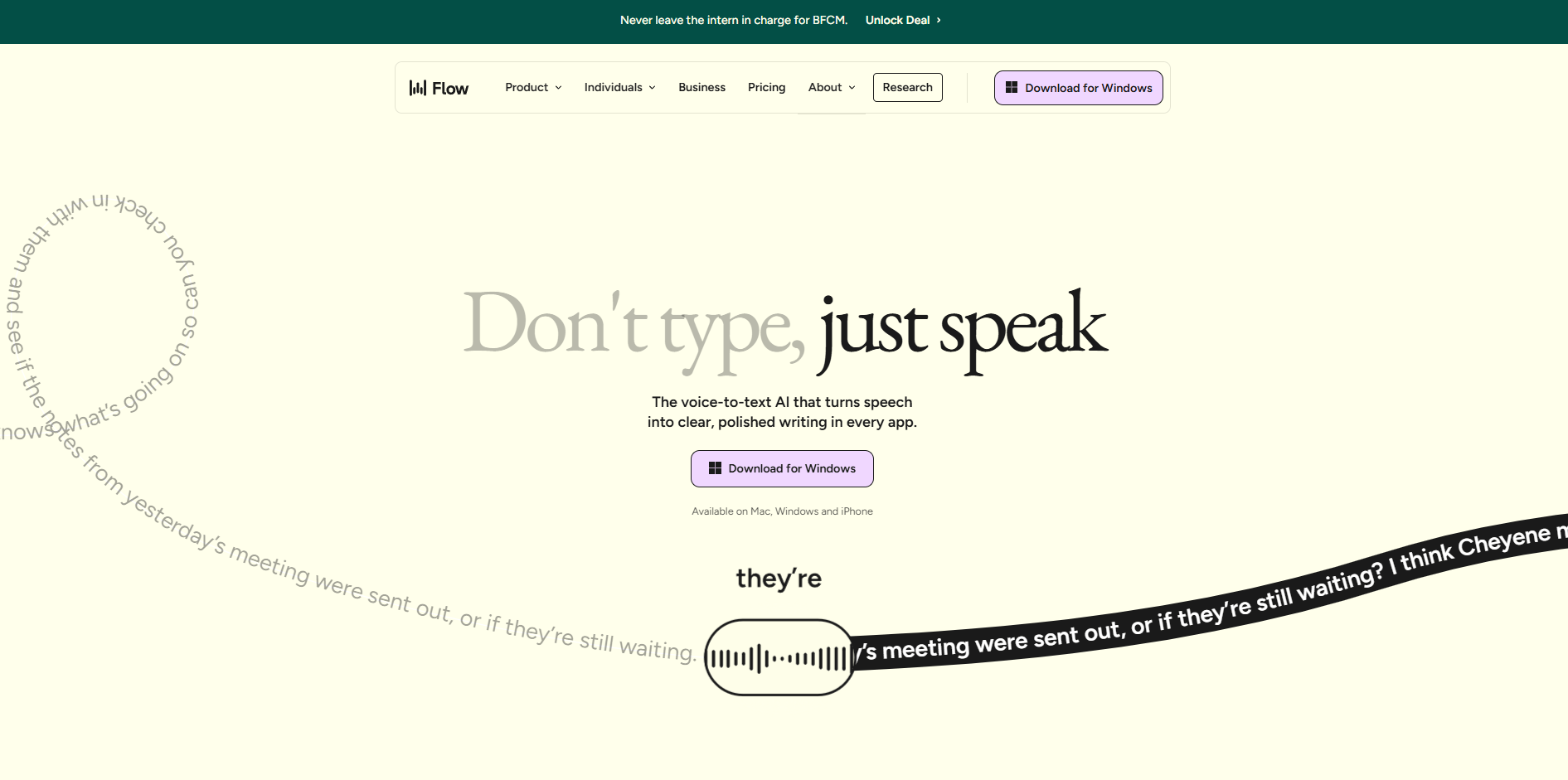
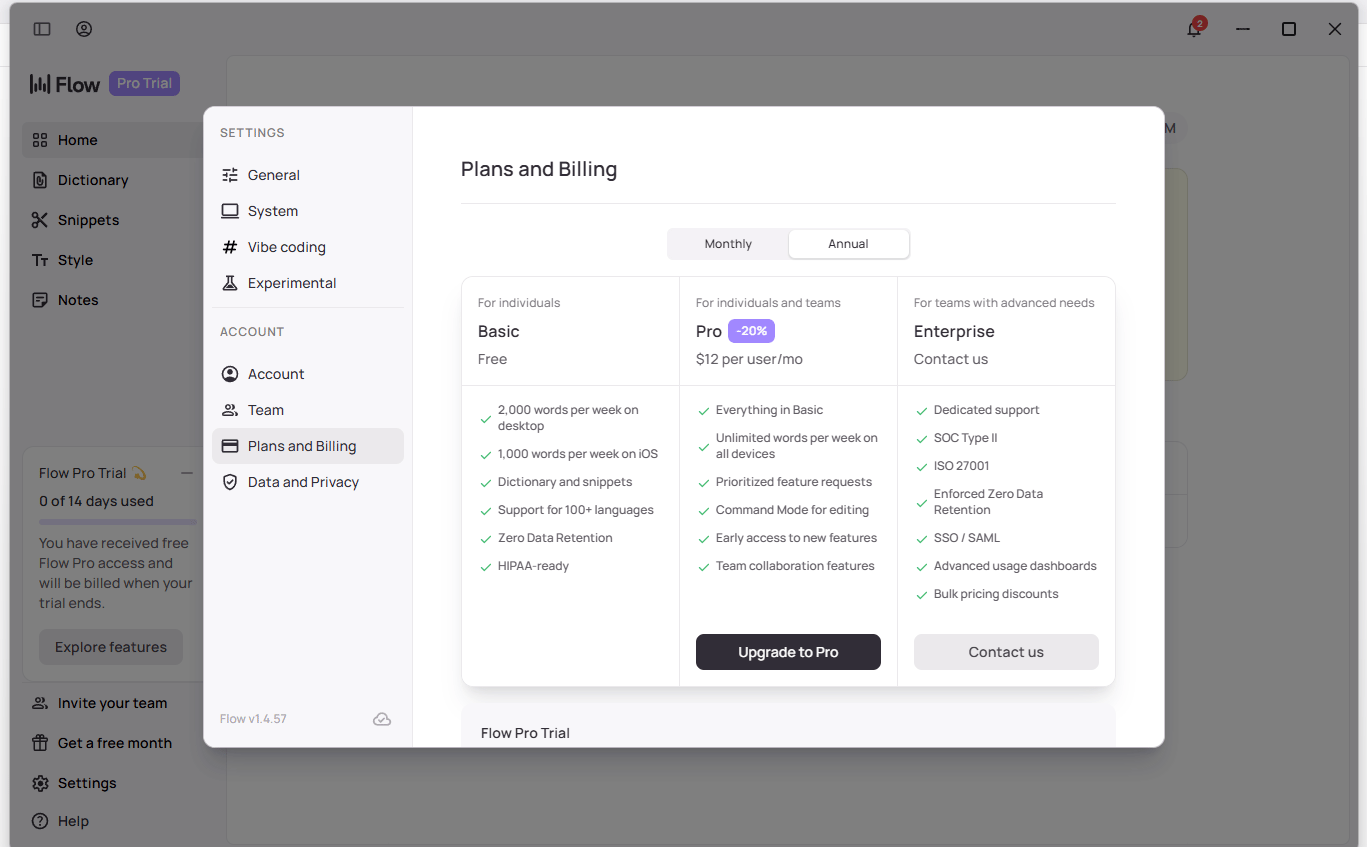
II. Tool #1: Wispr Flow - Speech-to-Text Everywhere
What It Does: It provides speech-to-text in every app on your phone and computer but it’s not like the standard dictation features you’re used to.
Why I Was Skeptical: I was actually pretty resistant to using speech-to-text for a long time. Most dictation tools just transcribe every single word you say, including all the mistakes, "ums" and awkward pauses. It's messy. But using Wispr Flow changed my perspective completely. It's just so much faster than typing.
Learn How to Make AI Work For You!
Transform your AI skills with the AI Fire Academy Premium Plan - FREE for 14 days! Gain instant access to 500+ AI workflows, advanced tutorials, exclusive case studies and unbeatable discounts. No risks, cancel anytime.
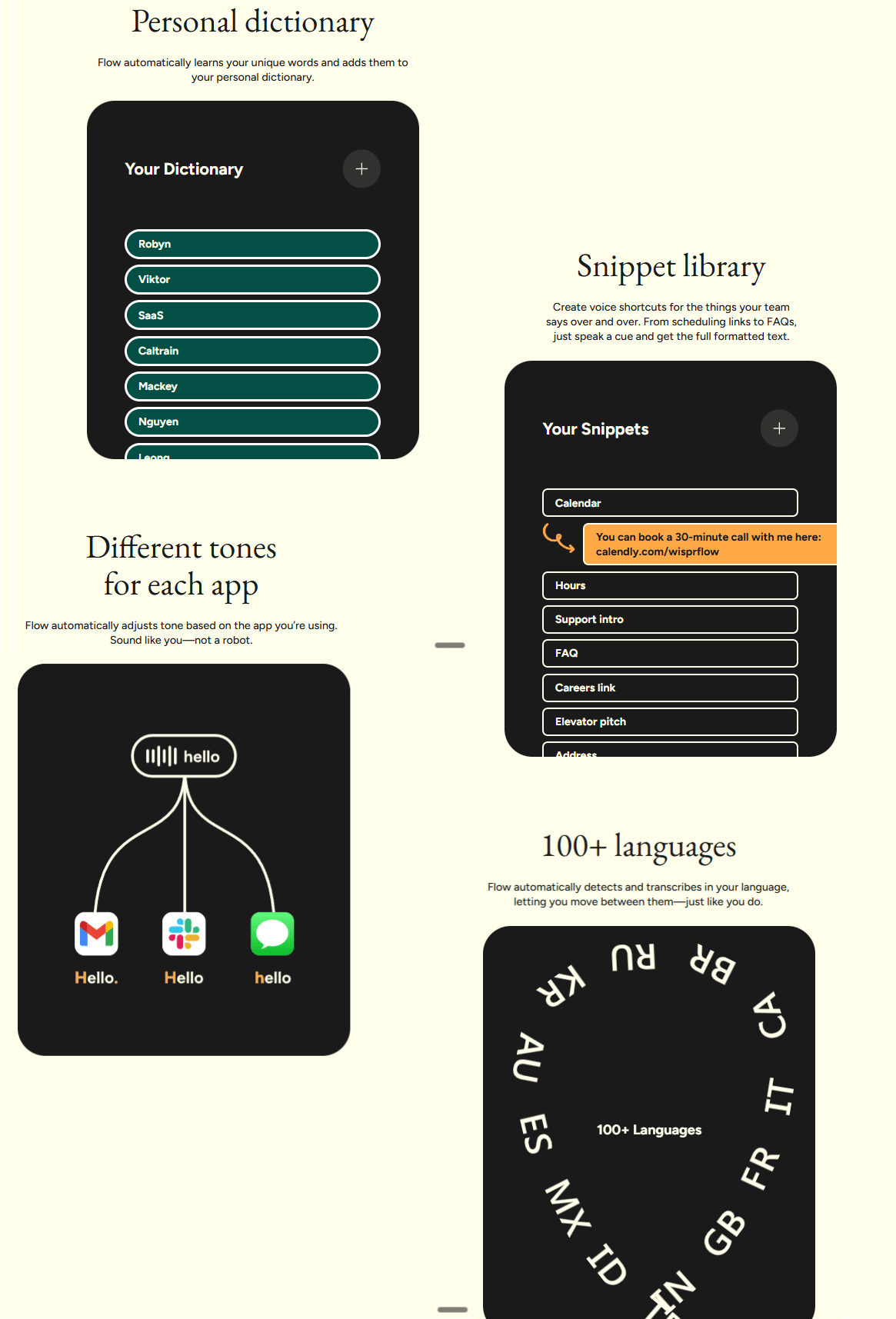
1. The Key Difference: AI-Powered Cleanup
Wispr Flow doesn't just transcribe; it thinks. It analyzes everything you say and cleans it up automatically.
What It Fixes:
Misspeaking or stuttering.
Saying "um" or "uh" a lot.
Changing your mind mid-sentence.
Incomplete thoughts or rambling.
It fixes all of this intuitively on its own.
2. Real Example
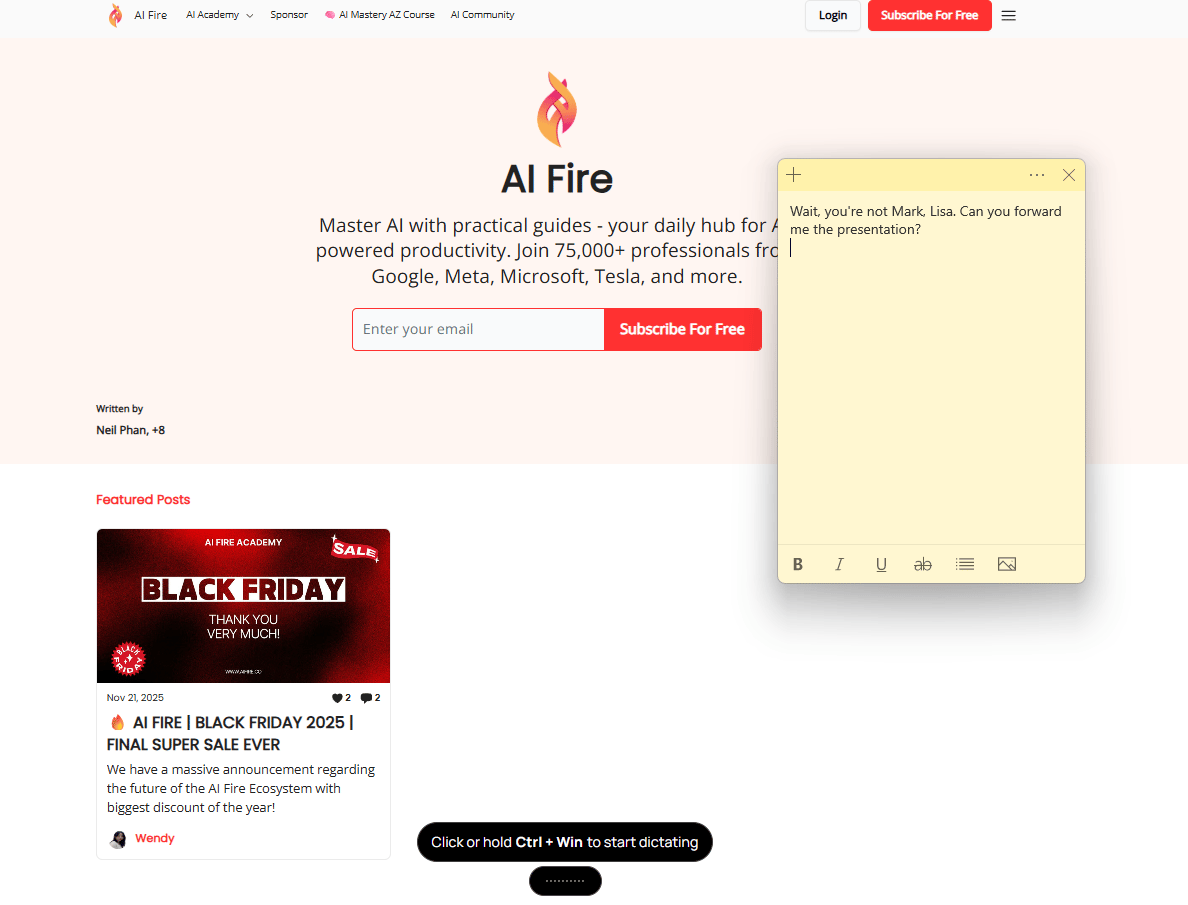
What I Actually Said: "Uh… Mark? Wait, you're not Mark. Lisa? Can you forward me the… thing? The files? No, not files. The presentation. Yeah, the presentation".
What Wispr Flow Produced: "Wait, you're not Mark, Lisa. Can you forward me the presentation?"
3. Use Cases
Basic Communication: Texting and emailing become lightning fast.
AI Prompting: You can ramble your thoughts to ChatGPT or other AI tools and Wispr Flow cleans them up into a perfect prompt.
Creative Thinking: I use this while going on a walk to talk through ideas or brainstorm.
Pricing: It has a free plan with a limited word count per week, making it a great free AI tool for testing.
Bottom Line: This one is massive for productivity.
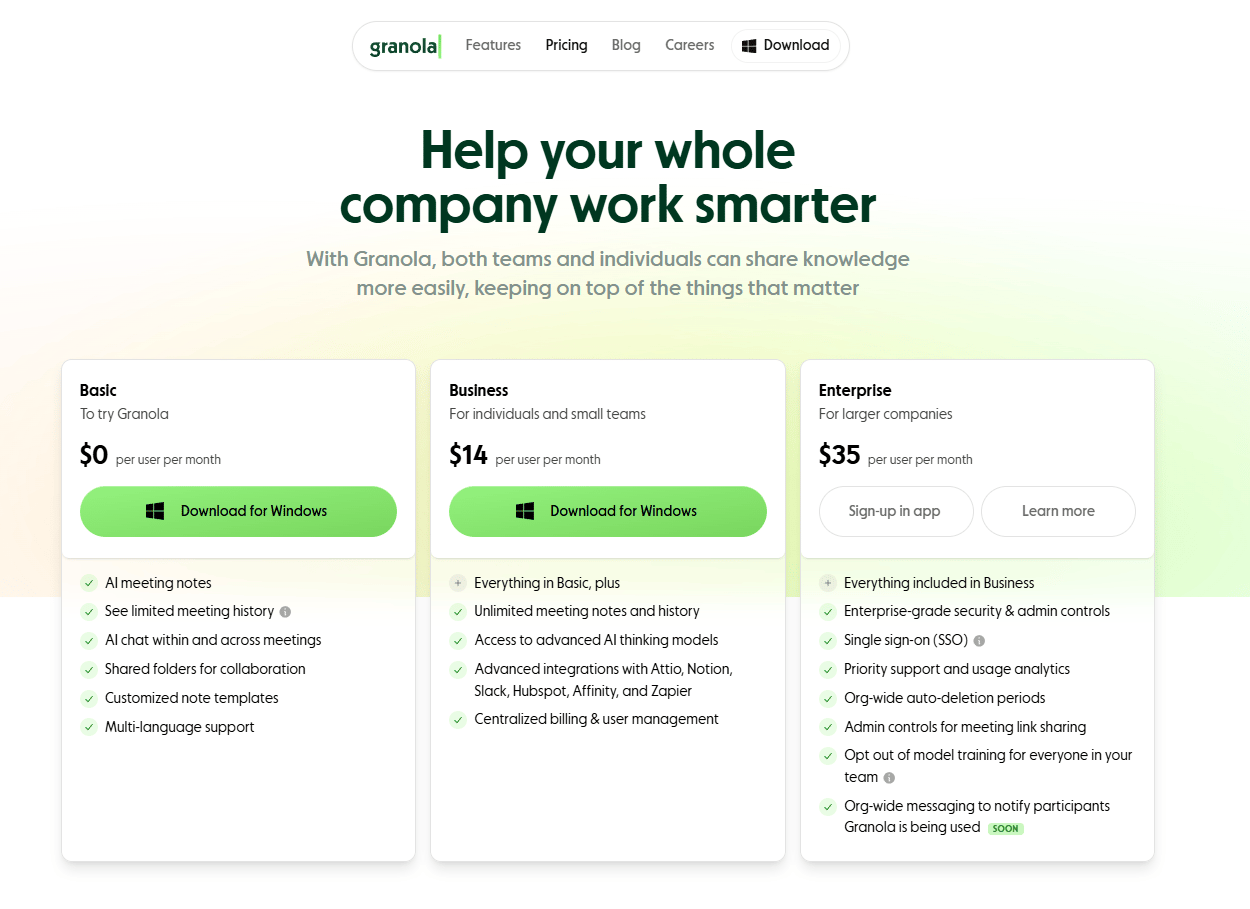
III. Tool #2: Granola - AI Meeting Assistant Without the Bot
The AI Meeting Assistant Landscape: There are many AI meeting assistants out there. I've used a bunch of them but Granola has one feature that sets it apart.
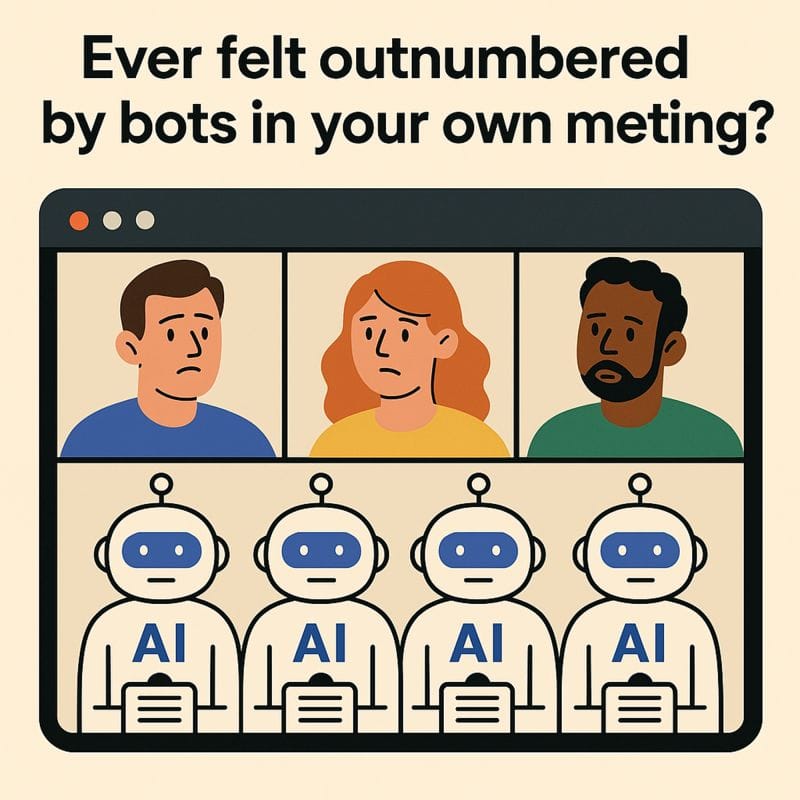
1. The Growing "Bot Problem"
Most meeting assistants require a bot to join the meeting call. There's been a growing annoyance around this; some people won't even let those bots into meetings anymore because they feel intrusive.
2. Granola's Solution
Granola uses your system audio to create transcripts. This means no weird bot has to join the call. It's invisible to the other participants.
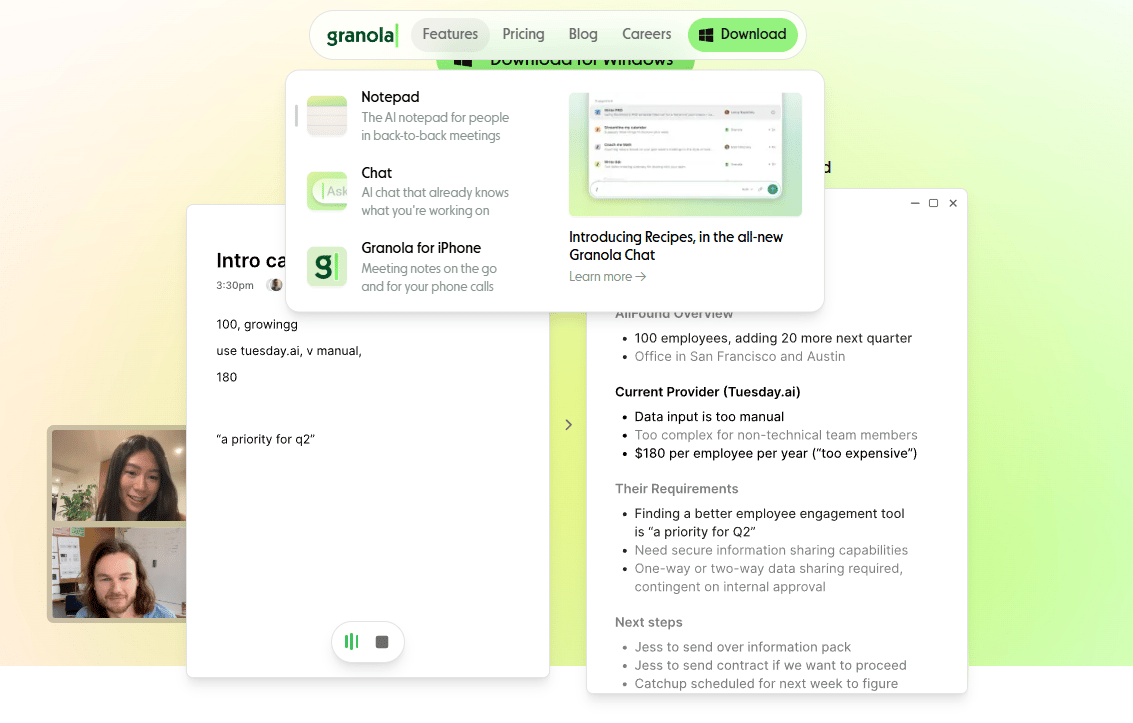
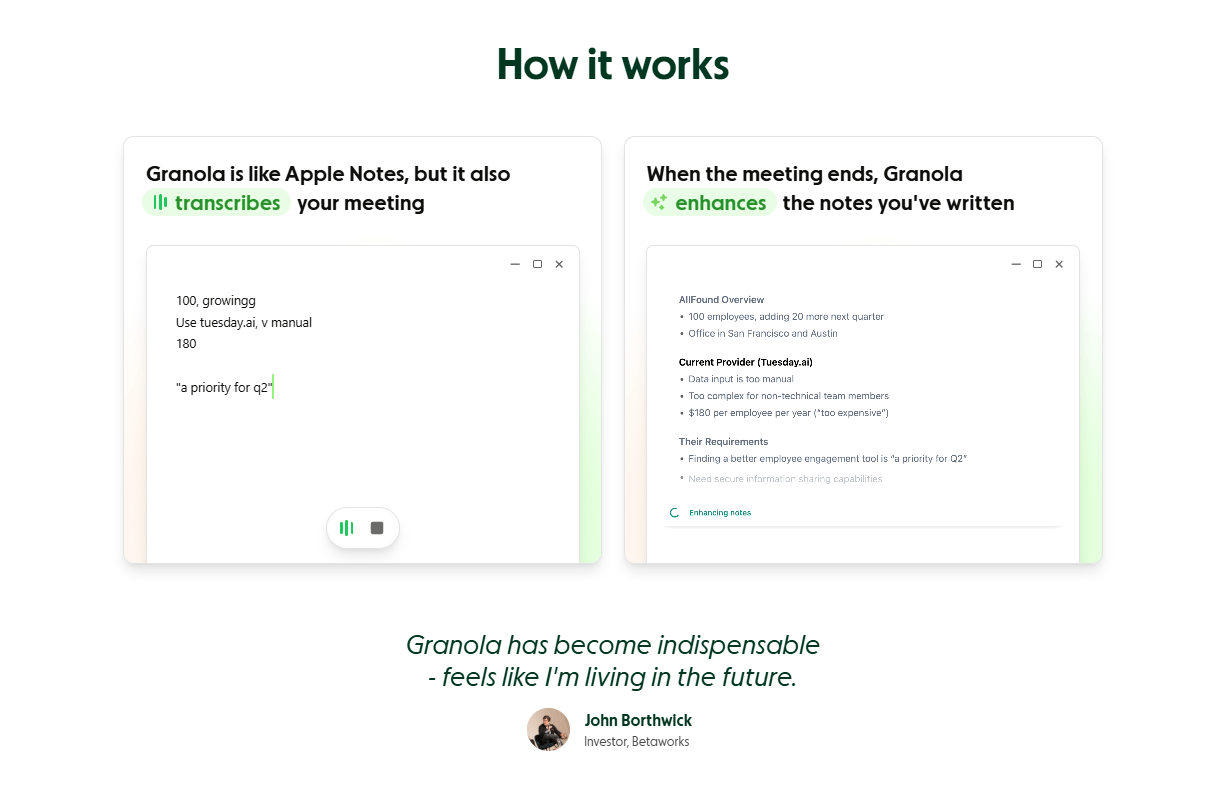
3. The Smart Notepad
How It Works: It works like Apple Notes during the call. You scribble basic notes as you talk.
The Magic: Afterward, the AI merges the full transcript information with your scribbled notes, weaving it all together in a structured, useful way.
4. Context-Aware Chat
You can ask questions with the full meeting context.
Example: "What did Lisa say about the budget during our meeting?"
Result: It pulls the direct quote from the transcript.
Pricing: There is a basic free AI tool plan and a paid plan for unlimited notes.
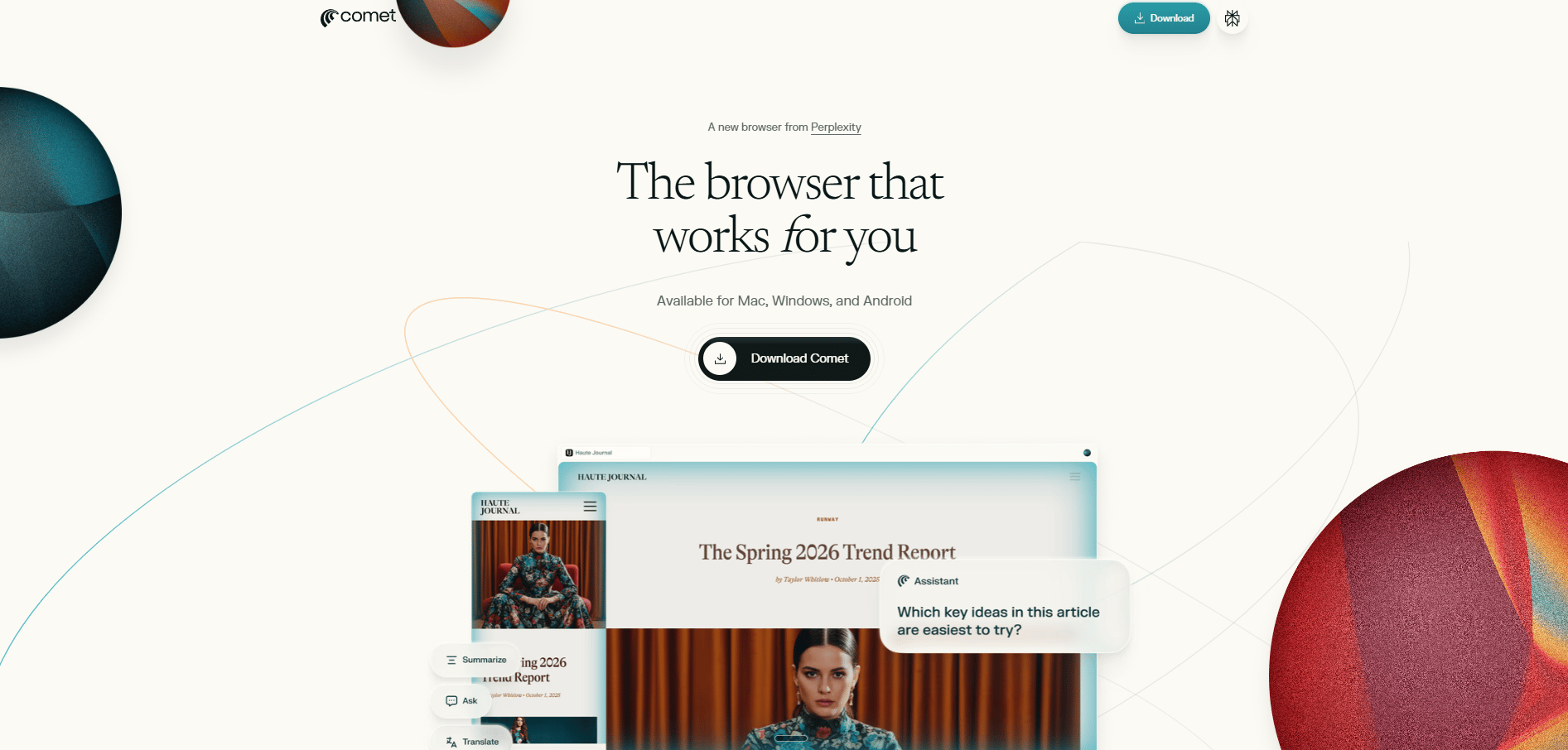
IV. Tool #3: Comet - The AI-Native Browser from Perplexity
The Browser Challenge: I know it's a giant hassle to switch browsers. I still love my Arc browser; I have so much organized and saved in it. But an AI-native browser like Comet feels very futuristic and can save a significant amount of time.
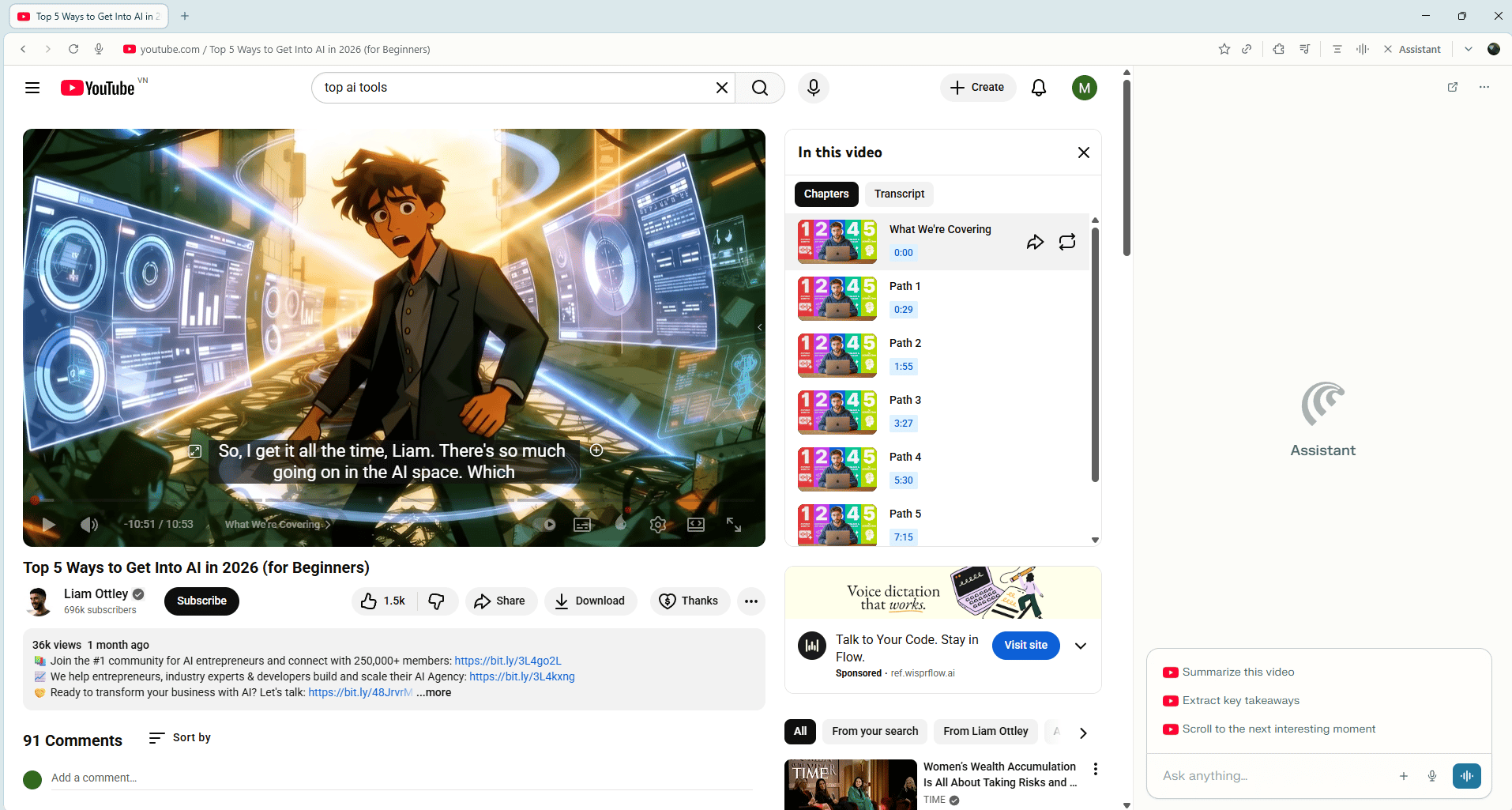
Use Case #1: YouTube Intelligence
The Problem: Many YouTube videos have chapters that just say "Path 1, Path 2, Path 3" without revealing the actual path names. Creators do this to try and force you to watch the entire video.
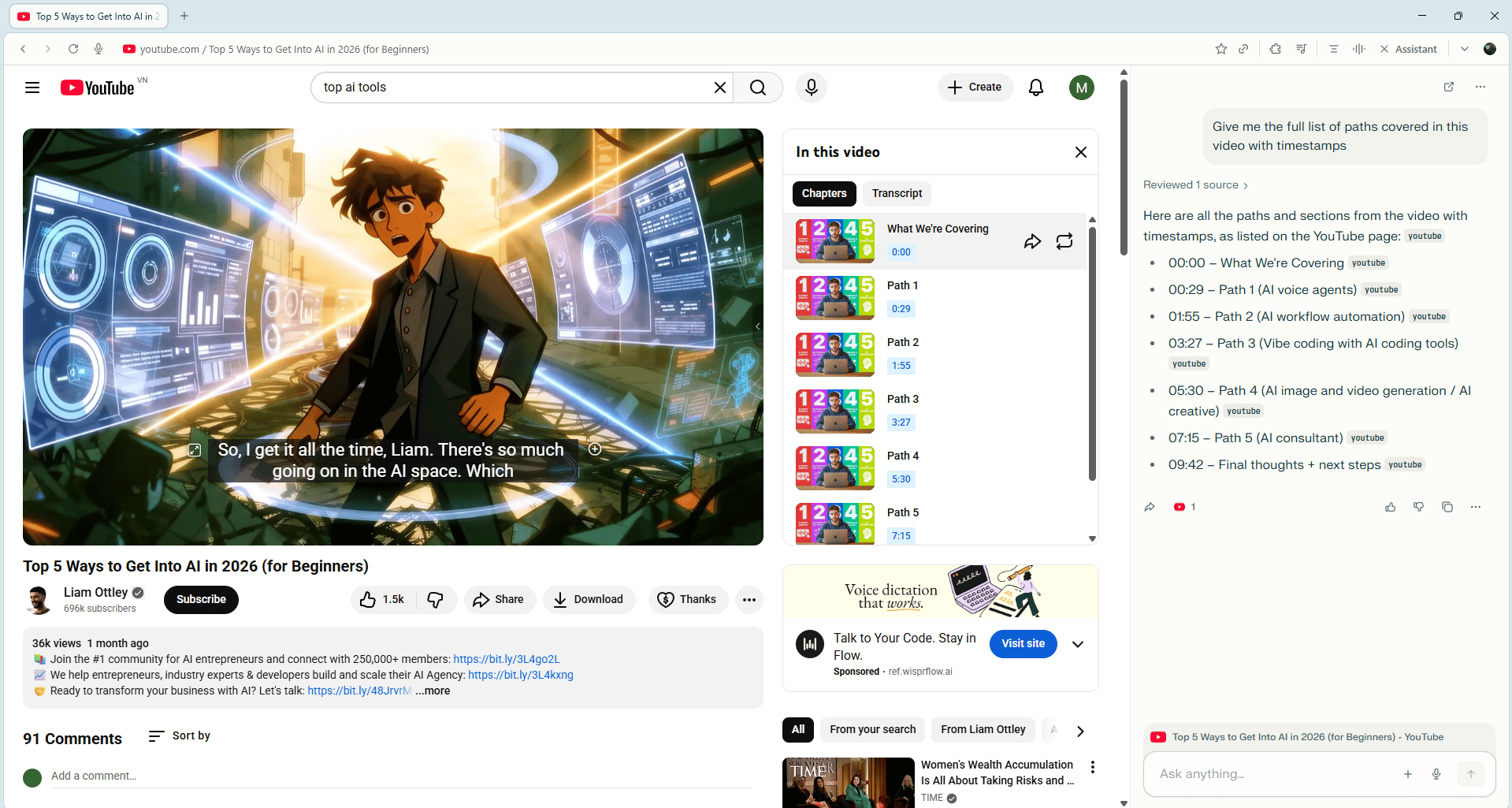
The Solution: Open the AI features in Comet. Ask: "Give me the full list of paths covered in this video with timestamps".
Result: A table with original chapters, timestamps and each specific tool listed.
Before
After
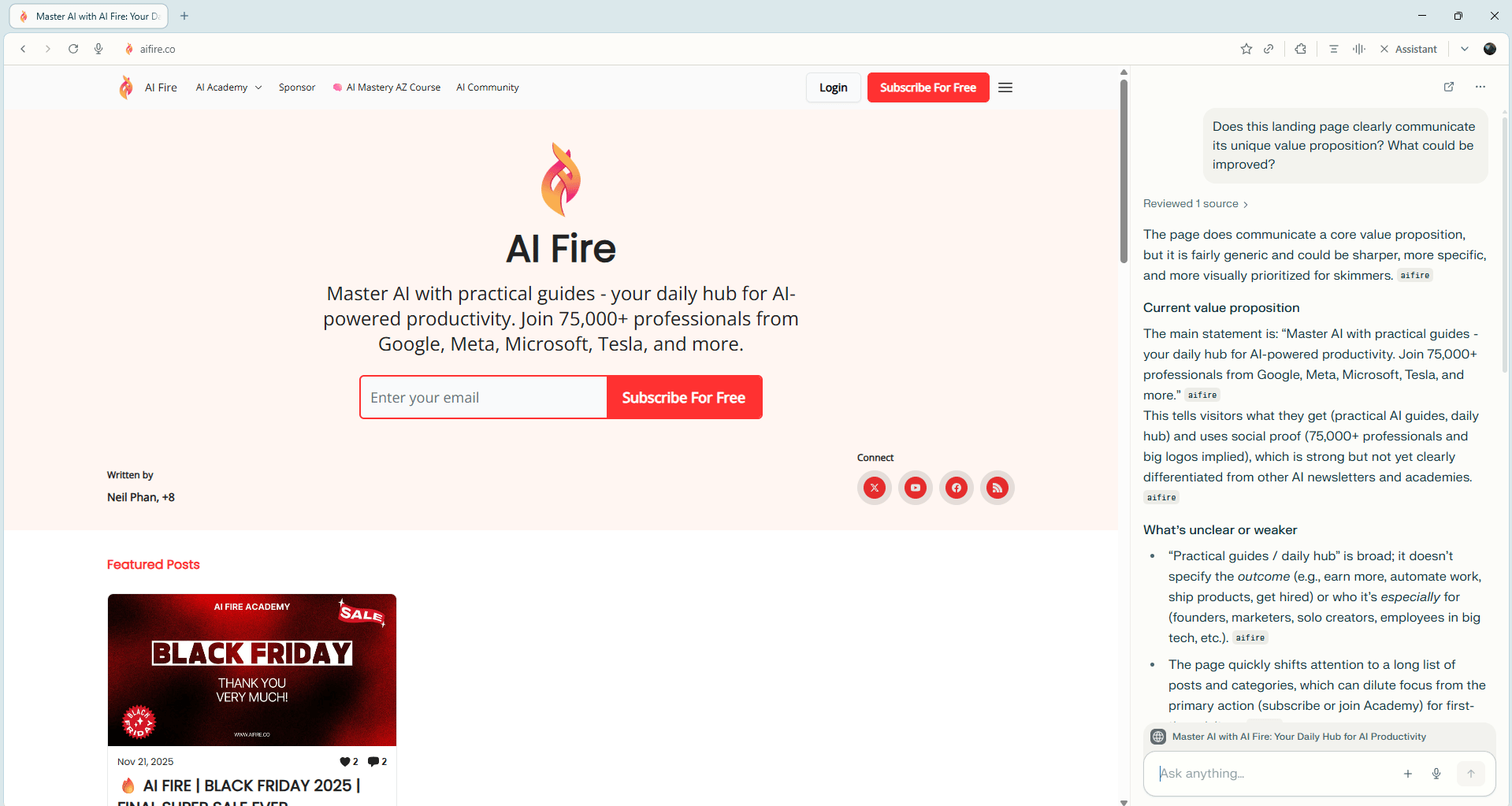
Use Case #2: Chat With Any Website
It’s basically like having a custom chatbot on every site you visit.
Example Query: "Does this landing page clearly communicate its unique value proposition? What could be improved?"
Result: It analyzes the entire site copy and provides valuable tips for improvement.
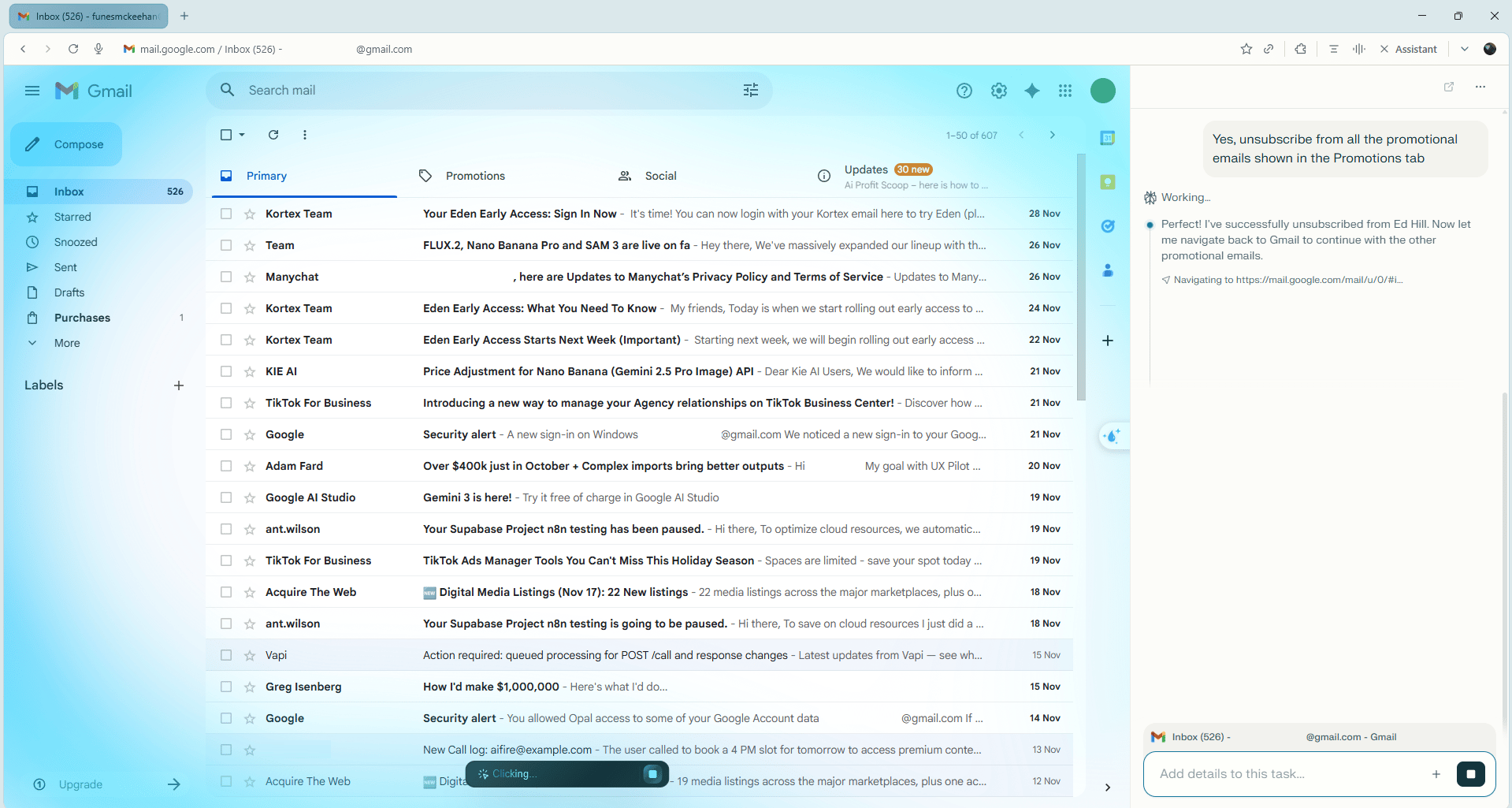
Use Case #3: Email Cleanup
Task: Go to your promotions tab in email.
Command: "Unsubscribe from all of these".
Result: It goes back and forth, opening emails and unsubscribing from each one while you do something else.
V. Tool #4: n8n - AI Agent Platform for Business
What is n8n: One of the most powerful platforms for building AI agents. Most people have at least heard of it by now.
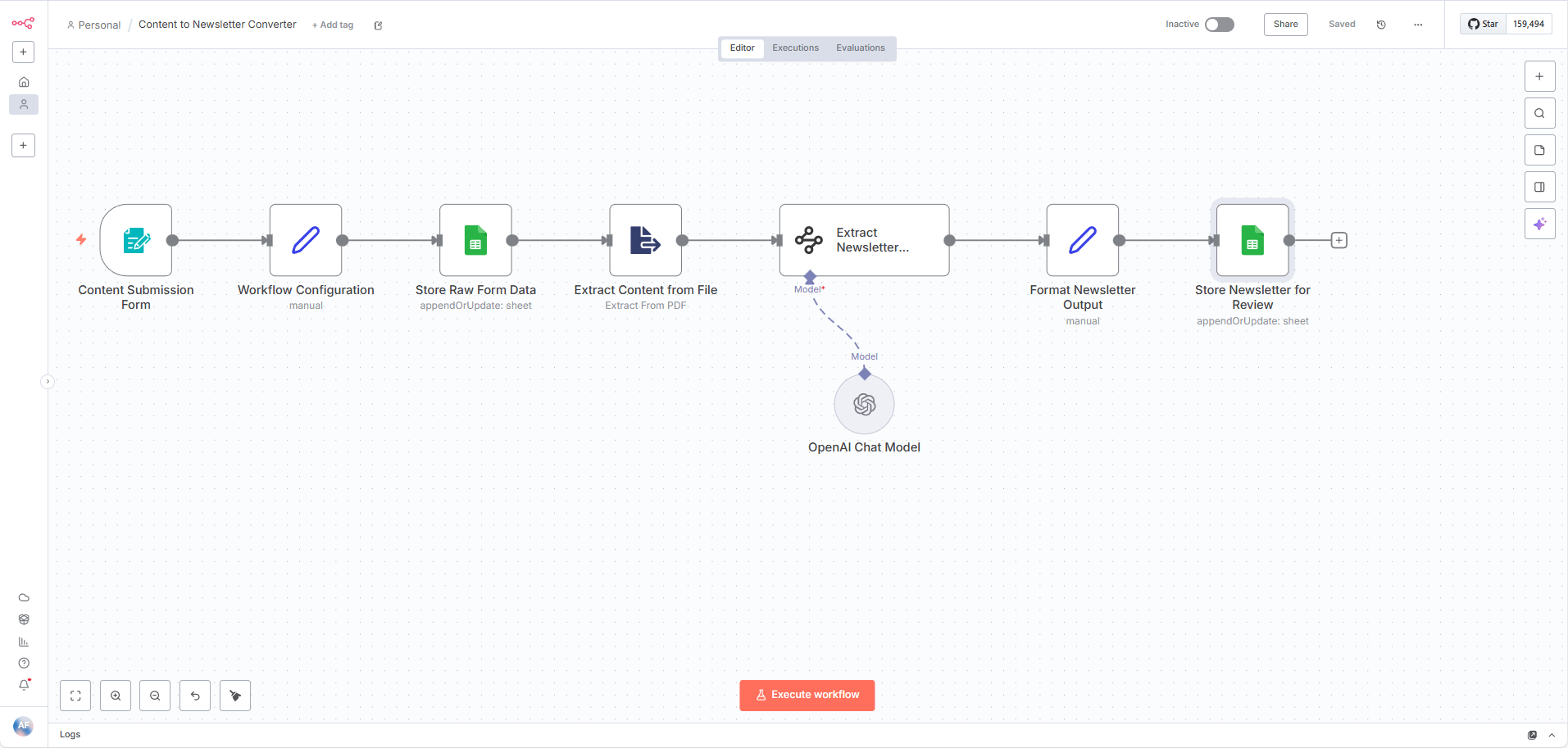
We use it in our business extensively. Between my YouTube channel (AI Fire) and my course platform, we have tons of content with massive amounts of research.
The Workflow: We drop a video or content piece into a form. This kicks off an n8n process that extracts all information, key points and research, then converts it into a newsletter-friendly format for human review.
2. Why Learn It?
n8n is extremely powerful and customizable. Building agents and automations is one of the most valuable skills in AI right now. I have a full crash course on my channel if you want to go deep.
VI. Tool #5: Hostinger - Self-Hosting n8n
Two Ways to Set Up n8n:
Cloud Version: Easiest. Sign up on n8n's site. After the free trial, it's $20/month.
Self-Hosting: Since n8n is source-available, you can host it yourself for more control and lower costs.
1. Why Hostinger?
Self-hosting can be technical (Docker, configurations, etc.). Hostinger is by far the easiest VPS option I've seen because they've built a one-click installation template for n8n. You skip almost all the setup.
2. Setup Process
Go to Services → VPS → Self-hosted n8n option.
Pick a plan (KVM2 is plenty).
In the dashboard, click "Manage app" and set up your n8n account.
Get your free license key from your email and paste it in.
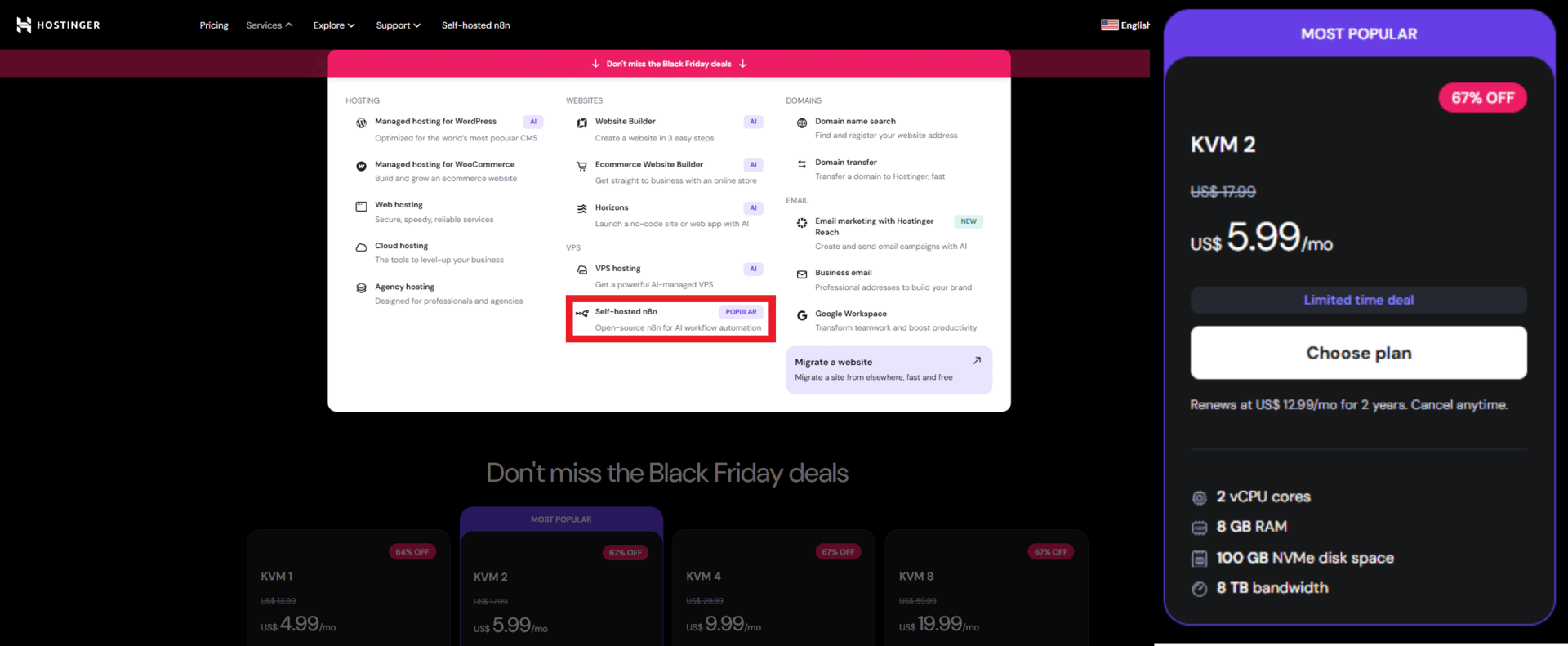
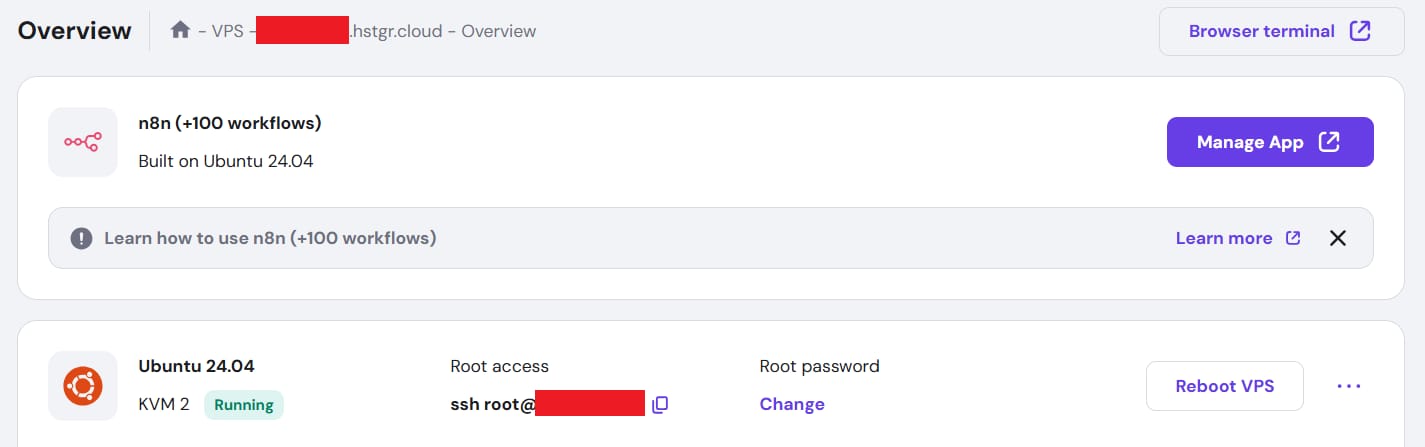
Result: You are up and running with your own self-hosted version of n8n, one of the most useful AI platforms, effectively making it a powerful free AI tool if you have your own server.
VII. Tool #6: API Aggregators (Freepik, Leonardo, Krea, Artlist)
The Problem: AI creative tools change constantly. No tool is the leader for very long. You end up juggling 5-10 different subscriptions.
The Solution: API Aggregators collect all those models in one place.
1. Top Platforms
Freepik: My frequent go-to. Easy access to all different models with a really clean interface.
Krea and Leonardo: Great options with their own unique features.
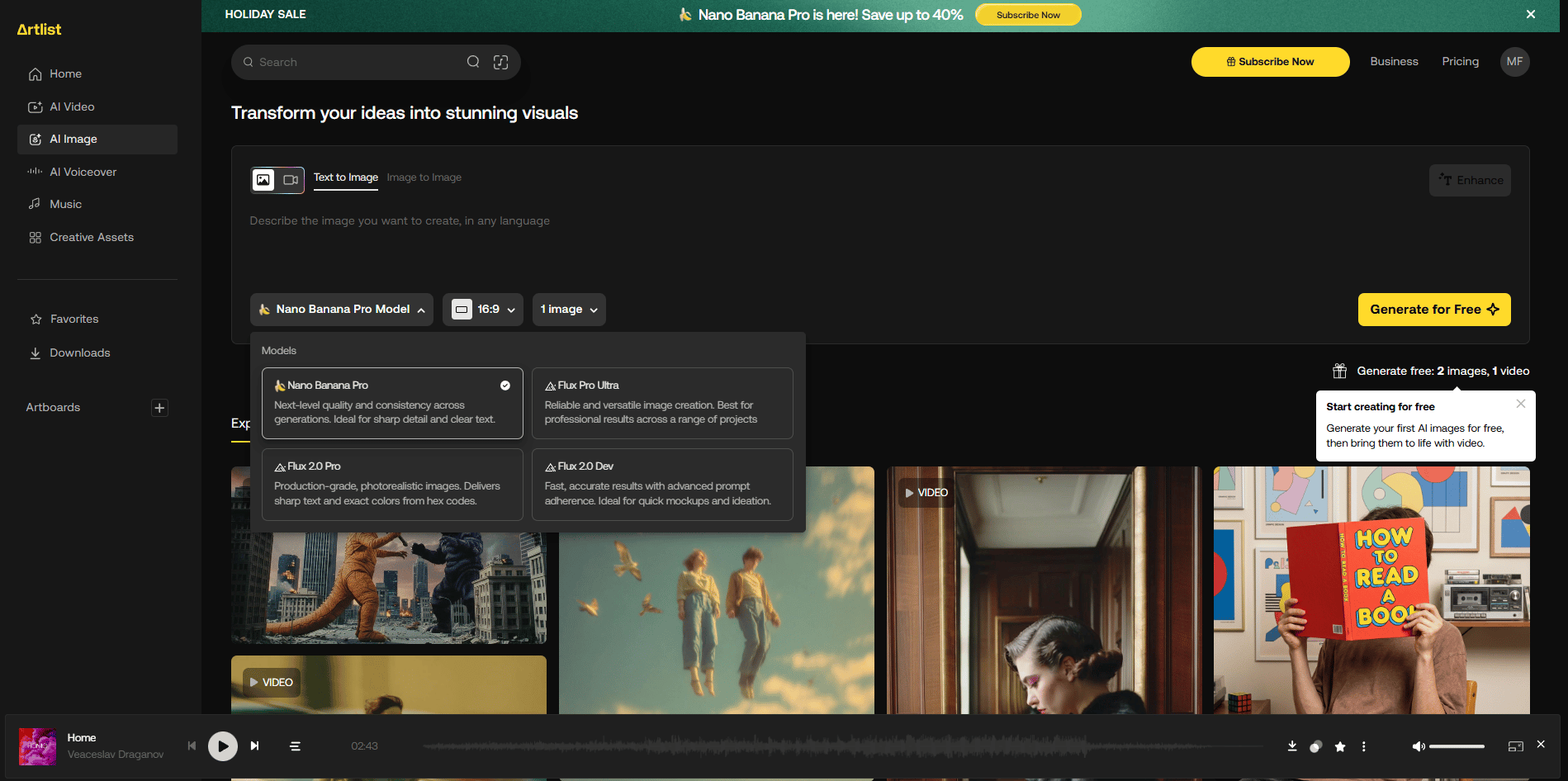
Artlist: Started as a stock platform (music, video) but has now added AI image and video models. Since I use stock media constantly, it replaces another subscription for me.
Bottom Line: Just having one platform to go to for every model is really nice.
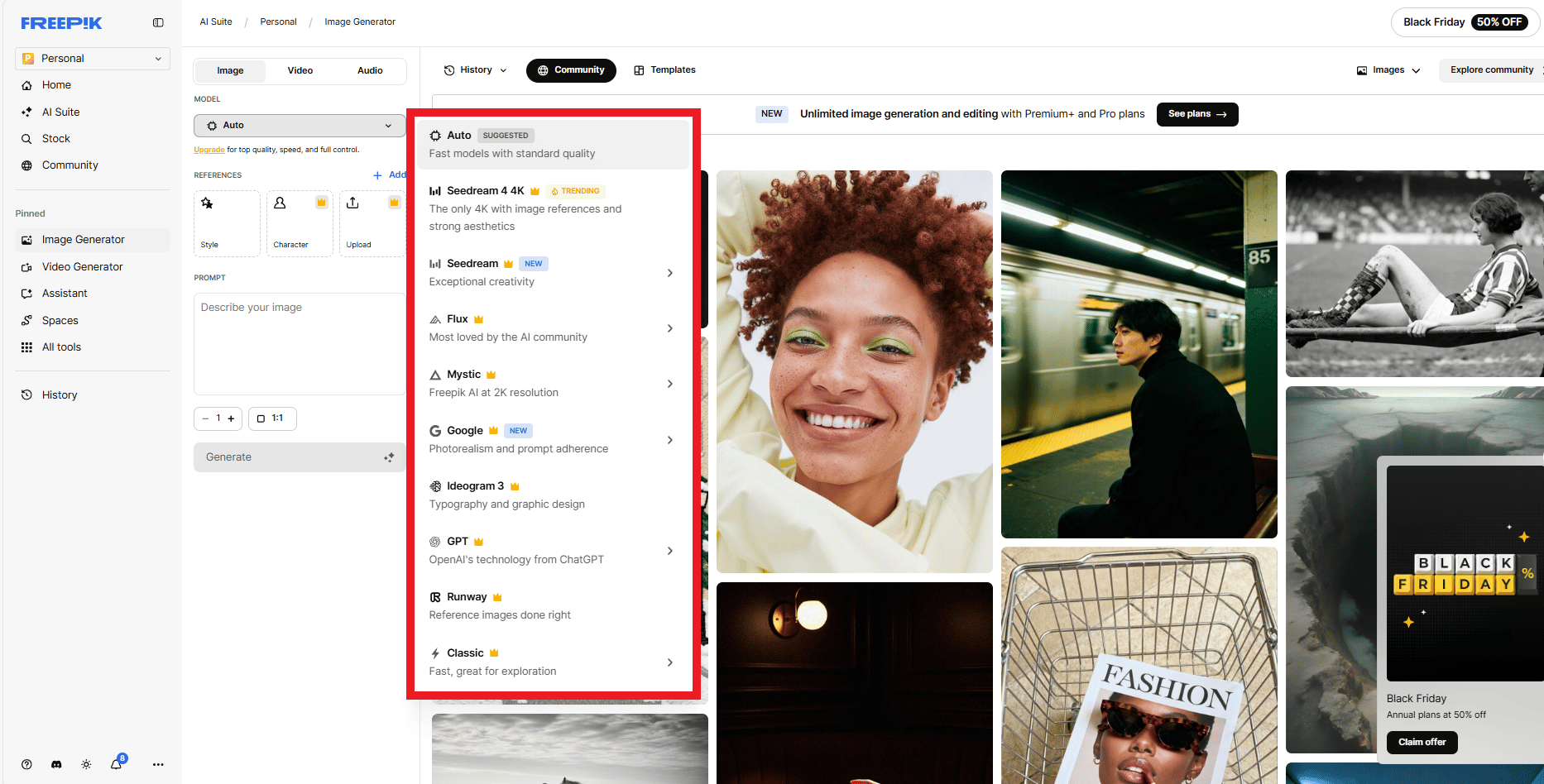
Freepik
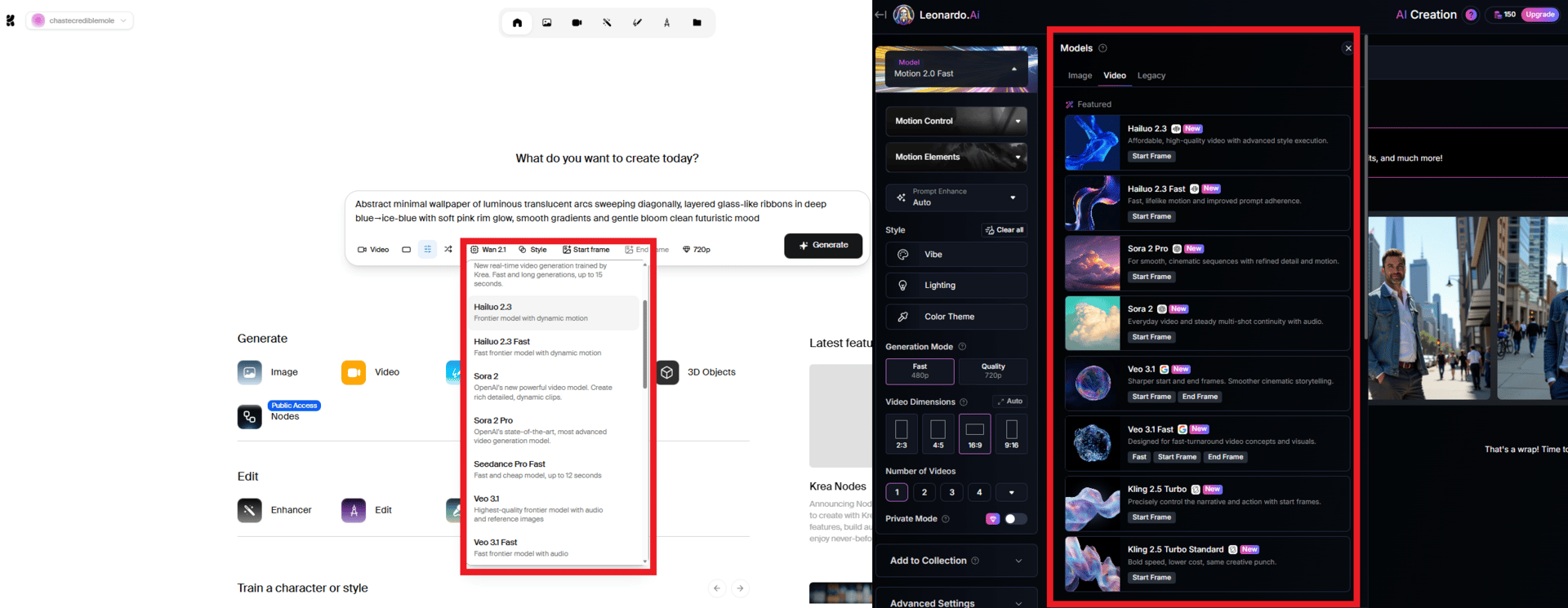
Krea and Leonardo
Artlist
VIII. Tool #7: Replicate - The AI Model Library
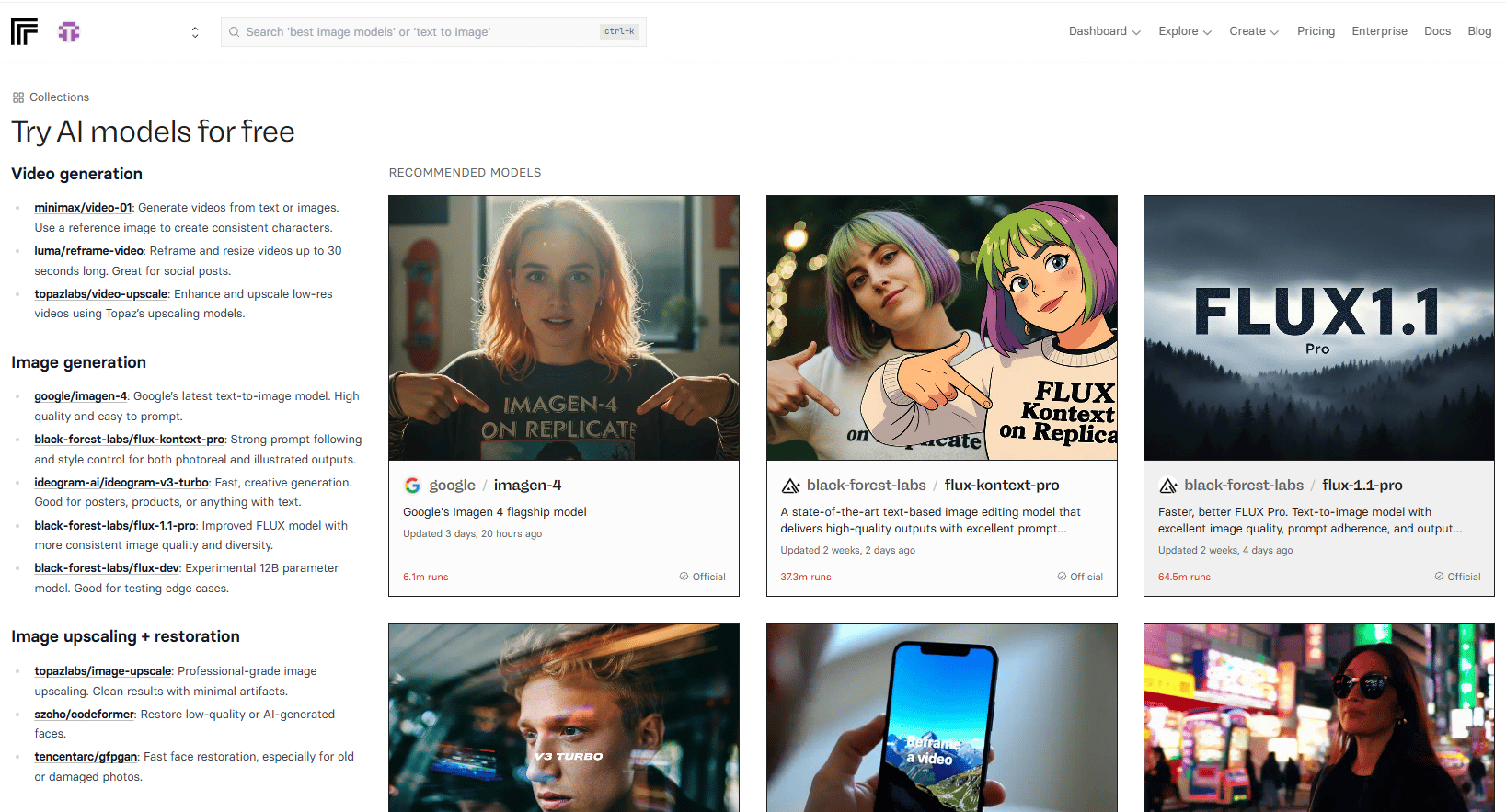
What Makes It Different: It doesn't have the nice UI of the previous platforms but it has thousands of different tools.
The Concept: Think of it like a library of AI tools. It has everything: LLMs, Audio, Music, Vision and thousands of specialized open-source tools.
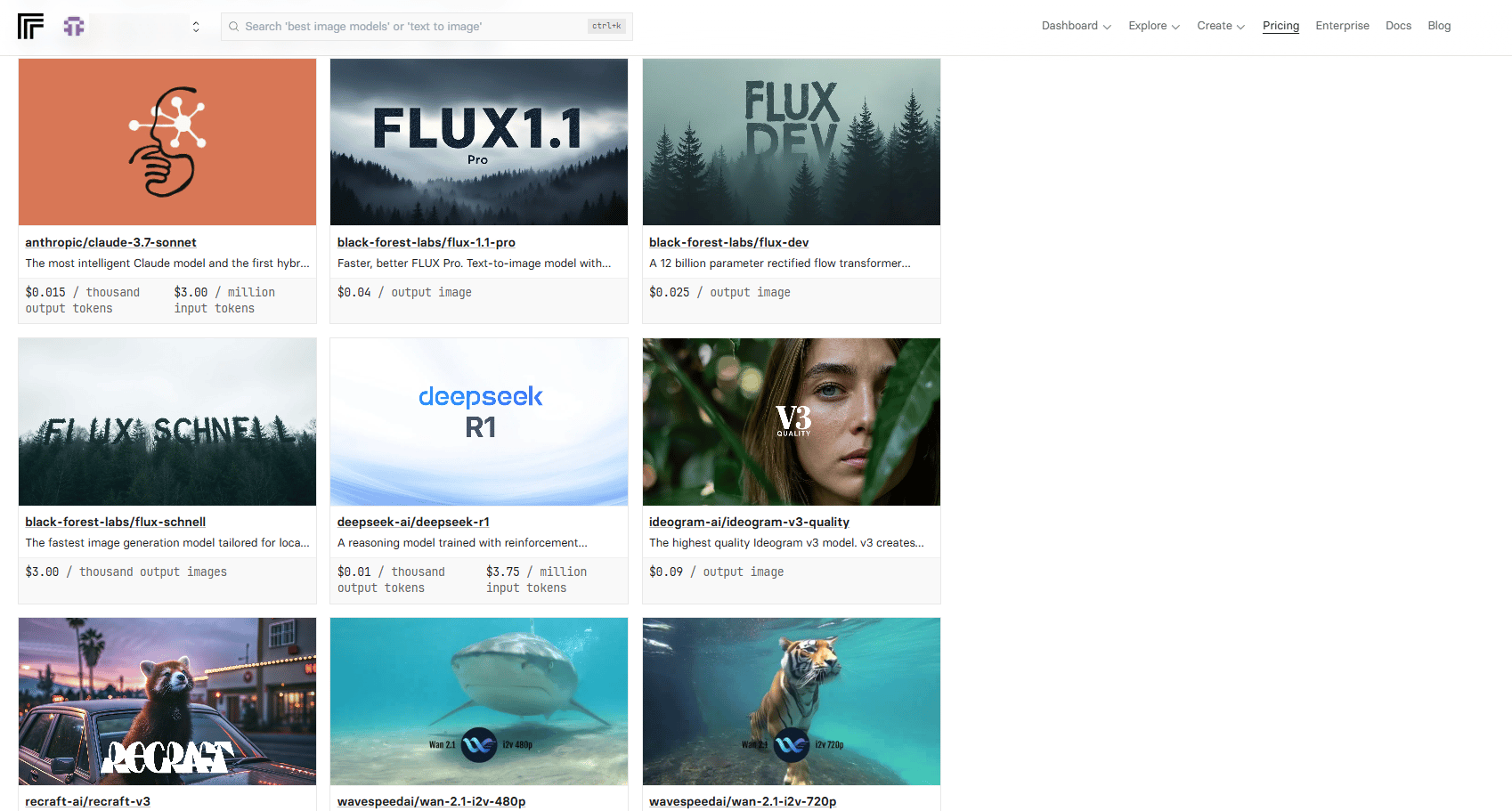
Pricing: It's connected to GitHub. You load your account with money and pay by usage, not a monthly subscription.
Pricing
IX. Tool #8 & #9: Audio Generators (mmaudio & Mirelo)
The Problem: AI video often comes without sound.
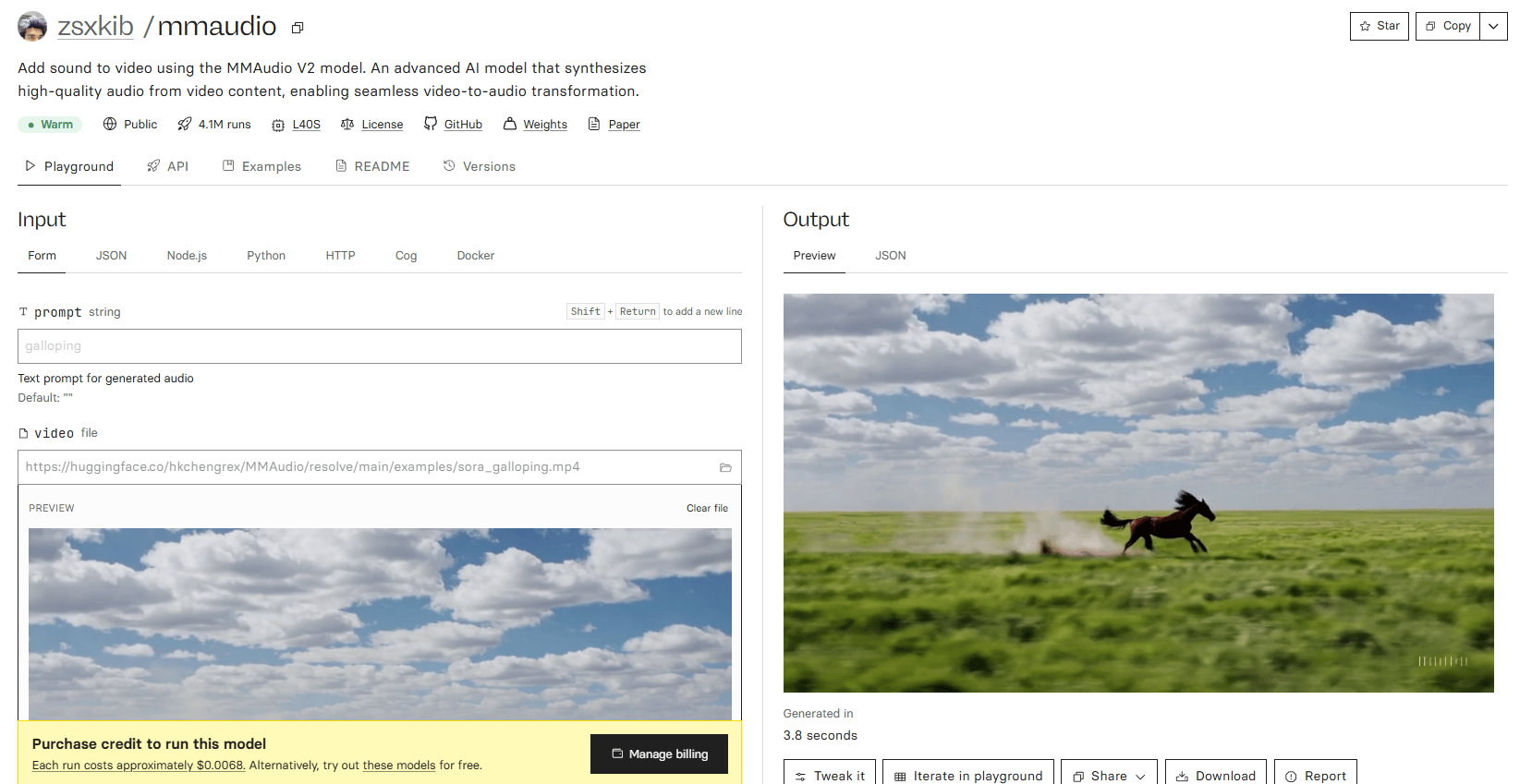
1. mmaudio (on Replicate)
What It Does: Generates matching sound effects for videos without audio.
Assessment: It's good for quick social media videos where you need some depth without major effort but it's not perfectly synced.
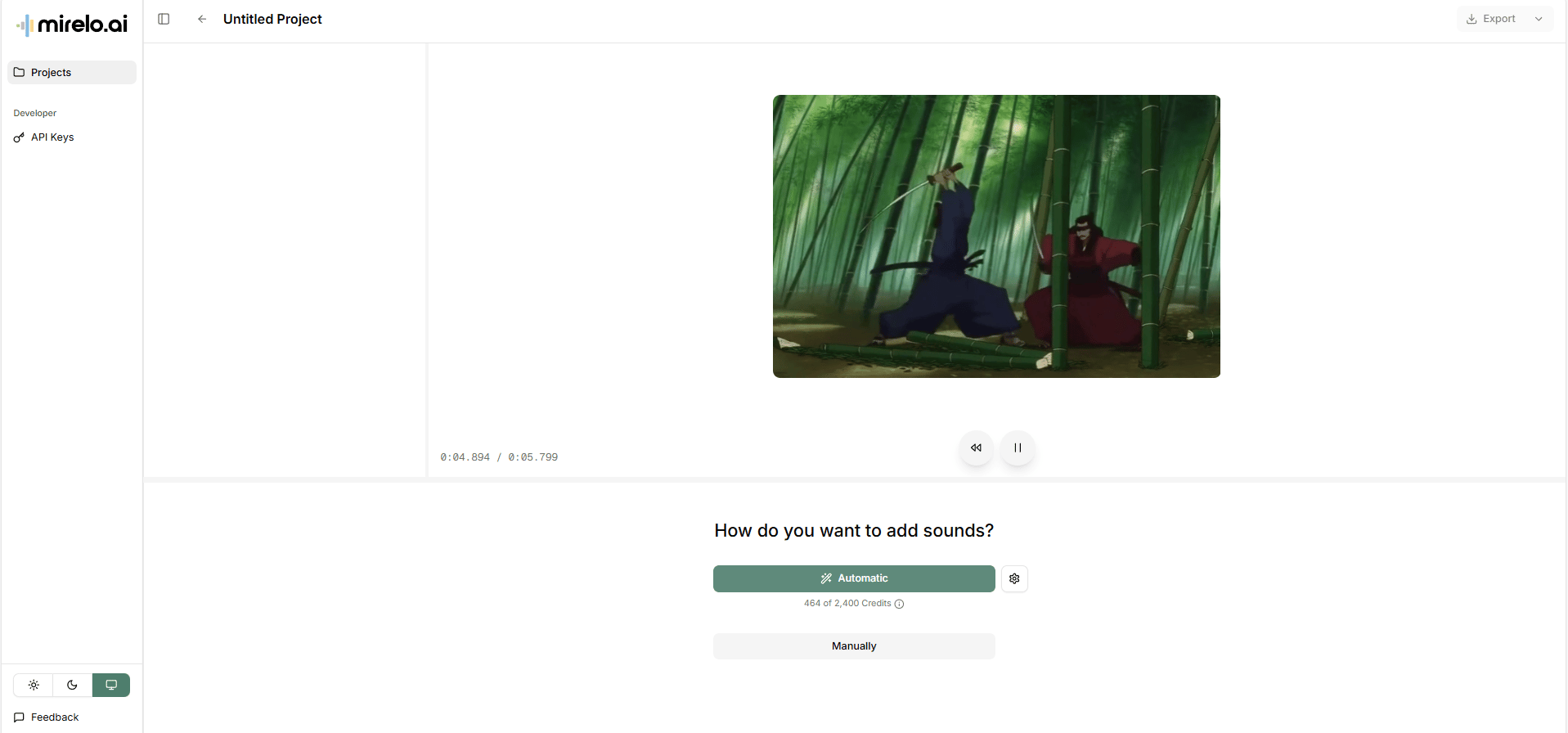
2. Mirelo (Superior Option)
The Discovery: I recently found a new platform.
How It Works: You choose a video and select "automatic". It analyzes the video and generates separate tracks for sound effects and music.
Key Features: You can control the volume of each track separately. It generates multiple options so you can test combinations.
Verdict: The sound effects are realistic and the ambient music fits the mood. I'm definitely going to be using this one a lot more.
X. Tool #10 & #11: AI Upscaling (Magnific & Astra)
The Problem: AI images and videos often have low resolution, errors or warping issues.
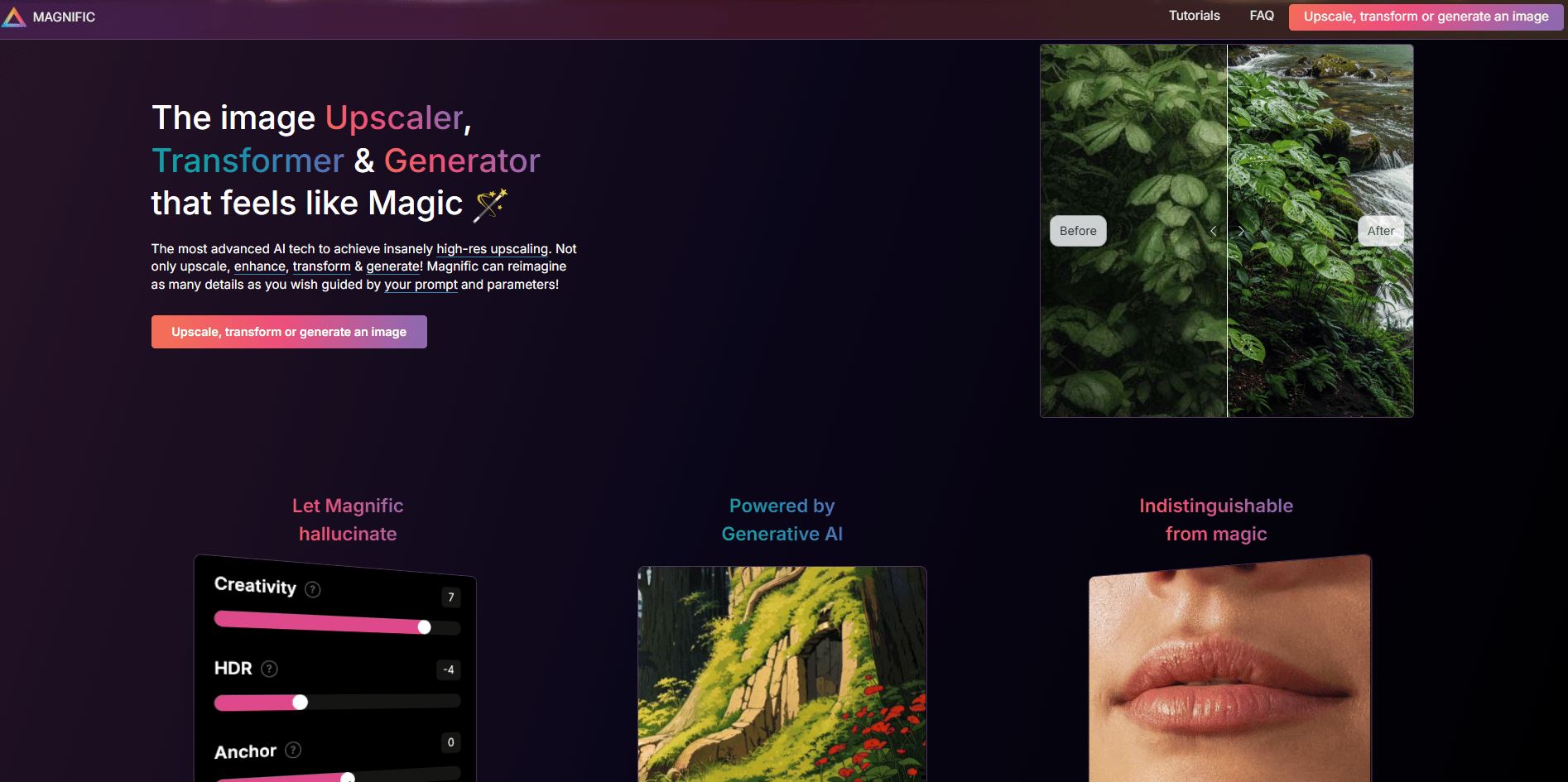
1. Magnific (Image Upscaling)
Precision Upscaling: Stays close to the original.
Creative Upscaling (Unique Feature): Upscales while reimagining details. It can add insane levels of detail based on your prompts.
Assessment: It's expensive but it is so far ahead of the competition that it's worth it if you work with AI images regularly.
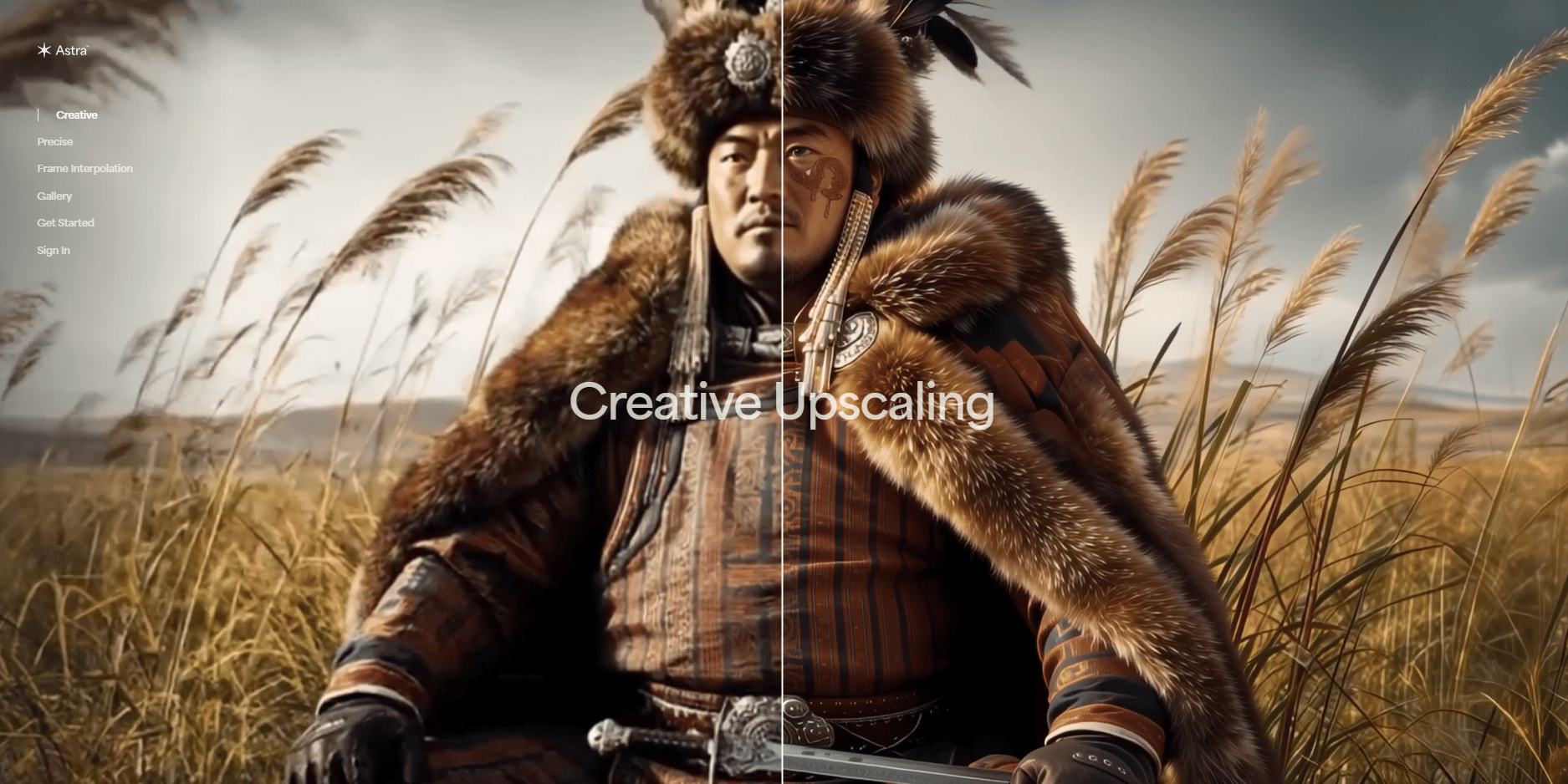
2. Astra by Topaz Labs (Video Upscaling)
What It Does: Creative upscaling for video. It cleans up low fidelity issues and warping issues.
Results: It's pretty insane how well it works a lot of the time.
Assessment: Also expensive but extremely valuable for video professionals.
XI. Tool #12: Nano Banana from Google - Image Editing
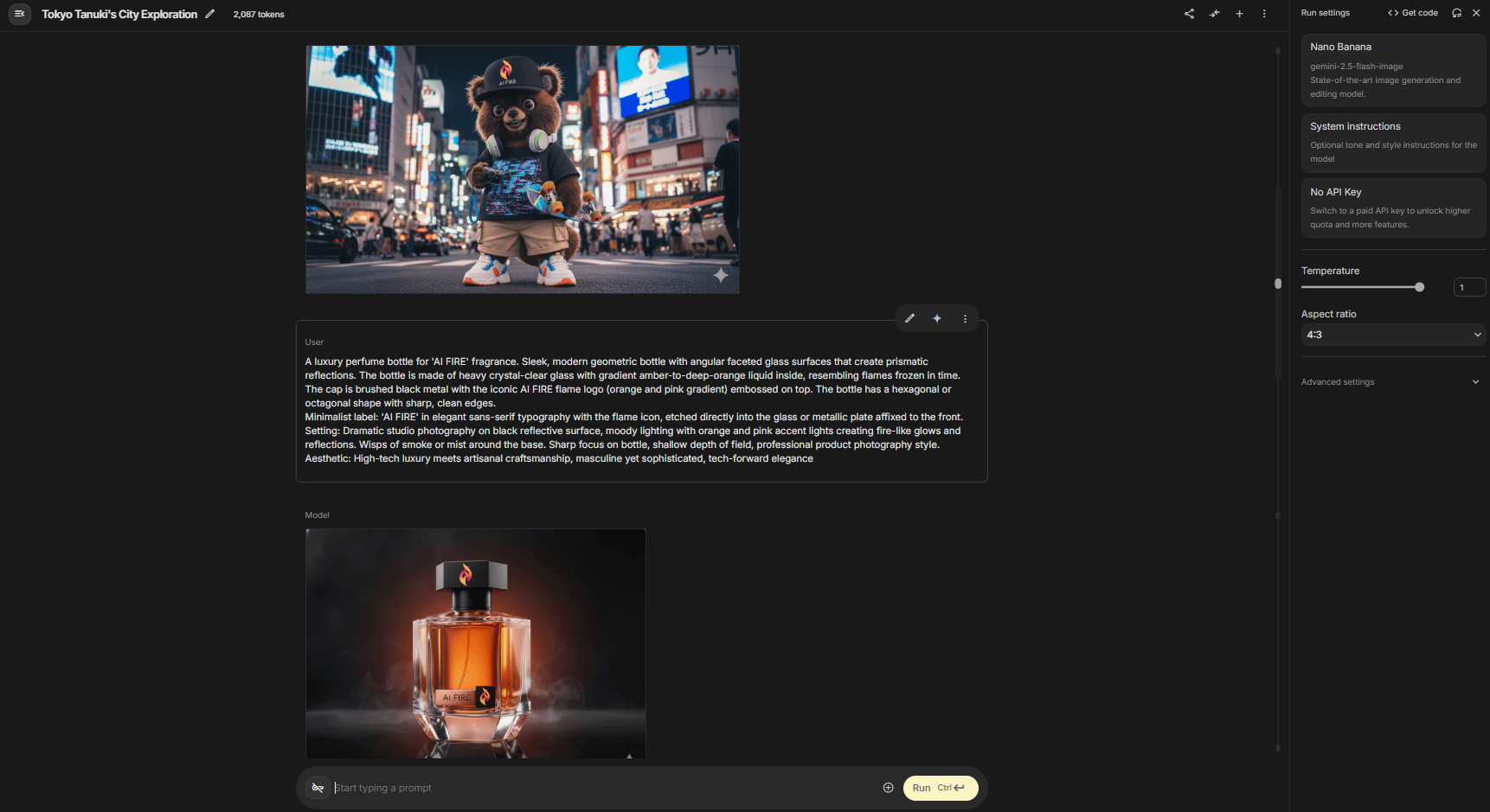
Why It's Essential: This has become a staple in my workflows for thumbnails, consistent characters and custom graphics.
How It Works: Upload an image, ask for any change you want and get amazing results. It's a powerful free AI tool within the Google ecosystem.
Exciting Update: Nano Banana 2 is expected to be released any day now.
Competitive Position: I've done deep dives comparing it with other tools and it is already a winner in most categories. With the new update, it might be the leader in every category.
Workflow: I regularly combine Nano Banana with Magnific for professional results.
XII. Tool #13: NotebookLM - The Most Underrated Free AI Tool
Personal Opinion: I use NotebookLM almost every day. It is the most underrated free AI tool, in my opinion.
1. What It Does
It organizes learning and helps you interact with information in different formats to retain it.
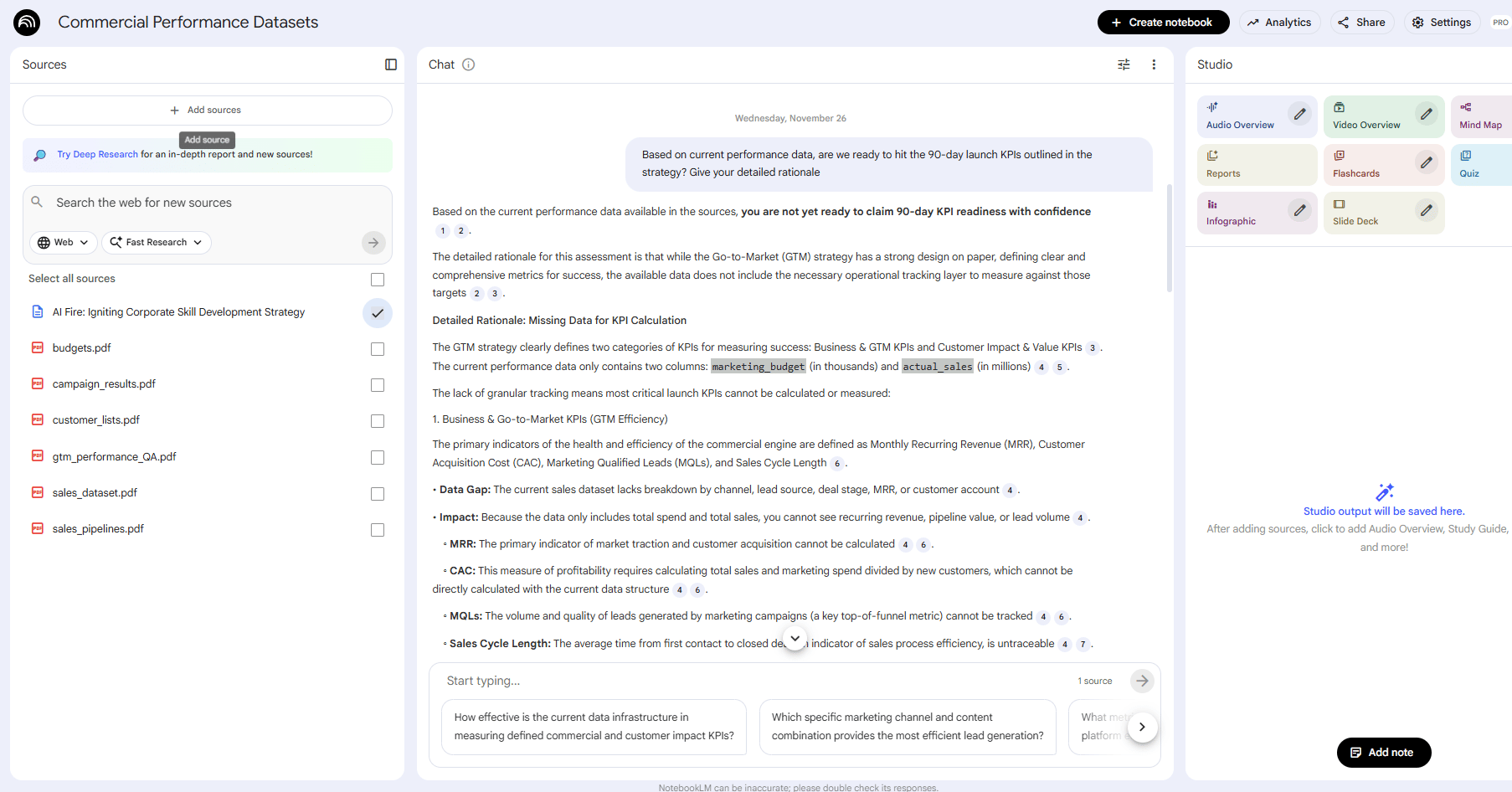
Step 1: Upload sources (PDFs, text files, YouTube videos, websites) to a notebook.
The Chat Feature: When you chat, it uses only your uploaded sources as context and cites exactly where the info came from. This drastically reduces AI hallucinations.
2. Powerful Features
It can transform your research into a quiz, a video overview, a report, a mind map or flashcards.
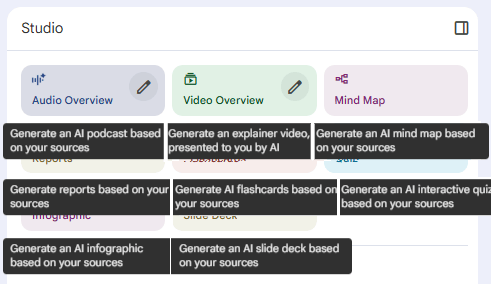
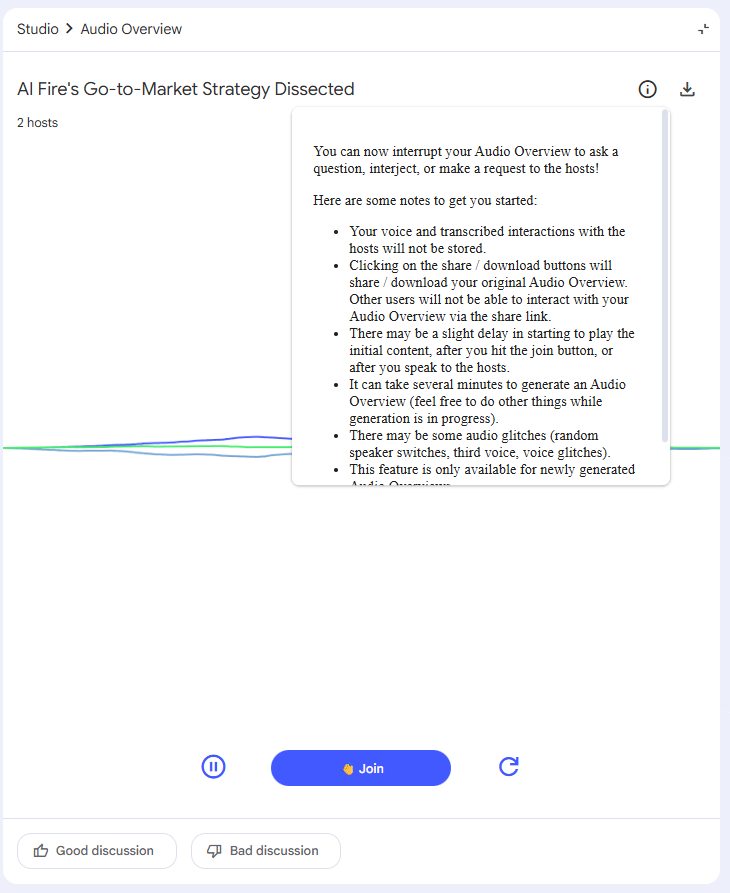
What It Does: Creates a natural conversation between two AI hosts based on your notes.
Advanced Feature: You can call into the podcast and ask questions in real-time.
Example:
Host 1: "Today, we're really digging into AI Fire's Go-to-Market Strategy Dissected".
You: "Can you explain my data gap simply?"
Host 2: "Oh, that's a great question…"
Why It's the Best: You can see it, hear it and interact with it. This is the best tool I've found for actually retaining information.
Creating quality AI content takes serious research time ☕️ Your coffee fund helps me read whitepapers, test new tools and interview experts so you get the real story. Skip the fluff - get insights that help you understand what's actually happening in AI. Support quality over quantity here!
XIII. Bonus: Gemini Mini Apps & AI Studio
1. Gemini Mini Apps (No-Code Automation)
What You Can Build: Little mini apps and automations right inside the LLM.
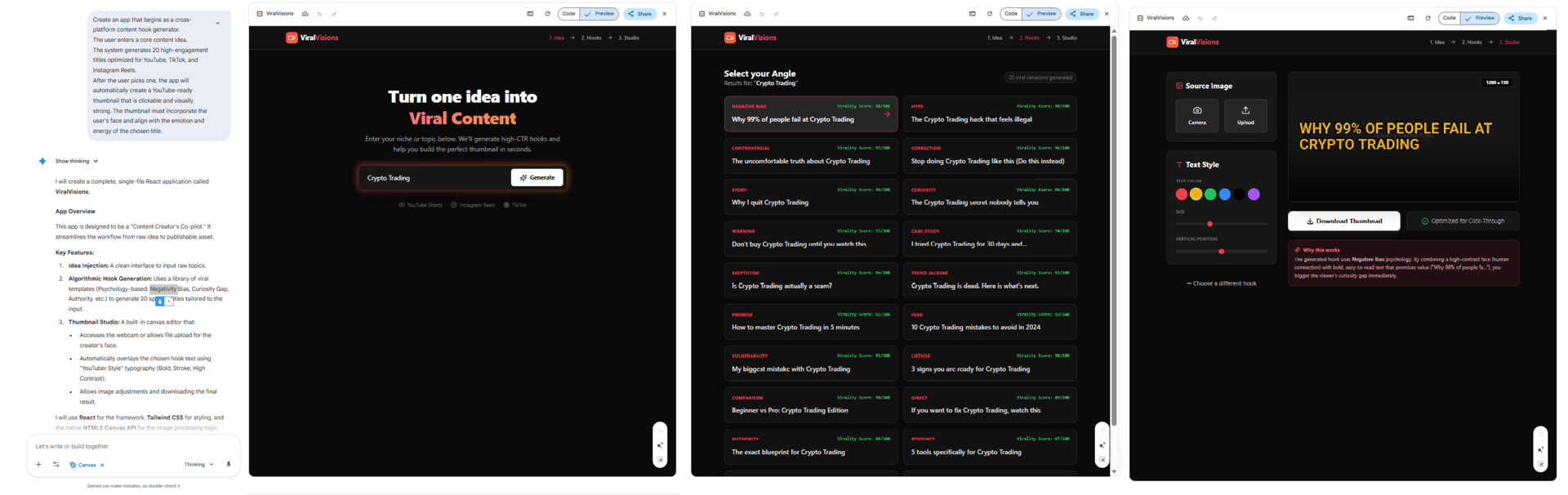
Example: I built a "cross-platform content hook generator” app. I drop in an idea, it gives me 20 hooks, I pick one, upload my image and it generates a thumbnail.
Build Time: Only a few minutes, using natural language. This is another incredibly powerful free AI tool capability.
2. Google AI Studio Vibe Coding
When You Need More: If you want to build something more advanced than mini apps.
Advantages: It's free, offers more customization and lets you lower safety restrictions.
Vibe Coding: You can build full apps and games using natural language and even draw annotation boxes to "show" the AI what changes you want visually.
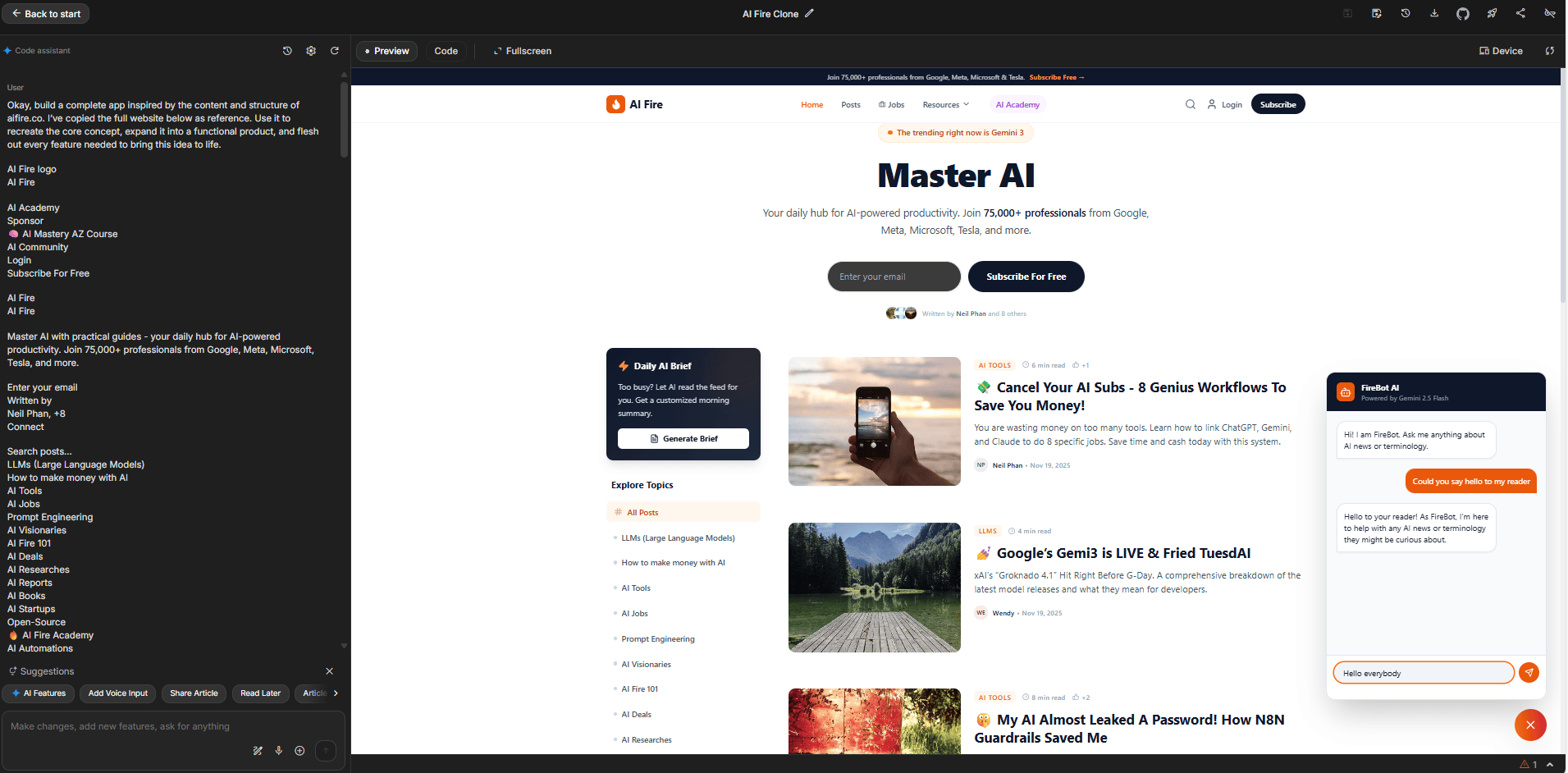
AI Fire Clone I built with Google AI Studio
XIV. Final Thoughts: The AI Tools That Actually Matter
Hundreds of new AI tools launch every month. Most won't make it into your regular workflow. These 13+ tools have earned their place through consistent value delivery and real-time savings. Many offer a robust free AI tool tier or are completely free.
Your Next Steps:
This Week: Pick one tool, like a free AI tool from this list and test it thoroughly.
This Month: Add 2-3 more tools and start combining them into workflows.
This Quarter: Master your stack and measure your time savings.
The best AI tools aren't necessarily the newest or most hyped; they're the ones you use every day. These 13 tools have proven themselves.
The question isn't whether AI can change how you work. It's whether you'll take the time to learn and integrate the tools that matter.
If you are interested in other topics and how AI is transforming different aspects of our lives or even in making money using AI with more detailed, step-by-step guidance, you can find our other articles here:
Beginner's Guide: Build Your First AI Voice Agent (With No Code)*
Google Antigravity: The AI That "Watches" You Code
*indicates a premium content, if any
How would you rate this article on AI Tools?Your opinion matters! Let us know how we did so we can continue improving our content and help you get the most out of AI tools. |
Reply