- AI Fire
- Posts
- 💡 The Only Free AI Tools You Need in 2026 (Tested in Real Workflows)
💡 The Only Free AI Tools You Need in 2026 (Tested in Real Workflows)
Free doesn’t mean weak anymore.

Robin Do
April 14, 2026
TL;DR BOX
Free AI tools in 2026 are no longer limited demos. Many of them are powerful enough to run real workflows without paying anything. The advantage now comes from adoption, not pricing.
This article breaks down 15 free AI tools that actually work in daily use, from automation and research to content creation, meetings, and learning. These tools help you move faster without adding complexity or tool overload.
You’ll learn which free tools are worth your time, what each one is best at, and how to choose them based on function instead of hype. The focus is on removing friction from your week, not collecting shiny tools.
Key points
Many free AI tools are now full products, not trials.
The biggest mistake is using too many tools without a clear workflow.
One strong free tool per job is usually enough.
Critical insight
Free AI becomes an advantage only when it removes a recurring problem, not when it adds another app to manage.
What would make a free AI tool worth keeping for you? |
Table of Contents
Introduction: Why Free AI Tools Are Better Than You Think in 2026
Most people ignore any free AI tool. They assume it’s limited, clunky, or useless once real work starts. That assumption is outdated.
In 2026, free AI tools are no longer demos. Many of them are the actual product. After months of testing these tools in real workflows, one thing is clear: some of the most useful AI today costs nothing.
This shift happened because AI companies now compete on adoption, not pricing. They want you building habits inside their ecosystem. The easiest way to do that is to offer tools that work from day one, without a paywall.
In this article, I’m breaking down 15 free AI tools that are genuinely usable. No theory. No hype. Just tools that help you create faster, think clearer, automate smarter, and learn without overload.
This is for you if you want leverage, not more tools to manage. If you want to test AI properly before spending money. And if you care more about results than features.
Let’s start with the tool that turns Google Workspace into an AI automation engine.
1. Google Workspace Studio: Turn Google Workspace Into an AI Automation Engine
If you already live inside Google Workspace, this free AI tool gives you automation without extra tools. Google Workspace Studio lets you connect Gmail, Docs, Sheets, Calendar, Drive, Meet, and Chat using simple instructions, powered by Gemini.
What it does: You describe a task in plain language. Workspace Studio builds the workflow. Google calls triggers “starters,” and each workflow can include steps like summarizing, drafting, or notifying.
Where it’s useful:
Daily summaries of unread emails
Auto-drafting replies to incoming messages
Connecting Calendar events to Docs and notifying teams in Chat
Simple admin workflows without setup pain
Why it matters: No third-party automation. No permissions mess. No cost. It runs natively inside Google Workspace, which makes it fast to adopt and easy to trust.
Limits: It stays inside Google’s ecosystem, and the UI is still early. For most people, that’s a fair trade.

If social content slows you down, this free AI tool saves time fast.
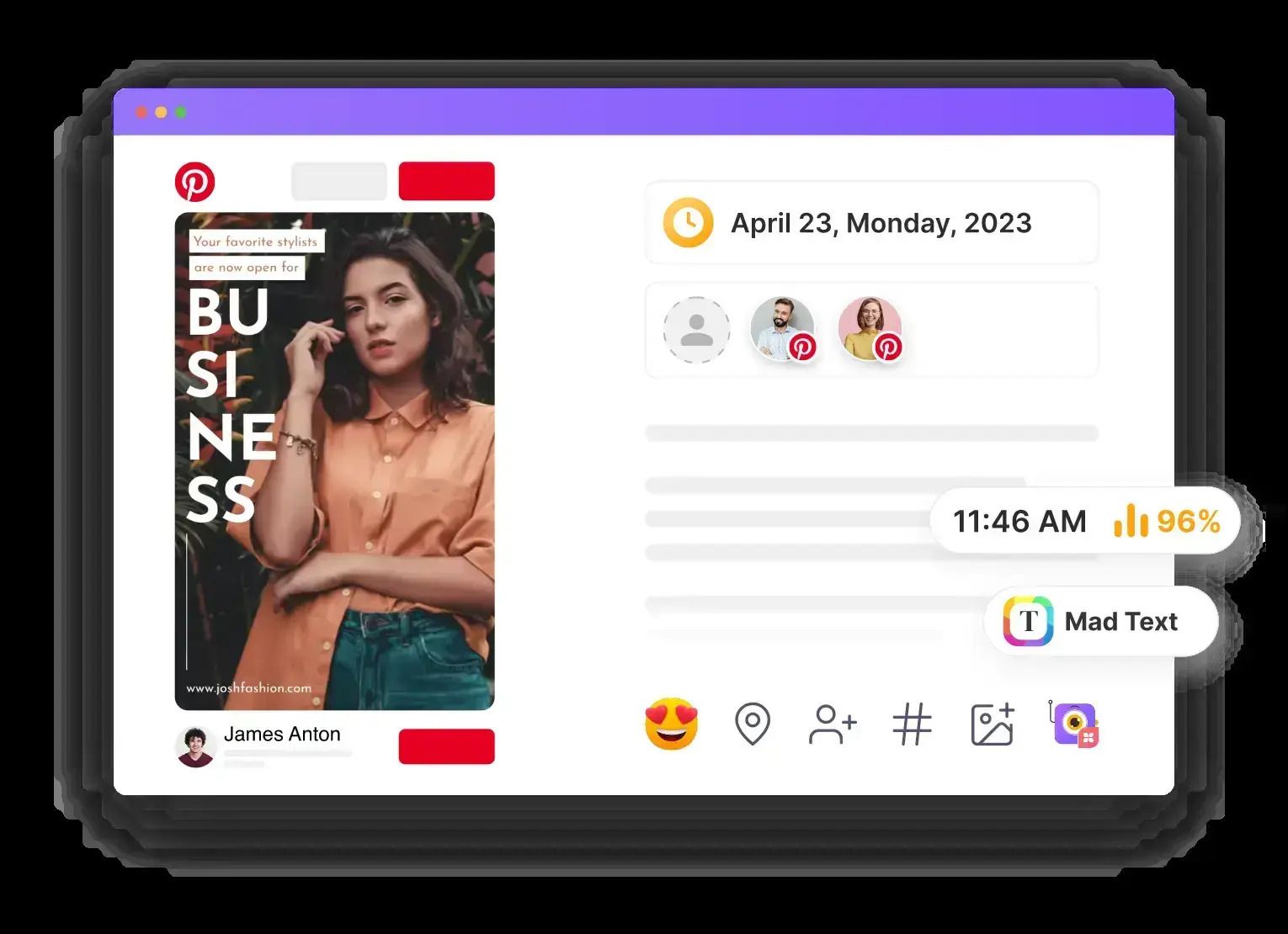
Pomelli is an experimental tool from Google Labs. It uses Gemini to create full social campaigns that actually match your brand.
What it does: You paste your website URL. Pomelli scans your brand colors, tone, and messaging, then generates campaign ideas, visuals, and copy. You can edit text, swap images, change formats, and export everything.
Where it’s useful:
Founders without a design team
Quick campaign ideas for launches
Social posts that don’t look generic
Speed over perfection
Why it matters: Most AI tools generate single posts. Pomelli thinks in campaigns. That’s the difference. And it’s completely free if you log in with your Google account.
Limits: It’s still experimental, and visuals can feel basic. For fast ideation, it does the job.
3. Whisper Flow: The Cleanest Voice-to-Text Free AI Tool
This is one of those free AI tools you start using once and never stop.
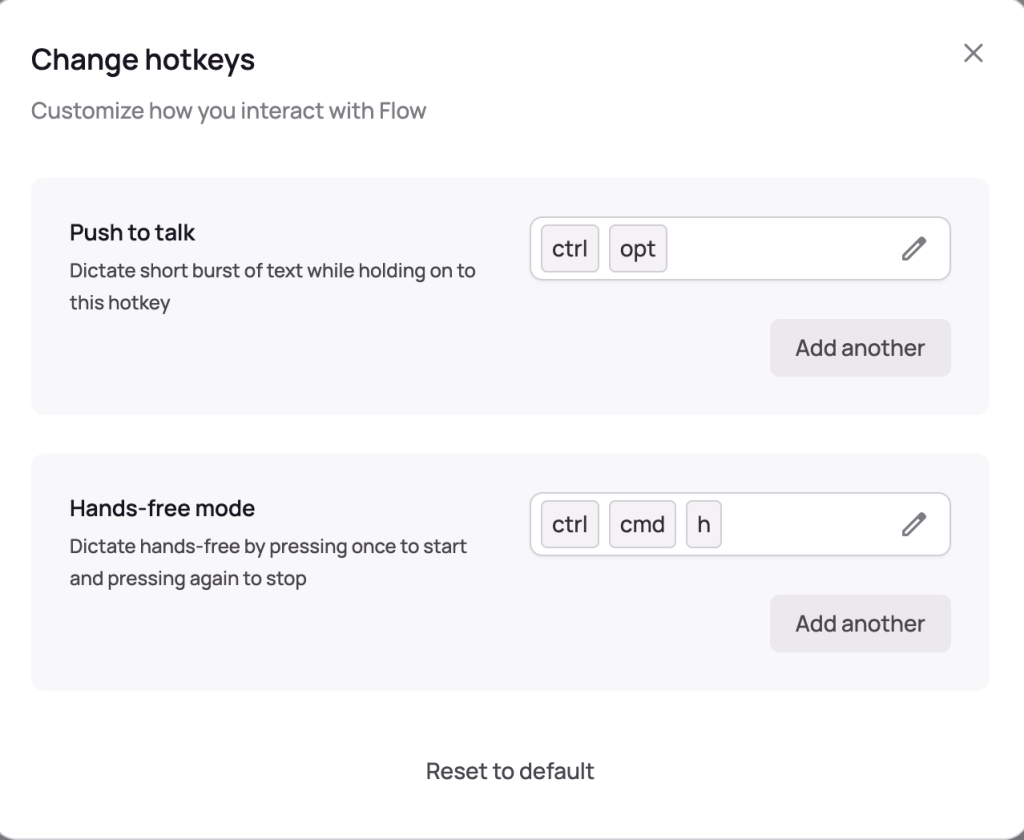
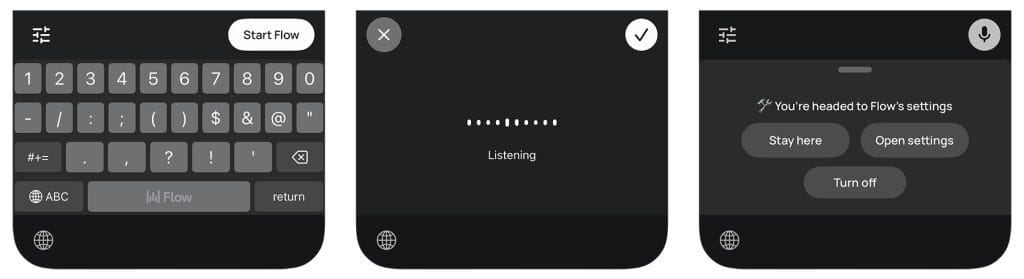
Whisper Flow turns your voice into clean, usable text in real time. It runs through a simple keyboard shortcut and works on Mac, Windows, and iPhone.
What it does: You talk. It writes. Then it fixes your mistakes automatically. Filler words disappear. Sentences get cleaned up while you keep speaking. You don’t need to pause or restart when you mess up.
Where it’s useful:
Writing emails faster
Brain dumping ideas without typing
Drafting content when your thoughts move faster than your hands
Pairing with task tools to turn speech into action
Free plan details: The free version gives you enough usage for daily work: weekly word limits on desktop and mobile that most people never hit.
Why it matters: Typing slows thinking down. Whisper Flow removes that friction. For a free AI tool, the accuracy and cleanup are surprisingly good.
Limits: There are weekly caps, but they’re generous. For everyday writing and thinking, the free plan holds up.
Learn How to Make AI Work For You!
Transform your AI skills with the AI Fire Academy Premium Plan - FREE for 14 days! Gain instant access to 500+ AI workflows, advanced tutorials, exclusive case studies and unbeatable discounts. No risks, cancel anytime.
4. Notebook LM: Your AI Research Brain
This free AI tool is built for thinking, not just writing.
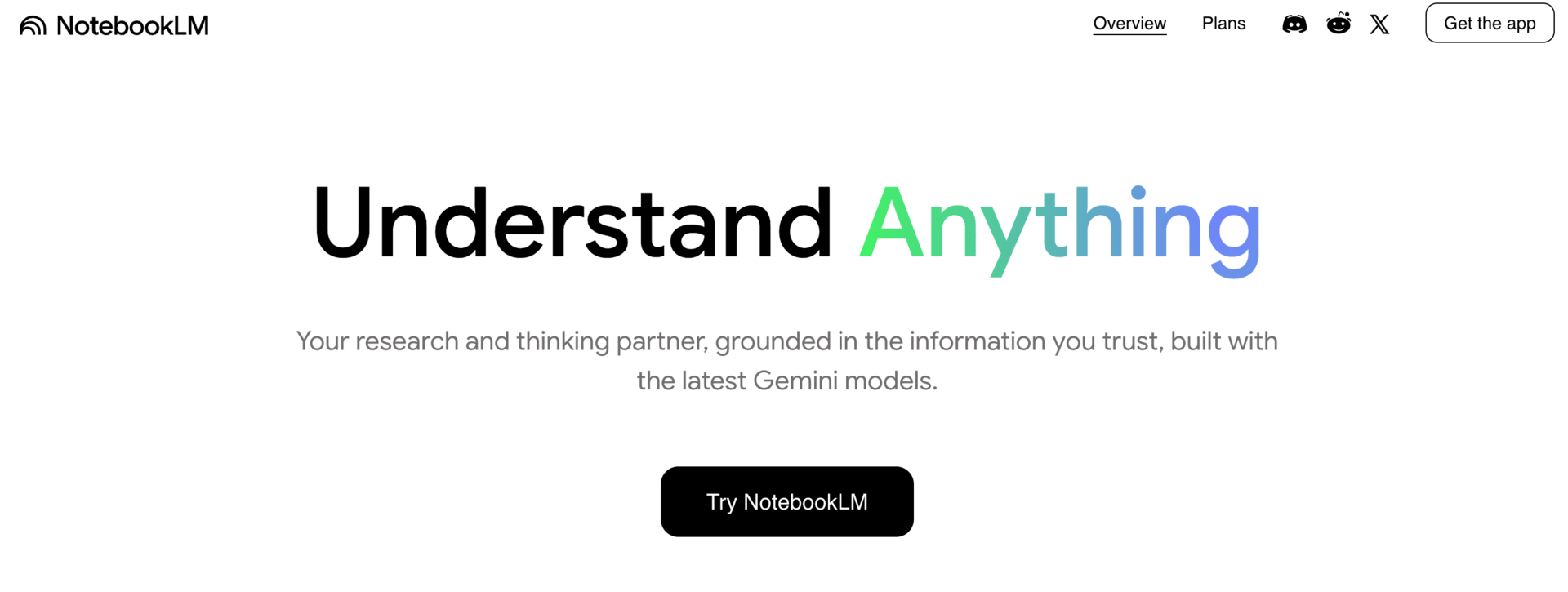
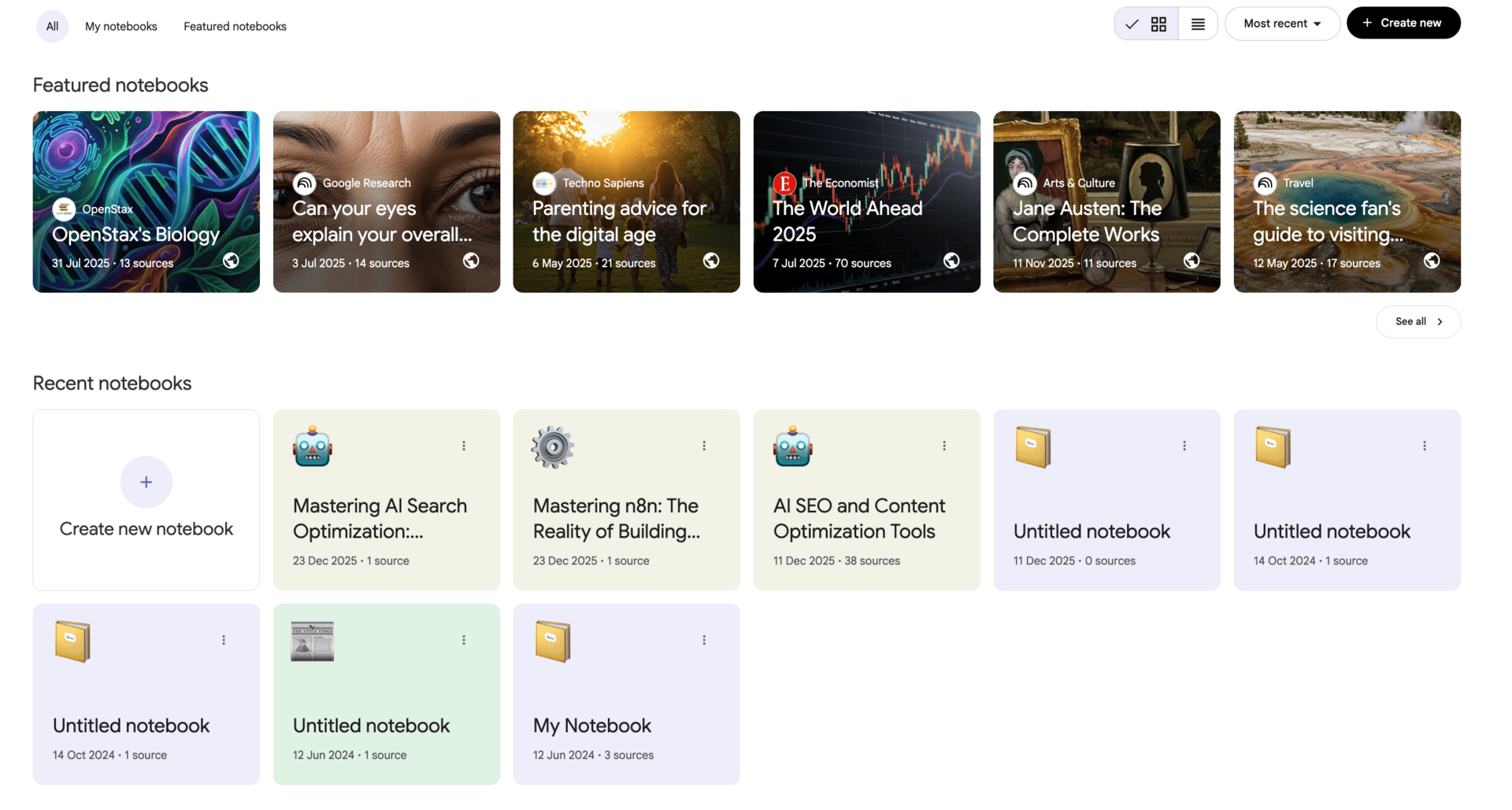
Notebook LM lets you pull all your material into one place and ask smart questions across it. PDFs, links, notes, Google Docs, everything lives inside a single workspace, backed by Google’s AI.
What it does: You upload your sources. Notebook LM reads them as a system, not as isolated files. You can ask questions, explore ideas, and see connections between documents instead of jumping back and forth.
What it creates: From the same content, it can generate audio summaries, mind maps, reports, slide decks, and visual breakdowns. This makes it useful beyond research, especially when you need to explain ideas to others.
Where it’s useful:
Writing long-form content
Research-heavy projects
Course and workshop creation
Making sense of messy notes
Why it matters: Most AI tools guess. Notebook LM stays grounded in your sources. That makes it more reliable and easier to trust as a free AI tool for serious thinking.
Limits: You need to bring your own material. It’s not meant for casual chatting. For structured research, that’s a good thing.
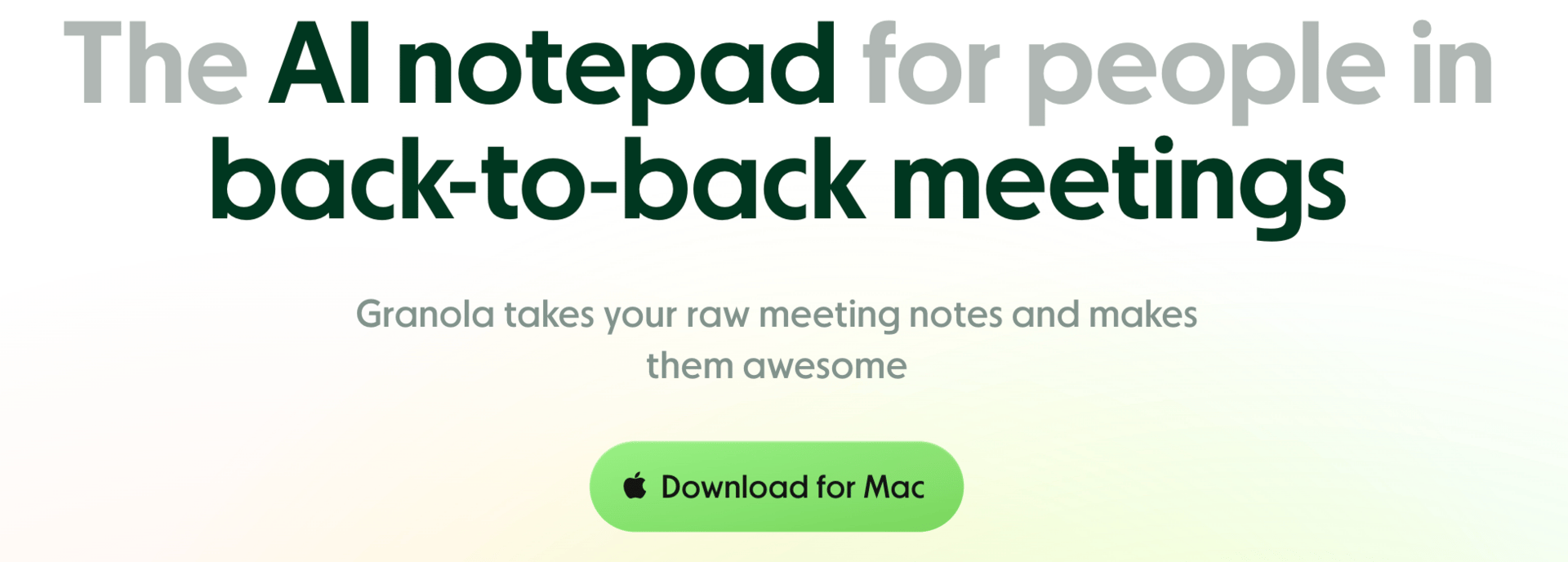
5. Granola: AI That Actually Understands Your Meetings
Most meeting notes are useless. This free AI tool fixes that.
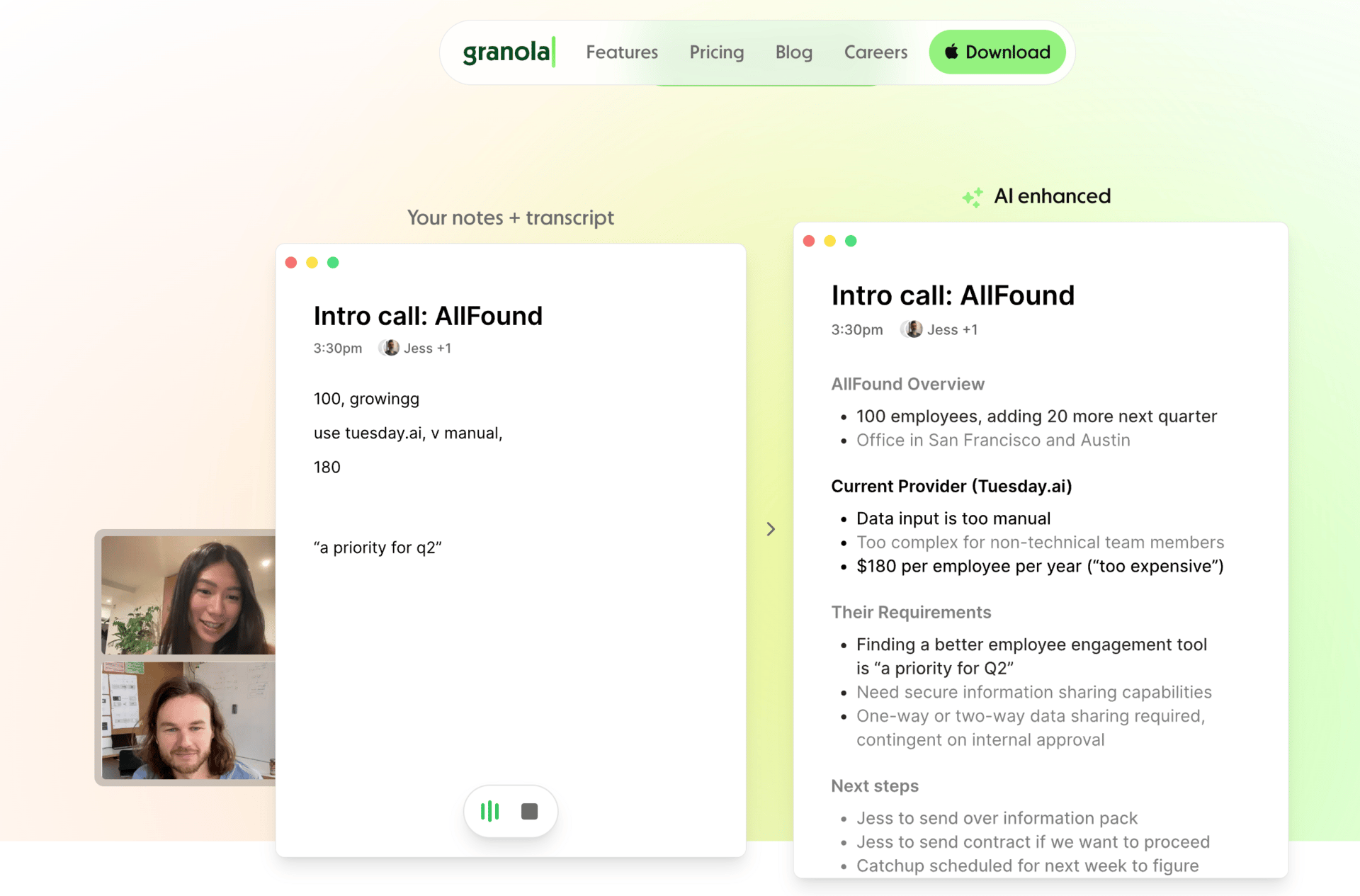
Granola joins your calls, records them, and turns conversations into structured notes you can actually use. It currently works on Mac and integrates smoothly with Zoom.
What it does: Granola transcribes the meeting, then organizes it into clear sections. You can talk to the transcript, pull summaries, and apply pre-built workflows called “recipes,” like TL;DRs or follow-up drafts.
Where it’s useful:
Client and team meetings
Calls you don’t want to rewatch
Writing follow-up emails in one click
Sending notes to Notion or Slack
Why it matters: This isn’t just transcription. Granola understands context and outcomes. As a free AI tool, it saves time after meetings, not just during them.
Limits: It’s Mac-only for now. If you’re on Windows, alternatives exist, but Granola’s free plan is generous and holds up well for frequent calls.
6. Goblin Tools: Break Overwhelming Tasks Into Actionable Steps
This free AI tool is simple, fast, and surprisingly effective.
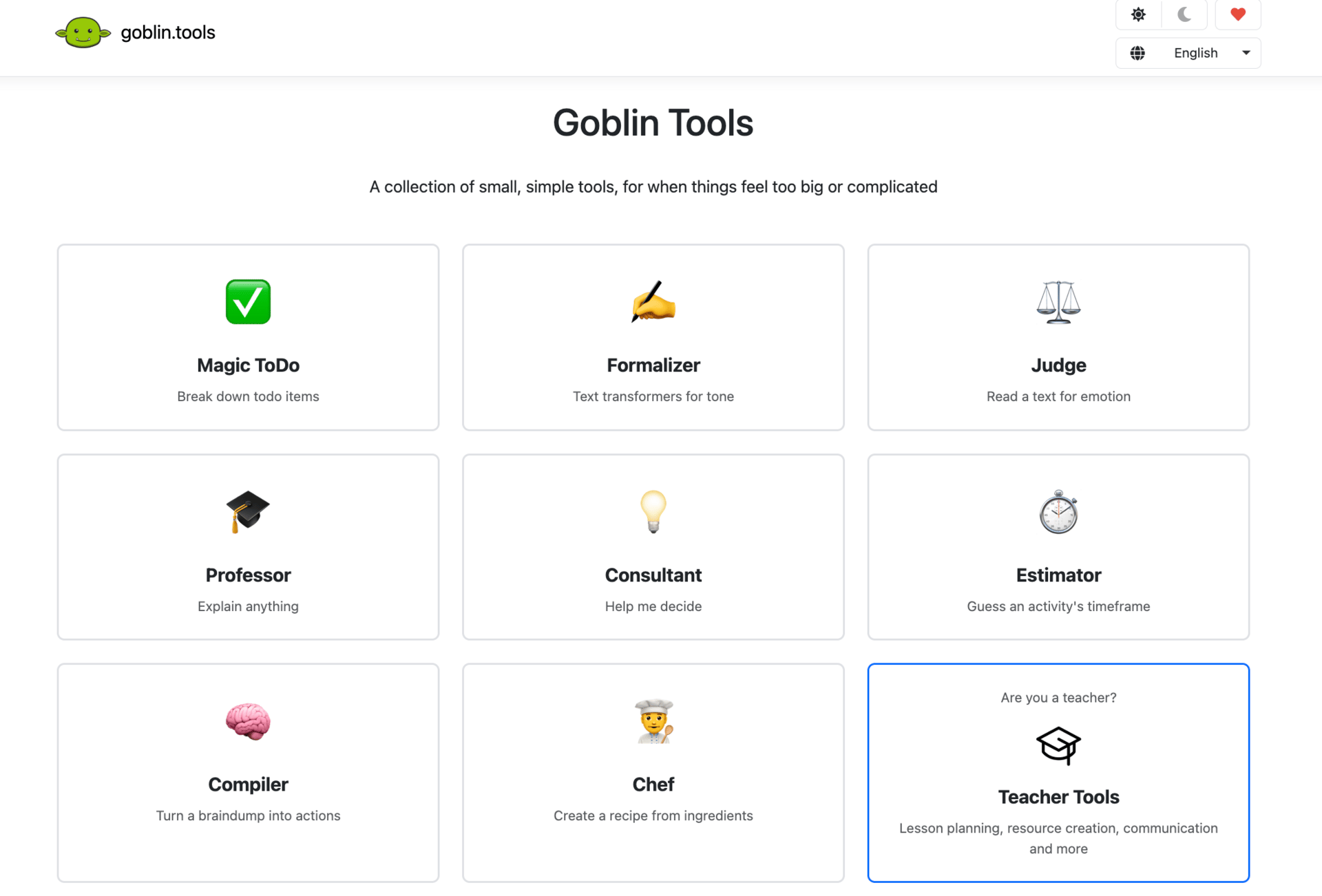
Goblin Tools is designed to help when tasks feel too big or messy. It’s especially popular with neurodivergent users, but it works for anyone who gets stuck staring at a blank to-do list.
What it does: You type one sentence, like a project idea. Goblin Tools breaks it into clear, actionable steps. It also includes tools to turn brain dumps into tasks, adjust tone, analyze emotion, and simplify text.
Where it’s useful:
Planning projects without overthinking
Turning ideas into next steps
Reducing overwhelm when starting something new
Pairing with voice-to-text tools for fast planning
Why it matters: Most productivity tools add complexity. This one removes it. As a free AI tool, it gives instant clarity without forcing a system on you.
Limits: It’s not a full task manager. Think of it as the thinking step before execution.
7. mymap.ai: Turn Ideas Into Visual Workflows
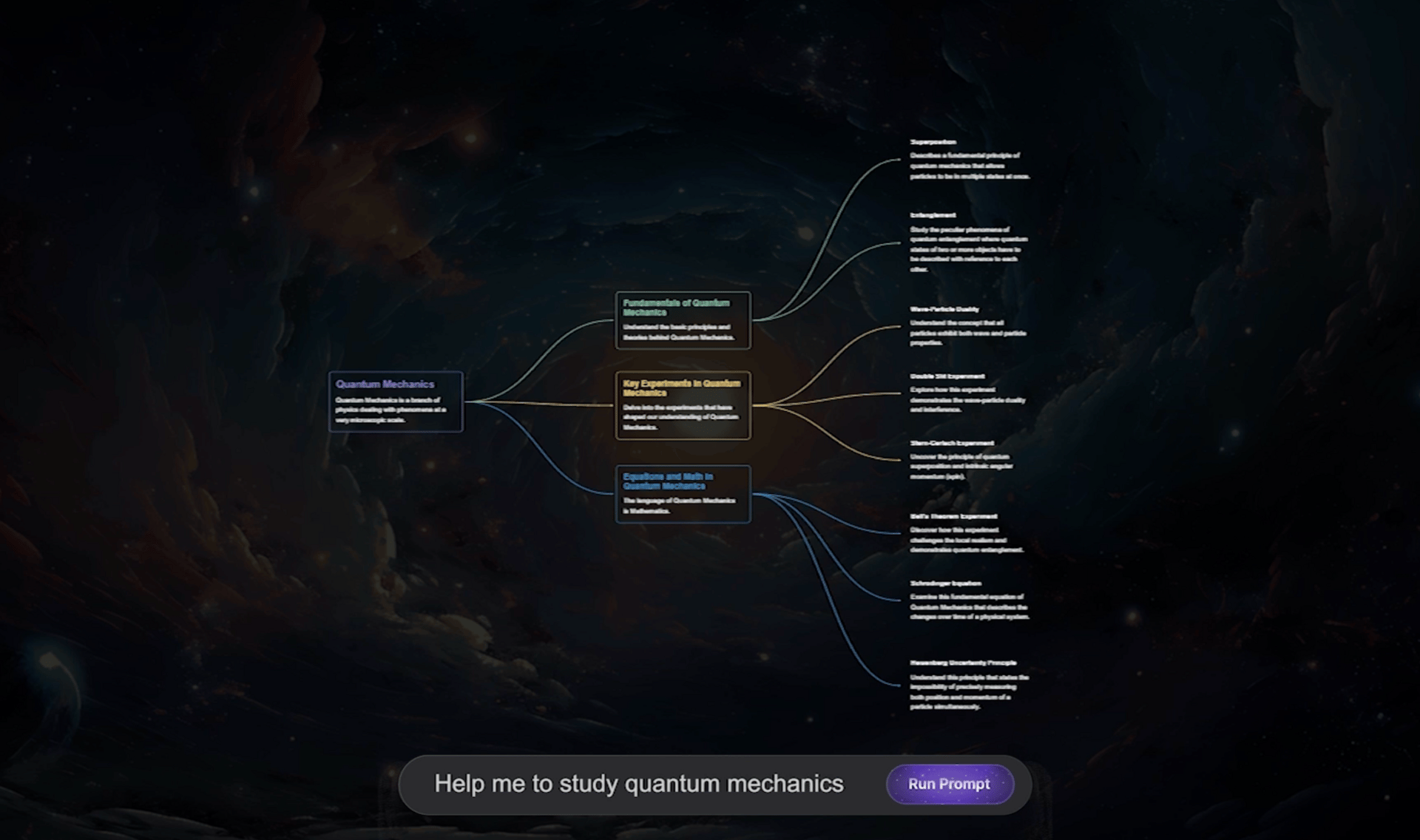
This free AI tool helps you see how things actually work. mymap.ai turns plain text into visual maps. You describe a process, and it builds flowcharts, mind maps, or simple diagrams in seconds.
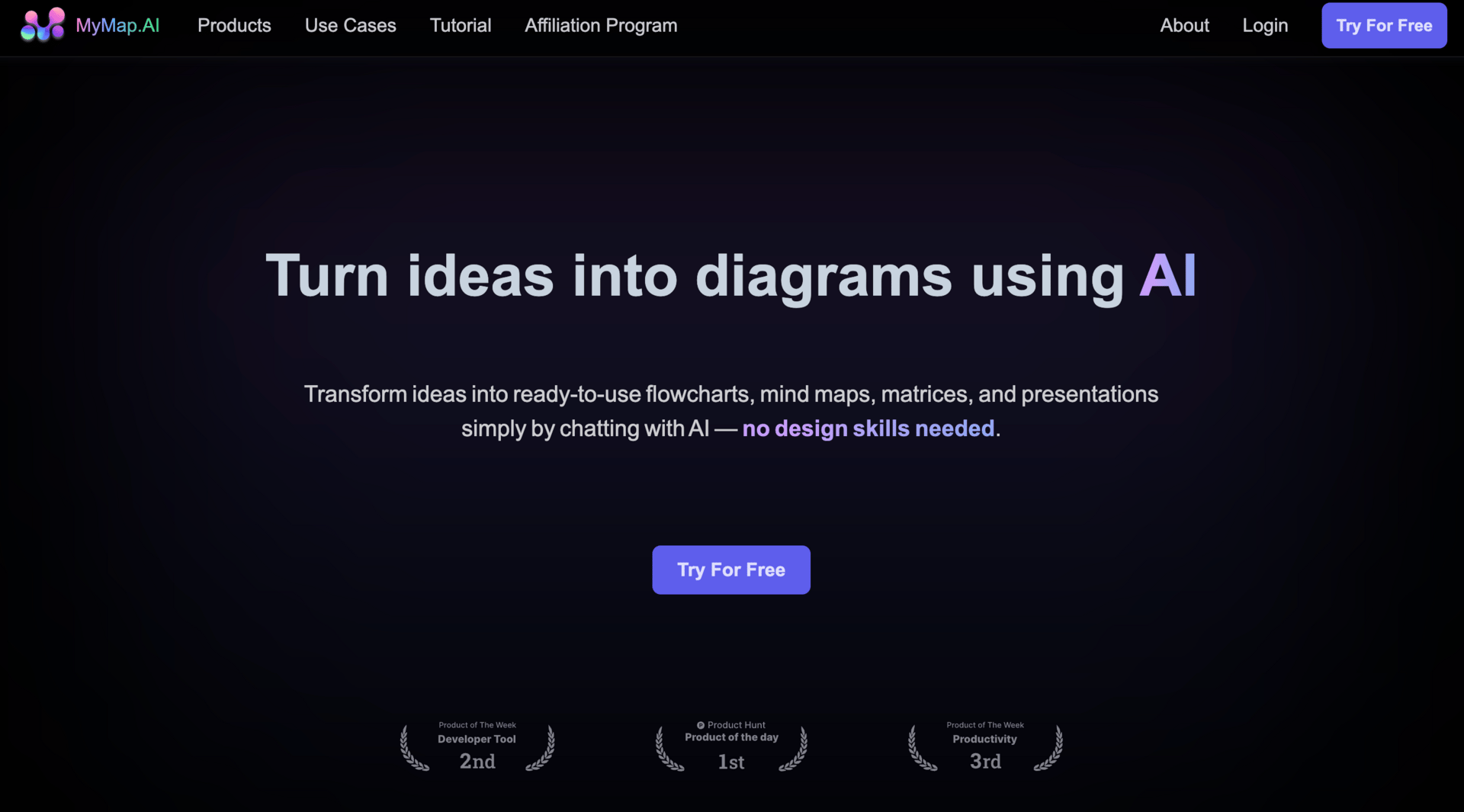
What it does: You enter a few steps or an idea. mymap.ai converts it into a visual structure. You can edit nodes, add steps, or ask the AI to refine the flow. No design skills needed.
Where it’s useful:
Mapping business or AI workflows
Understanding processes before automating
Explaining systems to teammates or clients
Turning messy ideas into something clear
Why it matters: Seeing a workflow changes how you think about it. This free AI tool makes it easier to spot gaps, unnecessary steps, and places where automation makes sense.
Limits: The visuals are functional, not pretty. For most people, the free plan is enough unless you’re building diagrams daily.
8. Napkin AI: Turn Dense Text Into Clean Visuals
This free AI tool is built for explaining ideas fast.
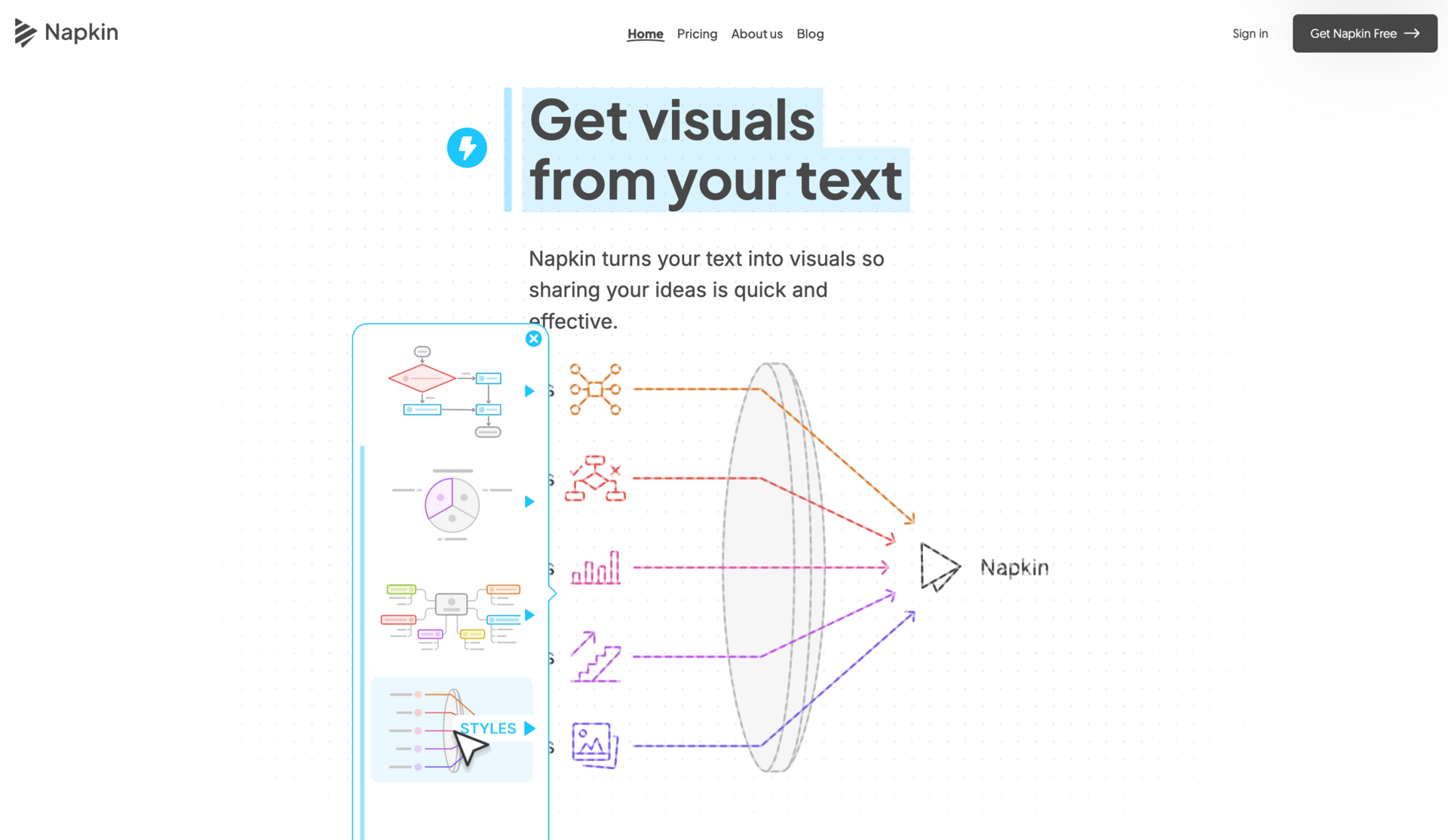
Napkin AI takes written content and turns it into simple visuals. You highlight text, click generate, and get diagram-style outputs you can edit and reuse.
What it does: You select a paragraph or bullet points. Napkin AI suggests visual layouts that match the meaning of your text. Fonts, colors, and structure are editable, so you’re not locked into one style.
Where it’s useful:
Slides and presentations
Explaining frameworks or processes
Educational content
Social posts based on long text
Why it matters: Dense text is hard to scan. Visuals make ideas stick. As a free AI tool, Napkin AI helps you move from words to clarity without design work.
Limits: Visual styles can feel repetitive over time. For quick explanations, it’s still very effective.
9. Headline Studio: Test Headlines Before You Publish
A headline decides whether anyone clicks. This free AI tool helps you check it before publishing.
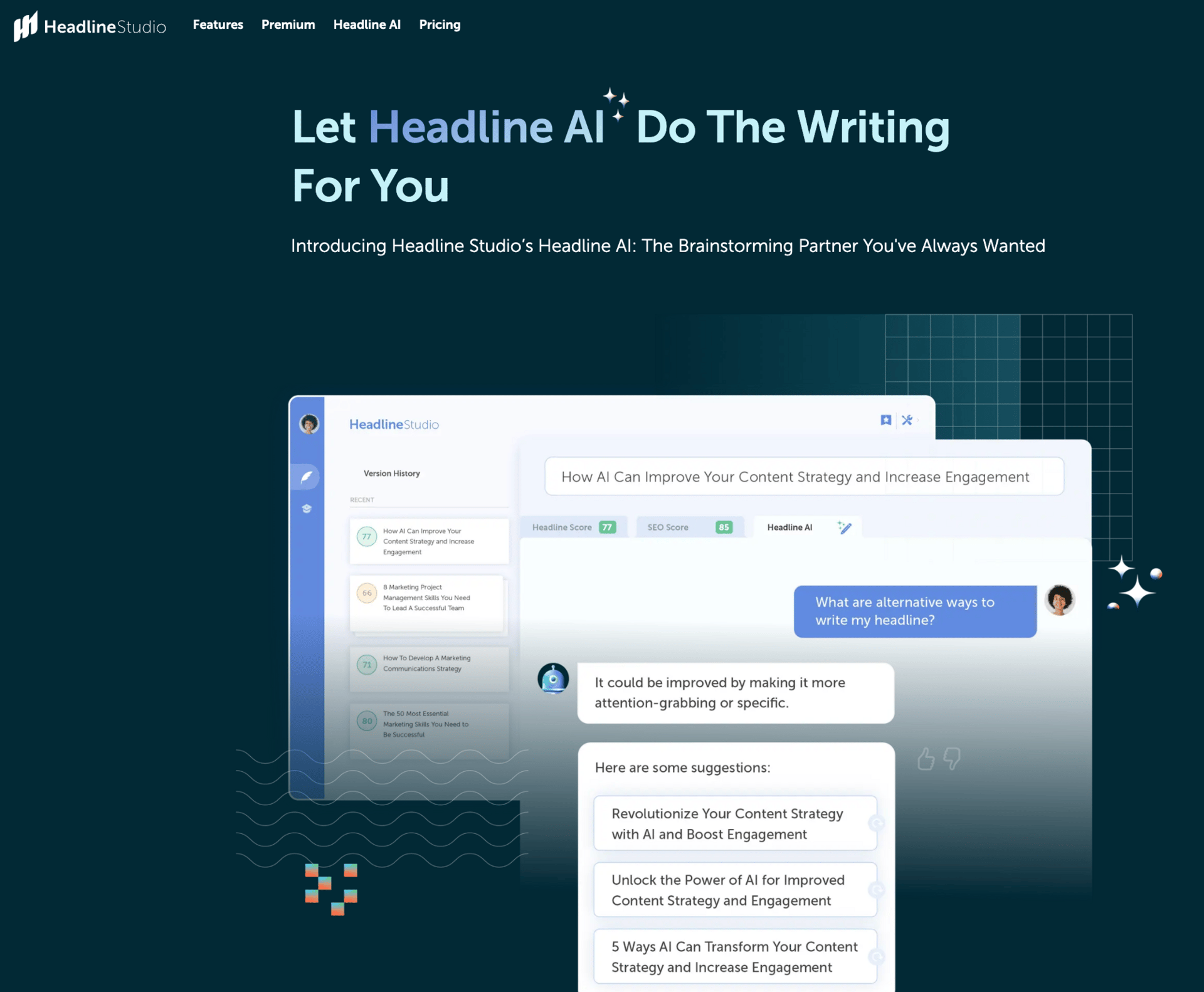
Headline Studio scores your titles and explains what’s working and what’s not.
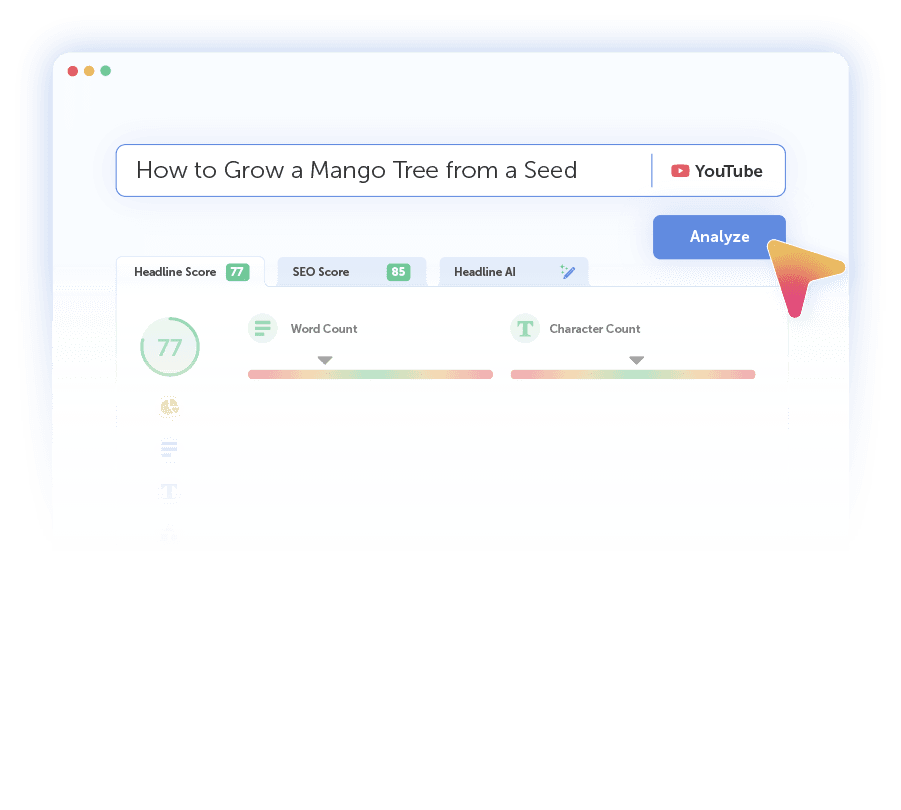
What it does: You paste in a headline. It analyzes clarity, emotion, word balance, length, and structure. You also see how the title might appear on search engines or social platforms.
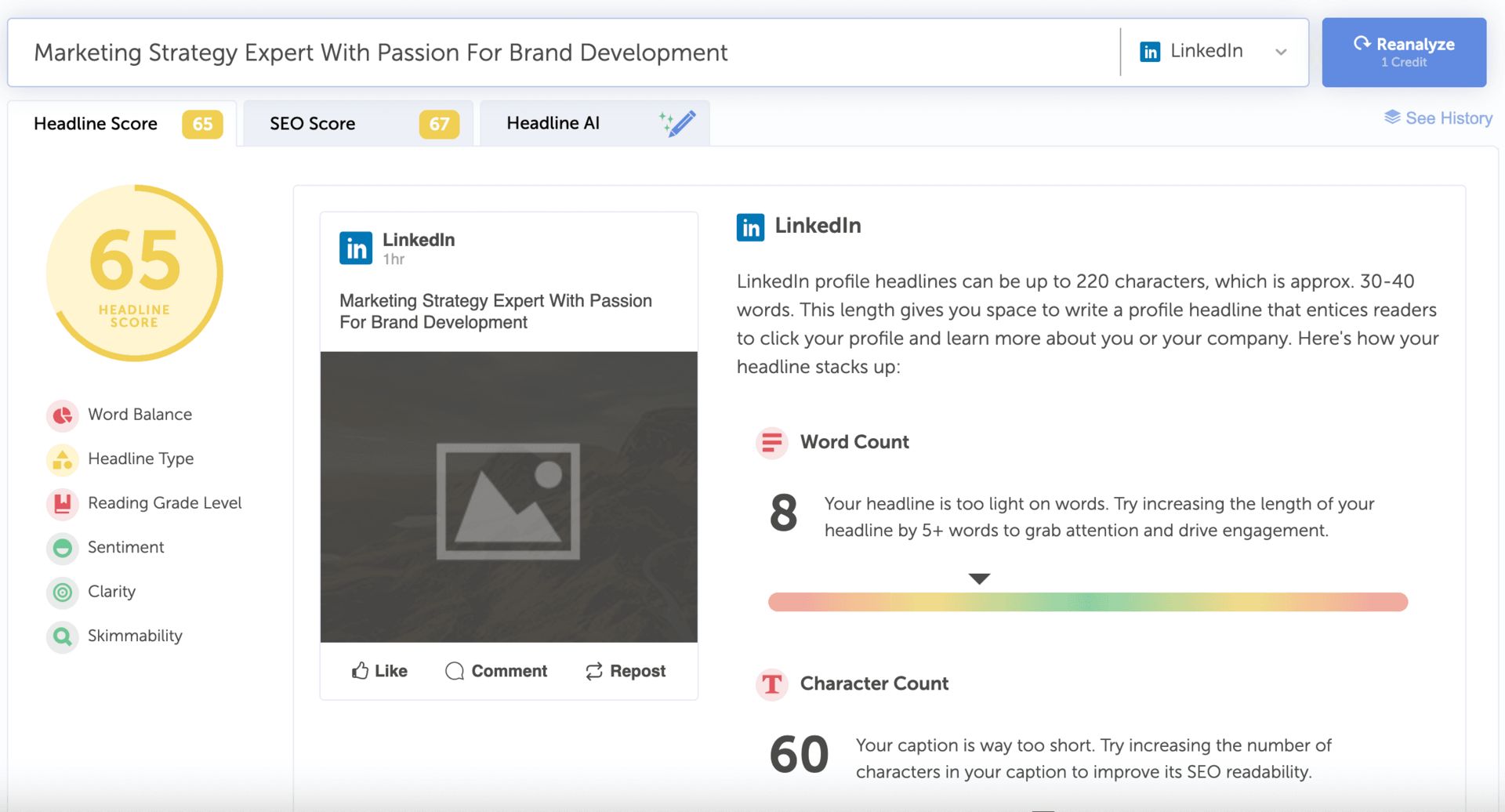
Where it’s useful:
Blog titles
YouTube video titles
Email subject lines
Social captions
Why it matters: Headlines drive clicks. Small improvements can change results fast. As a free AI tool, this gives instant feedback without guessing.
Limits: Advanced SEO scoring and AI rewrite suggestions are paid features. The free analysis is still enough for testing and improving most headlines.
10. n8n: The Most Powerful Free Automation Tool (If You’re Technical)

This is the most advanced free AI tool on this list. It’s powerful, flexible, and not beginner-friendly.
n8n is an open-source automation platform. The community edition is completely free if you self-host it. You can build multi-step workflows, connect apps, and run AI agents at scale.
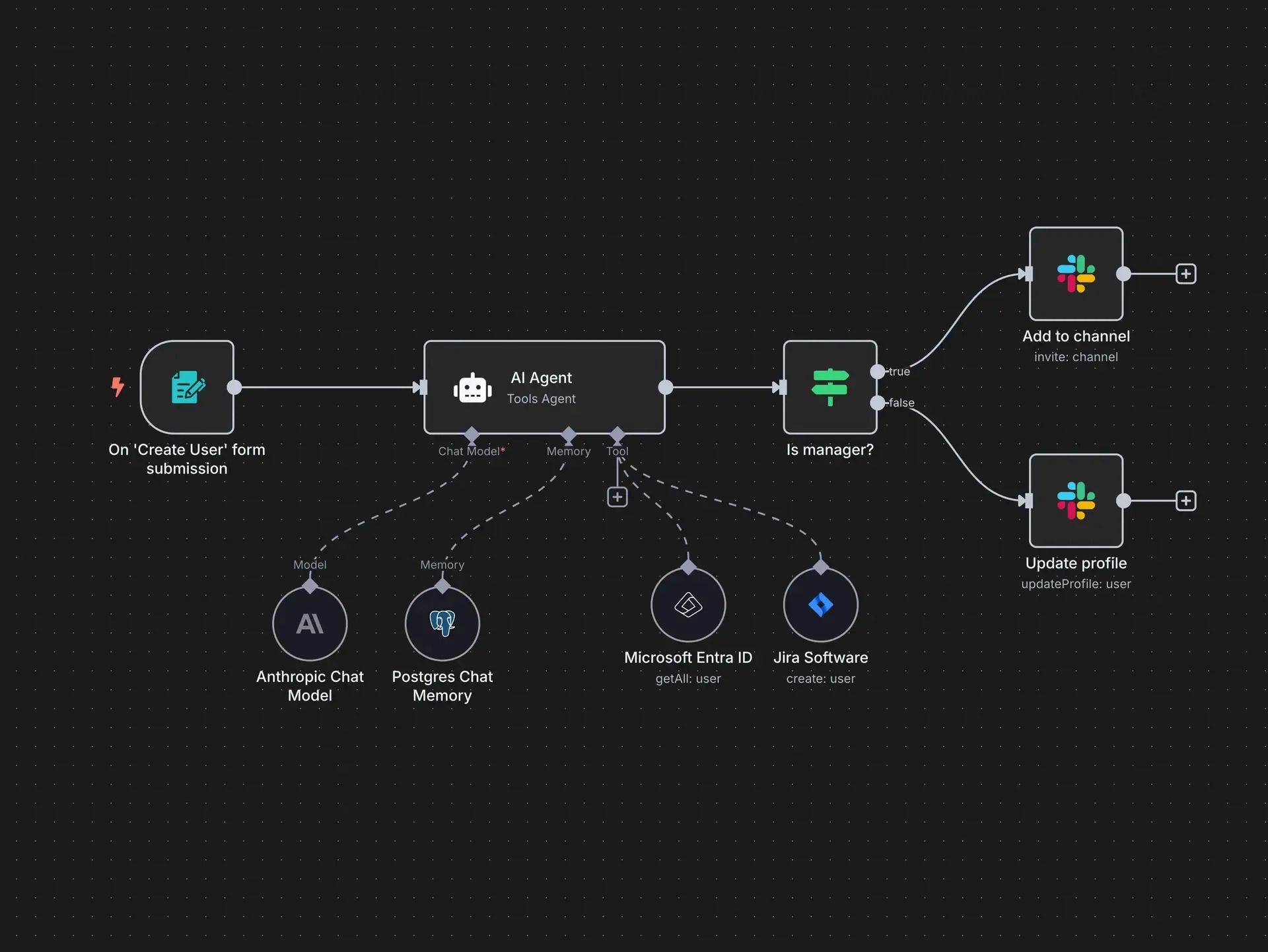
What it does: You design workflows visually. Each step can be an app, a trigger, or an AI action. You can chain logic, store data, call APIs, and automate complex processes end to end.
Where it’s useful:
Building custom AI agents
Automating internal business workflows
Connecting multiple apps without limits
Scaling automation without per-task fees
Why it matters: Most automation tools charge per action. n8n doesn’t. As a free AI tool, it gives full control and scales as far as your infrastructure allows.
Limits: You need technical comfort. Setup requires Docker or terminal work. If you’re new to automation, start simpler and come back to n8n later.
11. ChatHub: Compare AI Model Outputs Side by Side
This free AI tool helps you see how different models think, not just what they answer.
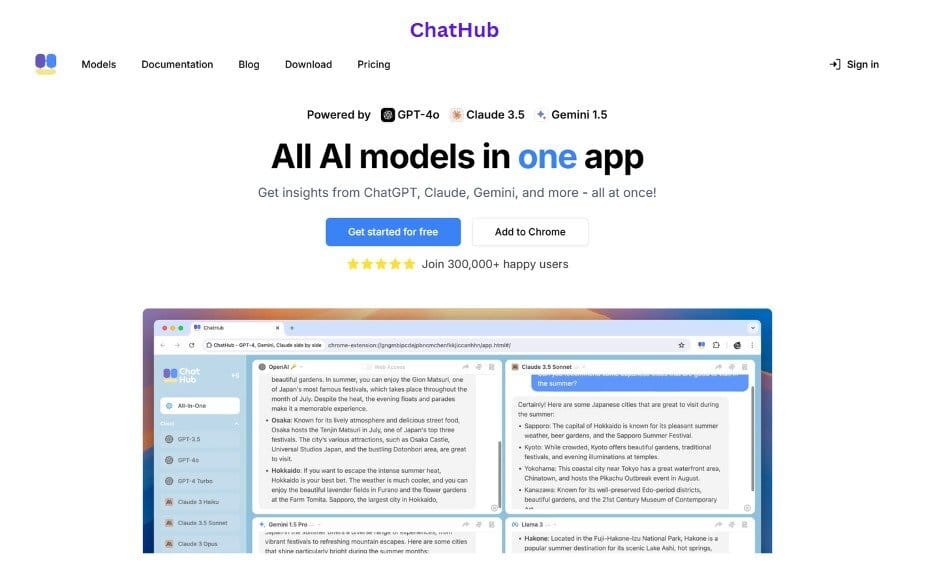
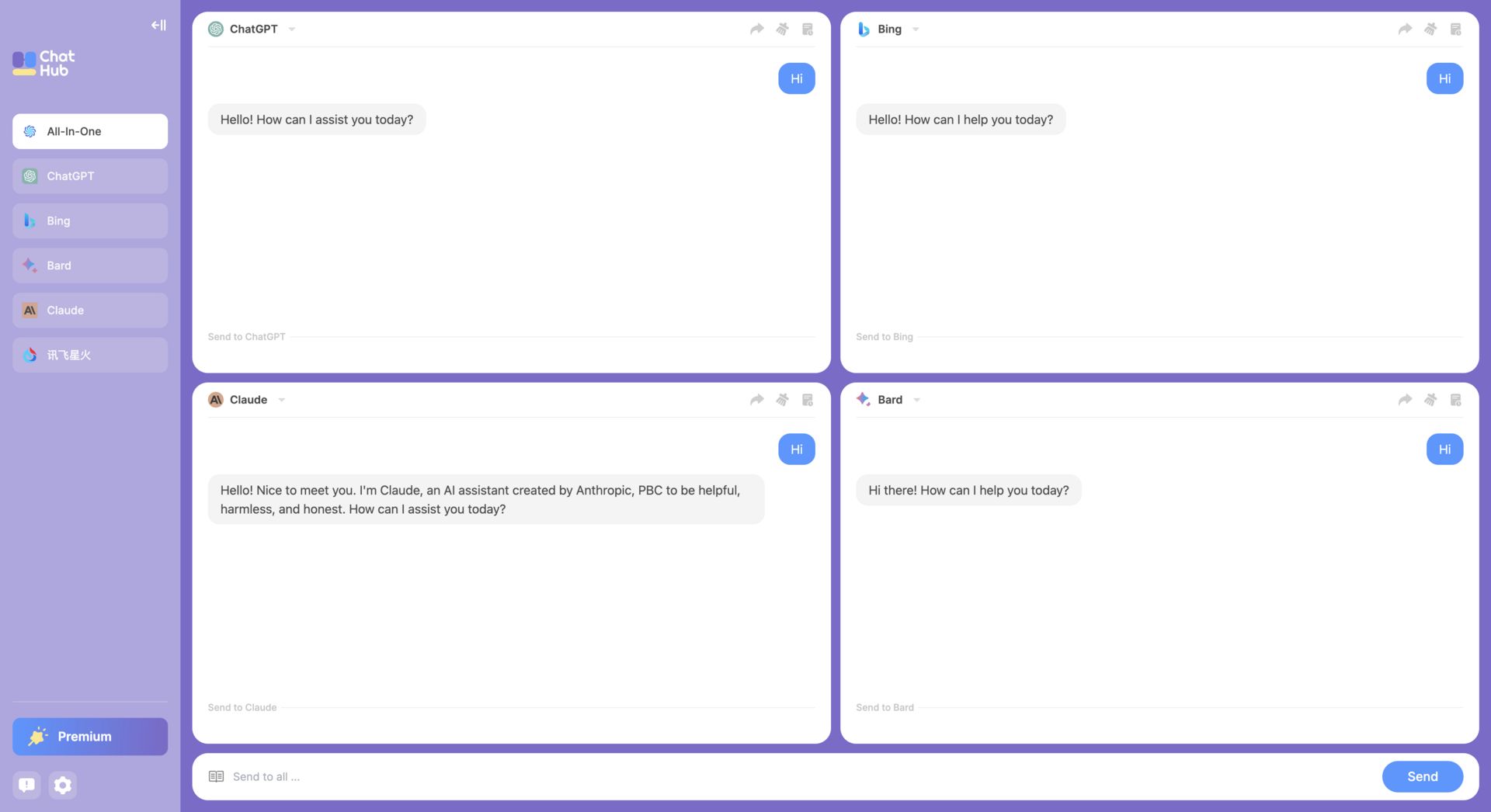
ChatHub lets you run one prompt across multiple AI models at the same time. You get the outputs side by side, instantly.
What it does: You choose the models you want to compare, paste a prompt, and ChatHub shows each response in parallel. It works in the browser and as a Chrome extension, which makes testing fast.
Where it’s useful:
Prompt testing
Comparing reasoning styles
Choosing the right model for a task
Learning how different AI models respond
Why it matters: Not all AI models think the same way. This free AI tool makes those differences obvious, which helps you write better prompts and pick the right tool faster.
Limits: The free version is best for casual testing. Heavy daily use and advanced features require an upgrade.
12. Snipd: Get More Value From Podcasts Without Re-Listening
If you listen to podcasts often, this free AI tool helps you keep the useful parts without replaying episodes.
Snipd is an AI-powered podcast app that turns long episodes into summaries, highlights, and saved insights.
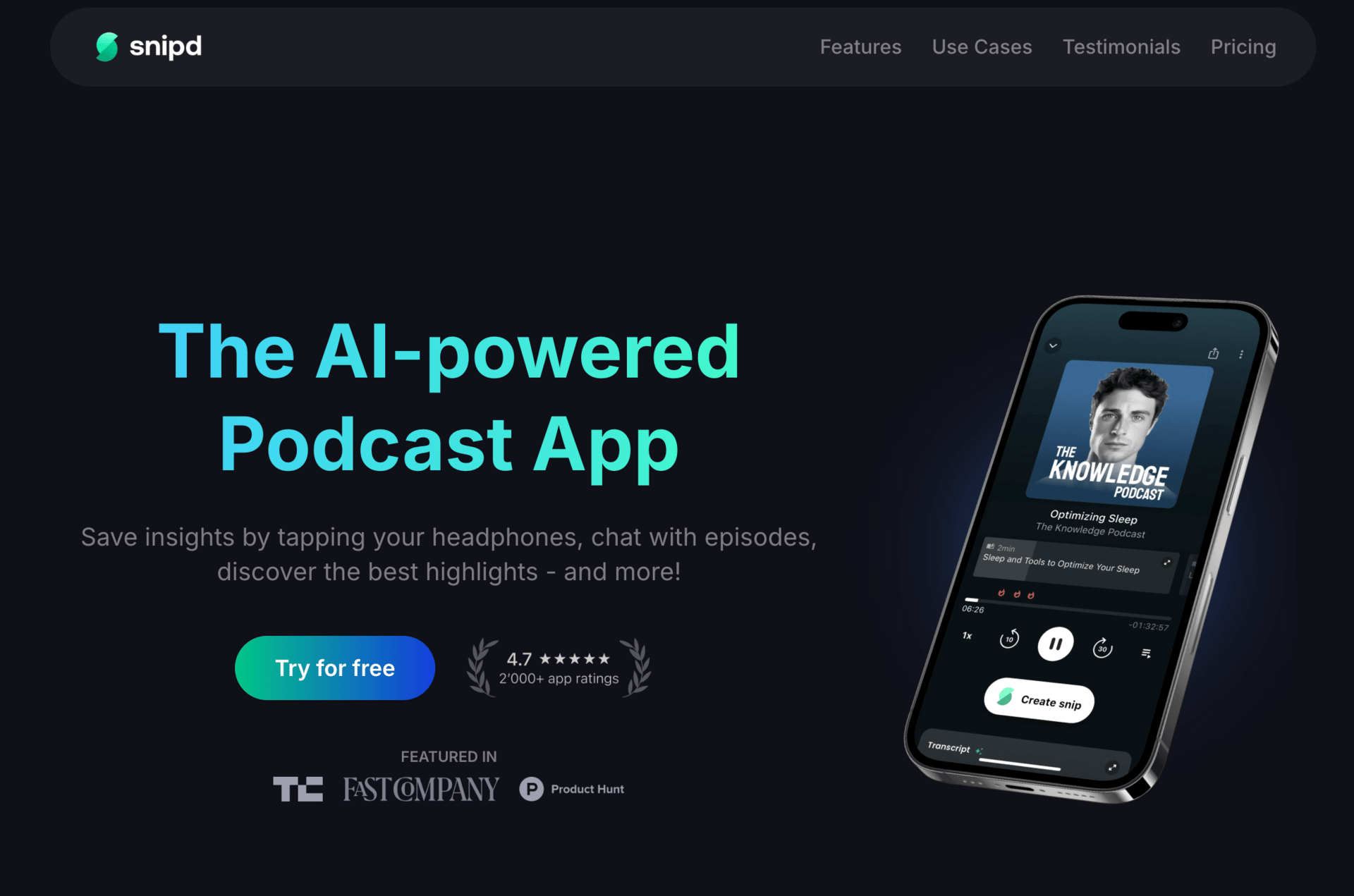
What it does: Snipd generates AI summaries before you listen. While playing an episode, it shows chapters, transcripts, and key quotes. You can save specific moments as “snips” and come back to them later.
Where it’s useful:
Learning from long podcast episodes
Saving ideas without taking notes
Reviewing insights quickly
Turning passive listening into active learning
Why it matters: Podcasts are full of value, but most of it gets forgotten. As a free AI tool, Snipd helps you capture and reuse what matters without extra effort.
Limits: Chatting with episodes and some advanced features require an upgrade. For summaries and saved insights, the free plan is generous.
13. Perplexity AI: AI Search That Thinks and Shows Sources
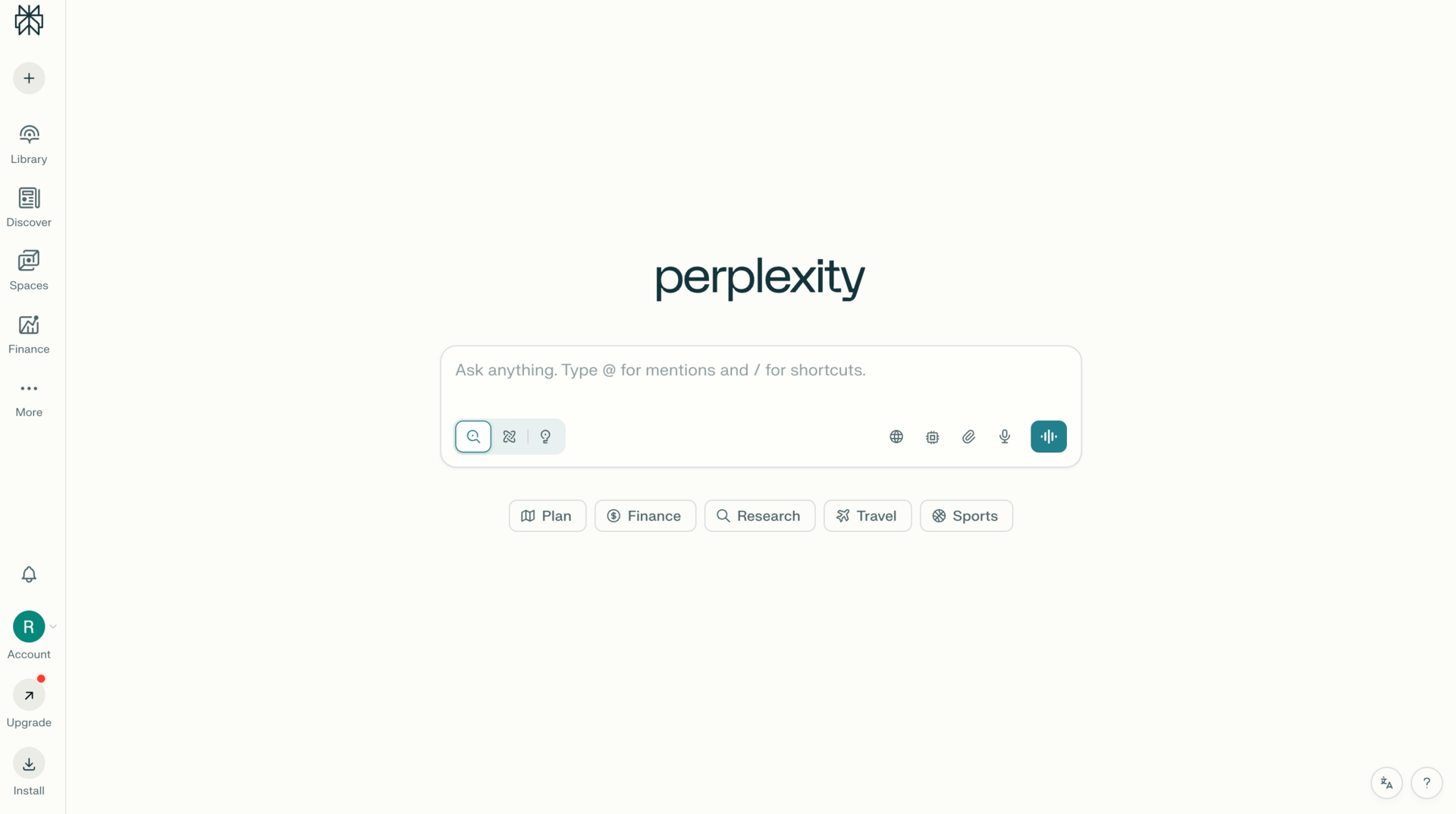
Perplexity AI combines search, reasoning, and citations into one interface.
What it does: You ask a question. It answers clearly and shows where the information comes from. This makes it useful for research, validation, and learning without guessing.
Where it’s useful:
Research and market analysis
Learning new topics quickly
Validating ideas before building
Replacing Google + Reddit + StackOverflow
Why it matters: Most AI answers sound confident. This one proves its answers. As a free AI tool, that makes it safer to rely on for real decisions.
Limits: Advanced “Pro” reasoning is limited per day on the free plan. For deep, complex analysis, you may need to wait or upgrade.
14. tldraw AI: Think Visually With AI, Not Just Text
tldraw is an AI-powered canvas for sketching ideas and turning them into visuals.
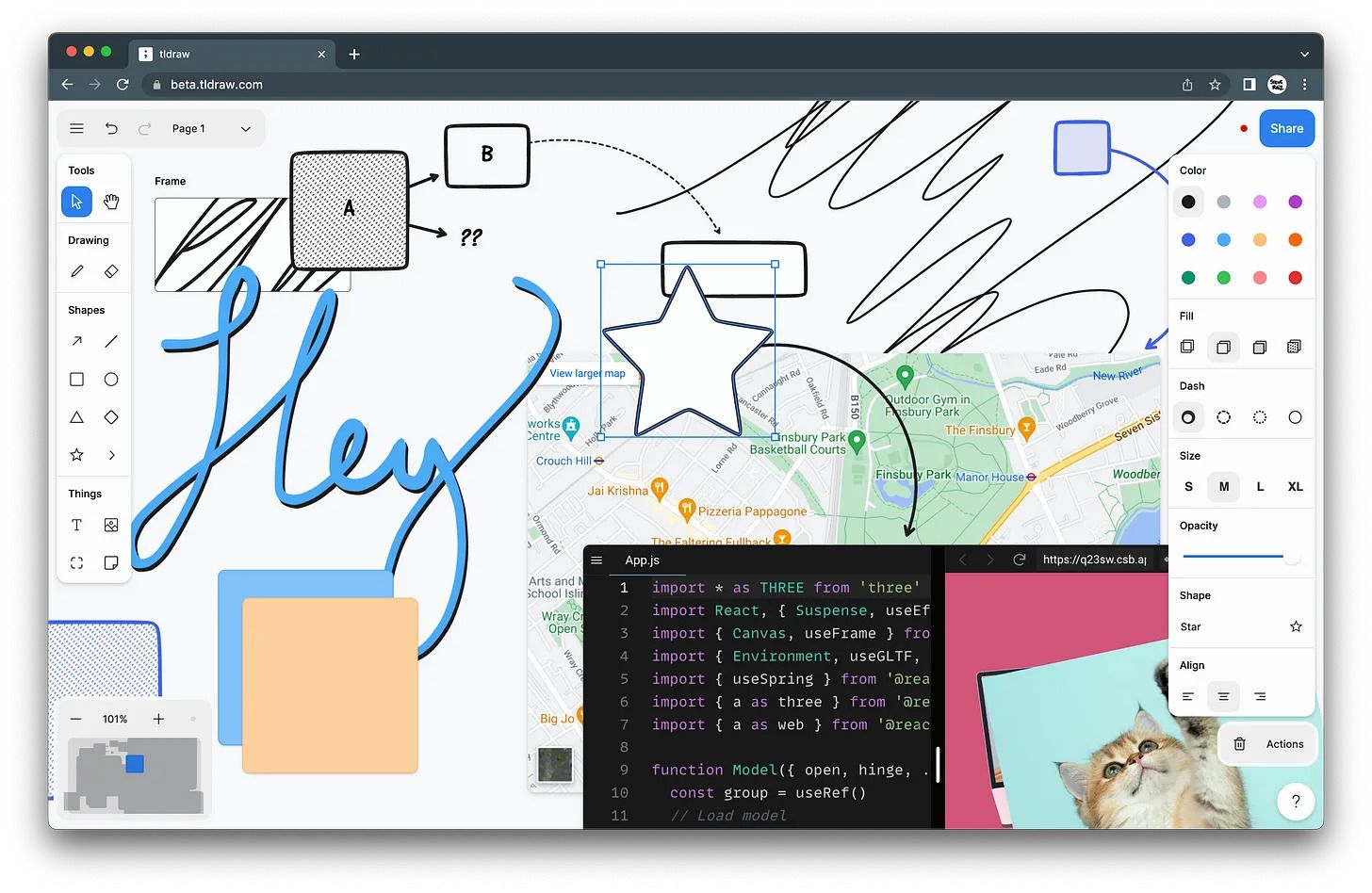
What it does: You draw roughly or type an idea. The AI cleans it up or turns it into a diagram. It feels natural, fast, and flexible.
Where it’s useful:
Early-stage ideation
Product and workflow thinking
Explaining ideas visually
Moving from messy thoughts to structure
Why it matters: Some ideas don’t start as text. As a free AI tool, tldraw supports visual thinking before things become formal.
Limits: It’s not built for polished, presentation-ready diagrams. For structured or final workflows, you’ll still want tools like mymap.ai.
15. OpenRouter: Access Multiple AI Models Without Paying for Each One
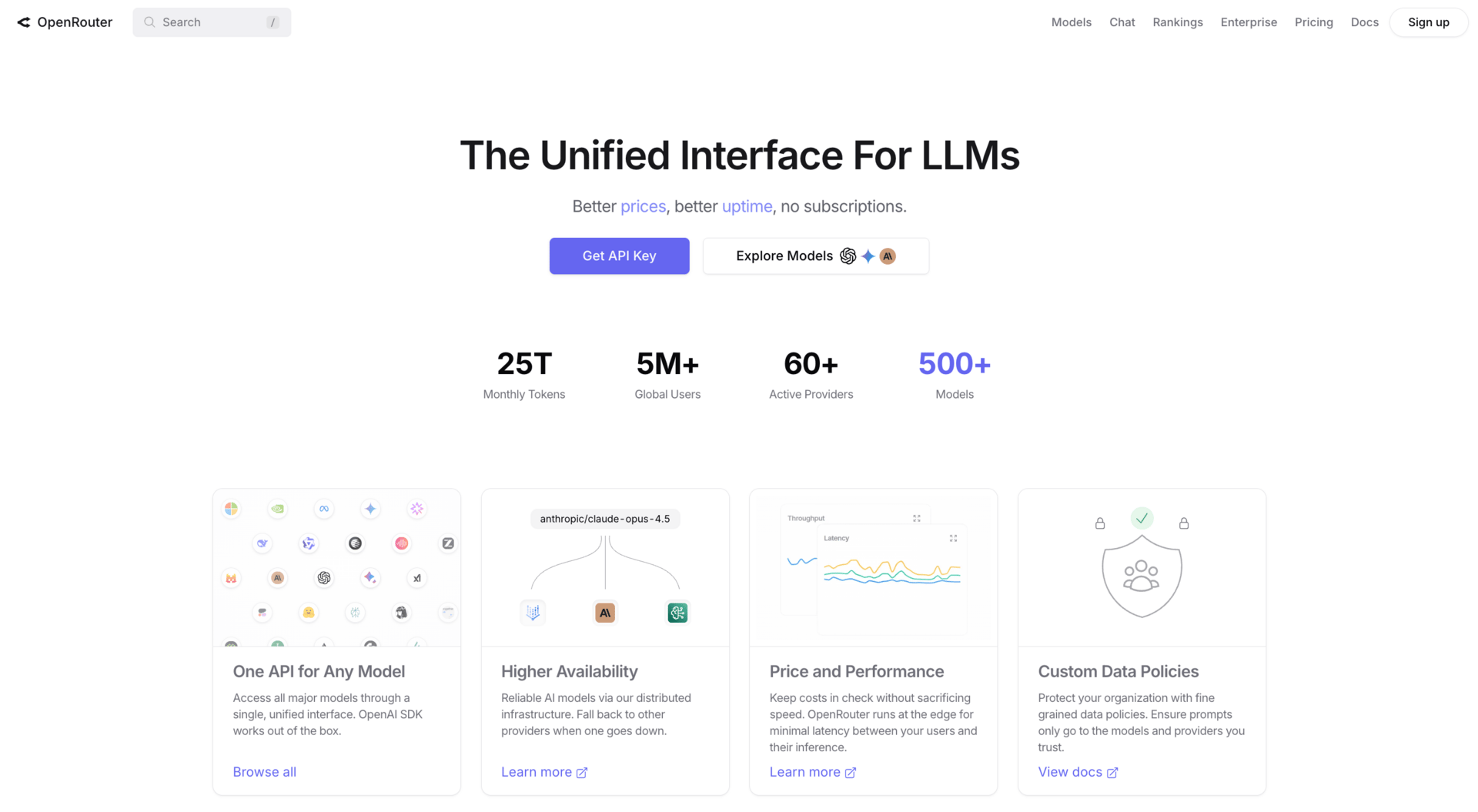
OpenRouter gives you access to multiple AI models through one interface or API.
What it does: You can test and compare models like GPT, Claude, Gemini, and open-source options without subscribing to each service separately.
Where it’s useful:
Comparing model behavior
Prompt experimentation
Building AI-powered apps
Testing models before committing
Why it matters: Different models give different results. As a free AI tool, OpenRouter lets you explore those differences cheaply and flexibly.
Limits: Some models have usage caps or small per-token costs. It’s not a beginner-friendly UI, and works best if you’re comfortable experimenting.
How to Choose the Right Free AI Tools (Without Tool Overload)
The problem isn’t a lack of free AI tools. The problem is using too many without a clear purpose.
I’ve seen people bookmark dozens of tools and still feel stuck. The fix is simple: stop choosing tools by hype and start choosing them by function.
A simple framework that works: Instead of asking, “Is this tool cool?”, ask, “What job does this do for me?”
Every free AI tool should fall into one of four buckets.Creation tools: These help you produce output faster. Writing, visuals, audio, headlines, content drafts. If a tool helps you publish something, it belongs here.
Thinking tools: These help you research, validate, connect ideas, or make decisions. They don’t create final output. They help you think better before you create.
Automation tools: These reduce manual work. They move information, trigger actions, or connect systems. If a tool saves you repeated effort, it goes here.
Learning tools: These help you absorb information faster. Summaries, explanations, highlights, or structured learning from long content.
You don’t need multiple tools in the same bucket. One strong tool per category is usually enough.
Avoid this mistake:
The most common mistake is collecting tools without workflows. You try a tool once, feel impressed, then move on. Nothing sticks because nothing connects.
Another mistake is using AI without intention. Running prompts without knowing what you want at the end leads to wasted time, not leverage.
Before adding a new free AI tool, answer one question: What problem will this remove from my week?
If you can’t answer that clearly, you don’t need the tool.
Start with one category. Pick one tool. Build one simple workflow. Once that works, add the next layer. That’s how free AI tools stop being distractions and start becoming an advantage.
Conclusion: Free AI Is the New Advantage
A free AI tool isn’t something you “try and forget” anymore. In 2026, many of these tools are strong enough to become part of your daily work.
The edge comes from using fewer tools with more intention. Don’t aim to explore everything. Aim to remove one recurring problem from your week.
Here’s a simple way to act on this:
Pick one free AI tool from this list
Tie it to one specific task you already do
Turn that task into a repeatable workflow
For example, summarize emails every morning. Turn meeting notes into follow-up emails. Validate ideas before you build them. Small changes like this compound fast.
Once one workflow feels automatic, add the next one. Over time, you’re not just using AI. You’re stacking leverage, one practical system at a time.
That’s where free AI tools stop being interesting and start being useful.
If you are interested in other topics and how AI is transforming different aspects of our lives or even in making money using AI with more detailed, step-by-step guidance, you can find our other articles here:
This “Super Agent” Update Changed How You Work (ChatGPT Can Compete or Not?)
The “Lazy” AI Flywheel: How I’d Build Income With 10 Tools in 2026
*indicates a premium content, if any
What do you think about the AI Tool series? |
Reply