- AI Fire
- Posts
- 🚀 From Confused to Confident: The AI Skills That Actually Carry Forward
🚀 From Confused to Confident: The AI Skills That Actually Carry Forward
A beginner-to-advanced guide for working with AI, not just using it.

Robin Do
April 13, 2026
TL;DR
AI trends in 2026 are no longer optional. AI is already part of daily work, and the real advantage comes from skills, not tools.
This article shows you which AI skills actually matter and how to learn them in the right order.
You’ll learn how to move from basic AI understanding to advanced skills like workflow automation, AI agents, and AI-assisted building. The focus is on using AI in real work, not demos or hype. Each section explains not just what the skill is, but how to apply it step by step.
By the end, you’ll understand what AI skills you should learn in 2026 and how to prepare for AI jobs without chasing every new tool or trend.
Key points
• AI is becoming infrastructure, not a standalone tool.
• Common mistake: collecting tools instead of building skills.
• Practical takeaway: master prompting first before anything else.
Critical insight
From real testing, most AI frustration comes from unclear thinking, not weak tools.
How do you actually use AI right now? |
Table of Contents
Introduction
Let me be clear with you. In 2026, AI trends are no longer something you casually follow. AI is already part of how work actually happens. Emails, research, reports, hiring decisions, product ideas, even how teams think through problems. AI is already there, whether you actively use it or not.
I’ve spent months testing AI tools in real workflows, not demos. What I keep seeing is this: many people touch AI, but very few know how to use it in a way that actually saves time, improves decisions, or gives them leverage at work. That gap is getting bigger.
AI is becoming infrastructure. Just like the internet did years ago, it’s fading into the background. You won’t sit down and say, “Now I will use AI.” Instead, AI will either support how you think and work, or you’ll feel slower and more confused without knowing why.
That’s why asking “Which AI tool should I learn?” is the wrong starting point. Tools change fast. The better question is what AI skills should I learn in 2026 so I don’t have to start over every time something new comes out.
Skills last. Tools don’t.
If you understand the skills underneath, you can move between tools easily. If you don’t, every new AI trend feels overwhelming, and you’ll always feel one step behind.
This article is not a tool list. I’m not here to hype anything. I want to show you, step by step, how to build the skills that actually matter so you understand how to prepare for AI jobs in 2026, even if you’re not technical.
Here’s what I’ll help you do:
Understand which AI trends matter and which ones you can ignore
Learn the core skills from beginner to advanced, in the right order
Use AI in a way that fits real work, not demos
Build skills that transfer across roles, industries, and tools
We’ll start from the basics and move forward carefully. I’ll explain things simply, assume you’re new, and show you how to apply each skill, not just what it is.
I. The AI Foundation Everyone Must Understand
1. What Generative AI Really Is
Before you learn any skills, you need the right mental model. Most confusion around AI trends comes from misunderstanding what generative AI actually does.
Generative AI does one main thing: it predicts the next best output based on patterns in data. That output can be text, images, audio, code, or video. It does not “think.” It does not understand meaning the way humans do. It is very good at pattern matching, summarizing, transforming, and generating variations.
What it can do well:
Rewrite, summarize, and structure information
Explain concepts at different levels
Generate drafts, ideas, and outlines
Analyze patterns in text, data, or images
What it cannot reliably do:
Know if something is true without guidance
Understand your real-world context automatically
Make judgment calls without constraints
Replace domain knowledge
This is where many beginners get stuck. They think “using AI” means pasting something into a chatbot and accepting the output. That usually leads to shallow results and frustration.
Working effectively with AI means directing it, not consuming it. You stay responsible for thinking, checking, and deciding. AI helps you move faster, not smarter by default.
If you keep this in mind, every skill you learn next will make more sense.
2. The First Essential Skill: Prompting (The AI Multiplier)
Prompting is the first real skill you should learn. Not because it’s trendy, but because it affects everything else you’ll do with AI.
I like to think of prompting as a thinking skill, not a writing trick. You’re not trying to sound clever. You’re trying to be clear.
AI responds to structure. If your input is vague, the output will be vague. If your input is specific and well-scoped, the output improves immediately. This is why prompting is the “swinging the sword” skill. If you can’t control inputs, the tool doesn’t matter.
Here’s a simple rule to remember:
If the AI output feels wrong, the prompt is usually the problem.
2.1. The Two Prompting Frameworks That Beat Most Users
You don’t need dozens of techniques. You only need two frameworks.
Framework 1: Task – Context – References – Evaluate – Iterate
This works best when you want accurate, structured outputs.
Task: What exactly do you want done
Context: Why you need it and for what use
References: Examples, style, or constraints
Evaluate: Check what’s wrong or missing
Iterate: Fix it step by step
Example (simple version):
Summarize this article for a non-technical manager. Focus on risks and decisions, not technical details. Keep it under 200 words.
Framework 2: Role - Audience - Mission - Execution - Notes
This works best for writing, explaining, or teaching.
Role: Who the AI should act as
Audience: Who this is for
Mission: The goal of the output
Execution: Format or structure
Notes: Constraints or tone
Example:
Act as a product manager. Explain this AI feature to a sales team. The goal is clarity, not depth. Use simple language.
You don’t need to memorize names. Just remember the structure. Clear intent, clear context, clear constraints.
2.2. Why Prompting Unlocks Every Other AI Skill
Once you prompt well, three things happen.
First, you get better outputs without changing tools.
Second, hallucinations drop because you guide the scope.
Third, you move faster because you spend less time fixing results.
This is why prompting sits at the foundation of how to prepare for AI jobs in 2026. Every advanced skill builds on it: research, agents, automation, even AI-assisted coding.
If you skip this step, everything later feels harder than it needs to be.
II. Core AI Tool Literacy: The Only AI Tool Categories You Actually Need
One mistake I see all the time is people collecting tools. They subscribe to five, ten, sometimes more, and still feel unproductive. This is where many AI trends create confusion. More tools do not mean more leverage.
You only need to understand a few categories. Once you do, the tools inside each category become interchangeable.
Think in terms of functions, not brands.
1. General AI Chatbots (Your AI Operating System)
A good general chatbot is your starting point. If you master one deeply, you won’t need many others.
A modern chatbot should help you:
Ask and answer questions
Write and rewrite content
Analyze text, images, and simple data
Learn new topics step by step
Do light building, like outlines or simple logic
The skill here is not typing questions. It’s learning how to hold context across a conversation. Treat the chatbot like a working session, not a search bar. Tell it what you’re working on, correct it when it’s wrong, and reuse the same thread when the task is related.
For example, you might choose Gemini and use it as your default AI workspace. I use it the same way I’d use a second brain during the day.
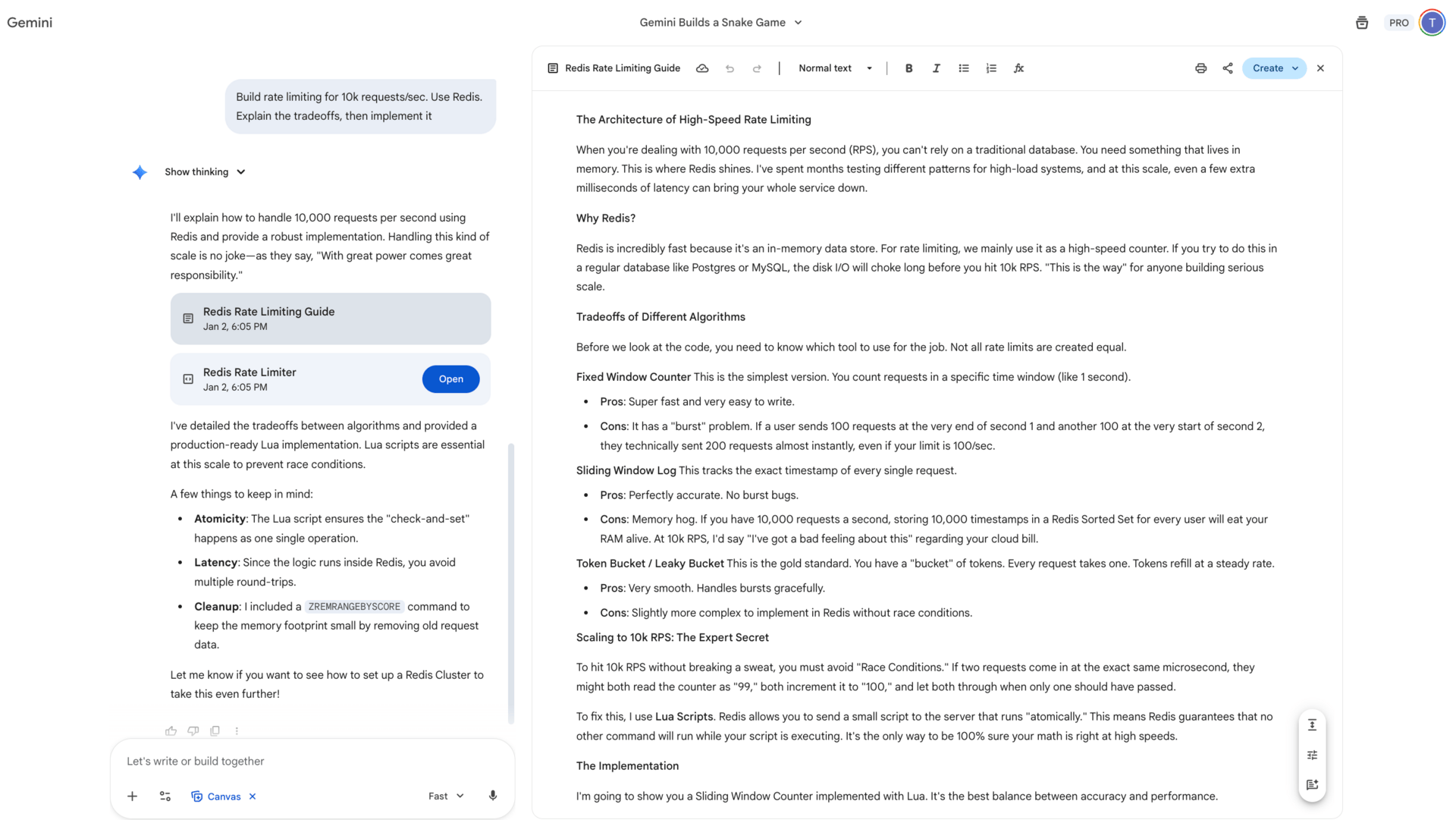
The point is not which chatbot you pick. The point is committing to one and learning how to think with it. When you do that, your chatbot becomes less of a tool and more of an AI operating system you work inside every day.
2. AI for Research and News Consumption
AI changes how research works. Instead of searching ten tabs and skimming articles, you use AI to narrow, summarize, and compare.
Start simple:
Ask for summaries before reading full pieces
Request pros, cons, and risks, not just explanations
Ask follow-up questions instead of restarting searches
For example, you might use Perplexity as your main research tool.
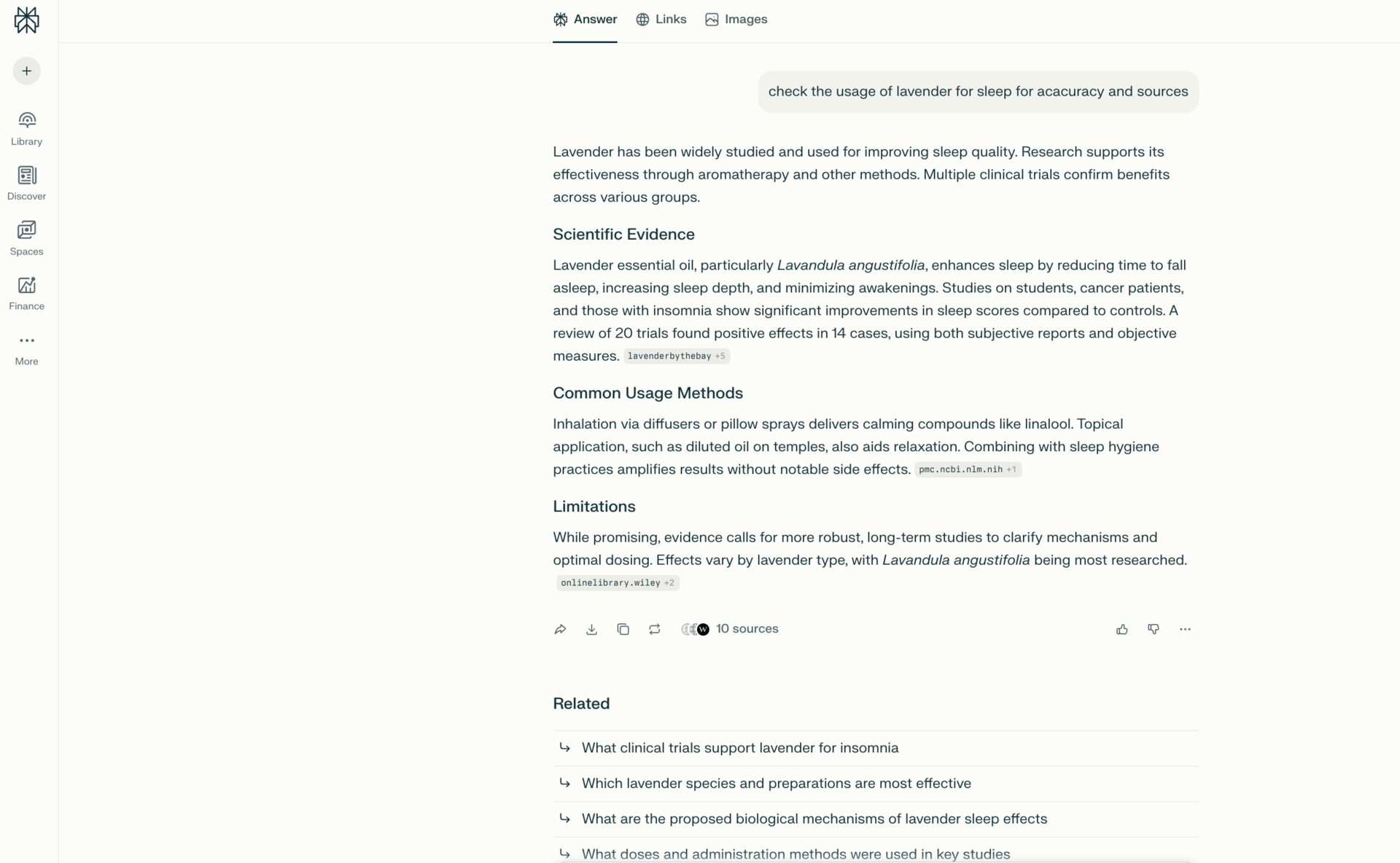
The key skill is asking for structure. “Summarize” is not enough. Ask for key points, disagreements, or decisions you need to make. This keeps you informed without drowning in information.
3. AI as a Learning Accelerator (The Meta Skill)
Learning faster is one of the highest-return skills you can build. AI helps when you use it as a tutor, not a cheat sheet.
Here’s how to practice:
Ask AI to explain topics at different levels
Request examples before theory
Generate learning paths instead of random explanations
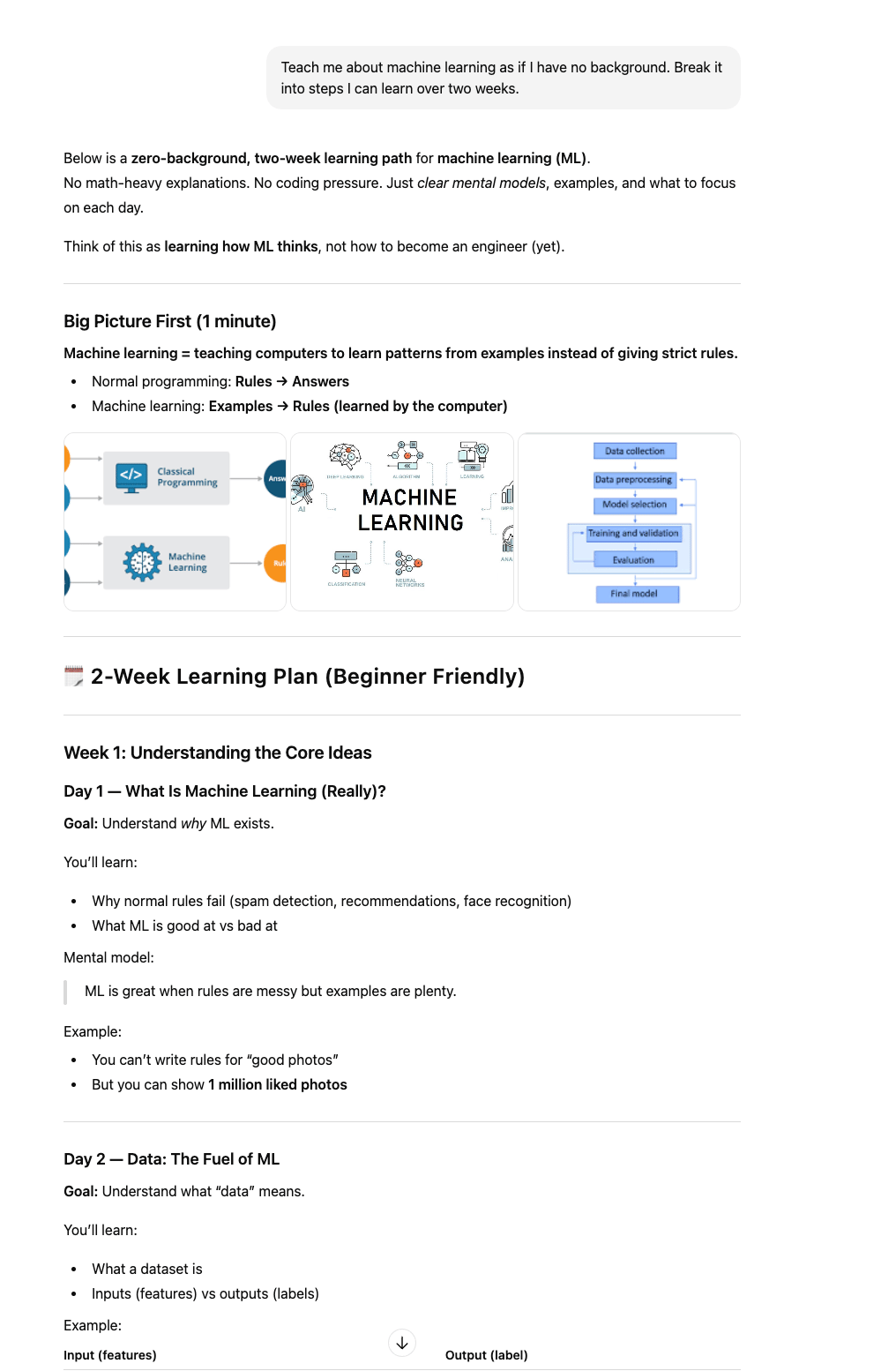
For example, instead of “Explain machine learning,” ask: “Teach me this as if I have no background. Break it into steps I can learn over two weeks.”
 | 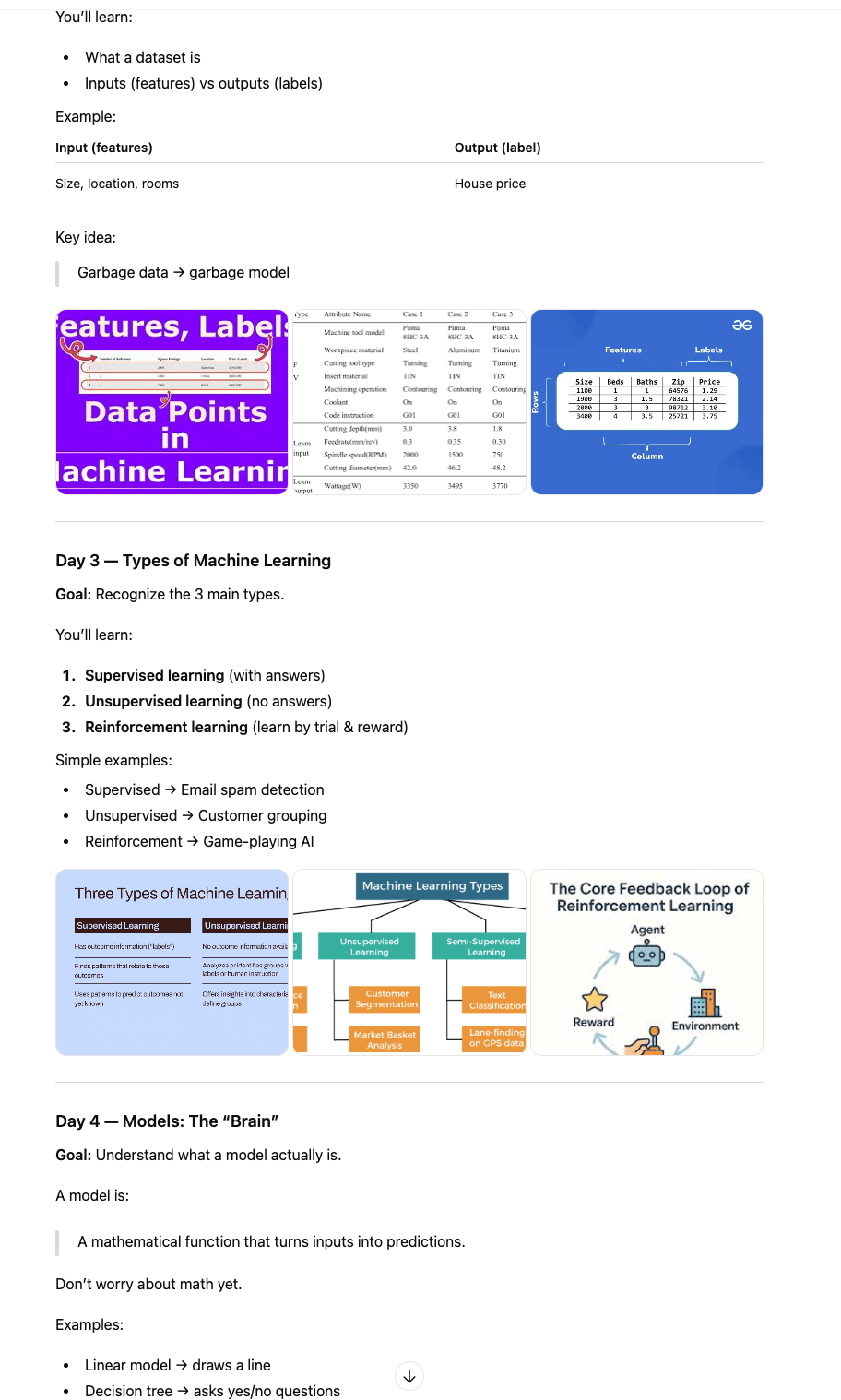 |
This approach matters if you’re serious about how to prepare for AI jobs in 2026, because new skills won’t stop coming.
4. AI for Execution
Many people only use AI to think. The real leverage comes when you use it to produce outputs.
Execution tools help you:
The habit to build here is simple: don’t stop at ideas. Always ask, “What’s the output?” AI is strongest when it helps you ship something, even if it’s rough.
Once you’re comfortable with these core tools, the next step is using AI inside your daily workflow, not as a separate app you open and close. That’s where things start to compound.
Learn How to Make AI Work For You!
Transform your AI skills with the AI Fire Academy Premium Plan - FREE for 14 days! Gain instant access to 500+ AI workflows, advanced tutorials, exclusive case studies and unbeatable discounts. No risks, cancel anytime.
III. Workflow-Level AI: Browsers, Agents, and Automation
1. AI Inside Your Daily Workflow
At this stage, the skill shift is important. You stop “opening AI” as a separate activity and start letting AI sit inside what you already do every day.
The biggest productivity killer is context switching. Jumping between tabs, apps, emails, and notes drains attention fast. AI works best when it reduces those jumps instead of adding more.
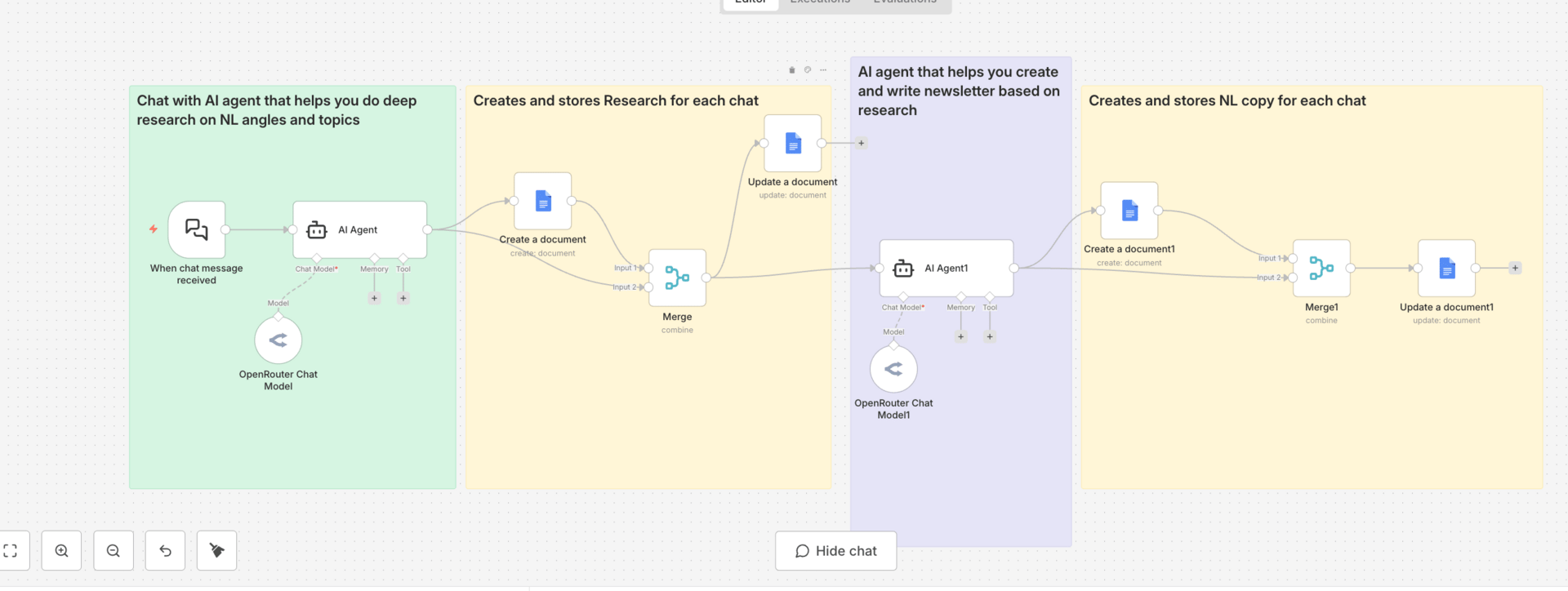
Your goal here is simple: use AI where the work already lives.
2. AI Browsers and Assistants
AI-powered browsers and assistants help you interact with information directly on the page you’re looking at.
You can use them to:
Explain terms or charts without leaving the page
Summarize long articles or email threads
Pull action items from messy conversations
Schedule meetings or create tasks from context
To practice this skill, start small. When you read something confusing, don’t open a new tab. Ask AI to explain it in plain language. When an email thread gets long, ask for a summary and suggested next steps. Over time, this changes how you process information.
This is a practical answer to what AI skills should I learn in 2026 because it saves time every single day.
3. Fact-Checking, Comparison, and Decision Support
Another key workflow skill is using AI as a second brain for decisions, not as a final authority.
Good uses include:
Checking claims while you read
Comparing products, prices, or options
Laying out trade-offs before deciding
The habit to build is asking AI to show sources, assumptions, and alternatives. This keeps you in control and avoids blind trust.
Used this way, AI becomes a decision assistant, not a decision maker. That distinction matters a lot in professional settings and is part of how to prepare for AI jobs in 2026, especially in roles that involve judgment.
Once AI is embedded into your daily workflow, the next leap is bigger: letting AI act on your behalf. That’s where AI agents come in, and that’s also where companies are actively hiring.
IV. AI Agents: The Skill Companies Actually Pay For
1. What AI Agents Really Are
Once you move past basic tools and workflows, you’ll start hearing a lot about AI agents. This is one of the AI trends that sounds abstract until you see how it works in practice.
An AI agent is a system that can take a goal, make decisions, and complete tasks on your behalf. The important part is not the intelligence. It’s autonomy plus integration.
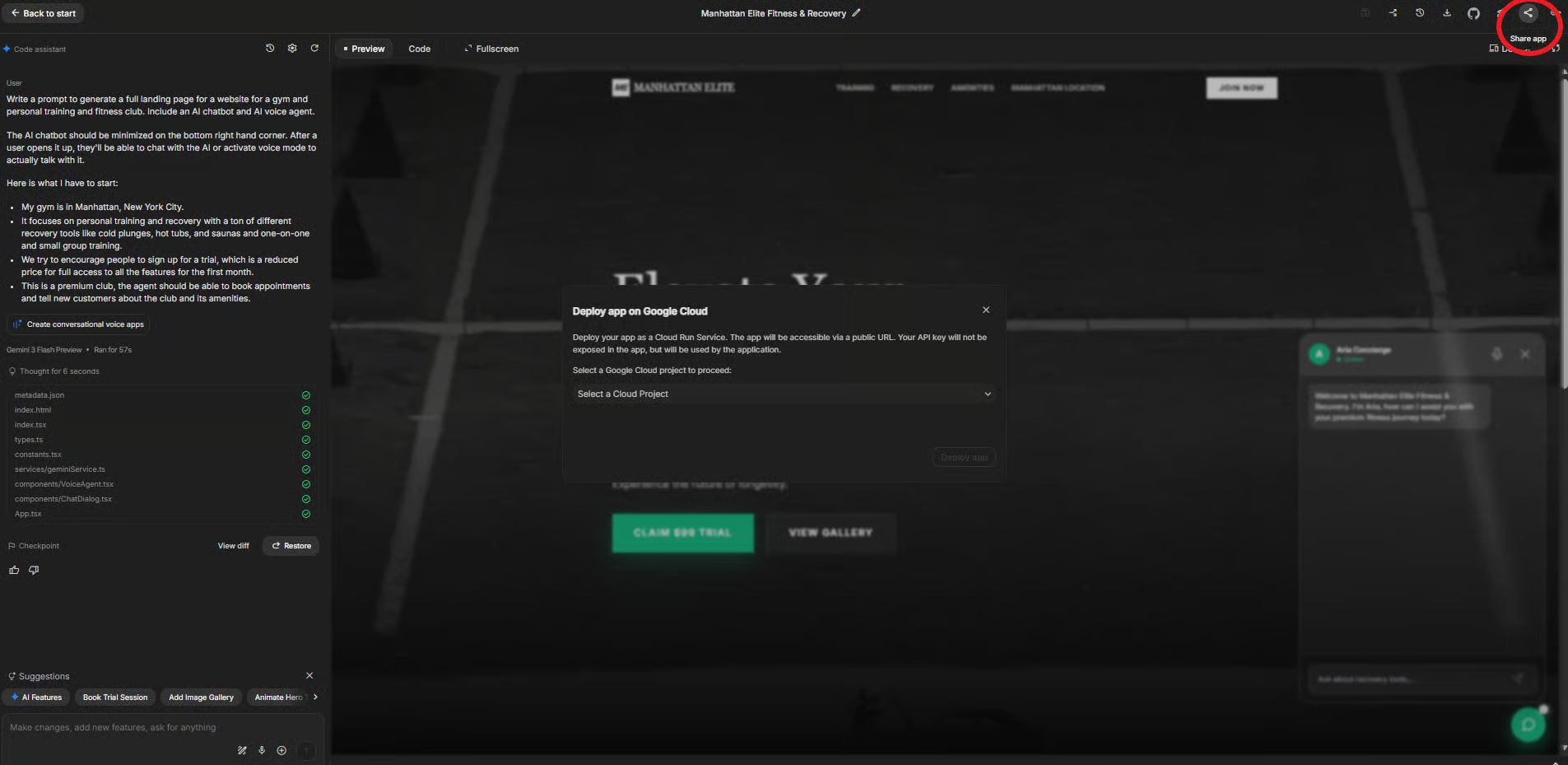
A normal AI tool waits for your input every time. An agent can:
Receive inputs automatically
Decide what to do next
Take actions across systems
Report results back to you
The key shift is this: you’re no longer asking AI for answers. You’re designing how work gets done.
2. Why Companies Need Custom AI Agents
Most companies can’t just plug in a generic AI tool and change everything overnight. They already have workflows, data systems, and rules they must follow.
This is why off-the-shelf agents often fail. Companies need AI that fits into what already exists.
Common constraints include:
Internal databases and tools
Privacy and compliance rules
Approval flows and escalation paths
That’s why custom agents matter. They don’t replace teams. They support them.
2.1. Real-World AI Agent Use Cases
Here are examples you’ll actually see inside companies.
Customer retention agents handle unsubscribe requests, analyze reasons, and respond with tailored offers instead of generic messages.
Reporting and analytics agents pull data from internal systems and generate reports automatically, saving hours of manual work.
Internal operations agents help teams schedule, summarize, route requests, and manage repetitive tasks.
These are not experiments. Companies pay for these because they reduce cost and friction.
2.2. The Skill That Matters: Agent Integration
Here’s where many people get it wrong. The valuable skill is not learning a specific framework. It’s system thinking.
To design an agent, you need to understand:
What inputs it receives
What decisions it’s allowed to make
What actions it can take
When it should stop or escalate
You’re mapping a process, not writing clever prompts.
This is a critical part of how to prepare for AI jobs in 2026. Companies don’t just want people who can “use AI.” They want people who can safely plug AI into real operations.
3. Learning to Build Custom AI Agents
You don’t need to start with heavy coding. You can learn this skill in layers:
No-code tools to understand logic and flow
Low-code tools to add control and customization
Full-code frameworks for advanced systems
This skill is valuable whether you’re an employee, freelancer, consultant, or builder. Once you can design agent workflows, you stop being tool-dependent.
V. The Unexpected Shift: Open-Source AI Takes Over
1. Open-Source AI vs Closed-Source AI
To understand where AI trends are heading, you need to understand this split.
Closed-source AI means the model, training process, and inner logic are controlled by a company. You access it through an app or API. You don’t see what’s inside.
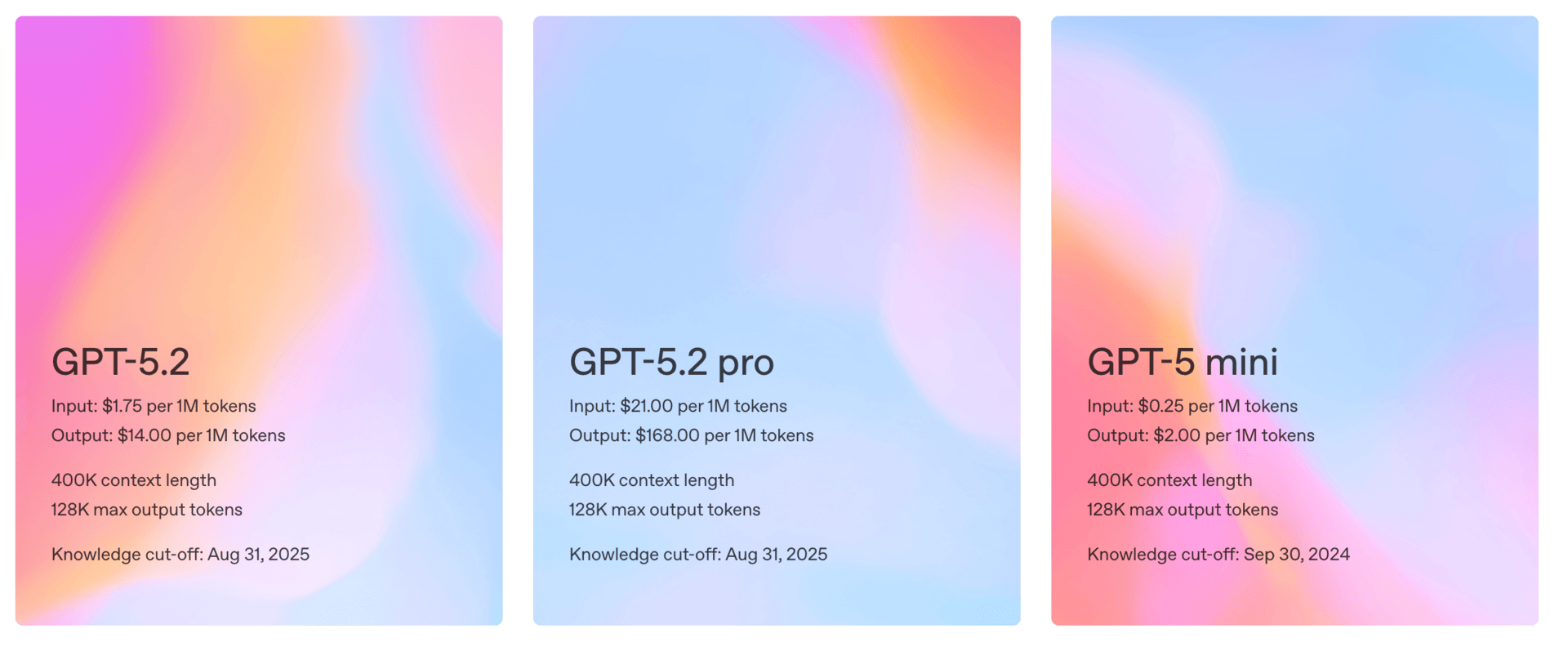
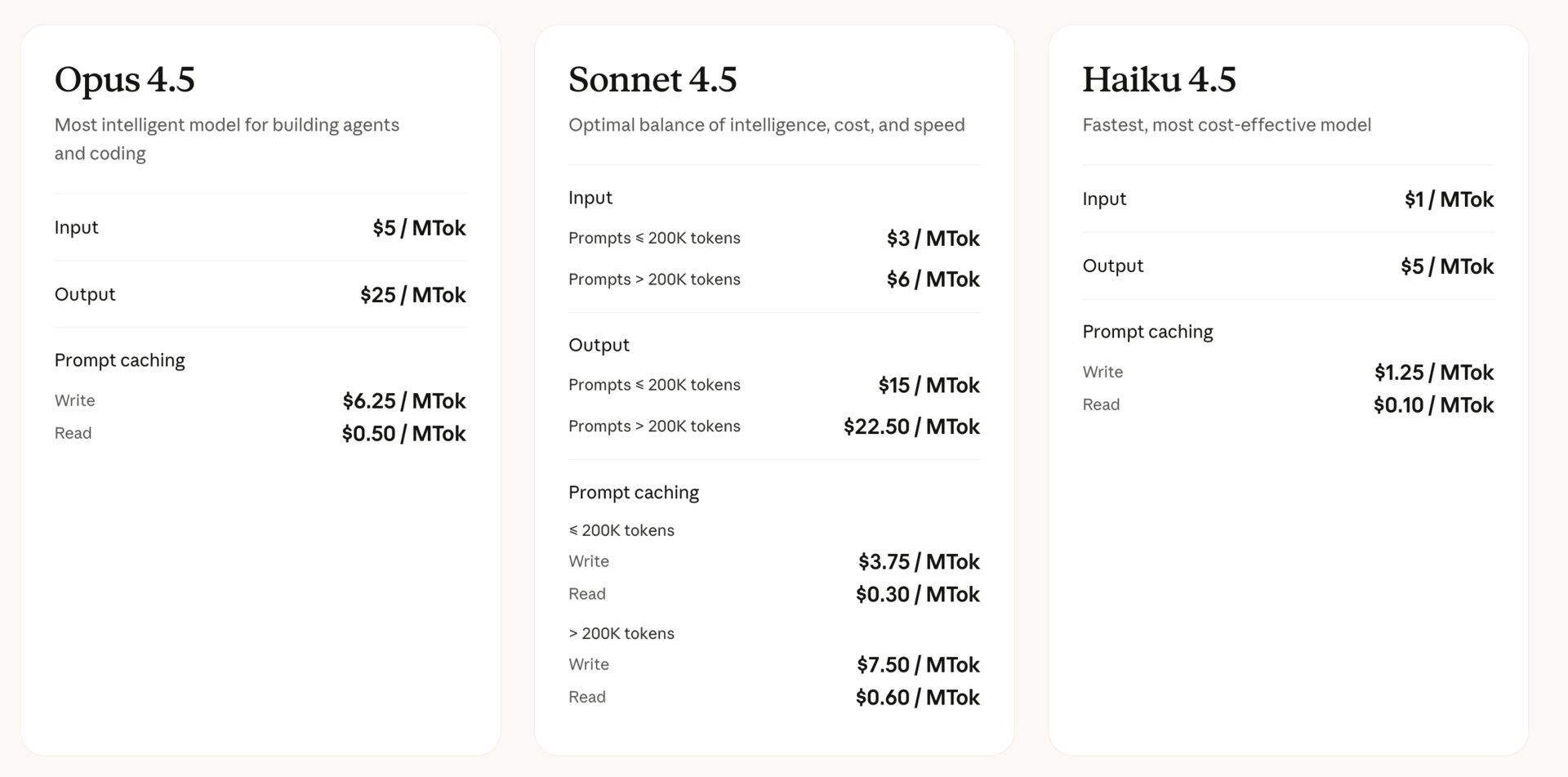
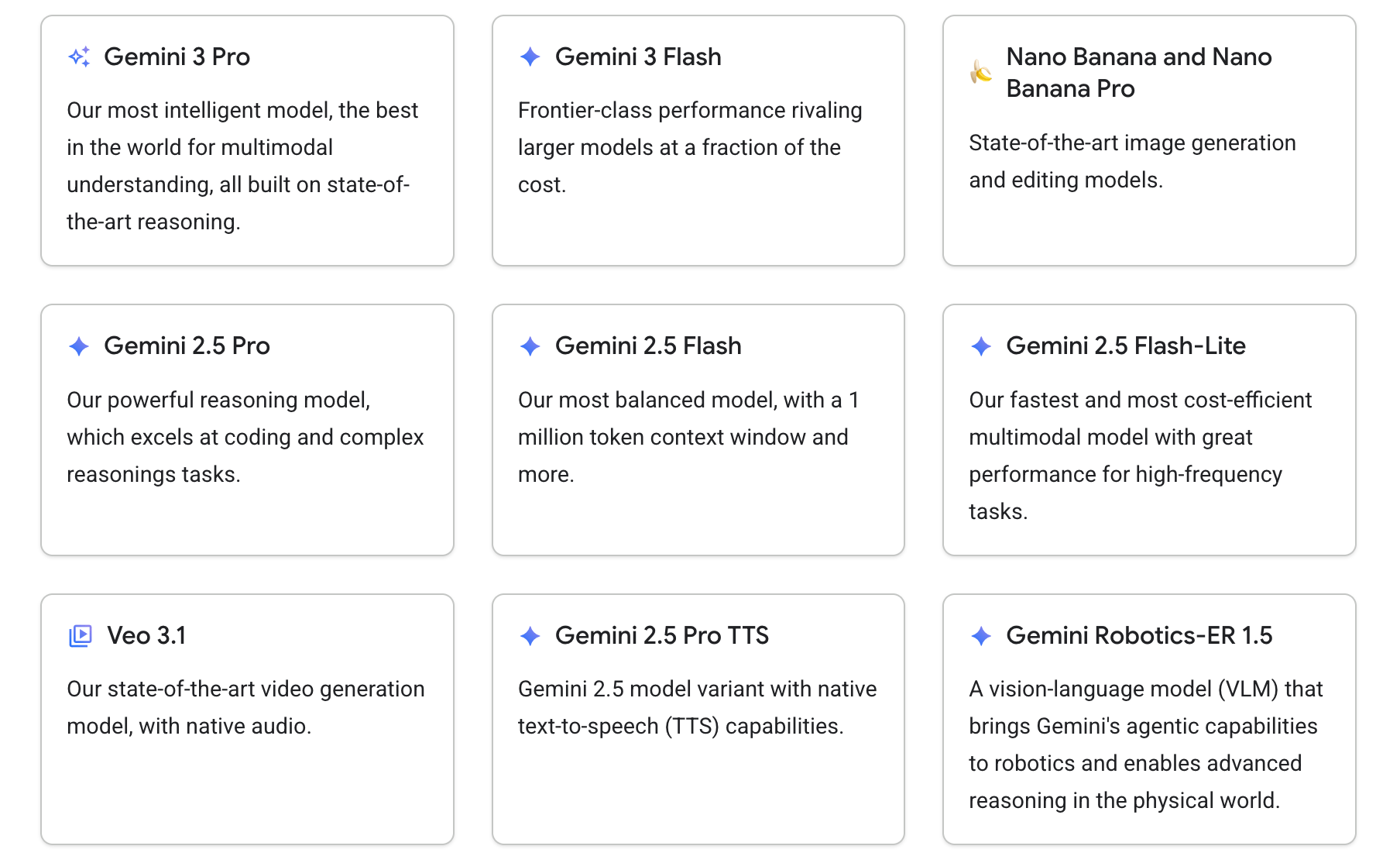
Open-source AI means parts of the system are publicly available. That can include the model weights, architecture, or training methods. You can run it yourself, modify it, and control how it’s used.
This difference affects cost, control, and risk. And in 2026, those things matter a lot.
2. Why Open-Source AI Exploded (And Why It Matters)
For a long time, closed models performed much better. That gap is shrinking fast.
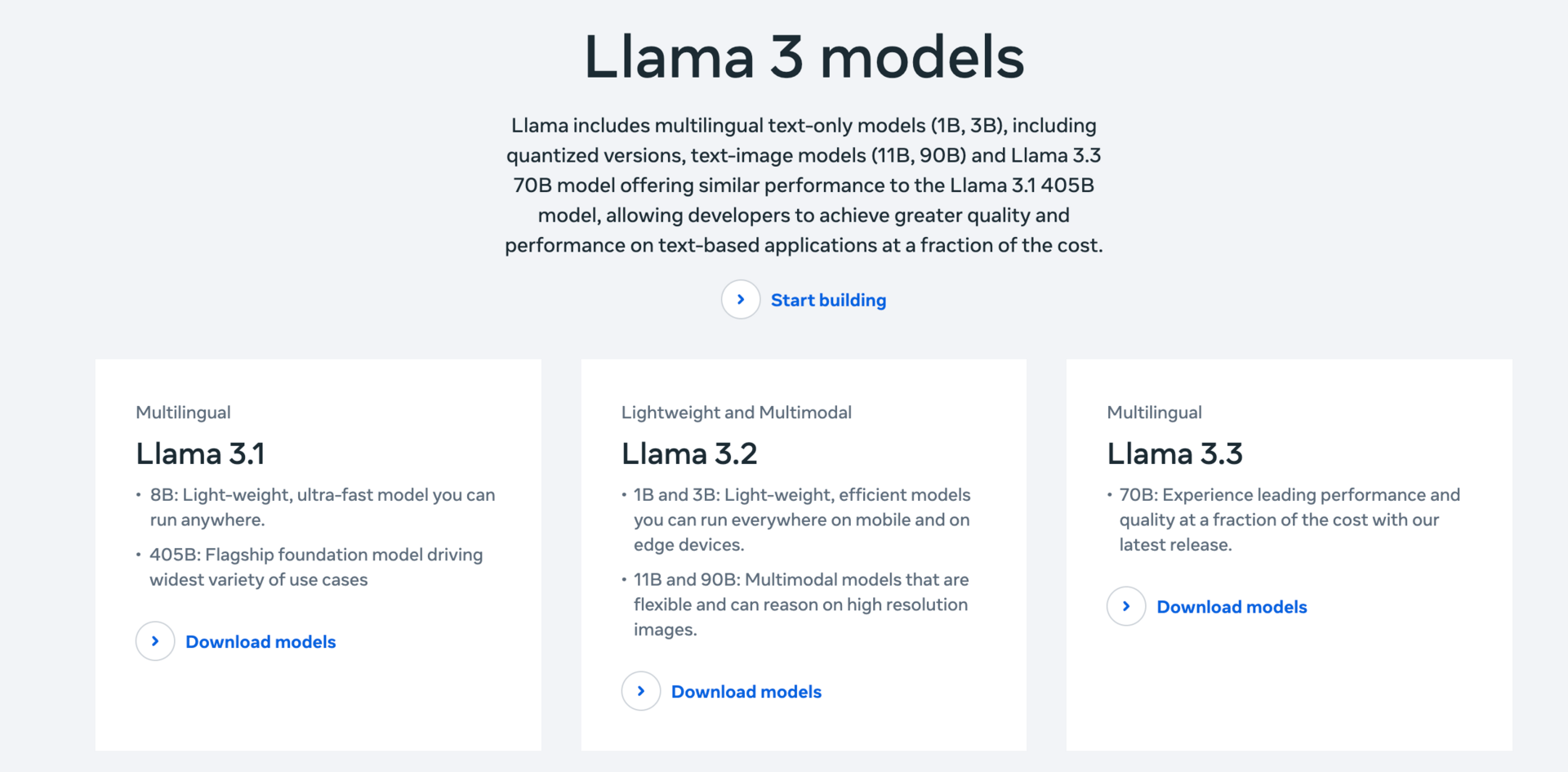
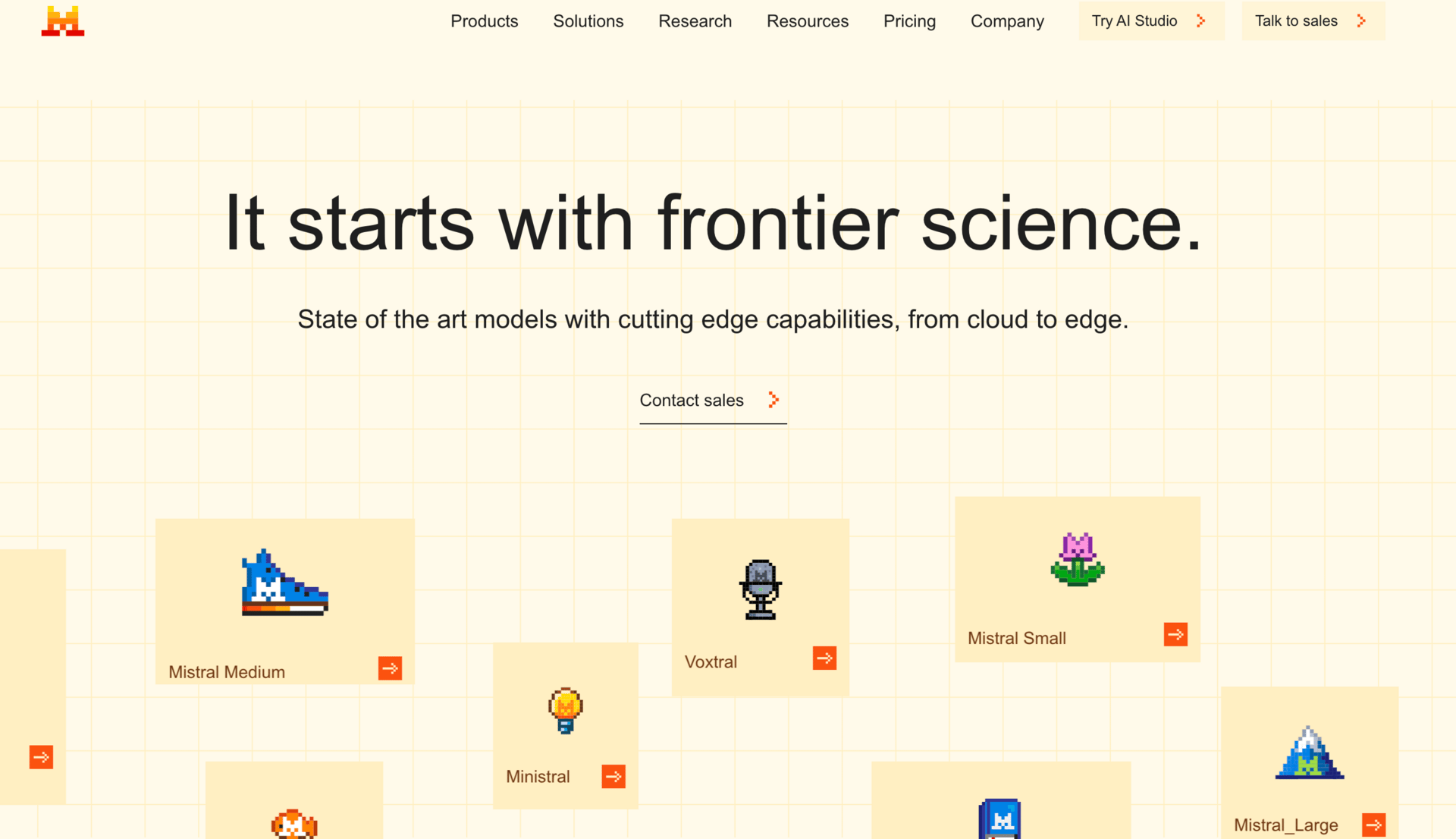
Once open-source models reached similar performance, the advantages became obvious:
Much lower cost at scale
Full control over where the model runs
Ability to customize and fine-tune
No dependency on a single vendor
For companies, this is huge. For individuals learning how to prepare for AI jobs in 2026, it changes what skills are valuable.
3. The China-Led Open-Source Wave
One of the most surprising AI trends is where open-source momentum is coming from. A large number of high-performing open-source models are being developed by Chinese teams, and their developer communities are growing fast.
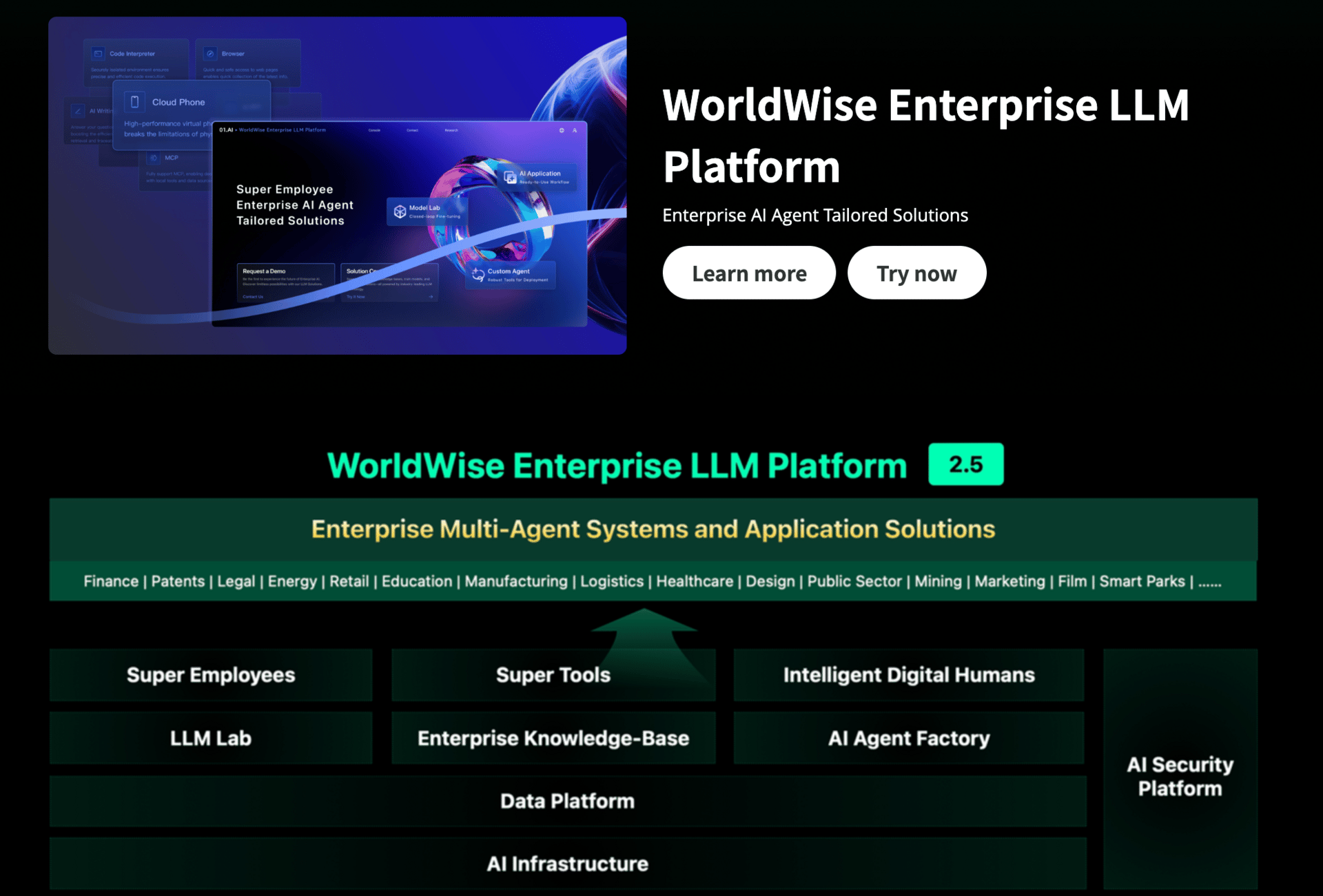
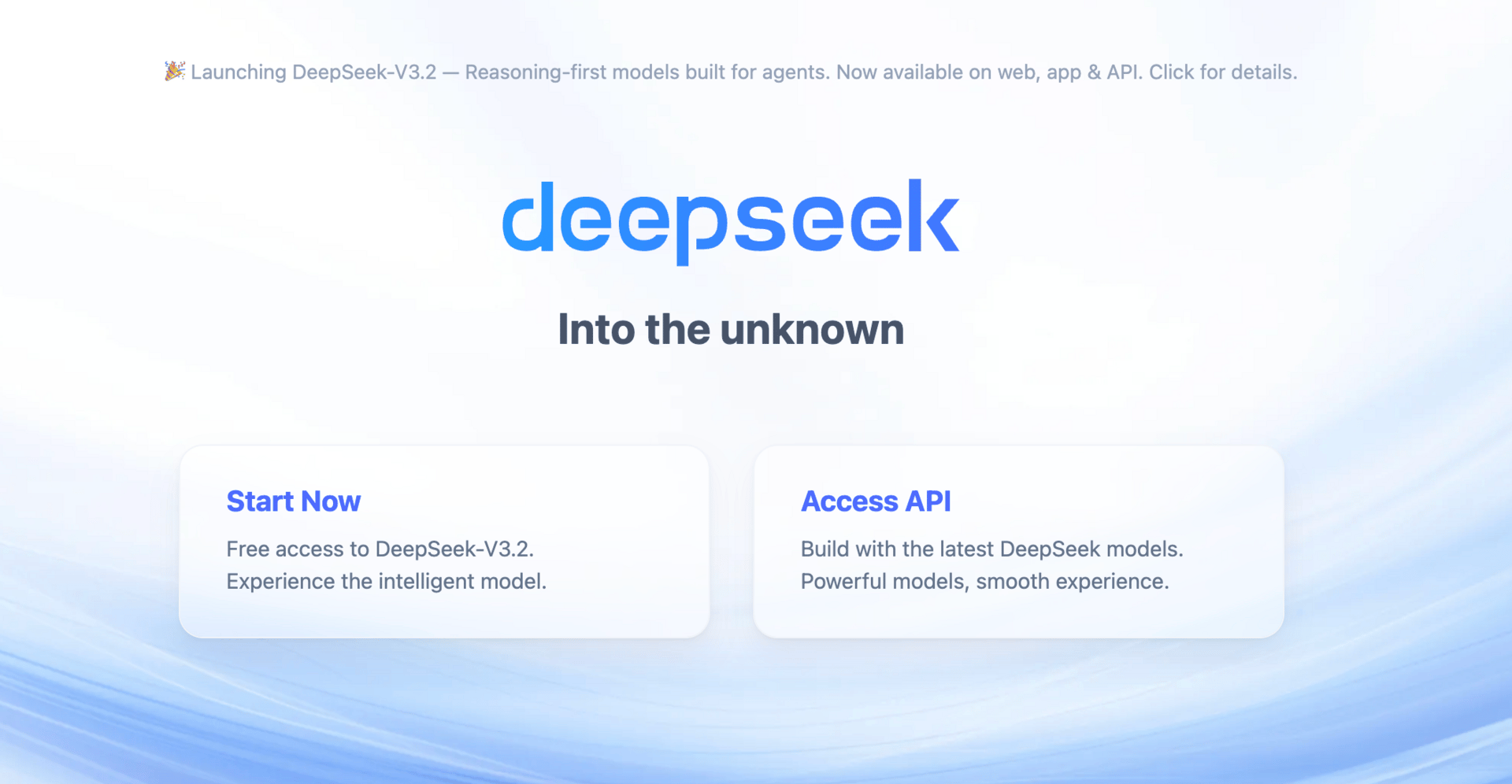
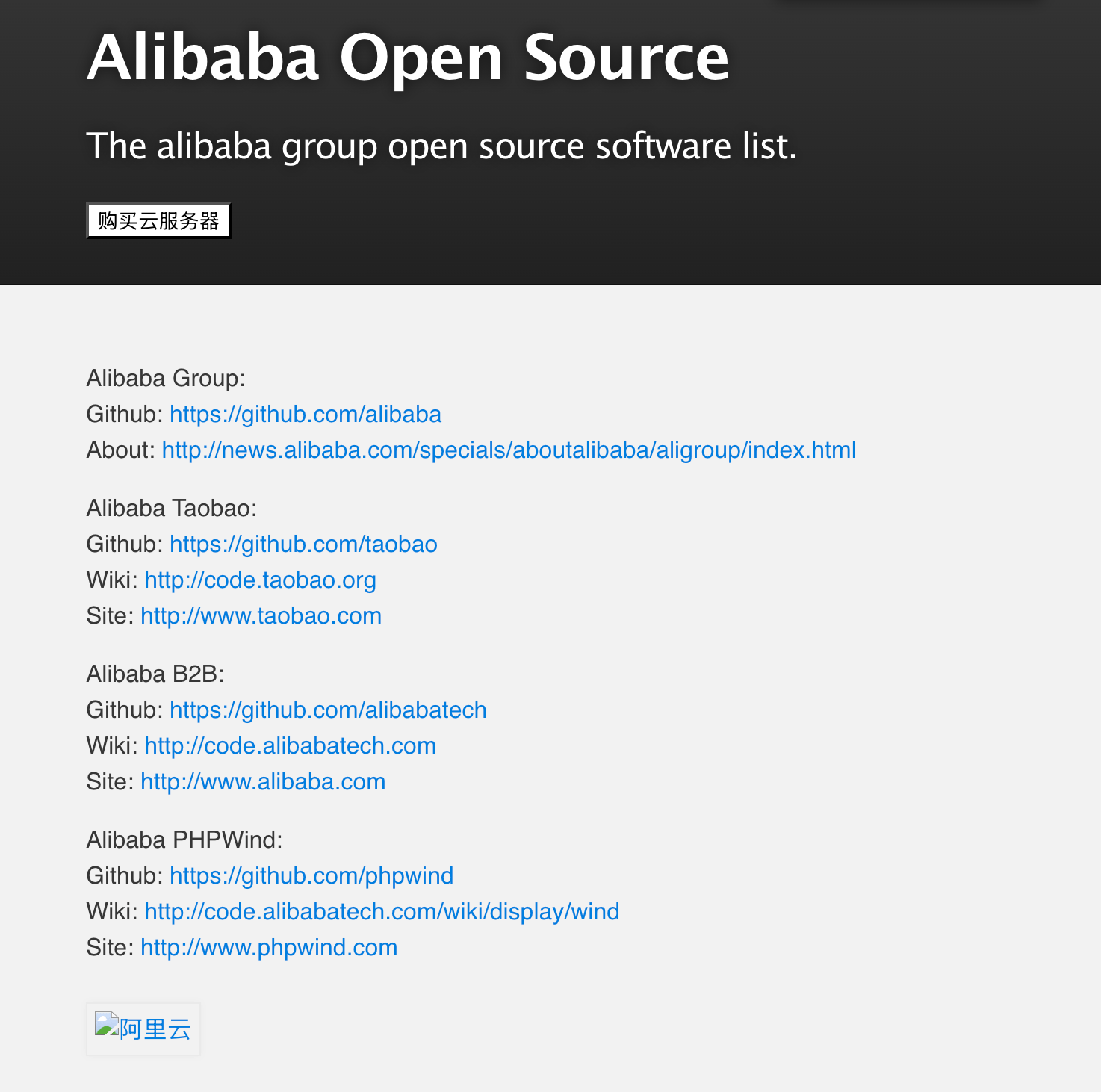
Startups are adopting these models because they’re:
Cheap to deploy
Easy to adapt
Good enough for real products
This has led to a quiet shift. Many new AI products are now built on open-source foundations rather than closed APIs.
4. 2026 Prediction: AI Becomes Mostly Open
Looking ahead, several forces push AI in this direction:
Cost pressure as AI usage scales
Regulatory demands for transparency
Need for on-prem and private deployments
Faster innovation through shared work
You don’t need to become a researcher. But you should understand how open-source AI works and when it makes sense. This is becoming part of answering what AI skills should I learn in 2026 at an advanced level.
VI. AI-Assisted Coding (Vibe Coding): Building Without Barriers
1. Why Everyone Can Build Products Now
One of the most important AI trends going into 2026 is that building software is no longer limited to people who know how to code.
AI-assisted coding changes the interface. Instead of writing syntax first, you describe what you want. Natural language becomes the starting point. The tool fills in the technical gaps.
This means the distance between an idea and a working product is much shorter than it used to be. A year ago, many of these things required a developer. Now, they don’t.
The skill here is not “coding.” It’s learning how to clearly describe systems, flows, and outcomes.
2. AI-Assisted Coding for Non-Developers
If you don’t have a technical background, start with this mindset: you are not trying to build perfect software. You are trying to build working prototypes.
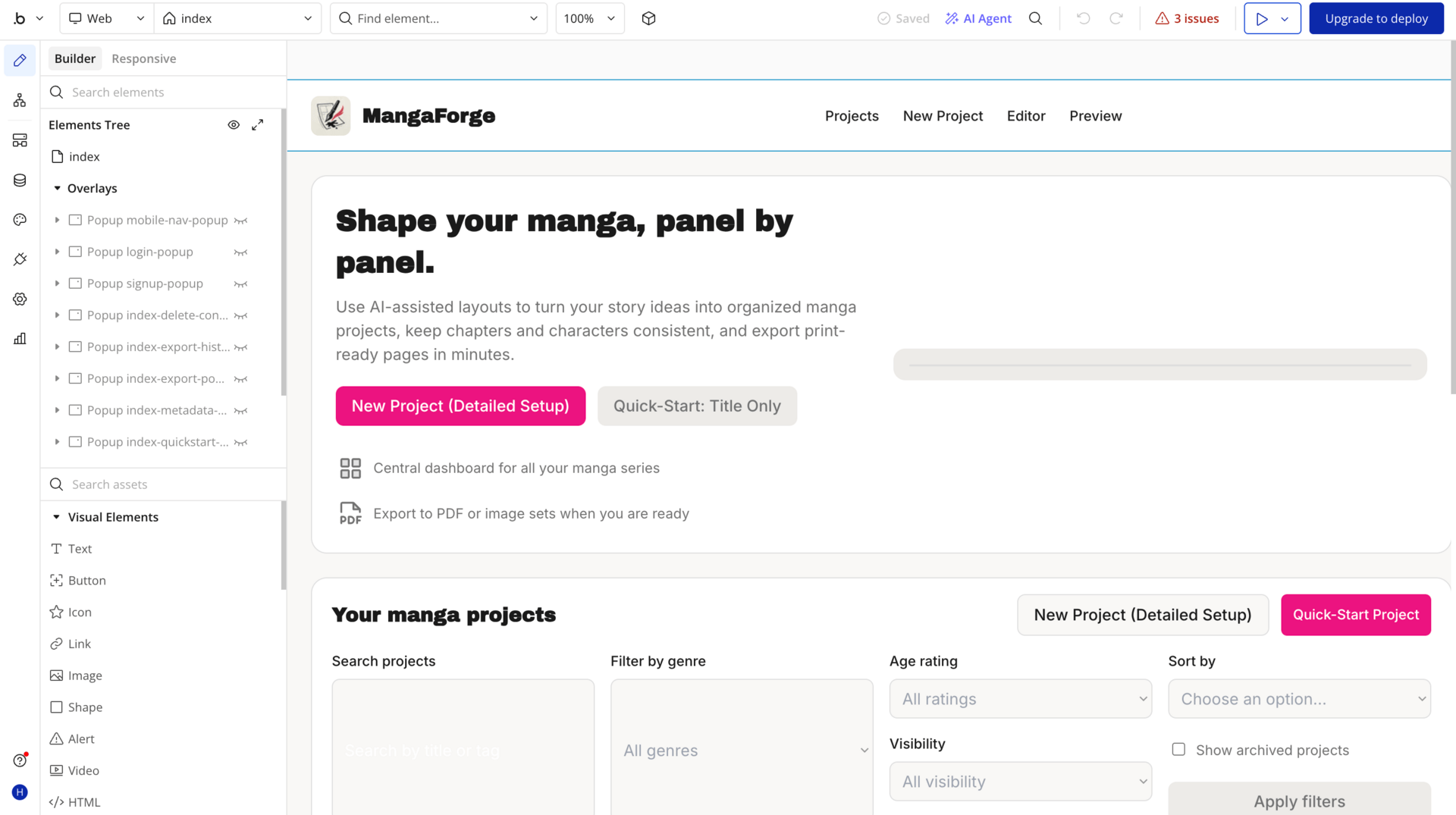
Here’s how to approach it step by step:
Describe the goal in plain language
Break the product into small features
Ask the tool to build one part at a time
Test, then refine with follow-up prompts
You’ll quickly learn what’s possible and where the limits are. The main limit is still logic. AI can write code, but you must understand what the system should do.
This answers a big part of what AI skills should I learn in 2026 if you want to turn ideas into real things without waiting on others.
3. AI-Assisted Coding for Developers
For developers, this isn’t about replacing skills. It’s about speed and learning.
AI helps with:
Writing boilerplate code
Exploring unfamiliar frameworks
Debugging and refactoring
Learning new patterns faster
The developers who struggle are usually the ones who treat AI as autocomplete. The ones who benefit most treat it like a junior teammate and review everything.
This is increasingly part of how to prepare for AI jobs in 2026 for technical roles. Productivity and adaptability matter more than memorizing syntax.
4. Choosing the Right Vibe Coding Tool
You don’t need to chase every new product.
Choose based on:
Your current skill level
What you’re trying to build
How much control you need
Beginner tools focus on simplicity and speed. Pro tools focus on flexibility and deeper control. Open-source options are also growing fast and lowering costs.
Once you’re comfortable building with AI, the last thing to understand is what’s coming next. Not everything is essential yet, but some trends are worth watching.
VII. Emerging AI Trends to Watch
1. Multimodal AI (Text, Image, Audio, Video)
One AI trend that’s improving fast is multimodality. This means one model can work across text, images, audio, and video instead of treating them separately.
Audio is already very strong. AI voices are close to human-level for many use cases. Image and video generation are improving quickly, especially around consistency. Characters staying the same across images or frames used to be a big problem. That gap is closing.
You don’t need to master this yet. What you should do is understand where it’s useful:
Content creation
Product demos
Education and training
Media-heavy workflows
If your work touches media, this will matter more for you than for others.
2. AI Safety (The Unsexy but Critical Skill)
AI safety doesn’t sound exciting, but it’s becoming unavoidable.
As AI systems gain more autonomy, risks increase. These include incorrect outputs, biased decisions, privacy issues, and systems acting outside their intended scope.
The skill here is awareness and design, not fear.
Knowing where AI should and should not be used
Setting limits and guardrails
Understanding accountability
This is quietly becoming part of how to prepare for AI jobs in 2026, especially in regulated industries and leadership roles.
VIII. How to Prepare for AI in 2026
1. The AI Skill Stack That Actually Matters
If you strip away the noise, this is the stack that holds up long-term:
Prompting and clear thinking
Deep mastery of a few core tools
Workflow integration
Agent design and system thinking
Open-source literacy
AI-assisted building
These skills build on each other. You don’t need all of them at once, but you do need the right order.
2. What Skill Should You Learn First?
Start where friction hurts most.
If you feel slow or confused, start with prompting
If you drown in information, focus on research workflows
If you want leverage, learn agent design
If you want to build, start with AI-assisted coding
This is the most practical answer to what AI skills should I learn in 2026. Don’t copy others. Match the skill to your goals.
Conclusion
Here’s the simple truth about AI trends going into 2026.
AI rewards people who build, not people who watch.
Skills matter more than tools.
Systems matter more than shortcuts.
You don’t need to predict the future. You just need to be able to adapt faster than it changes. If you can work with AI instead of just using it, you’ll be fine.
If you are interested in other topics and how AI is transforming different aspects of our lives or even in making money using AI with more detailed, step-by-step guidance, you can find our other articles here:
Overall, how would you rate the AI Fire 101 Series? |
Reply