- AI Fire
- Posts
- ⚡ A Full Breakdown of ALL Google’s 14+ Most Popular AI Tools & How to Master Them
⚡ A Full Breakdown of ALL Google’s 14+ Most Popular AI Tools & How to Master Them
Quit wasting time on manual research. This breakdown shows how Google Gemini Advanced automates your office tasks and creates videos with zero skills.

Neil Phan
January 16, 2026
TL;DR
Google has launched over 30 new AI tools centered around Google Gemini advanced, revolutionizing daily work by integrating deeply with apps like Gmail, Docs, and Drive. From creating personalized "Gems" for specific tasks to generating high-quality videos with Google Flow, these tools allow users to automate complex workflows and conduct deep research without needing technical skills. The paid version ($20/month) unlocks powerful features like Deep Research agents and 2TB of storage, making it a valuable investment for productivity.
Key points
Integration: Gemini Advanced connects Gmail, Docs, and Drive to automate tasks.
Research: NotebookLM turns PDFs into podcasts; Deep Research writes reports while you sleep.
Creation: Google Flow generates cinematic videos from simple text prompts.
Critical insight
You don't need to be a programmer; tools like Opal let you build automated "robots" just by describing what you want in plain English.
Which "boring" task is stealing your time? 🕒 |
Table of Contents
Google has been busy making many new things. While most people only talk about simple chatbots, Google released over 30 AI tools that change how you work and live.
If you're confused by all the names (Gemini, NotebookLM, Antigravity, Veo…), you're not alone. I’ve spent the last few months testing every tool, so you don’t have to.. And I published so many guides right 😅
In this guide, I will show you what each tool does and how you can use them today. If you want to unlock advanced tips, secret settings, or real use cases for each tool, that’s what we go deep on in our private community.

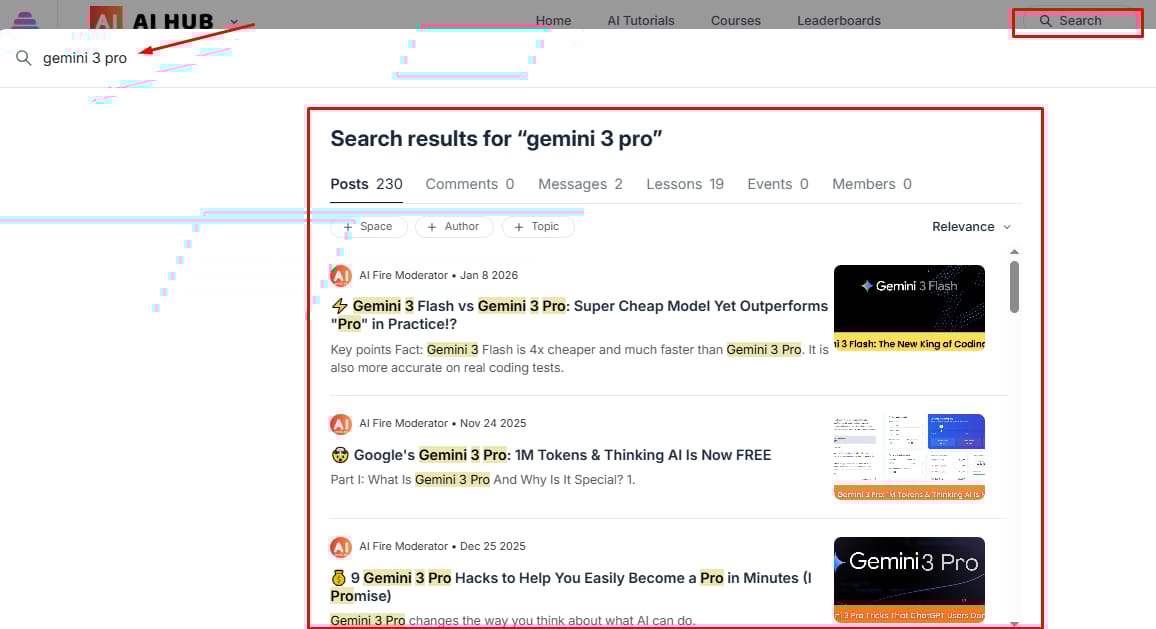
There, we share the secret settings and advanced ways to use these tools that I cannot fit into one article.
For now: here’s the full map of Google’s AI ecosystem and how it actually works together.
Part 1: How Can Google Gemini Advanced Help You With Everyday Tasks?
Google Gemini advanced acts as the central "brain" connecting your digital life, allowing you to manage emails and files seamlessly.
By integrating directly with Gmail and Google Drive, it can scan your inbox to extract flight details or lease terms instantly, saving you from manual searching. Additionally, features like "Gemini Canvas" and specialized "Gems" let you collaborate on documents or create custom AI experts like a fitness coach or grammar checker that remember your specific instructions forever.
While having specialized Gems for your daily routine is great, you can actually take this a step further. Beyond just chatting, you can learn how to easily ship your own AI web applications to solve professional challenges like grading resumes automatically, all without writing a single line of code.
Key takeaways
Integration: Connects Gmail, Drive, and Docs for instant data retrieval.
Canvas: A collaborative workspace for drafting and editing documents together.
Gems: Custom, single-purpose AI experts (e.g., Fitness Coach).
Prompt: Ask Gemini to create a table from scattered emails (e.g., flight details).
Google Gemini advanced is the center of everything. I like to think of it as a house. Some rooms are for fun, some are for work, and some are for building new things.
1. Gemini Chatbot: The Main Assistant For Your Life
Gemini is the chatbot you talk to. It is not just for searching things anymore. It can see your files in Google Drive and read your emails in Gmail.
If you have a messy inbox, you can just ask it to find the flight details for your trip next week. It will go into your emails, find the flight, and tell you the time. This is why having the paid version is helpful. It connects everything.
Prompt example for your daily life:
I have a lot of emails from my landlord about the new lease. Can you look through my Gmail and tell me what the final rent price is and when I need to sign the papers? Please put this in a simple table.
Learn How to Make AI Work For You!
Transform your AI skills with the AI Fire Academy Premium Plan - FREE for 14 days! Gain instant access to 500+ AI workflows, advanced tutorials, exclusive case studies and unbeatable discounts. No risks, cancel anytime.
2. Gemini Canvas: Working Together In A Workspace
Gemini Canvas is a place where you and the AI write together. Instead of a chat box, it looks like a document. You can highlight a sentence and say, make this sound more professional. It will change just that part. I use this when I write long reports because I do not have to copy and paste back and forth.
Prompt example for writing:
I want to write a letter to my boss asking for a small budget to buy a new office chair. Here is my draft. Can you help me make it shorter and more polite?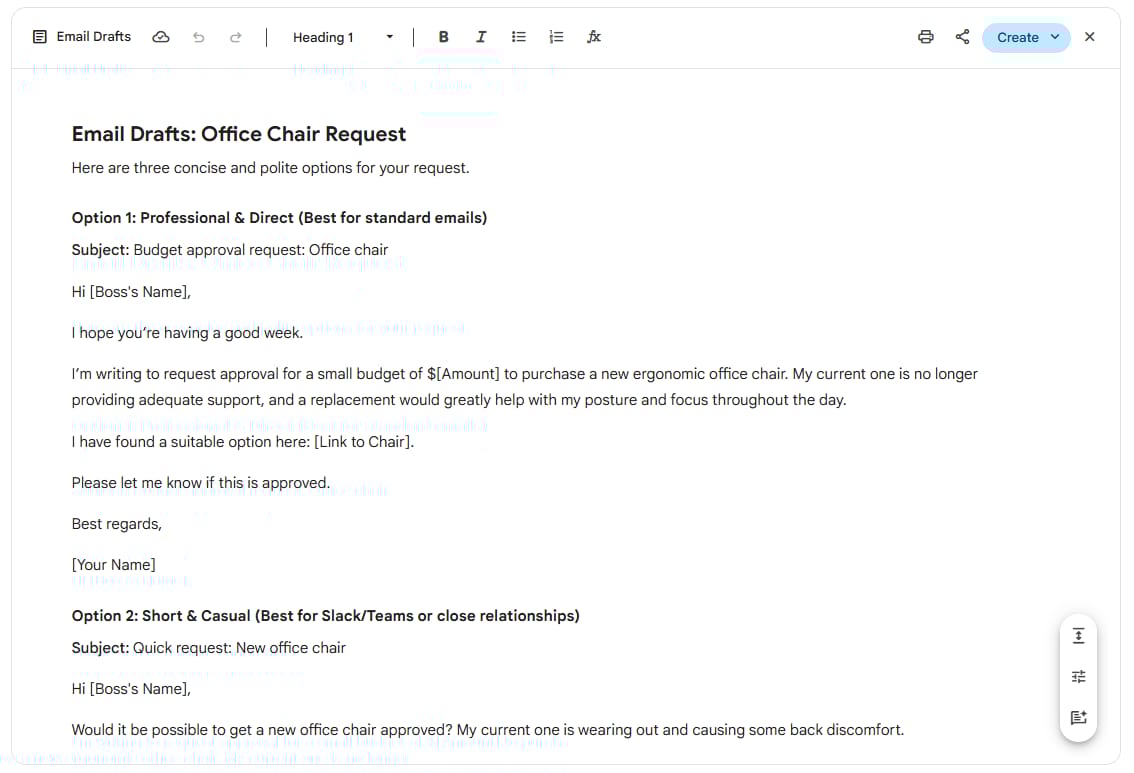
3. Gemini’s “Gems”: Your Team Of Specialized Experts
Gems are like small versions of Gemini that have one job. I have a Gem for checking my grammar and another Gem for planning my meals. You give them instructions once, and they remember them forever.
In 2026, we have Super Gems. These can have buttons and forms, making them look like real apps you built yourself.
Prompt example for a Gem:
You are my Fitness Coach. Your job is to look at the food I ate today and tell me if I hit my protein goal. Always be encouraging and give me one simple tip for tomorrow.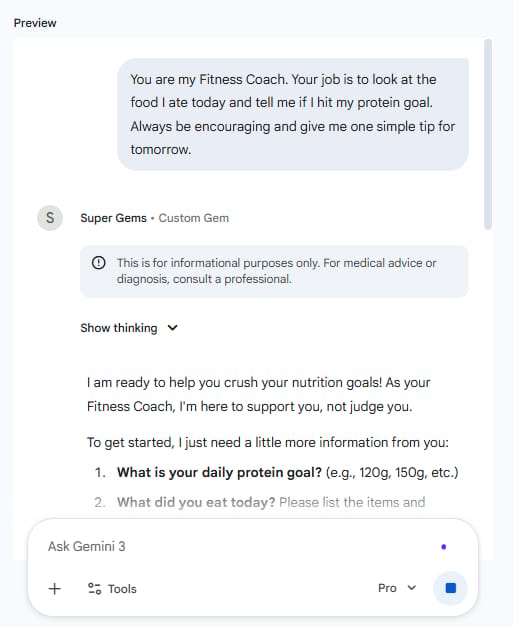
Part 2: Is Google Gemini Advanced The Best Tool For Deep Research?
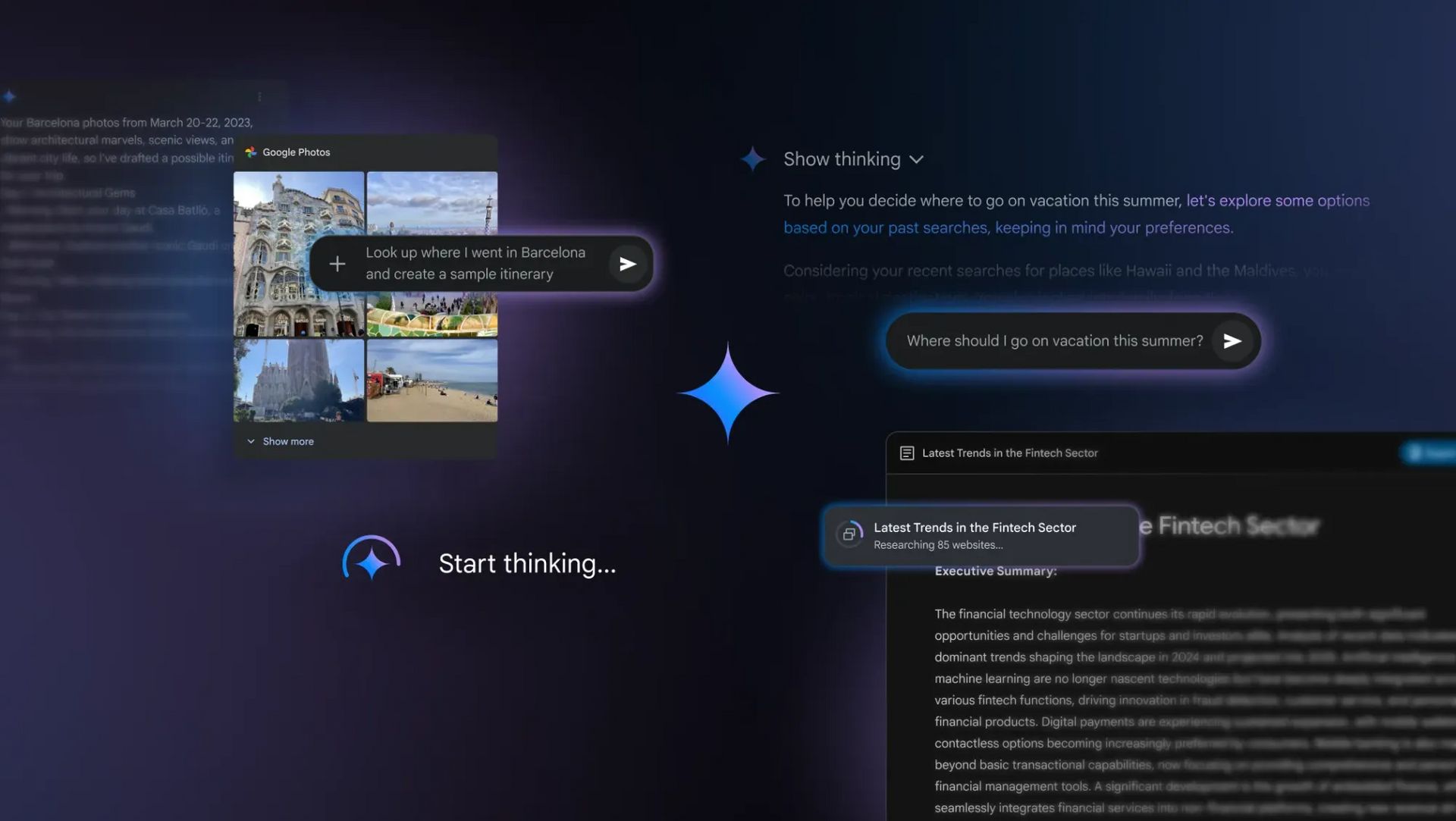
For trustworthy information, Google offers superior tools like NotebookLM and the new "Deep Research" feature. NotebookLM grounds its answers solely in the files you upload preventing hallucinations and can even turn dry PDFs into engaging "Audio Overview" podcasts for passive learning.
Meanwhile, the Deep Research agent automates hours of work by scouring hundreds of websites to write comprehensive reports while you sleep, acting like a tireless research assistant.
Having a tireless assistant to handle your research is a game-changer, but it is only one piece of the puzzle.
To truly move ahead, you can combine these insights with a plan for making 2026 your most successful year as an AI Generalist, focusing on results rather than complex tech stacks.
Key takeaways
NotebookLM: Answers only from your files, ensuring 100% accuracy.
Feature: Audio Overview turns documents into a realistic podcast.
Deep Research: An agent that browses the web for 20+ minutes to write reports.
Use Case: Perfect for competitive analysis or studying complex topics.
One of the hardest things to do is find the truth when there is too much information. Google made 2 tools that are much better than anything else I have used.
4. NotebookLM: Your Personal Research Assistant
NotebookLM is a tool for people who have many documents. It does not look at the whole internet. It only looks at the files you upload. This means it does not make up facts.
I love the Audio Overview feature. It takes your 50-page PDF and turns it into a podcast. Two people talk about your files. It sounds so real that I listen to it while I cook dinner to learn about new topics.
Prompt example for research:
I am uploading 10 research papers about sleep. Can you create a study guide for me that lists the 5 most important things I should do to sleep better? Use only the information in these papers.
5. Deep Research Feature: The Agent That Works While You Sleep
Deep Research is a new feature for subscribers. Most AI gives you an answer in 5 seconds. Deep Research might take 20 minutes. Why? Because it goes to hundreds of websites, reads them, finds more links, and writes a huge report. It is like hiring a person to do a week of work in a few minutes.
Prompt example for deep analysis:
I want to start a small business selling handmade candles in London. Research the top 10 competitors, find out what they charge, and see what customers complain about in their reviews. Give me a 5-page report with links to every source.
Part 3: How Does Google Gemini Advanced Make Video And Images Easy?
Creating things used to be hard. You needed to learn complex software. Now, you just need to describe what you see in your head.
6. Google Flow: Creating High-Quality Videos
Google Flow is where you go to make videos. It uses a model called Veo. You type a sentence, and it makes a video that looks like a real movie clip.
In 2026, we have a tool called Scene Builder. This helps you keep the same character in different clips. If you want to make a short story about a dog, the dog will look the same in every scene. This was impossible a year ago.
Prompt example for video:
A cinematic shot of a rainy street in Tokyo at night. The neon lights are reflecting in the puddles. A person with a red umbrella is walking slowly away from the camera. 4k resolution, slow motion.
7. Nano Banana Pro: Editing Photos With Words
Nano Banana Pro is a tool inside Gemini that lets you change images. You do not need to use a brush or a mouse. You just talk to it. If you have a photo of yourself but you don't like the background, you just say, put me on a beach.
Prompt example for image editing:
I am uploading a photo of my living room. Can you remove the old sofa and put a modern blue sofa there instead? Also, make the lighting look like it is a sunny afternoon.
Part 4: Why Should You Use Google Gemini Advanced Inside Your Work Apps?
If you use Google for work, the AI is already there. You just have to look for the small purple star icon.
8. Google AI Assistant: Writing Emails And Documents
In Gmail and Google Docs, there is a button that says Help me write. I use this every day. Instead of staring at a blank page, I tell the AI what I want to say, and it gives me a draft.
Prompt example for work:
Write an announcement for the team. We are moving the weekly meeting from Monday to Wednesday at 10 AM. Tell them it is because we want everyone to have more time to finish their tasks on Monday.
9. Google Sheets AI Function: Making Spreadsheets Simple
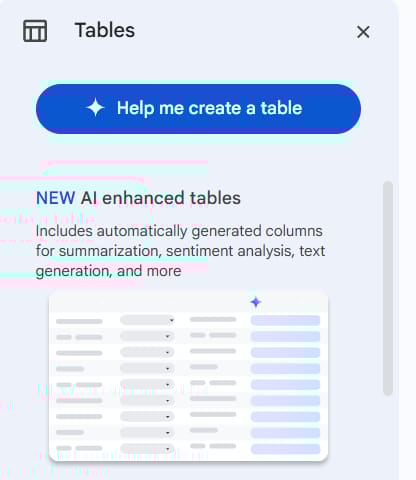
Google Sheets used to be scary because of formulas. Now, you just ask a question. You can say, show me who sold the most last month. The AI writes the formula for you. This saves so much time if you are not a math expert.
10. Google Slides AI: Creating Presentations
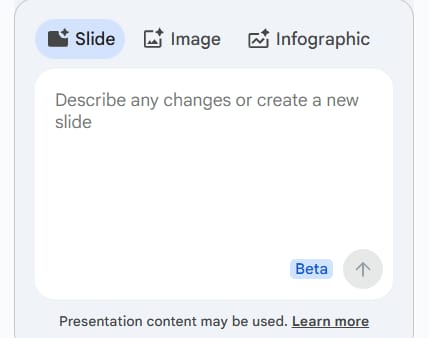
In Google Slides, you can ask the AI to design the whole deck. You give it the text, and it picks the colors, find the images, and organizes the layout. It makes you look like a pro designer.
Part 5: Can Google Gemini Advanced Automate Your Whole Business?
This is where things get very exciting for anyone who feels they have too much work to do. Google has created a way for you to build your own "robots" to handle boring tasks. You do not need to be a computer programmer to do this. With Google Gemini advanced, you can use a new tool called Opal to make your life much easier.
11. Google Opal: Building Your Own Workflows
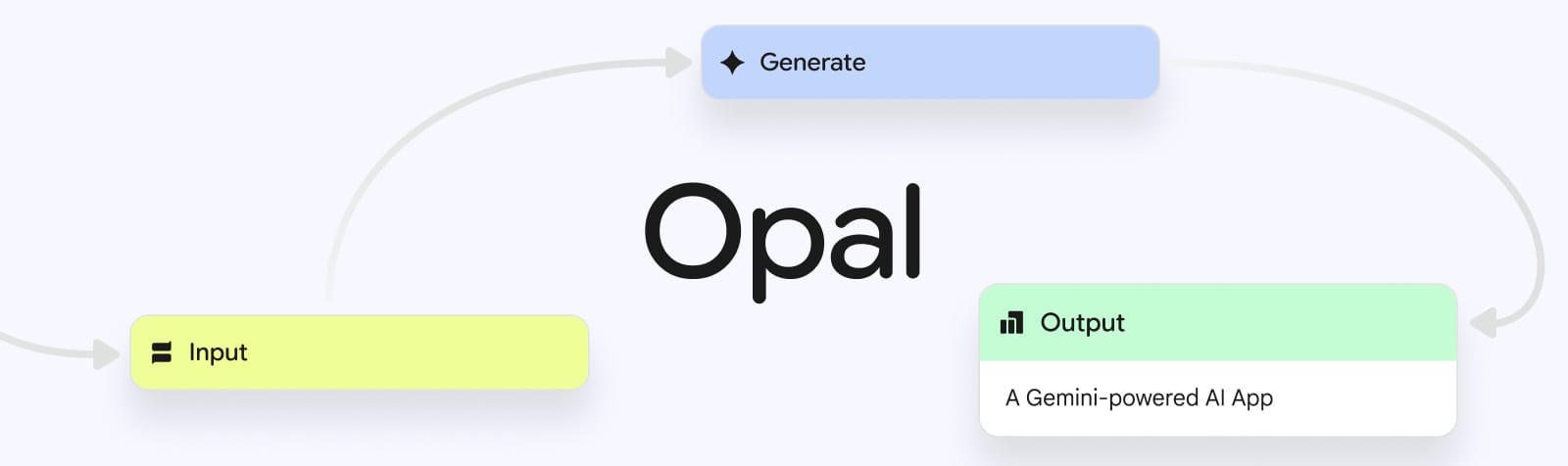
Opal is a tool that lets you connect different apps together using only your voice or simple English. Many people call this "vibe coding." It means you just describe the "vibe" or the steps of what you want, and the AI builds the automation for you.
I use this to handle my emails. For example, if I get a message about a new project, Opal can automatically read it, save the details into a folder in my Google Drive, and then send a message to my team. You are not just asking a question; you are building a machine that works for you every day.
12. Google AI Mode: Using AI Mode To Change How You Search

Searching for things on the internet used to take a long time because you had to click on many different websites. Now, inside Google Search, there is a special AI Mode powered by the same technology in Google Gemini advanced.
When you look for something big, like "how to start a coffee shop," the AI doesn't just give you links. It creates a "Canvas" for you.
This is a visual space where it organizes all the information into steps, lists the equipment you need, and even helps you calculate the costs. It is like having a consultant helping you right on the search page.
Part 6: How Do Developers Use Google Gemini Advanced To Build Apps?
If you are a student or someone who likes to build things, you should know about the tools for makers.
13. Google AI Studio: The Playground For Ideas

Google AI Studio is a free place to test the AI. This is where I go when I want to see how smart the newest models are. You can give the AI a huge book and ask it questions. It can hold up to 2 million pieces of information at once.
14. Vertex AI: Enterprise Power
Vertex AI is for big companies. It has the same technology but with much more security. It helps businesses use their own private data to train the AI without sharing it with the rest of the world.
How useful was this AI tool article for you? 💻Let us know how this article on AI tools helped with your work or learning. Your feedback helps us improve! |
Part 7: Which Version Of Google Gemini Advanced Is Right For You?
You might be wondering if you should pay for the premium version. Here is how I see it.
Feature | Free Version | Paid Version ($20/month) |
Chatting | Basic | Advanced (Faster and smarter) |
Google Apps | No | Yes (Gmail, Docs, Drive) |
Deep Research | No | Yes |
Custom Gems | No | Yes |
Storage | 15 GB | 2 TB |
I think the paid version is worth it if you use Google for work or if you are a student. The 2TB of storage alone is a great deal, and the AI feels like a real assistant.
Part 8: What Are The Best Ways To Get Started With Google Gemini Advanced?
I know this is a lot of information. Do not try to learn it all today. I suggest you follow these steps:
Try the chat: Go to the Gemini website and ask it to help you with one small task today, like writing a grocery list or a text message.
Upload a file: Go to NotebookLM and upload one article you have been meaning to read. Listen to the Audio Overview.
Check your Gmail: Look for the "Help me write" button next time you need to send an email.
Remember, the AI is a tool. It is like a hammer. A hammer does not build a house by itself; you have to use it. You are still the boss. The AI just does the boring parts for you.
I have found that the people who succeed with AI are the ones who are not afraid to play with it. Try different prompts. If the AI gives a bad answer, tell it why and ask it to try again. Over time, you will learn how to talk to it so you get exactly what you need.
If you found this guide helpful, please share it with a friend who is curious about AI. And if you want to see exactly how I use these tools to run my daily life, come join our community where we share the best prompts every week.
Conclusion: Is Google Gemini Advanced The Final Tool You Need For A Better Life?
It has been a long journey looking at all these tools together. When I first tried these features a few months ago, it felt like a lot to learn. But after some time, I realized that you do not need to know everything at once. The most important thing is just to start.
The real power of Google Gemini advanced is that it grows with you. Whether you use NotebookLM for school or Opal for your small business, the AI is there to help. I use it to save about 10 hours every week on boring tasks. You can do the same if you just pick one small thing to change today.
As I mentioned at the start, there are many secret ways to make these tools work even better. I could not fit every single detail in this guide because it would be too long.
If you want to see the specific settings and expert prompts I use for my daily work, please join our community. You can search for the advanced tips section there to see more details.
I am very happy you stayed with me until the end of this guide. I really believe that these tools can help you reach your goals faster. If you feel lost, just ask a question. We are all learning this together.
If you are interested in other topics and how AI is transforming different aspects of our lives or even in making money using AI with more detailed, step-by-step guidance, you can find our other articles here:
Building Apps with Bolt: A No-Code Guide to Turning Ideas into Reality
Detailed Guide: How To Automatically Get Unlimited High-Quality LinkedIn Jobs*
Prompt Engineering Automation: Build a Mini AI Assistant with n8n
Discover My Ultimate AI Tools Productivity Kit for 2024*
*indicates a premium content, if any
How useful was this AI tool article for you? 💻Let us know how this article on AI tools helped with your work or learning. Your feedback helps us improve! |
Reply