- AI Fire
- Posts
- 🏆 How to ACTUALLY Win With AI in 2026 (The Framework Nobody Shares for Free)
🏆 How to ACTUALLY Win With AI in 2026 (The Framework Nobody Shares for Free)
Stop trying to replace employees. This guide shows how to break any business function into tasks and rebuild it as an AI-driven pipeline that actually works.

Max Anh
March 20, 2026
TL;DR BOX
In 2026, teams win with an AI project by breaking work into tasks, not roles. Instead of asking, "Can AI do this job?", they ask, "Can AI do this small step well enough today?” By shifting focus from "Perfect AI" to "Acceptable Efficiency", companies are scaling content production 10x and reducing office costs by 60%.
The defining competitive edge of 2026 is Speed-to-Market. Success in any AI project requires three simple shifts: mapping the work before touching tools, accepting "80% polished" AI output for high-volume tasks and maintaining a lean human layer for final strategic oversight.
Key Points
Fact: Modern models like GPT-5.4 and Claude Sonnet 4.6 can do 90% of boring writing tasks (captions, FAQs, emails) as well as a human.
Mistake: Automating Chaos. Adding AI to a broken, messy workflow only makes the errors scale faster. You must clean the process manually before plugging in the automation.
Action: Perform a "Task Audit" this week. List every action your team takes in one department (e.g., Sales) and score them "Yes/No/Maybe" for AI readiness.
Critical Insight
The real math of 2026 isn't quality, it's Quality per Dollar. An AI-generated caption that is 80% as good as a human's but costs $0.01 and takes 3 seconds is a mathematical winner for 99% of business use cases.
Table of Contents
I. Introduction
A lot of business owners look at AI and immediately frame it as a hiring question, like "Can AI replace my copywriter? My designer? My customer support team?"
That framing leads nowhere useful because a job title bundles together dozens of different tasks. Some of those tasks AI can handle right now, while others still need a human. When you think in terms of roles, you either automate nothing (too risky) or try to automate everything at once (too complex).
So the real move is to break the work down, look at each step and ask one simple question: Can AI handle this well enough right now?
In this post, we’re going to break down how to set up the correct framework using AI for your business.
⚖️ Would you accept an "80% Perfect" AI result if it was 100x faster? |
II. Step 1: Map the Work Before You Touch AI Project
Before downloading a single app or signing up for a trial, you need to map what actually happens in your business.
1. Pick One Function to Start
Start by choosing one part of your business to focus on.
You don’t have to try to automate everything at once. Just pick one area like content, sales, customer support or operations and go deep. Trying to fix everything at the same time usually leads to confusion and no real progress.
2. List Every Action a Human Takes
Next, break the work down into real actions. Look at what people actually do step by step, rather than job titles or vague descriptions.
For example, a content job is more than "making content". It involves writing captions, changing image sizes, planning posts and answering comments.
These small actions are what you’re actually working with.
3. Score Each Action Honestly
Once you have the list, look at each one and be honest. Can AI handle this today at a decent level? Yes, no or maybe, with some human oversight.
For every action, you ask a simple question: “Can AI handle this at an acceptable level right now?“
Some tasks are a clear yes, some are no and others need human oversight.
4. Start with the Easy Wins
Then start with the "yes" tasks first. Automate the tasks that are already easy for AI. Leave the work that still needs judgment, like strategy decisions, sensitive conversations or creative direction, to humans, at least for now.
Here's what this looks like for a content team:
Task | Currently Done By | AI Tool That Can Handle It |
|---|---|---|
Record raw video | Human | Still needs a human |
Transcribe audio | Human | |
Cut filler and dead air | Video editor | Descript, LTX |
Write caption variations | Copywriter | GPT-5.4, Claude Sonnet 4.6 |
Generate thumbnail options | Designer | Nano Banana 2, Midjourney, Flux |
Schedule and publish | Manager | n8n, Zapier |
Reply to Level-1 messages | Virtual assistant | Voice AI, chatbot |
As you can see, a person only needs to record the video and everything after that can be handled or at least assisted by AI. The human becomes the director, not the production crew.
Learn How to Make AI Work For You!
Transform your AI skills with the AI Fire Academy Premium Plan - FREE for 14 days! Gain instant access to 500+ AI workflows, advanced tutorials, exclusive case studies and unbeatable discounts. No risks, cancel anytime.
III. Step 2: Stop Waiting for ‘Perfect’ AI Project
So, most people hold AI to an impossible standard. They test it once, see something slightly off and say, "It's not ready yet". Then they go back to slower, more expensive workflows that AI could handle at a fraction of the cost.
On the other hand, the companies moving fast think differently by asking “Is this good enough to use right now?”, not “Is this perfect?”
You're looking for acceptable output at lower cost and higher speed. That shift changes everything.
1. The Math Is Simple
A caption that AI writes in 3 seconds, at near-zero cost (that’s 80% as polished as a human’s), often beats a human-written version that takes 20 minutes and costs $25.
At scale, that difference compounds. What matters isn’t quality on its own but quality per dollar and quality per hour.
2. The "Good Enough" Bar is Already Higher Than You Think
AI tools in 2025 and 2026 are not the clunky chatbots of 2022.
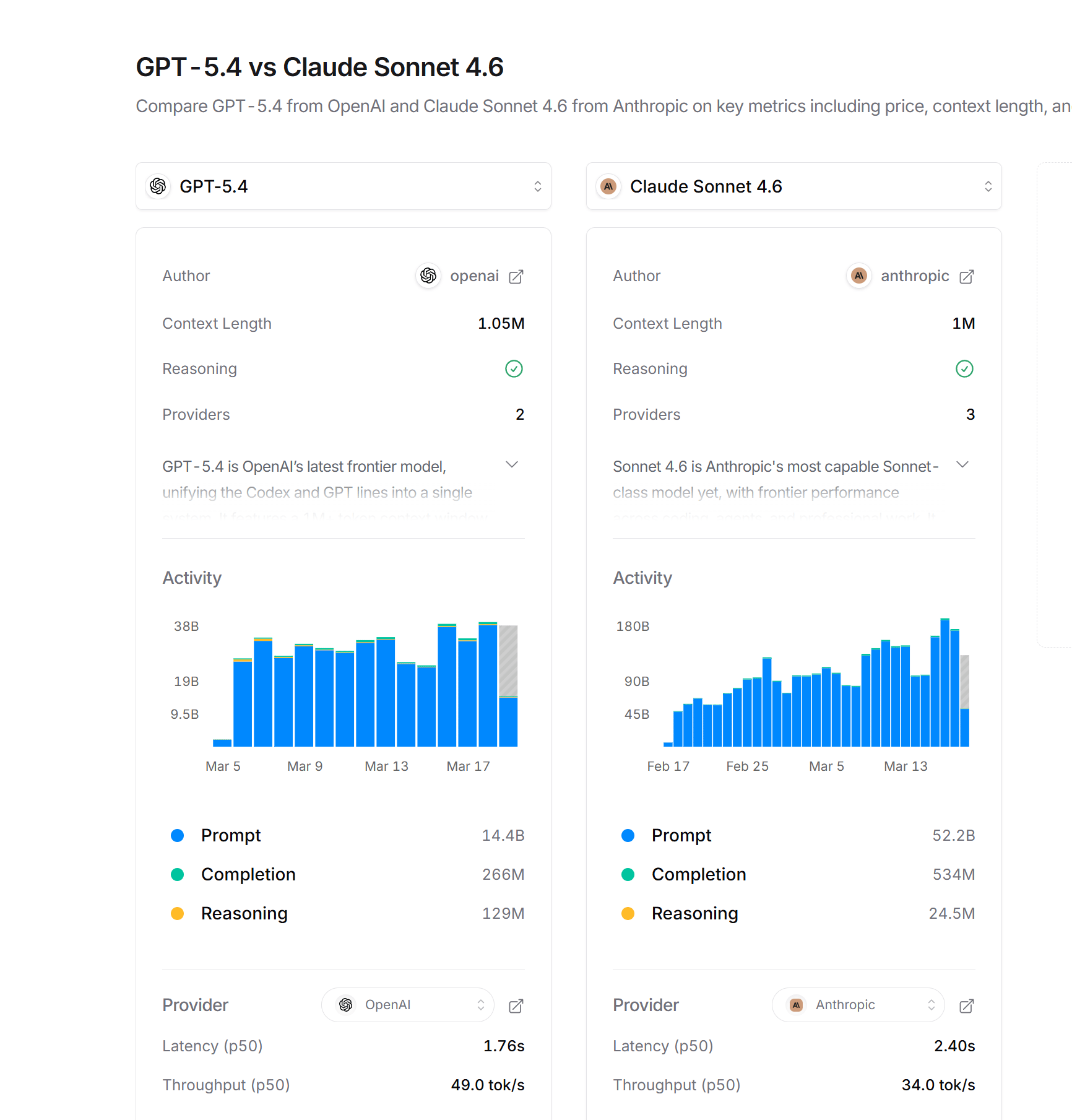
Modern models like GPT-5.4 and Claude Sonnet 4.6 produce content most people can’t tell apart from human-written work, especially for repetitive tasks, high-volume tasks like captions, FAQs, email responses and social posts.
This is where AI already wins.
3. Waiting is a Competitive Risk
If you wait for AI projects to match humans perfectly, you’ll keep waiting. Meanwhile, competitors are shipping 10x more content, testing more ads and replying to leads faster.
The gap compounds until it's very hard to close.
Instead of waiting for perfect AI, which is nearly impossible right now, you just need to use AI that’s already good enough, improve as you go and let speed do the rest.
IV. Step 3: AI Content Engine (What a Real Pipeline Looks Like)
Here's a practical content workflow that teams are running right now.
1. Record Once, Distribute Everywhere
It starts simply with recording one long piece of content, like a podcast, a video or a recorded session. That single recording becomes the source for everything else.
From one video, you can make podcasts, YouTube clips, blog posts and LinkedIn updates. You make it once and use it many times.
2. Auto-transcription and clip identification
Then, AI tools can transcribe the audio and scan for high-engagement moments, strong quotes, punchy one-liners and moments where the speaker makes a bold claim.
These moments become short-form clips without you having to search manually.
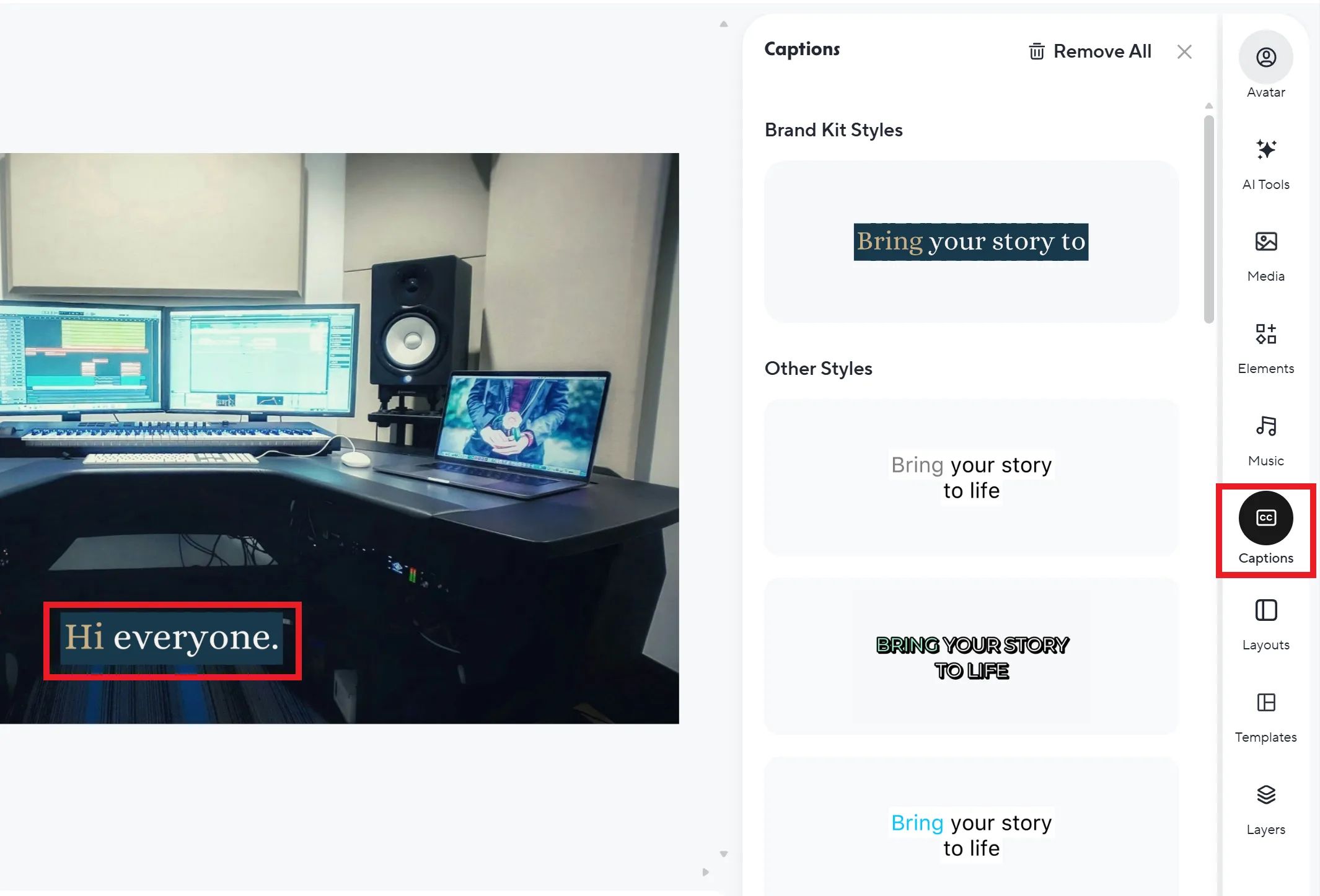
Auto-transcription in HeyGen.
3. AI Edits and Formats the Clips
Next, the clips are cleaned and formatted. Dead air is removed, captions are added and each clip is adjusted for different platforms.
What used to take hours of editing now takes minutes.
4. AI Writes Platform-specific Captions and Hooks
Once the clips are ready, AI generates captions and hooks for each platform.
The same video needs a different angle depending on where it’s posted (Instagram, LinkedIn, YouTube,…). You get multiple options, then pick the best one or make small edits.

5. Scheduled Auto-publishing
Tools like n8n or Zapier handle the posting calendar. Content goes out at the right time without anyone manually logging in.
6. Voice AI Handles First-contact Replies
When someone DMs or responds to a post, AI handles the first layer of conversation. It replies to common questions, filters interest and can even book calls.
You only step in when the conversation actually needs you.
7. Human Oversight at the Top
At the top, one person oversees everything. They review content, handle edge cases and track performance. The system runs on its own but direction still comes from a human.
And here’s where it compounds. Every piece of content that goes through this pipeline generates data on what performs. Over time, the system learns what hooks work, what clips get views, what captions drive clicks without adding a single person to the team.
Overall, how would you rate the AI Workflows Series? |
V. Step 4: Agencies and Back-Office
Agencies are in an interesting position with AI projects. They can lose clients to competitors using automation but they can also use the same tools to scale their own margins.
The difference comes down to how they apply it.
1. Lead Intake and Qualification
Voice AI can handle inbound leads 24/7. A potential client calls, explains what they need and the AI asks follow-up questions, filters serious prospects and books a call.
The CRM updates in the background without anyone touching it.
2. Proposal Drafting
This is another clear use case.
AI pulls key details from the CRM, like industry, goals, budget and timeline, then generates a structured proposal. Instead of starting from scratch, your team reviews, makes small edits and sends it.
What used to take two hours now takes fifteen minutes.
3. Client Reporting
Client reporting follows the same pattern.
AI pulls data from analytics dashboards, writes a narrative summary of results and sends it to the client on schedule. Clients receive consistent, professional reports and the team avoids spending time building reports from scratch.
4. Tier-1 Support
An AI chatbot handles FAQ-level questions: invoice status, project timelines, file requests and policy questions. Your team only steps in when real judgment or relationship management is needed.
Across all of this, the pattern stays the same: AI handles volume, repetition and routing, while humans focus on decisions, relationships and edge cases.
That’s where the real advantage comes from.
VI. Step 5: Voice AI (The Interface That's About to Disappear)
Most people think of AI as something you type at but it’s not just stopping at that anymore. The next major shift is no interface at all.
Voice AI is a clear example of that. The experience is already here at some companies: a customer calls a phone number, speaks naturally and the AI handles the request from start to finish. There’s no waiting, no menus, no need for a human on simple tasks.
The experience feels like talking to someone who already knows what to do.
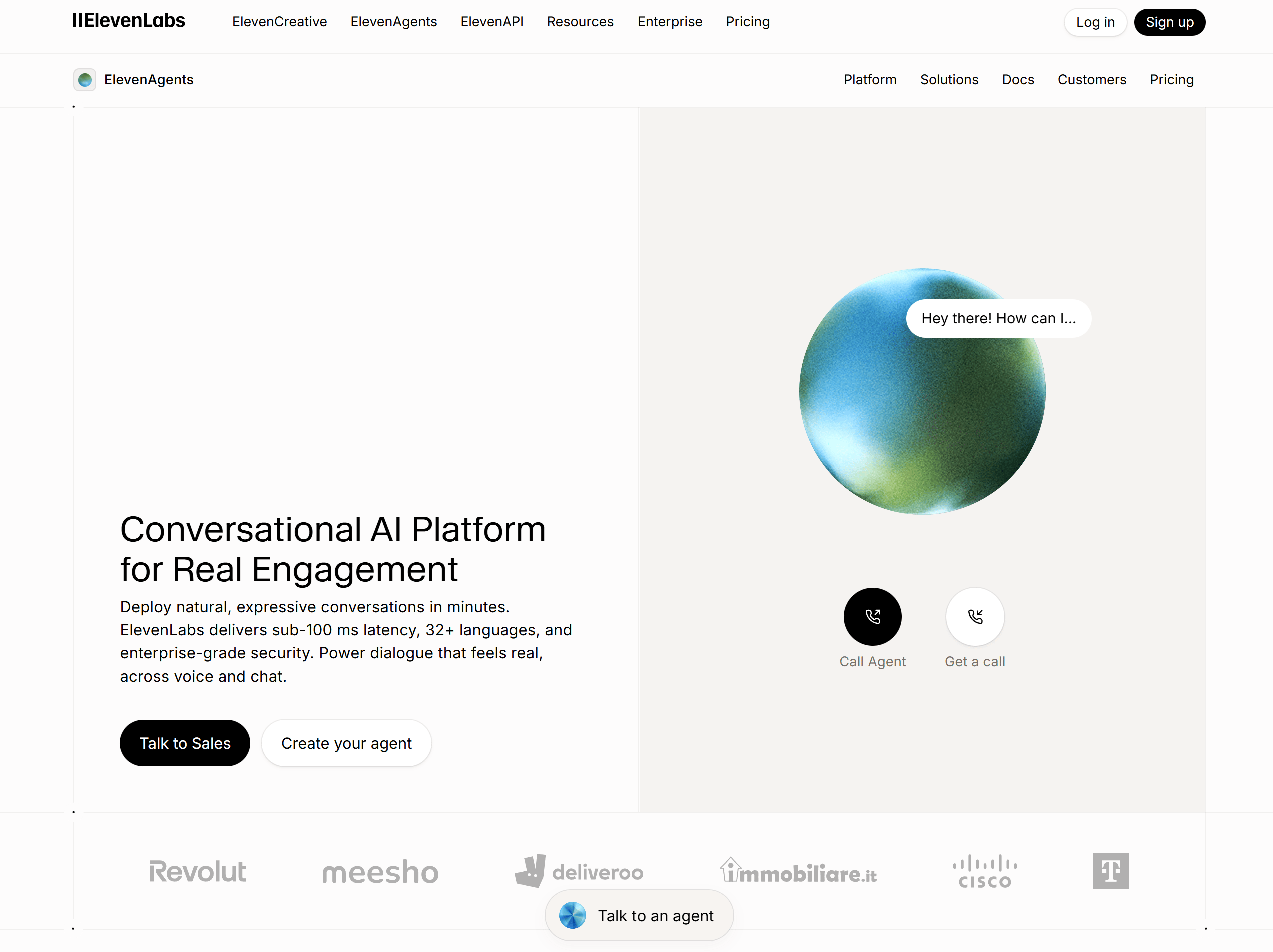
Tools like ElevenLabs Conversational AI and similar platforms are enabling this right now. The voice sounds natural, the system understands context and it can answer questions, update records or pass the conversation to a human when needed.
1. Why This Matters for Businesses
Phone calls are still one of the highest-converting touch points in sales and support.
If your competitor answers instantly with an AI that sounds professional, knows your product and never has a bad day, while you're sending calls to voicemail, you will lose that customer every time.
2. The Window Is Open Now
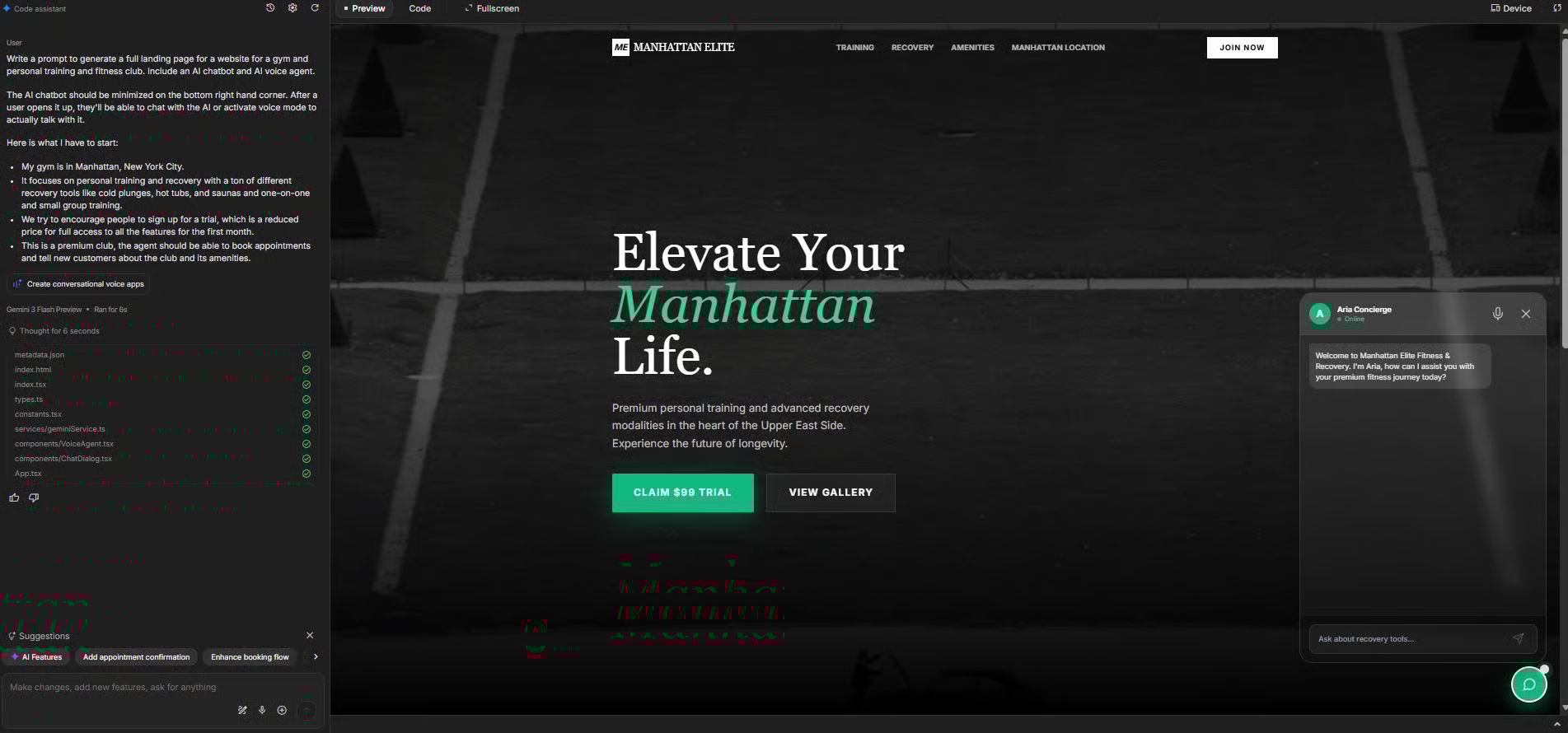
Right now, many businesses are still unsure if voice AI is ready to use. As a person who has been working with AI for a long time, I can surely say that even a kid could build their own AI voice agent as long as they can type words.
If you want to build it, I highly recommend that you read my article about building an AI voice agent project with three tools from Google. The workflow is simple and the best part is that these tools are totally free.
The ones building these systems today are shaping how customers interact in their category over the next year. So, don’t skip it.
Creating quality AI content takes serious research time ☕️ Your coffee fund helps me read whitepapers, test new tools and interview experts so you get the real story. Skip the fluff - get insights that help you understand what's actually happening in AI. Support quality over quantity here!
VII. Step 6: AI Project Cost Math
People hear "AI implementation" and assume it's expensive, technical and risky. Sometimes it is but when you actually run the numbers, the math is hard to ignore.
1. What it actually costs
There are only a few real costs:
Cost Type | One-Time or Ongoing | Typical Range |
|---|---|---|
Workflow design and setup | One-time | $2,000-$20,000 via agency or DIY for less |
API and tool subscriptions | Monthly | $200-$2,000/month for a mid-size business |
Human oversight (reduced headcount) | Ongoing savings | Replaces $4,000-$15,000/month per automated role |
Quality review and iteration | Ongoing | 1-2 hours per week per workflow |
That gap is where the value comes from.
2. Break-Even Happens Fast
Because of that gap, most setups break even quickly, often within 1-3 months. After that point, every automated task increases margin.
Instead of adding cost, you’re increasing output with the same or fewer resources.
Most implementations pay for themselves quickly. After that, every automated step is pure margin expansion. You're not spending more; you're doing more with the same.
3. The Simple Decision Rule
The decision rule is straightforward: If a workflow costs more in human time each month than it would cost to automate, it’s worth automating.
In most cases, the gap is obvious.
The only time to hold back is when the process itself is broken. Because automating a bad workflow just makes the mess happen faster. So, fix the process first, then let automation scale it.
VIII. What Mistakes Cause Most AI Projects to Fail Early?
Most failures come from poor setup, not bad technology. Teams automate messy processes or overcomplicate solutions. Others skip review or wait too long. These mistakes slow progress.
Key takeaways
Automating bad workflows spreads problems.
Simple tools often work better than complex builds.
Human review keeps quality stable.
Waiting delays competitive advantage.
Most AI projects don't fail because the technology doesn't work. They fail because the setup is wrong from the start.
1. Automating Chaos
When a workflow is messy, adding AI just makes the problems move faster, errors scale and confusion spreads.
So, before you automate anything, you need to clean the process. You map it, simplify it and make sure a human can run it clearly from start to finish. Then, you bring in AI.
2. Over-Engineering the Solution
Many problems can be solved with simple tools connected together. A basic workflow using Zapier and a model like GPT or Claude can solve the majority of use cases.
But people jump straight to custom builds because it feels more “powerful”, which also usually slows things down. Starting simple gets results faster and you only upgrade when the limits are real.
3. Skipping the Review Layer
We all know that AI can’t do everything. That’s why AI without a human quality-check loop drifts over time.
The outputs get stale, repetitive or slightly off-brand and nobody notices until a client or audience member points it out. A quick weekly review is usually enough to keep things on track.
4. Waiting for Perfect
As I said earlier, you don’t have to wait for the perfect AI. The advantage window in AI is moving fast. Every month you wait, someone else ships, learns and improves.
Progress comes from getting something working, then making it better over time.
IX. Conclusion: The Real Advantage with AI
The shift is simple but most people miss it.
AI is not designed to replace people; it’s about to make your work easier. So when you stop thinking in roles and start thinking in steps, things become much easier to act on. You see what can be automated today, what still needs a human and where the real advantage is.
Forget a perfect system, which will never happen; you just need a working one.
Start your AI project small: automate one department, accept the "80% polish" for high-volume tasks and keep your best people focused on high-level strategy. Then improve it week by week.
That’s how teams actually win with AI in 2026. Not by waiting but by building, testing and moving faster than everyone else.
If you want a simple way to actually apply everything in this post, you can use the step-by-step checklist here.
If you are interested in other topics and how AI is transforming different aspects of our lives or even in making money using AI with more detailed, step-by-step guidance, you can find our other articles here:
*indicates a premium content, if any
Reply