- AI Fire
- Posts
- ⚡️ A Complete Ranking of the Top Productivity AI Tools for Every Task in 2026 (Real Picks)
⚡️ A Complete Ranking of the Top Productivity AI Tools for Every Task in 2026 (Real Picks)
Skip the 3 a.m. slide stress. Use these top research and video apps to finish your projects with expert quality while you enjoy your free time now.

Neil Phan
January 27, 2026
TL;DR
Knowing how to use AI is now a survival skill that turns manual, 10-hour tasks into simple 2-hour workflows. By mastering specific tools for research, voice cloning, video generation, and slide design, anyone can produce expert-level work regardless of their technical background.
This guide provides a proven 5-step production line to connect these tools, allowing you to move from an initial idea to a professional final product in under 30 minutes.
Key points
Research: Use Elicit for deep academic citations and Perplexity for fast, fact-checked web searches.
Media: ElevenLabs sets the standard for emotional voices, while Kling AI offers superior motion control for cinematic videos.
Slides: Gamma AI automates layout and design, while NotebookLM creates logical presentations from complex PDFs.
Critical insight
AI doesn't replace humans; it replaces the technical barriers that previously stopped creative people from executing their best ideas.
Which task drains your energy most? 😫 |
Table of Contents
I. Introduction
Are you feeling tired because you have too many research papers to read? Are you exhausted from staying up all night just to fix every single slide for your presentation before the deadline?
Did you know that now, using AI is no longer a choice, it’s a survival skill. They are more like partners that help you work much faster and smarter.
The best part is that they make your work look professional, whether you’re writing a research paper or making a video.
In this guide, I’ll show you exactly how to use these tools so you can start your own projects right away.
II. The Core Strategy Of AI Productivity Tools
AI tools allow you to reclaim significant portions of your life by automating repetitive and energy-draining manual tasks. They act as talented assistants that remove technical skill barriers, enabling anyone to produce high-quality design, sound, and research without years of training.
Key takeaways
Fact: Work that used to take 10 hours can now be finished in under 2 hours.
Benefit: You gain 8 hours of life back for rest or family by working smarter.
Difference: AI carries technical weight, leaving you free to focus on creativity.
Goal: Use AI to master professional results regardless of your background.
To be honest, I spent many months trying them myself. I tested them and then deleted them many times. Finally, I realized that AI is not scary or hard to reach. Actually, it is the key for us to do things we never thought we could do.
Learn How to Make AI Work For You!
Transform your AI skills with the AI Fire Academy Premium Plan - FREE for 14 days! Gain instant access to 500+ AI workflows, advanced tutorials, exclusive case studies and unbeatable discounts. No risks, cancel anytime.
III. Category 1: AI Productivity Tools For Academic Research
For deep science research, Elicit is the top choice because it searches global academic libraries and provides reliable, non-hallucinated citations.
If you need a faster search that combines web news with source checking, Perplexity offers clickable source numbers to verify every claim.
While Gemini's deep research feature is fast at scanning the web, it should primarily be used for outlines before verifying facts with more specialized tools.
Key takeaways
Elicit: Best for finding real academic papers and summarizing complex results.
Perplexity: A "truth-checking" search engine that cites every source number.
Gemini: Good for initial brainstorming but carries a higher risk of fake info.
Tactic: Type a research question into Elicit to get a summary of global findings.
Here are the top names that I have tested for many months to help you.
1. Elicit: The Academic Research Specialist
The first tool I want to introduce is Elicit. It is the one I like the most when I need to find full citations.
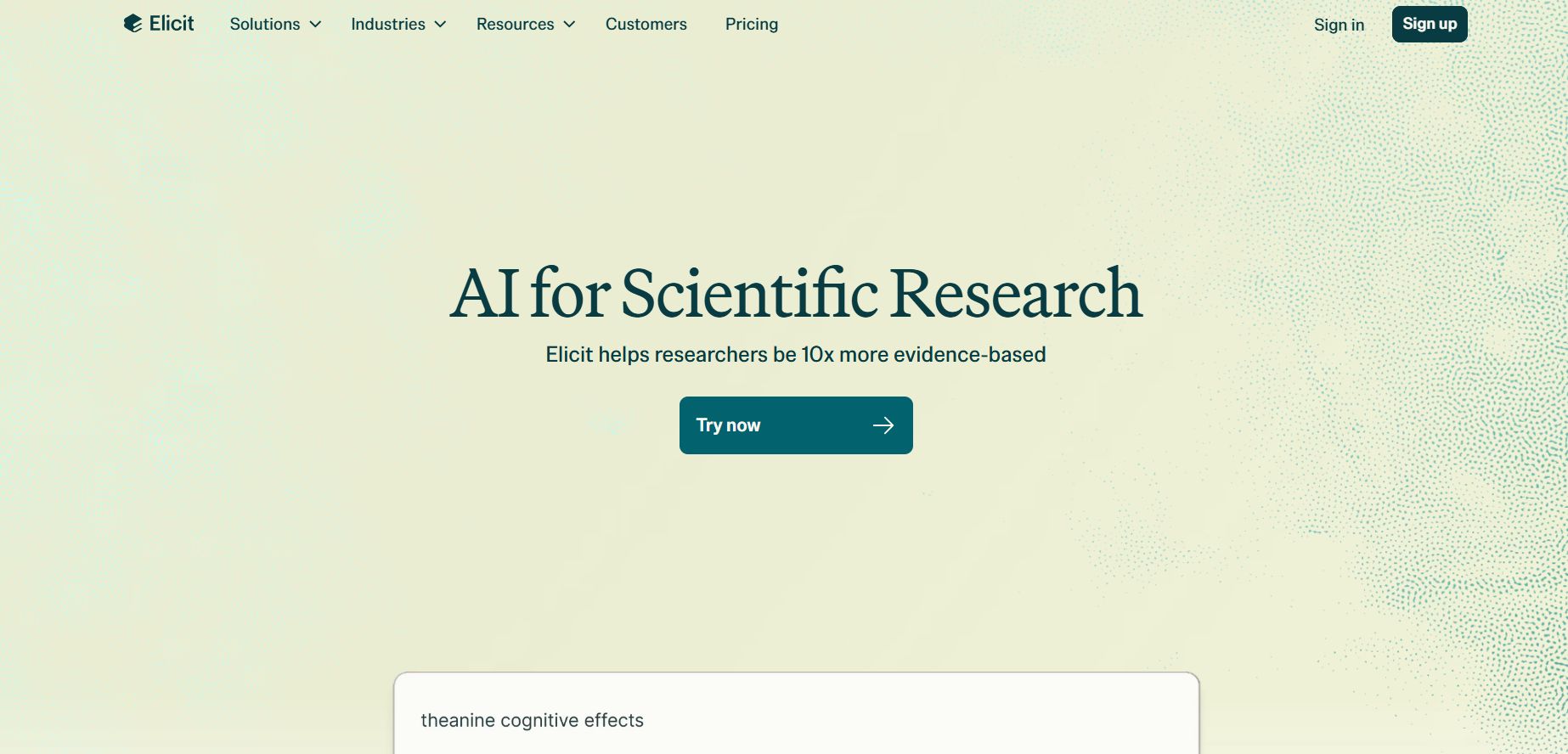
Elicit
Please do not think it is like Google or normal ChatGPT. Elicit does not search the internet in a simple way. It goes directly into huge libraries of science papers all over the world.
Here are the reasons why I trust Elicit:
Smart way of working: You just need to type a research question. The AI will automatically find the most related papers, summarize the main results, and list the sources very clearly.
High honesty: The best thing about Elicit is that it almost never makes up fake information. Because it always follows real science papers, you can feel safe using its data for important writing.
If you read this far and still feel confused or don’t know how to use this tool in your real work, then join our AI Fire community right now. Don't just stand outside watching other people master AI, get in here so we can master it together!
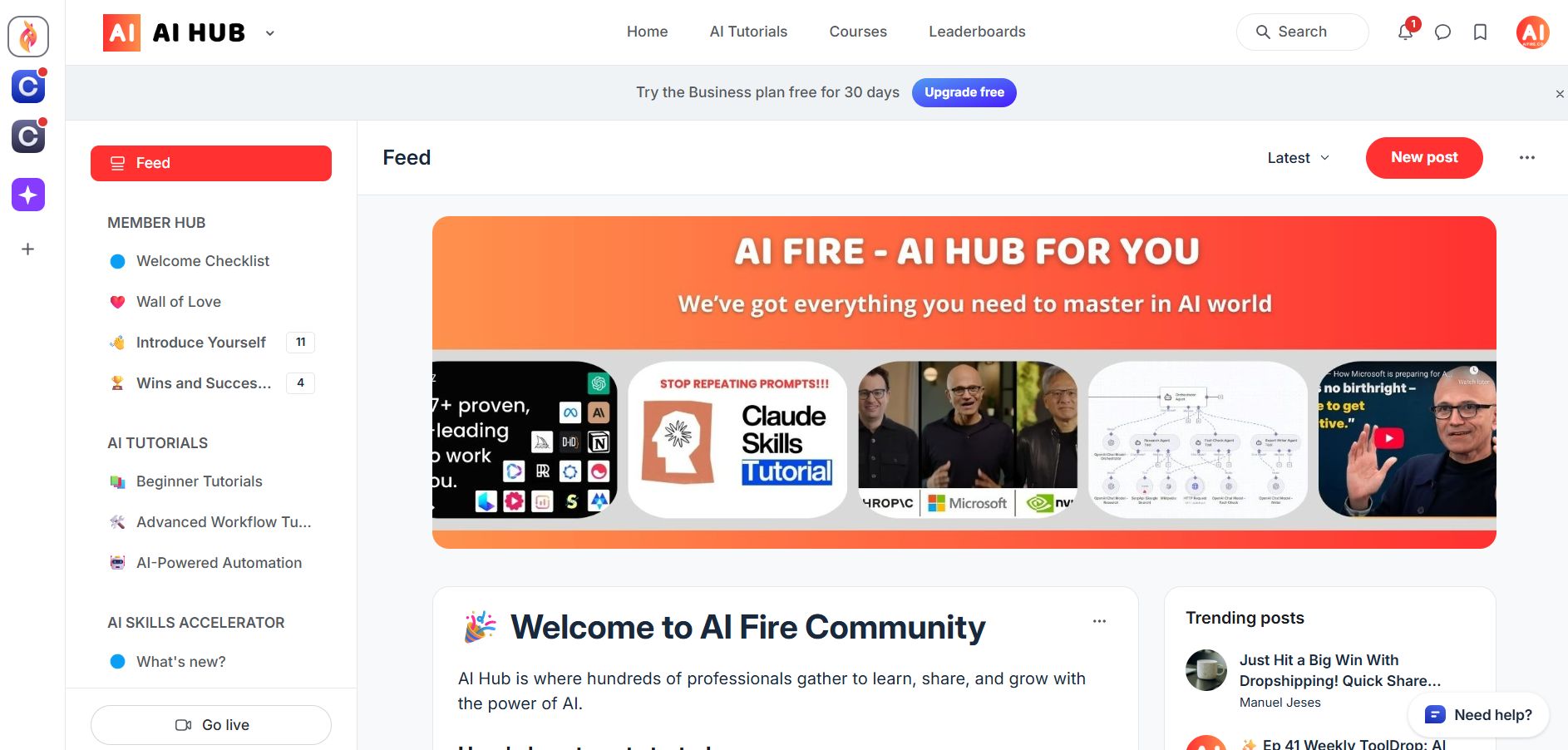
2. Perplexity: The Verified Truth Engine
If you feel Elicit is a bit too difficult and you need something between Google and ChatGPT, then Perplexity is the perfect choice. I often use this tool when I need to quickly scan news on the web, newspapers, and school papers to see different views.
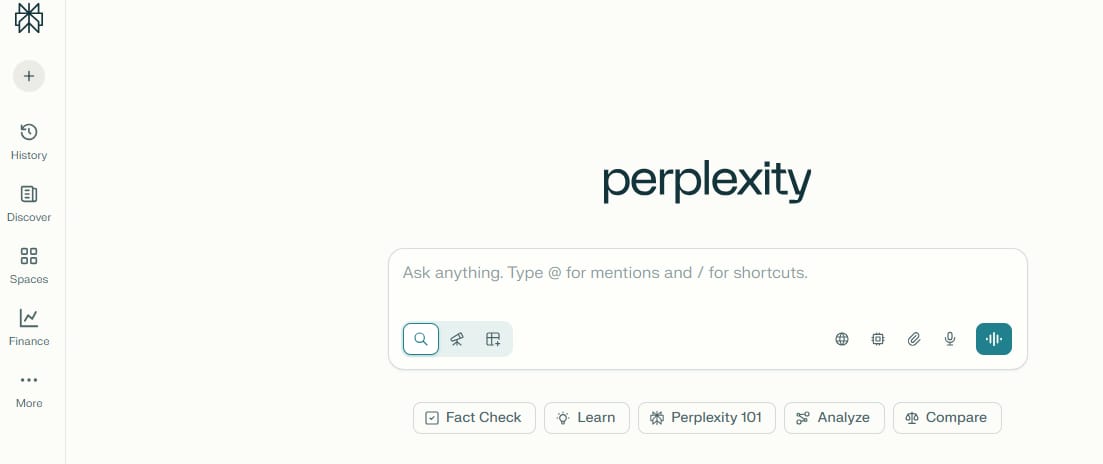
It has some very useful features that you should know:
Fact check feature: Every time it answers, it gives specific source numbers. You just need to click on that number to see the original website. This helps you check if the AI is telling the truth.
Great summary: It helps you understand a problem very quickly without opening many tabs on your browser.
A small note: Although it is very powerful, it is still not as good as Elicit at finding very deep or difficult science documents.
If you still don’t know how to use this tool correctly to handle your workload, you should read our guide here: 10 Free Perplexity Agents Are Here. They Do Your Tasks For You.
3. Gemini Deep Research: The Rapid Outline Architect
Recently, Gemini from Google updated its deep research feature. It is also a name you should look at. It can scan many sources on the web at the same time very fast.
However, my own experience shows that you need to be careful:
Risk of sources: Sometimes Gemini still makes mistakes like giving sources that do not exist or adding fake information if the question is too difficult.
Advice for you: You should use Gemini to get general ideas and a basic outline first. After that, when you need real numbers and facts, use Elicit or Perplexity to check again carefully.
If you still don’t know how to take full advantage of all those Google tools or how to avoid their stupid mistakes, you can read this guide. We have listed every single tool in detail so you will never feel lost again.
IV. Category 2: AI Productivity Tools For Professional Voices
After you have the research information, the next step to make a video or a presentation more alive is the sound.
4. ElevenLabs: The Emotional Voice Master
If you want a voice that has emotion and sounds natural like a human, ElevenLabs is definitely number one. I have not seen any other name that is better than this tool at sounding natural.
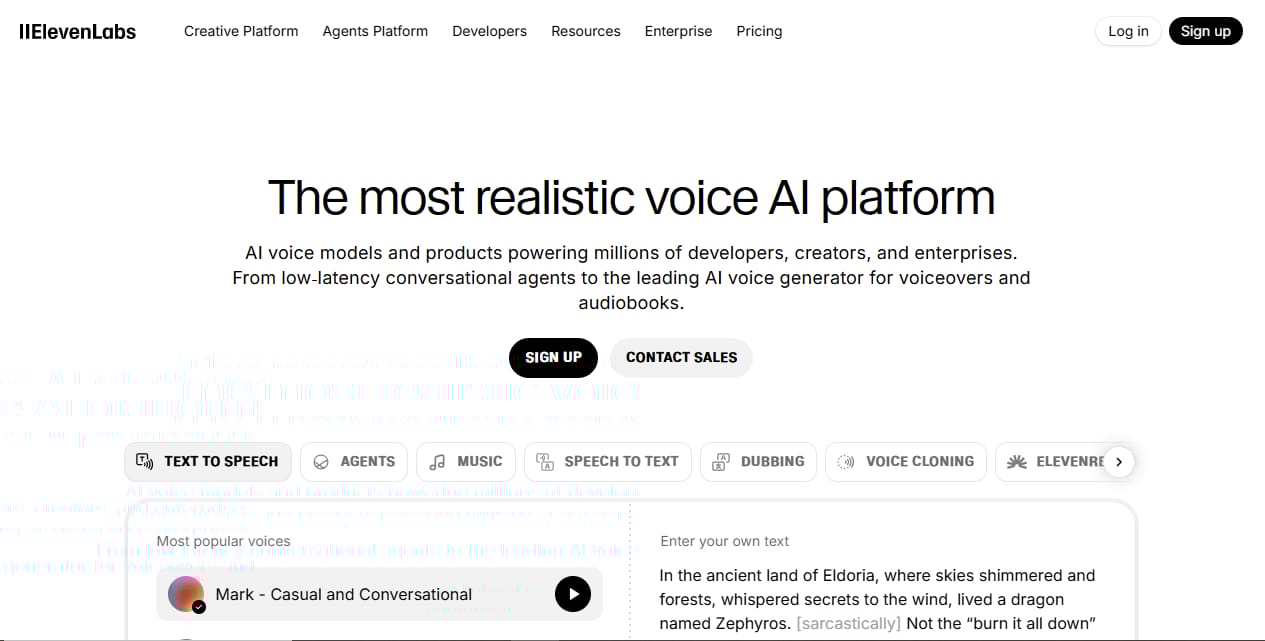
Here are the benefits this tool brings to you:
Voice Cloning: You just need to upload a small sample of your voice. The AI will learn it and create a perfect copy.
Easy to change: You can change the speed, the pitch, and the stability to fit different situations.
Quick guide: You just paste your text, choose a voice, and click Generate.
If you don’t know how to use this tool to make money, then click this article. We have written down exactly how to make money with this, and it is totally free for you to read.
5. MiniMax: The High-Speed Clarity Specialist
Besides ElevenLabs, MiniMax is also a very good name if you care most about speed. This is a great choice if you need to process a large amount of text quickly and still have clear words.
Strength: It only needs a very short voice sample to copy a voice accurately. It processes data very fast and the sound is very clean.
Weakness: If you need to read long stories with a lot of feelings, I think it still lacks "emotion" compared to ElevenLabs.
If ElevenLabs helps you make money with emotions, you will use MiniMax to get rich in faceless niches that need incredibly fast video production. This is a very valuable niche in 2026.
V. Category 3: AI Productivity Tools For Cinematic Video
While 2025 was about text and images, 2026 is officially the year of AI video. We’ve gone from weeks of filming to just minutes of processing, and honestly, the realism is mind-blowing. After hundreds of hours of testing, here are my top 3 picks for you.
6. Kling AI: The Motion Control Expert
Out of all the tools I have tried, Kling AI is the one that impressed me most with its motion control. If you are afraid that AI videos often look twisted or strange when characters move, Kling will change your mind.
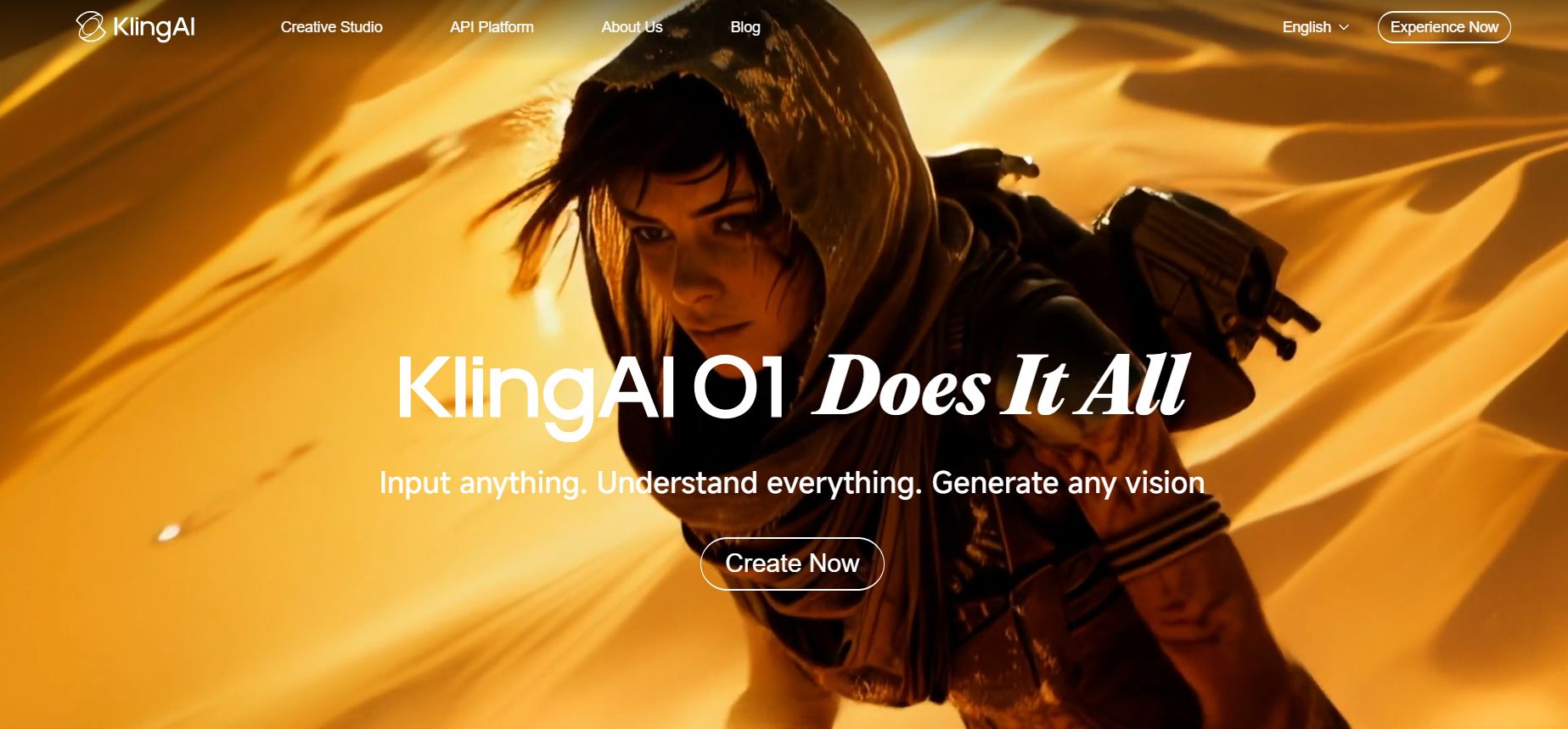
Here are the reasons why I always choose Kling AI for my projects:
Smooth movement: It can help your characters do difficult actions like walking, turning around, or moving forward and backward without any mistakes.
Great stability: Most importantly, Kling keeps the character's shape very stable between frames. You will not see the face or clothes change in a weird way while moving.
Real use cases: This tool is very good if you want to make fashion videos, short films with deep meaning, or scenes that need careful hand and body movements.
7. Runway: The Visual Narrative Artist
If Kling is strong at moving characters, Runway is the king of layout and visual thinking. I often go to Runway when I need to create artistic scenes or professional advertisements.

Here are the strengths you will feel when using Runway:
Deep visual thinking: It helps you create scenes with very good space and depth. This makes the video feel expensive and professional.
Many editing tools: What I like most about Runway is not just making videos, but the many tools it has for editing. You can fix and cut your videos right on their website without using other software.
A small note from my experience: Although the movement is sometimes not as detailed or real as Kling, Runway gives a stable artistic style to your whole story.
Don’t just be a guy who plays with tools for fun, be the one who actually gets paid. Here’s my secret method for making money with AI videos.
8. Google Veo: The Versatile Content Partner
The last name I must mention is Veo. This is a new name from Google, but it is very promising in our list of AI productivity tools this year.
Veo has its own benefits that you should think about:
Follows prompts closely: The best thing about Veo is that it is very obedient. It understands and follows exactly what you describe in your prompt. This helps you save time.
Good price: If you are a beginner or need to make many videos with a small budget, Veo is the best choice.
Good for making many videos at once: I often use Veo to make quick drafts or short videos for social media because it is fast and the price is very good.
Don't look down on it just because it's a newbie. If you want to master the content creation game without getting a headache from complex technical settings, then Veo is the "secret weapon" you need to master right now.
We have prepared a treasure map specifically for those who want to turn ideas into million-view videos with this tool.
In short, if you need real movements, choose Kling. If you need professional style and deep editing, choose Runway. If you want something flexible and cheap, Veo will be your best partner.
VI. Category 4: AI Productivity Tools For Beautiful Presentations
Now that we’ve finished the research, voice, and video, it’s time for the final part: the presentation. To be honest, making slides used to be a nightmare for me because I spent so much time on layouts and pictures.
Luckily, today’s AI tools can handle 80% of the work for you. Let’s see how to turn your ideas into professional slides in just a few clicks.
9. Gamma AI: The Instant Layout Generator
If you ask me which tool gives the most "Wow" feeling, I will say it is Gamma AI. This is my favorite tool because it completely changes the old way of making slides.
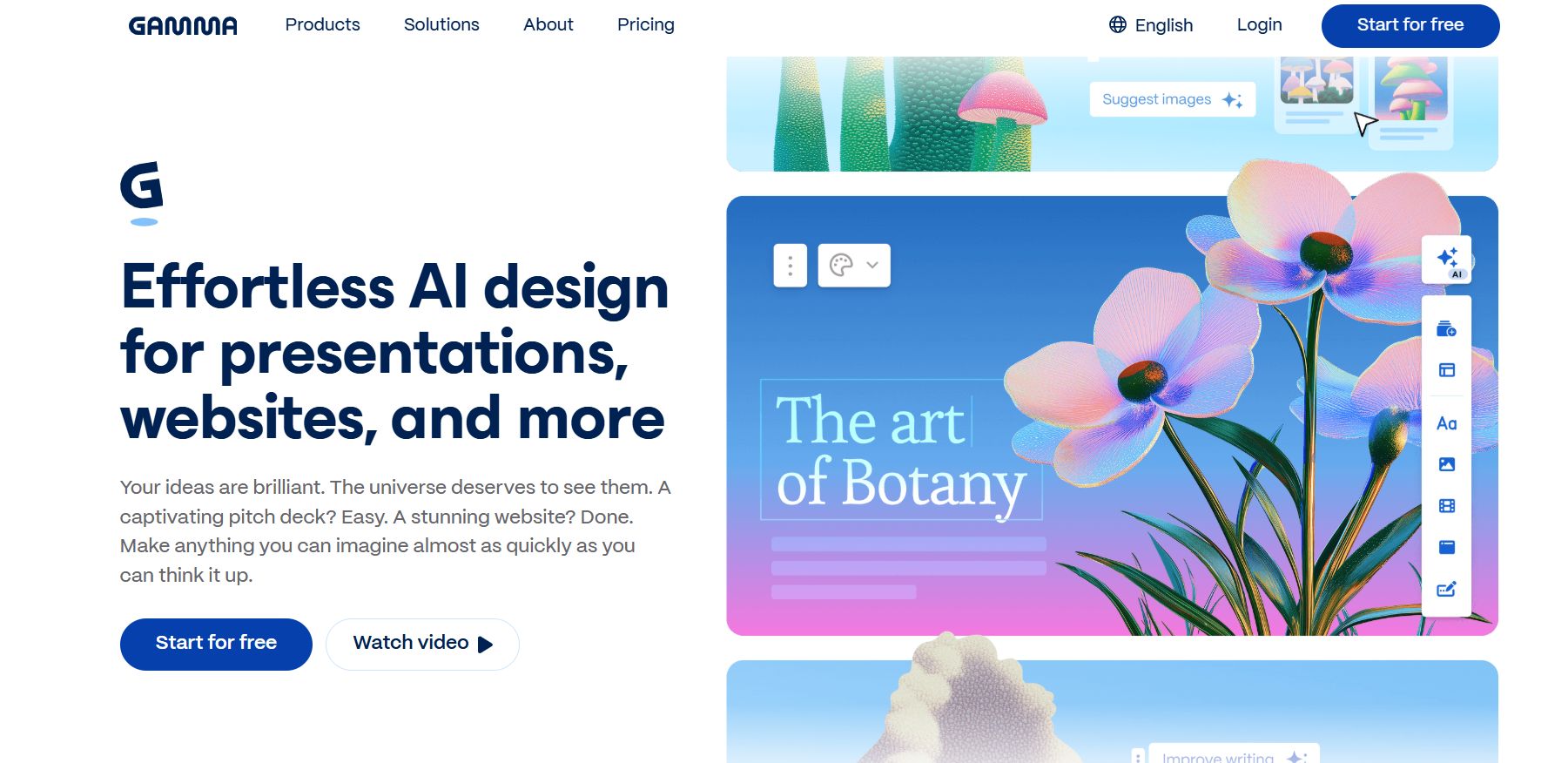
Instead of opening a blank page and drawing everything, you just talk to it like a friend, and it will automatically do everything from the layout to the content.
Here are the great features Gamma brings to you:
Fully automatic: You only need to give it a topic. The AI will automatically divide the pages, choose the right images, and even write the text for every slide.
Modern layout: The design is very beautiful. You almost don't have to fix anything by hand because everything is arranged in a smart way.
I think Gamma is perfect for anyone who needs to make slides very quickly for a meeting or a quick report but still wants it to look beautiful. The only small weakness is that sometimes it chooses images by itself.
10. NotebookLM: The Document Logic Assistant
If you have a long PDF file or many website links and you don't know how to summarize them into slides, then NotebookLM from Google is your lifesaver.
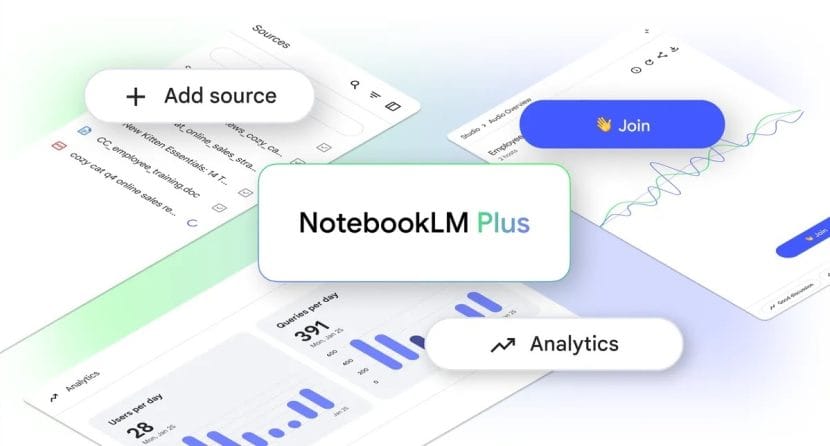
NotebookLM
This is a new step in AI productivity tools for school and work, helping you not to miss any important details from your original files.
It gives you some very interesting experiences:
Understanding your files: It has a great ability to "read and understand" the whole file you upload. Then, it helps you create summary slides that are very logical.
Beautiful images: The images in the slides are supported by strong AI models, making your presentation look very attractive.
My personal review of NotebookLM: I personally think very highly of NotebookLM because it keeps the information very accurate. While Gamma is about creativity, NotebookLM is very disciplined and follows your documents closely.
I know there are people out there "grinding" through every single page of documents until their eyes get blurry, but if you know how to use NotebookLM correctly, you can throw those 100 hours of useless research into the trash.
11. Canva Magic Studio: The All-In-One Design Hub
The last name is certainly familiar to us, and that is Canva. Recently, Canva added many features to its Magic Studio to become a more complete design tool than ever before.
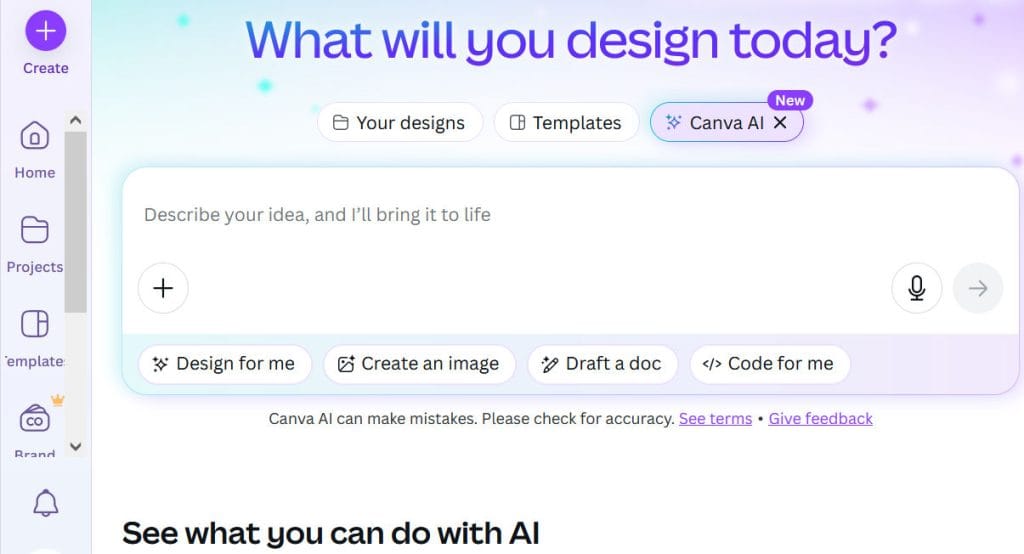
However, you need to know how to use Canva effectively:
Quick layout suggestions: Canva’s AI helps you write text and suggests layout templates based on the keywords you type.
You are in control: The difference with Canva is that it still lets you change every small detail. You can fix everything to match your own personality.
If you are still struggling to turn beautiful designs into real sales, we have a "treasure chest" of secrets right here.
How useful was this AI tool article for you? 💻Let us know how this article on AI tools helped with your work or learning. Your feedback helps us improve! |
VII. AI Productivity Tools to Finish A Project From A To Z
We have looked at many different tools, right? But the real power of AI productivity tools only shows when you know how to connect them like a professional production line.
A 5-Step Process To Turn Ideas Into Reality
Instead of working alone, imagine you are leading a team of talented AI assistants through these steps:
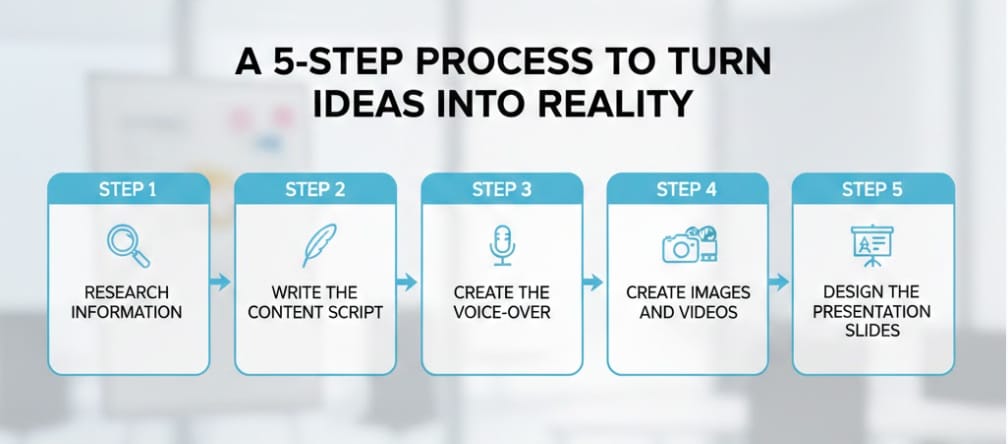
Step 1 - Research information: First, I use Perplexity to scan the market quickly. Instead of reading dozens of articles, I ask it to summarize the product's strengths and what customers like. It only takes a few minutes to get correct data.
Step 2 - Write the content script: After having the data, I move to Gemini. I ask it to use the information we just found to write a great video script. My job is just to fix a few words to make it match my ideas.
Step 3 - Create the voice-over: Next, I copy the script into ElevenLabs. With just one click, I have a professional voice with emotion. I don't need to rent a studio or use an expensive microphone.
Step 4 - Create images and videos: Now, I use Kling AI to make movie clips. Based on the script from Gemini, I describe the scenes to Kling and get back very real cinematic videos to put into my project.
Step 5 - Design the presentation slides: Finally, to show the project to partners, I use Gamma AI. I put the main points in, and Gamma automatically arranges the pages and chooses images to make a beautiful presentation immediately.
The best part of this process is that information moves from one tool to another very easily. You see, when we know how to combine them, we can make high-quality products very, very fast.
Conclusion
After going through this long journey, I hope you see that mastering AI productivity tools is not as hard as many people think. My most important advice for you is: Never try to use all the tools at the same time because it will make you feel confused.
Instead, start slowly. Choose one tool that you need the most right now, like making slides or researching documents, and practice until you are very good at it. AI is not born to replace humans, but I believe that people who know how to use AI will go much further than those who choose to stay outside this game. I hope this article gives you the energy to start your journey to master the future today!
If you are interested in other topics and how AI is transforming different aspects of our lives or even in making money using AI with more detailed, step-by-step guidance, you can find our other articles here:
Building Apps with Bolt: A No-Code Guide to Turning Ideas into Reality
Detailed Guide: How To Automatically Get Unlimited High-Quality LinkedIn Jobs*
Prompt Engineering Automation: Build a Mini AI Assistant with n8n
Discover My Ultimate AI Tools Productivity Kit for 2024*
*indicates a premium content, if any
Reply