- AI Fire
- Posts
- ⚙️ Full 2026 AI Coding Stack Review & Ranking: Best Chatbots & Autonomous Agents
⚙️ Full 2026 AI Coding Stack Review & Ranking: Best Chatbots & Autonomous Agents
A practical breakdown of the AI-native tools, agents, and habits serious developers use to ship faster without losing control.

Max Anh
February 02, 2026
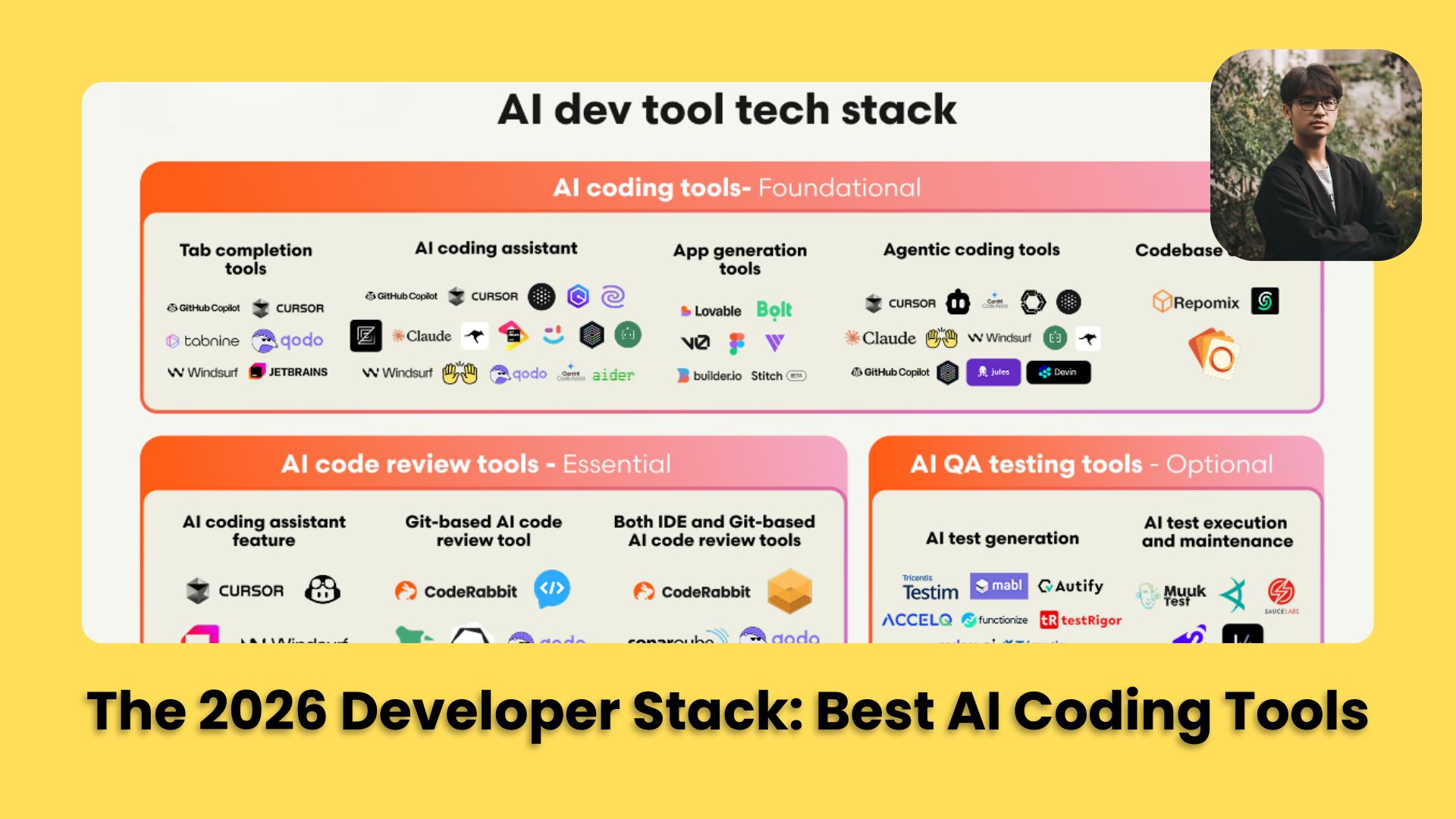
TL;DR BOX
In 2026, coding with AI is no longer about "chatting". It is about using AI Agents that can actually execute tasks for you.
Developers are using AI-first IDEs like Cursor and Antigravity for deep codebase understanding, fast prototyping tools like Lovable and Bolt and autonomous agents like Claude Code and MoltBot to handle real execution.
The biggest unlock comes from planning before execution, grounding your AI coding tool with project context files and forcing clarification before code is written.
Key Points
Fact: Cursor remains the top-rated AI IDE due to its four specialized modes (Agent, Plan, Debug and Ask) that allow for varying levels of autonomy and exploration.
Mistake: Letting AI code immediately without a step-by-step plan. This leads to "logic drift" and wasted tokens. Always use Plan Mode first.
Action: Create a
.cursorrulesfile in your project folder today. This "teaches" the AI your coding style once so you never have to repeat yourself.
Critical Insight
The real bottleneck in 2026 is no longer writing the code; it's Judgment and Review. As AI writes 90% of the features, tools like Code Rabbit (automated PR reviews) and JAM (session replay for debugging) have become mandatory infrastructure for any production-ready team.
Table of Contents
I. Introduction: The Death of ‘AI as a Chatbot’
Remember 2023? AI lived in chat windows, helpful but distant from your actual workflow.
By 2024, it moved into your editor with smart suggestions. Then in 2025, AI became the core of the development cycle, refactoring massive codebases and building entire apps from scratch
Now in 2026, the question isn’t whether you should use AI coding tools; it’s which ones actually work and how to get good results from them.
Today, we are breaking down the tools serious developers use, plus 3 tips that make any AI tool noticeably better.
Let's get started.
💻 Be honest: How do you currently use AI to code? |
II. Category 1: Best AI IDEs (Your New Development Environment)
Modern development no longer starts with an editor. It starts with an environment that understands what you’re trying to build.
Here are the ones that matter.
1. Cursor: Still the One to Beat
Cursor isn't just VS Code with AI bolted on. It's a complete rebuild with AI at the center. It understands your entire codebase, not just the file you’re in. That’s the difference.
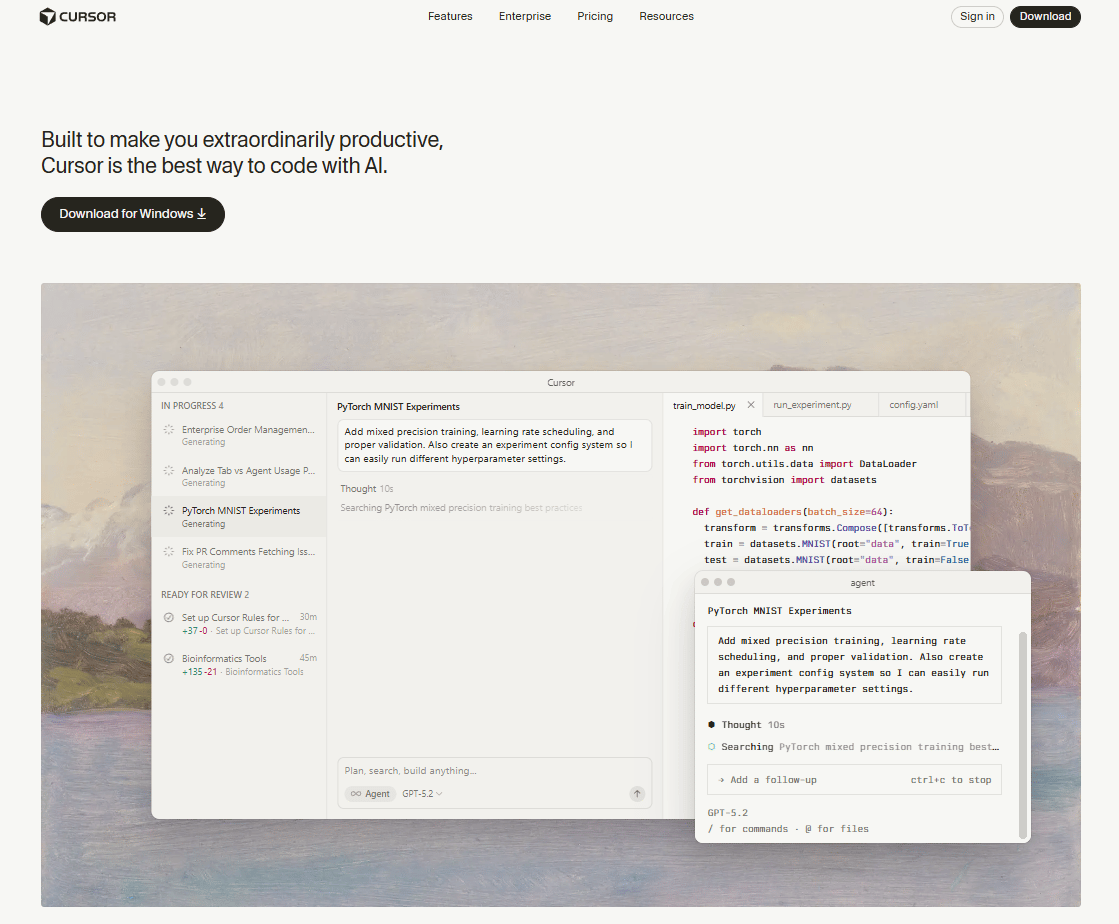
Here are some key features of Cursor that you need to know:
Tab for smart completions: Context-aware suggestions that actually understand your codebase
Command + K for inline edits: Change code without breaking your flow
Four specialized modes:
Agent Mode: Autonomous multi-line edits
Plan Mode: Detailed planning before execution
Debug Mode: Intelligent bug fixing
Ask Mode: Read-only exploration and questions
If you want deep AI integration without changing your entire workflow and already live in VS Code, Cursor is definitely the best answer.
2. Builder.io: The Visual AI IDE for Product Teams
If you work on a team where designers and engineers constantly argue about padding, this is the tool for you.
Builder.io is a visual AI IDE designed for entire product teams, not just solo developers. It adds a visual layer on top of real code, letting designers, PMs and engineers work in the same system.
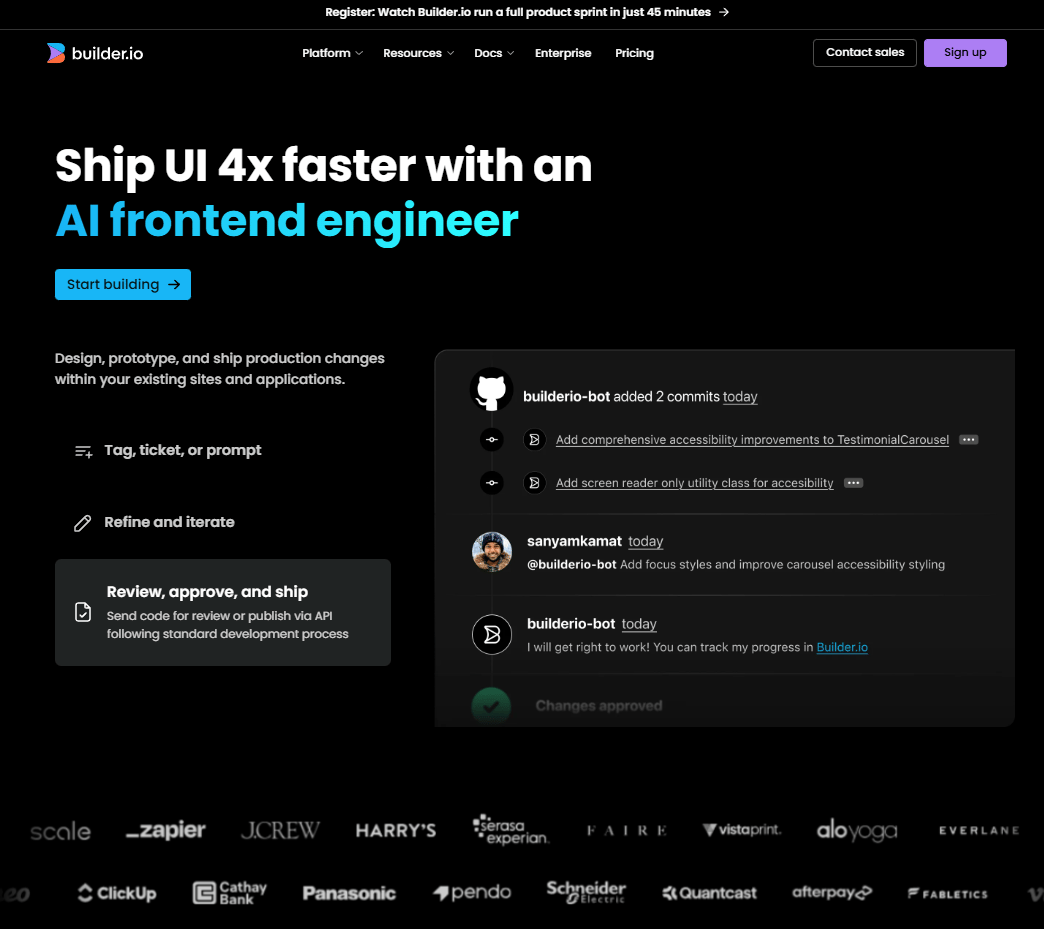
These are some cool features:
Visual editing that outputs real code
Converts Jira tickets and Slack conversations directly into code changes
Works across design, product and engineering
Built for team collaboration from the ground up
You reach for Builder.io when collaboration friction slows you down and AI needs to connect design and code, not sit on the sidelines. This tool acts like a bridge between design and code.
3. Other Tools Worth Watching
A few more options for you to choose from are:
VS Code + GitHub Copilot: The classic setup, still solid
Google Antigravity: New player with interesting features.
This one genuinely surprised me, it can watch your browser, create multiple agents working in parallel and so much more.
This app is worth keeping an eye on. Oh, recently I found out the new kit in GitHub for Antigravity, this kit adds 16 specialized agents, 40+ skills and 11 workflows to your workspace in seconds and it’s totally FREE. Here is my post that shows how to set it up.
Zed: fast, lightweight, AI-native.
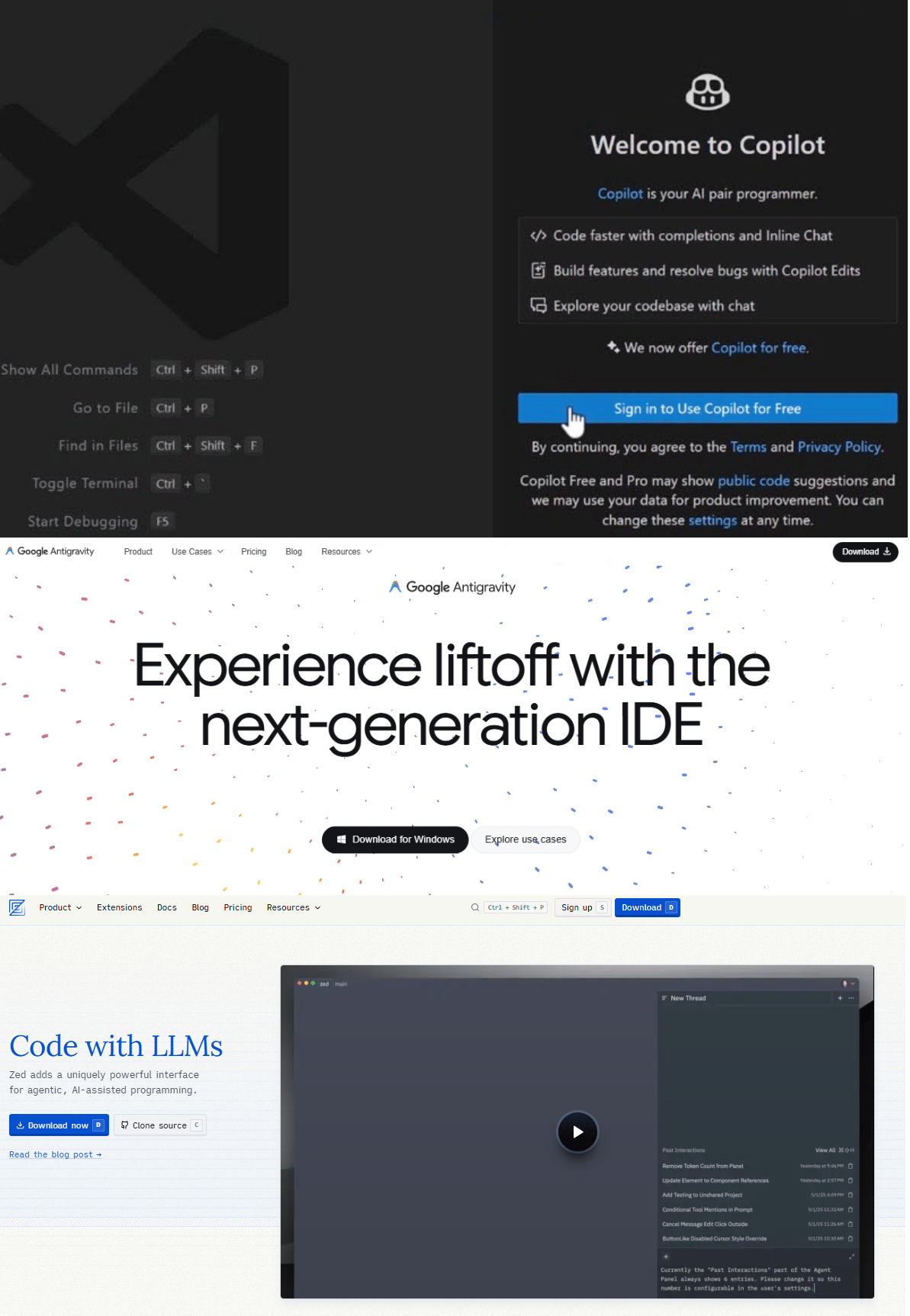
The editor you choose shapes how fast ideas become real. So, pick the one that keeps momentum on your side.
Learn How to Make AI Work For You!
Transform your AI skills with the AI Fire Academy Premium Plan - FREE for 14 days! Gain instant access to 500+ AI workflows, advanced tutorials, exclusive case studies and unbeatable discounts. No risks, cancel anytime.
III. Category 2: Best Conversational AI Assistants (Your Coding Sidekick)
Sometimes you’re tired of seeing code run in front of you. That’s when you need a second brain to think with and conversational AI shines. You talk through ideas, paste snippets, explore options and move forward faster.
1. ChatGPT: The Swiss Army Knife
This is usually the first tab you open. ChatGPT is quick, flexible and knows a little about almost everything.
You use it to explore ideas, learn a new library or get unstuck when your brain stalls. We all know it’s not perfect but it’s always useful.
Best for quick questions, brainstorming and learning on the fly. Also, you can use it for free with daily limits.
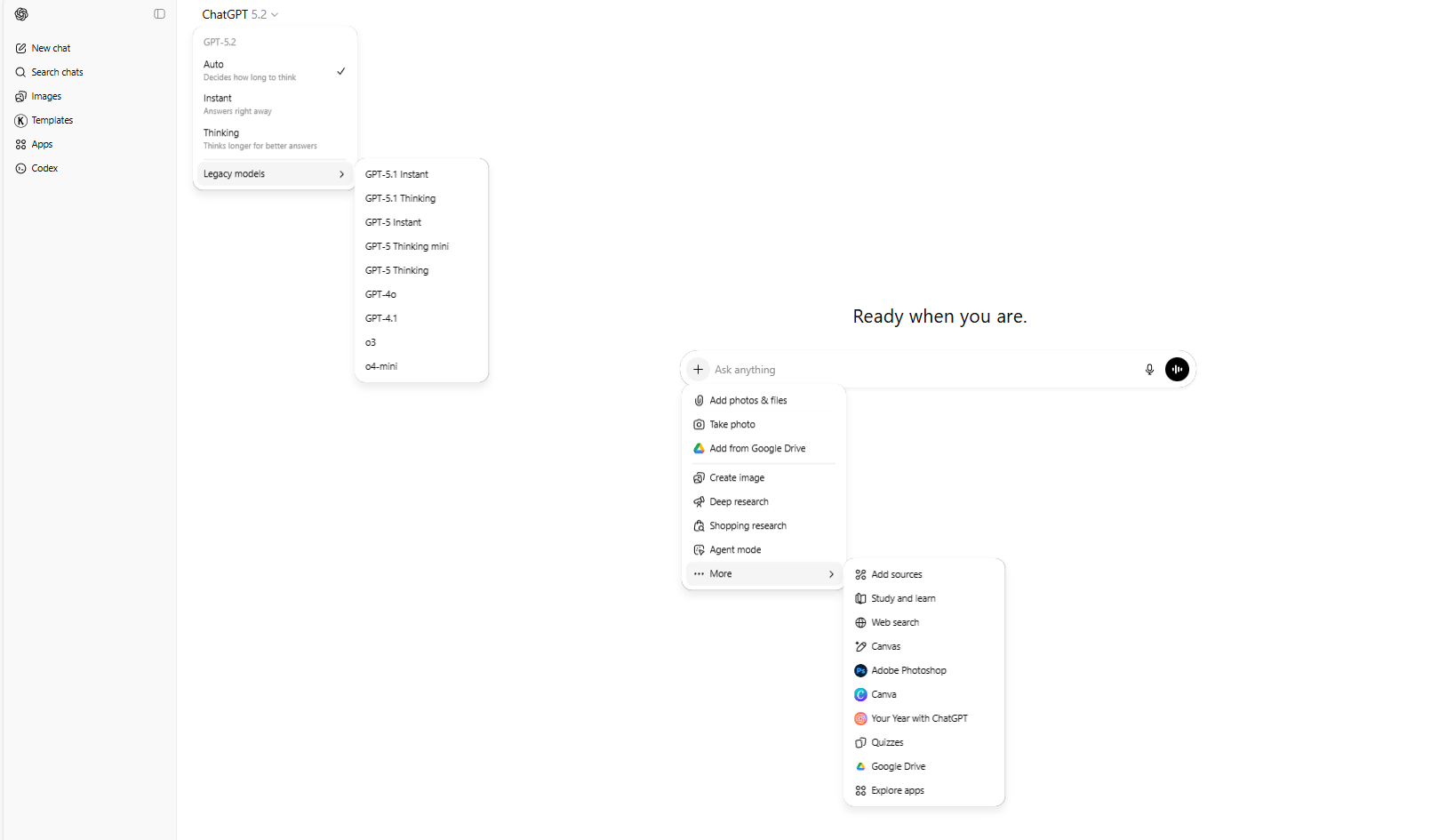
Besides, did you know about 21 practical ChatGPT Hacks? If you did not, damn, you’re using the demo of ChatGPT for real. These hacks not only unlock its full potential but also most of them are free for everyone to access and use.
2. Claude: The Deliberate Thinker
If you had to pick one AI coding tool specifically for vibe-coding, Claude would be the top choice for many developers.
One thing you need to know is that Claude is slower but that’s the point. It thinks before it answers. It handles long context well, which makes it strong for large codebases, architectural decisions and risky refactors.

Opus 4.5, in particular, is excellent at reasoning through complex problems step by step. This tool is the best AI coding tool for deep reasoning, long context and high-stakes code decisions.
*Bonus tip: If you’re using Claude but still get a generic output, even when you used Claude Opus 4.5. It’s actually because you didn’t know about these 10 prompting rules. These rules not just save your time, give you the best answer but also can be apply to other models like ChatGPT, Gemini, Grok,…
3. Gemini: The Dark Horse
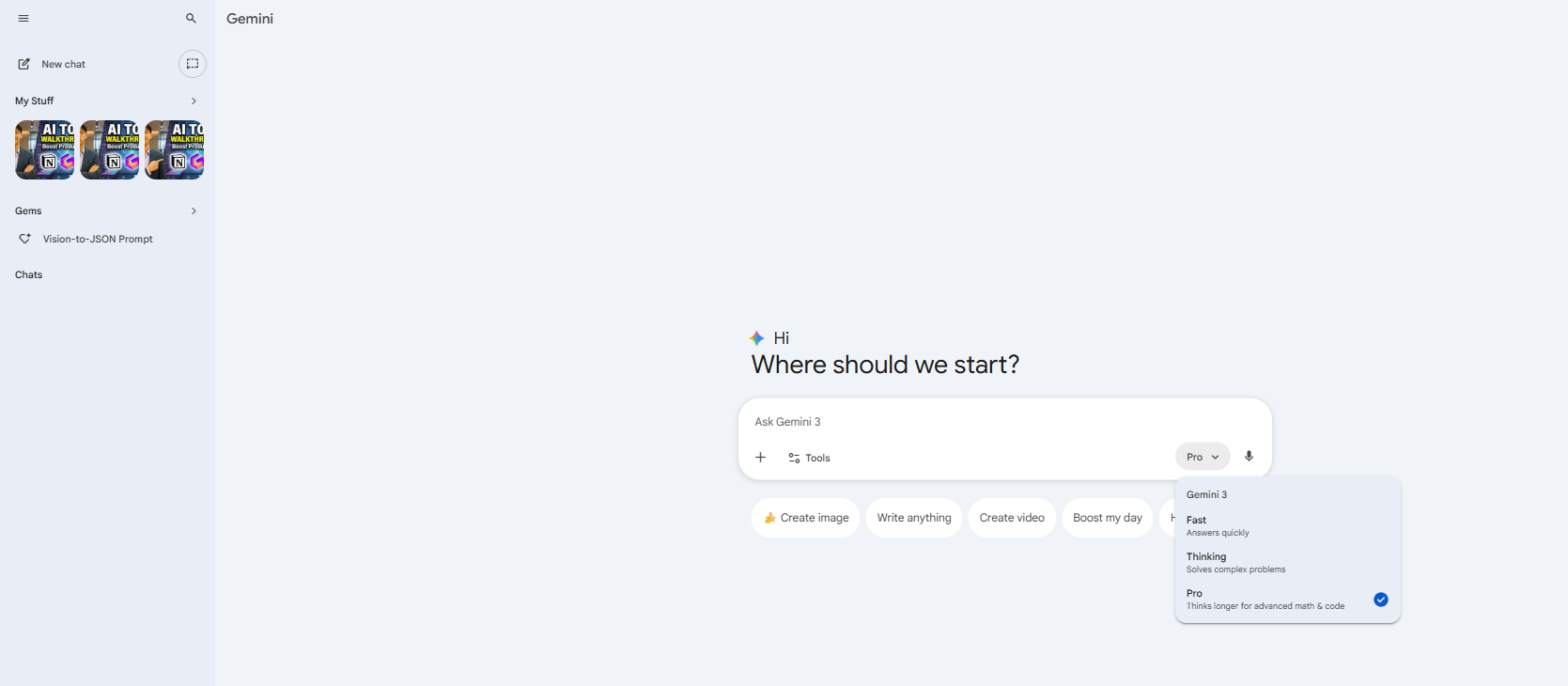
Google's Gemini has been getting better quietly and fast. That’s why most developers are starting to notice. It’s not always the first choice but it’s worth having nearby.
When another tool hits its daily limit or you want a second opinion, a different reasoning style, Gemini steps in and keeps you moving.
*The Pro Move:
You don't have to pay for all of them. All three (ChatGPT, Claude, Gemini) are free with daily limits. If you hit the limit with one, just switch to another. That’s how you get free AI help all day without locking yourself into a single way of thinking.
IV. Category 3: AI App Builders (For Rapid Prototyping)
These tools shine when you need something working immediately. They’re great for prototypes and experiments but they’re not designed for large, complex, long-lived codebases with team collaboration.
You could think of them as launchpads, not factories.
1. Replit: The Browser IDE That Grew Up
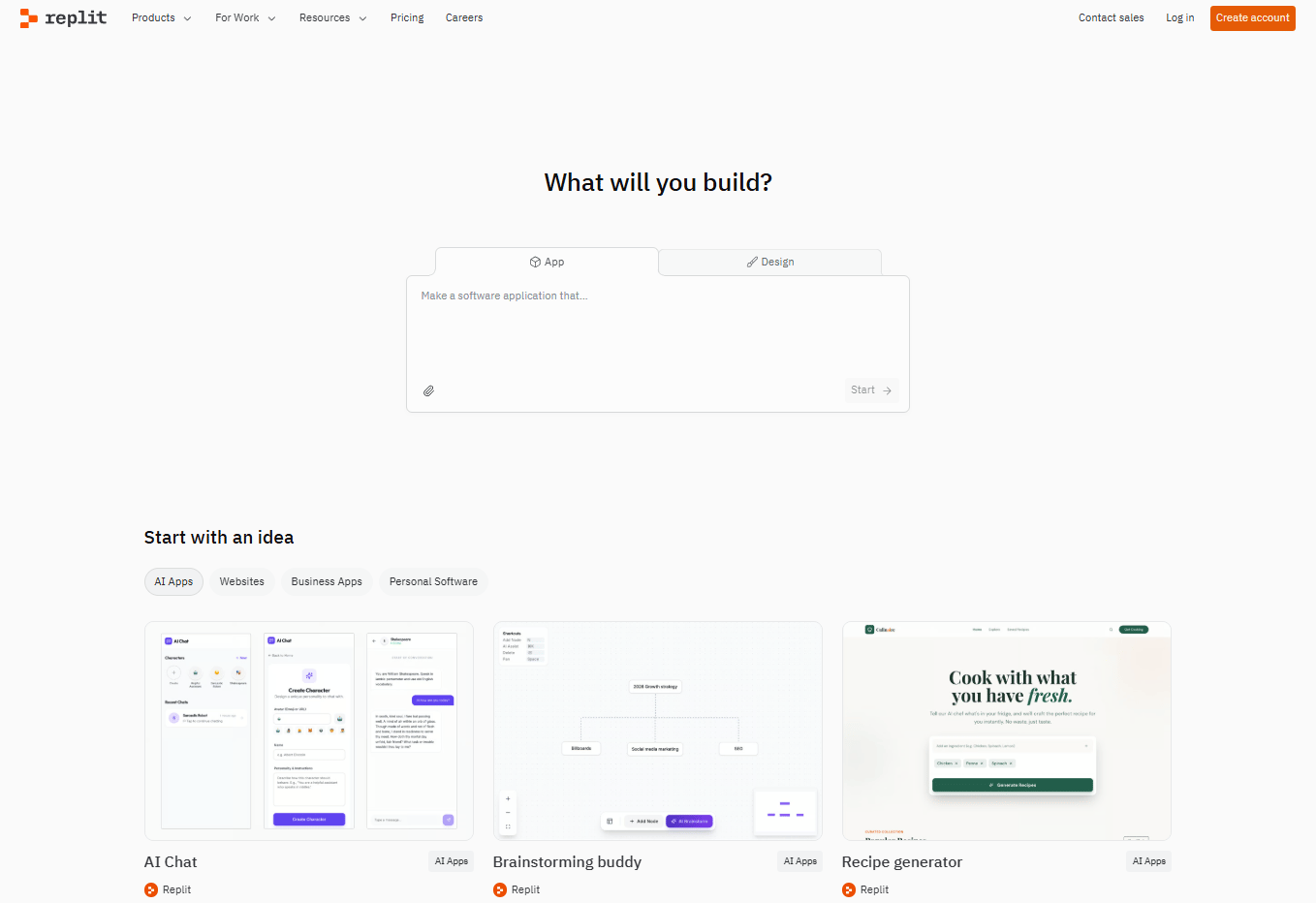
Replit started as a simple in-browser editor. And now, it’s a full-stack AI workspace.
To use it, all you have to do is open a tab, write in plain language and code appears. It’s great for quick experiments, learning by doing and solo projects where momentum matters more than structure.
It’s fast to start and forgiving when you’re exploring ideas.
2. Lovable: Stack-Specific Speed
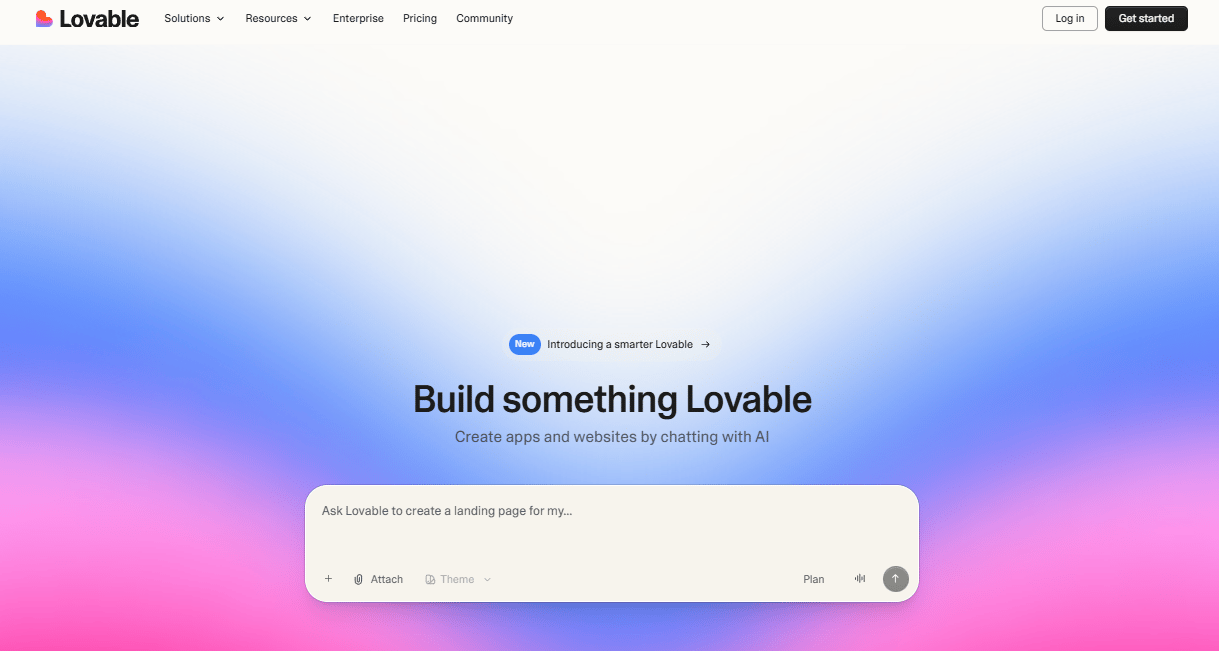
Lovable takes a different path. It commits hard to a specific stack like React, Tailwind and Vite. That focus makes it fast and opinionated.
You trade flexibility for speed. If you already like the stack, it feels smooth but if you don’t, it feels restrictive.
3. Bolt: The Flexible Builder
Bolt is the explorer. It does what Lovable does but across many frameworks.
It supports many stacks, like: React, Vue, Svelte, Expo and more.
Bolt is very useful when you’re testing ideas across stacks or haven’t decided how something should be built yet.
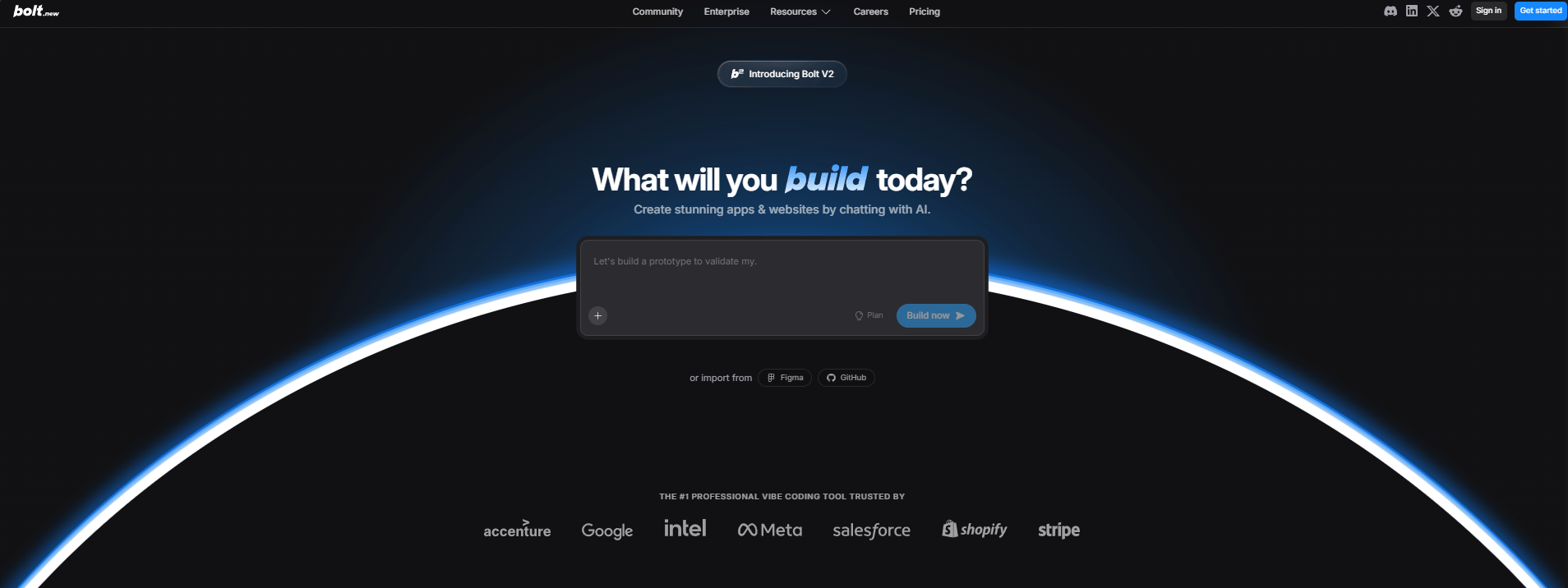
These tools help you move from blank screen to working prototype fast, really fast. So, you can decide what’s worth building next. Just don’t expect them to carry a large, long-lived codebase on their own.
How would you rate this article on AI Tools?Your opinion matters! Let us know how we did so we can continue improving our content and help you get the most out of AI tools. |
V. Category 4: AI Extensions & Agents (The Automation Layer)
In this category, your AI coding tool stops helping and starts doing. Instead of suggesting lines of code, these tools open your project, understand it and build features on their own.
It may seem like it’s similar to category 2 but it’s not. In short:
The tools in category 2 are like a brain in a box, they can only give you the answers but they generally cannot "touch" your computer or do work for you.
The tools in category 4, on the other hand, is like a brain with hands. Their main job is to act and automate. They have permission to access your terminal, edit your files and browse the web.
But it doesn’t mean the tools in category 4 is better than the ones in category 2. There are many reason but the biggest one is safety and risk.
Because the tools in category 4 have “hands” so if they make a mistake, the consequences will be very harmful. However, the tools in category 2 just give you wrong answers (text, images, even videos,…) on screen, you simply skip it.
Now you have a basic understanding of this category. Let’s see which are tools in this one.
1. Claude Code: The Most Talked-About Agent Right Now
Claude Code is the name everyone’s hearing right now. If Claude basically understands your files, then Claude Code can even understand projects on your computer.
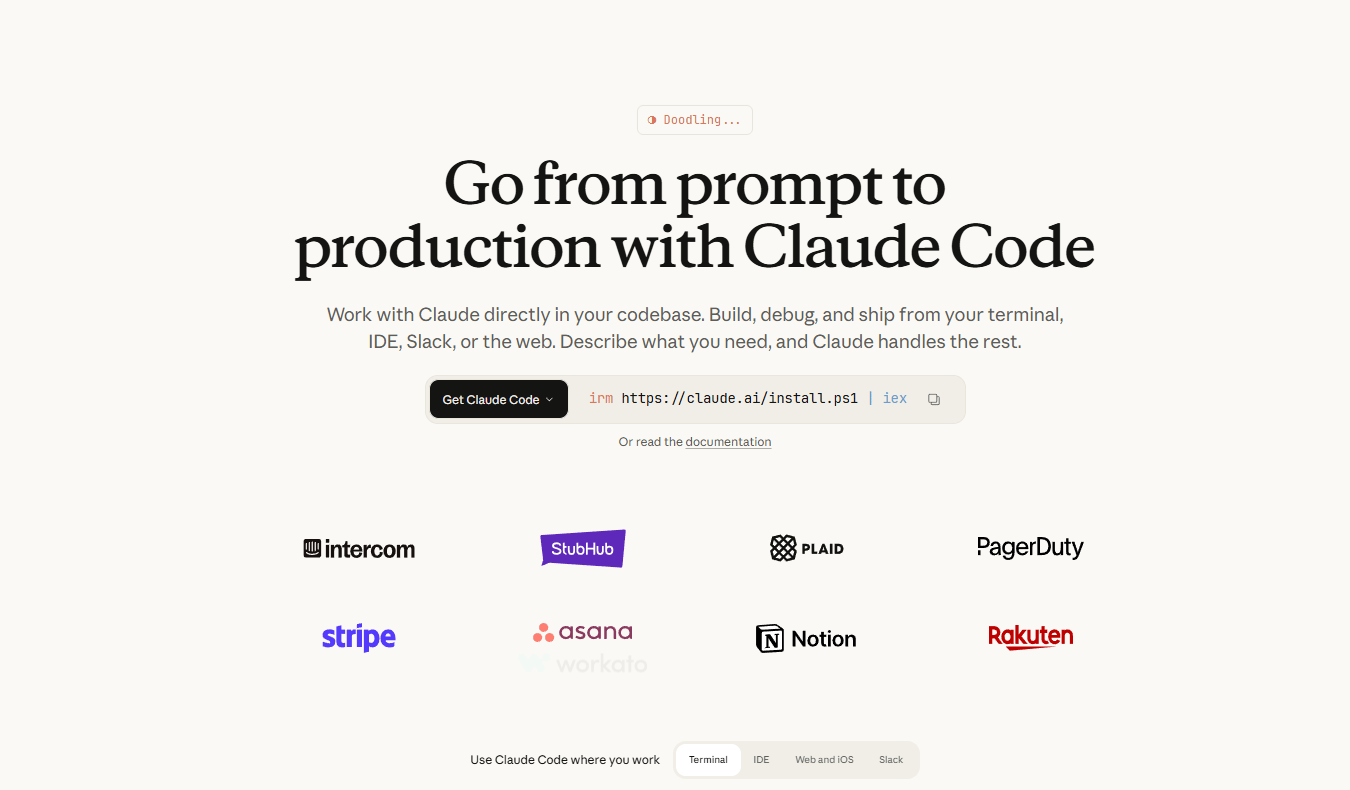
Here are what it does well:
Reads and understands your entire repository automatically.
Pulls context automatically.
When the task is big, it spins up sub-agents and runs work in parallel.
Uses specialized “agent skills” for domain work
Works directly in the terminal or your IDE, which makes it feel less like a chatbot and more like a junior engineer that never sleeps.
The trade-off is simple: it only runs on Claude models (no GPT, Gemini, etc.) and you need at least a Pro account to access it.
The first time I let an agent modify a repo on its own, I was nervous but also hooked.
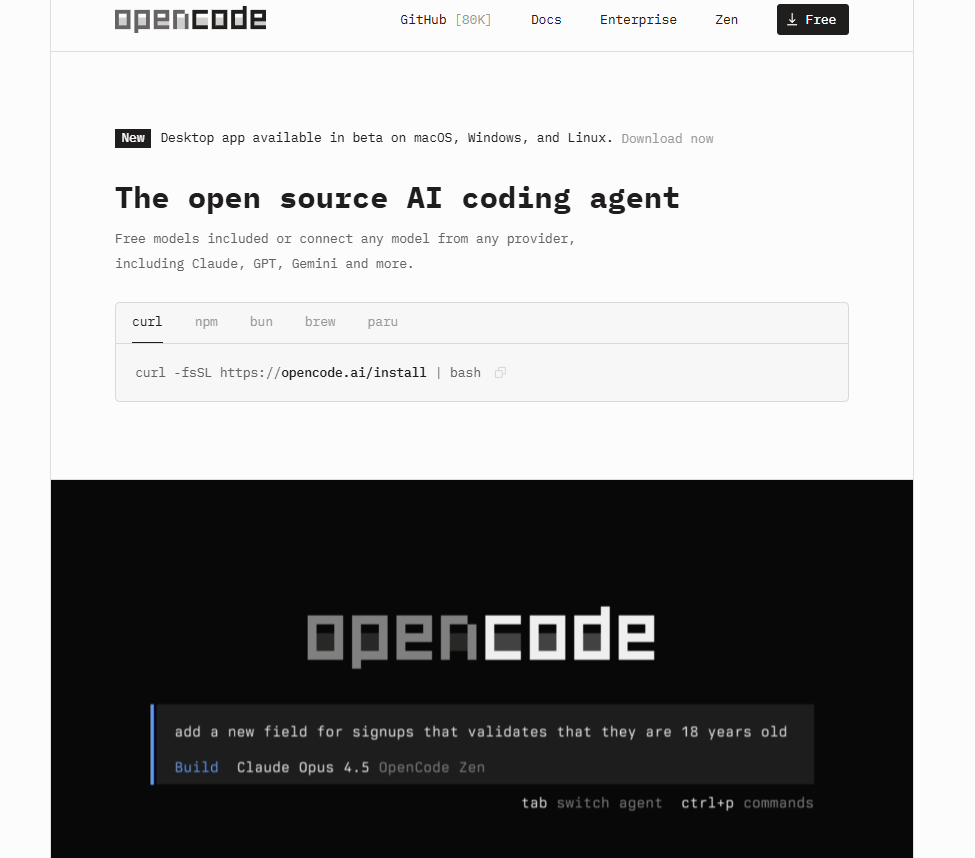
2. OpenCode: Claude Code's Flexible Cousin
OpenCode comes in and fix one of the trade-off of Claude Code. It feels familiar but it doesn’t lock you into one provider.
You can connect OpenAI, Anthropic, Google or others and keep the same agent-style workflow.
If you are the one who want agent-style automation without committing to a single model ecosystem, this is the safer bet.
3. Other Notable Mentions
There are a few other players worth knowing:
MoltBot is the one that is making Silicon Valley lose its mind because of how powerful it is. I don’t want to hype you up but this thing could remember everything you say, take proactive action and work even when you’re asleep. I just have a post about it and how to use it in your work, you should check out, seriously.
This layer is where coding tools cross a line from helping you write code to helping you ship features.
Read this AI agent safety checklist before giving any tool write access.
VI. Category 5: AI Code Review Tools (Because AI Code Needs Review Too)
The volume of AI-generated code has exploded. So naturally, that means review matters more than ever. Before anything reaches a human reviewer, teams are using AI to catch problems early, logic bugs, security gaps and messy pull requests.
This layer lives between generation and production. It’s quiet, fast and now hard to work without.
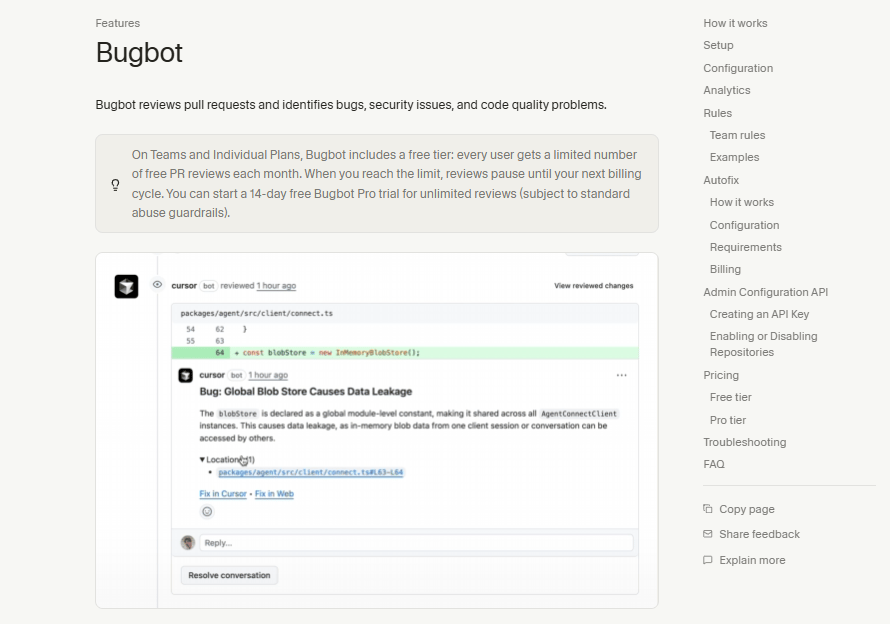
1. Bugbot: Cursor's Built-In Reviewer
Bugbot lives inside Cursor and reviews pull requests automatically. It scans pull requests before they land, flags issues and saves human reviewers from obvious mistakes.
For teams already using Cursor, it’s the easiest upgrade you can make.
2. Code Rabbit: The Learning Reviewer
Code Rabbit goes deeper than surface checks. It behaves more like a junior reviewer who learns on the job.
It walks through code line by line, summarizes pull requests and responds to direct commands like writing tests, generating docs or explaining logic. Over time, it adapts to your feedback and review style, which makes it more useful the longer you use it.
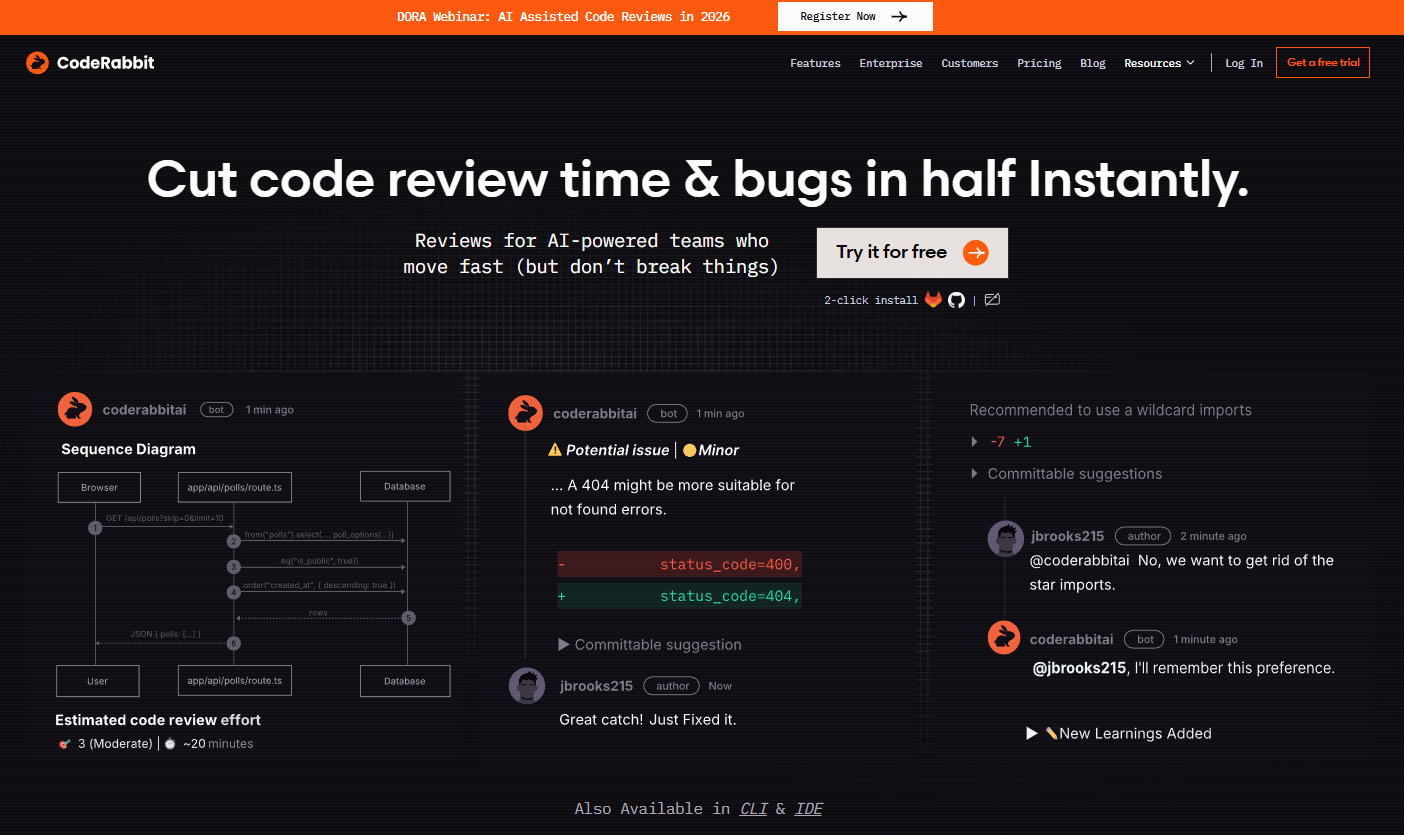
For example, you can also issue commands directly in the PR:
“Write tests for this”
“Generate documentation”
“Explain this logic”
It plugs into standard Git workflows and AI-powered IDEs. Code Rabbit is the best fit for teams that want review + collaboration + learning in one loop.
3. Snyk: The Security Specialist
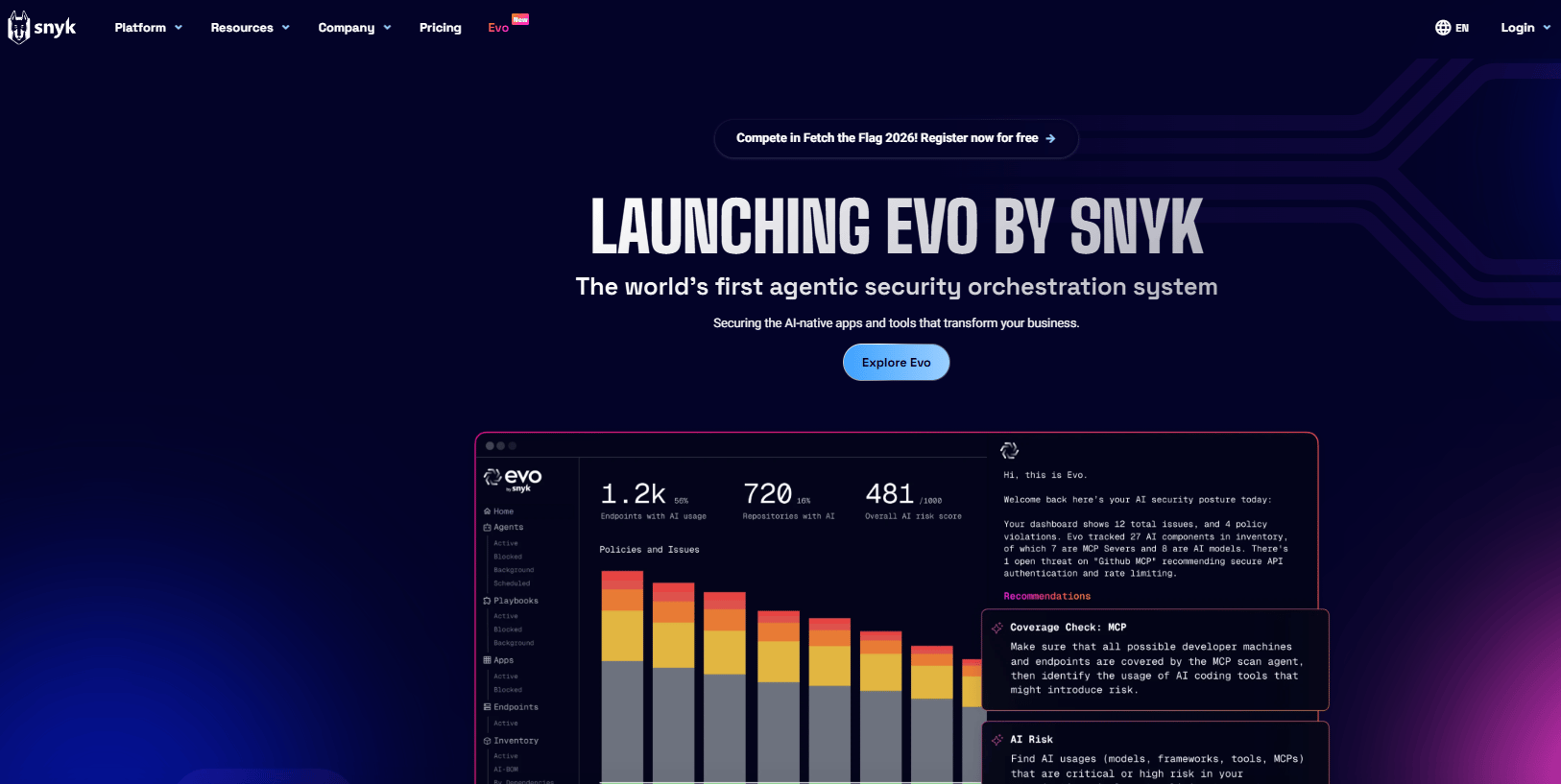
While the others focus on readability and logic, Snyk focuses on risk.
It scans application code, dependencies, containers and infrastructure for security issues, all from one platform. It fits teams where vulnerabilities matter more than formatting.
Together, these tools form a new safety net. AI writes faster than ever and reviews make sure that speed doesn’t turn into risk.
VII. Category 6: AI Debugging Tools (Because Production Still Breaks)
We all know that no matter how clean the code or how careful the review, something always slips through. It can be a bug, a user complaint or a report that says almost nothing helpful.
That’s where JAM comes in.
JAM: The Context Capturer
Instead of asking users to explain what went wrong, JAM watches it happen. The moment a bug shows up, it captures the full story. You get:
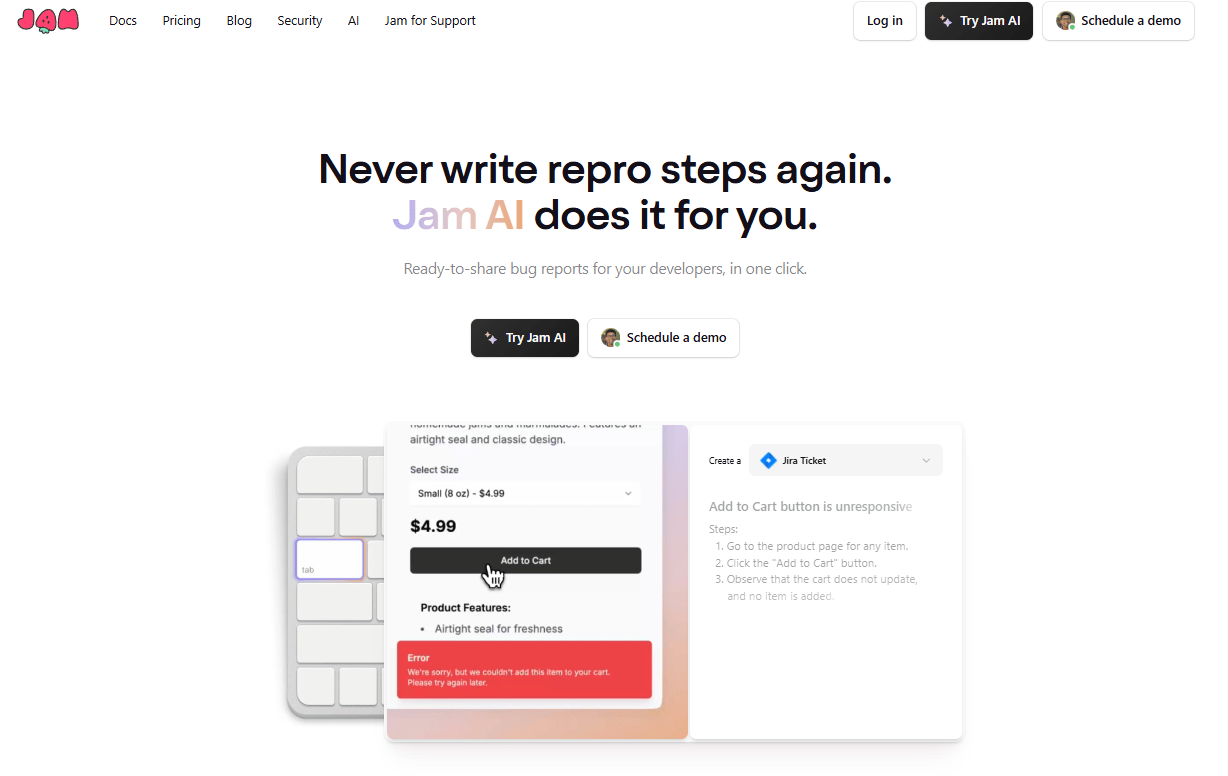
Video replay of the session.
Exact user actions.
Console logs.
Network requests.
Environment details.
Instead of guessing, you see exactly what the user saw.
From there, AI steps in to analyze what was captured and suggest possible fixes. You still decide what to change but you start with clarity instead of confusion.
Production will always break sometimes and JAM just makes sure you don’t have to debug in the dark.
VIII. Category 7: AI Documentation Tools
Everyone relies on documentation but almost no one enjoys writing it, right? This is where AI changes that by turning docs into something you generate once and keep updated automatically.
Mintlify: The AI-Native Documentation Platform
Mintlify steps in as documentation that understands code. Here is what it can do:

Reads your code directly.
Generates clean, high-quality documentation.
Keeps docs in sync as the code changes.
Adds an AI assistant so users can ask questions inside the docs.
Structures content for both humans and LLMs.
You must think that it’s too good to be true and it must have a trade-off. Yes, it does. Because Mintlify isn’t a hobby tool, so you have to pay for it but don’t worry.
It’s built for teams and organizations that care about shipping fast without letting documentation rot. So, when you divide it across teams, the cost feels lower.
If documentation slows you down today, tools like this turn it from a chore into background infrastructure.
Creating quality AI content takes serious research time ☕️ Your coffee fund helps me read whitepapers, test new tools and interview experts so you get the real story. Skip the fluff - get insights that help you understand what's actually happening in AI. Support quality over quantity here!
IX. Why Do Fundamentals Still Matter With AI Coding Tools?
AI can generate code but not judgment. Without fundamentals, developers can’t spot errors. Systems become fragile as complexity grows. Understanding protects speed.
Key takeaways
Fundamentals prevent hallucination blind spots
Scrimba offers a structured learning path
Covers full-stack and AI tooling
Hands-on learning reduces friction
AI speeds builders who already understand what they’re building. All these tools are incredible. They can write code, refactor entire codebases, even ship features end-to-end.
But here's the reality: None of that matters if you don't understand what the code is doing or why it's written that way. Without that, you’re stuck guessing while the system grows more fragile.
Learning the fundamentals becomes critical when working with AI tools.
Scrimba's Full-Stack AI Engineer Path
Scrimba’s Full-Stack AI Engineer Path is built for this exact gap. It’s a 100-hour track that covers:
HTML, CSS, JavaScript.
React, Node.js.
Testing and modern tooling.
AI-powered product development (APIs, vector databases, agents).
The learning style is hands-on. You watch a lesson, pause it, change the code, rewind and try again, all in one screen without setup friction or context switching.
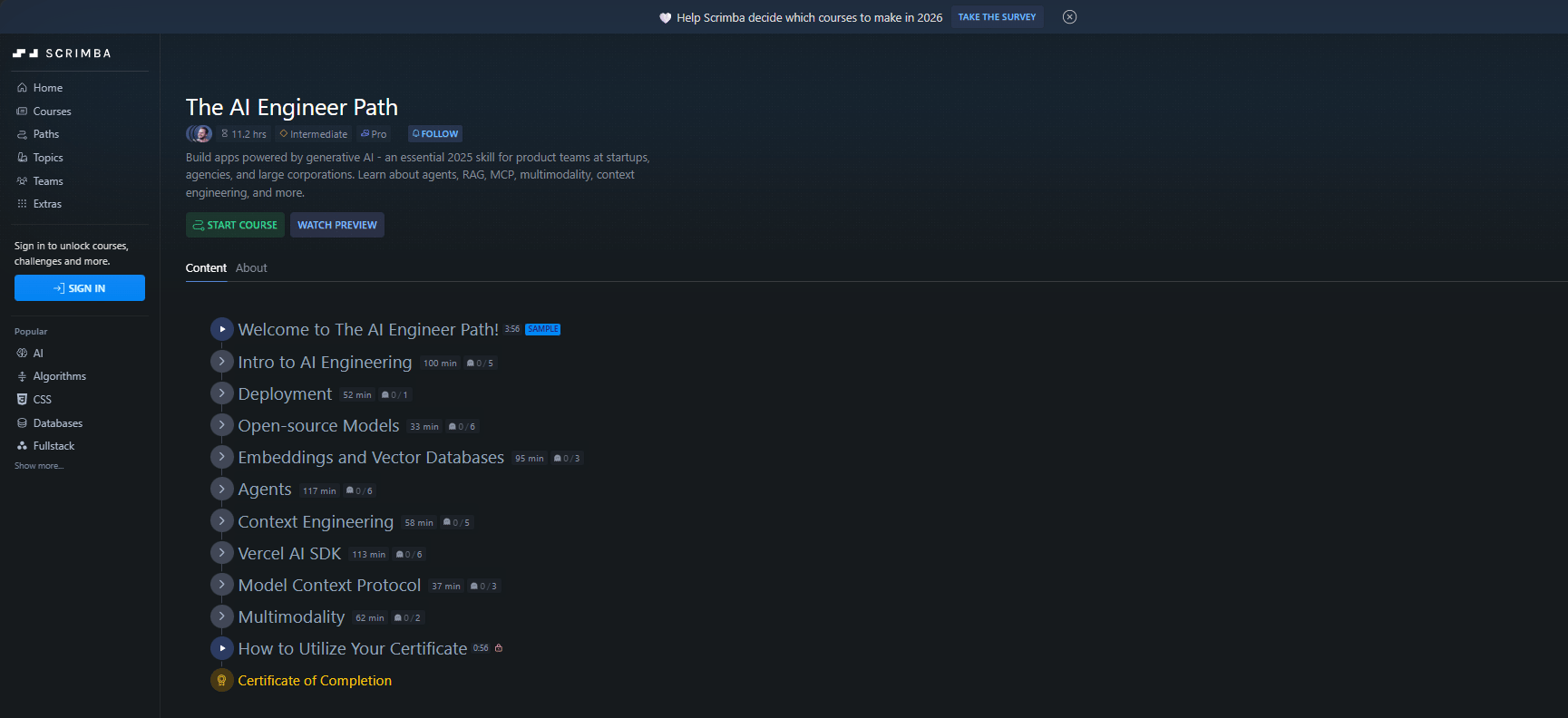
There are thousands of lessons, tools and guides out there that help you learn code. The stack above is just one of them, there is no force to use this stack below. The choice is yours. AI can help you build faster but understanding lets you build safely.
X. Which 3 Habits Make AI Coding Tools Dramatically Better?
Most failures come from rushing AI. Planning, context and clarification change outcomes. These habits turn AI into a collaborator. Without them, AI feels random.
Key takeaways
Planning first reduces wasted output
Context files prevent repetition
Clarifying questions improve fit
Supported by Cursor and agents
Good inputs matter more than good models. You already have the tools. Now let's talk about how to use them effectively.
Most developers treat AI like a faster autocomplete and end up with messy, off-target code. These three habits put you ahead of almost everyone else.
Pro Tip #1: Plan Before Executing
One of the most common mistakes developers make is asking AI, “Build me this feature,” then watching the AI start coding immediately.
It definitely fails because AI will start generating code based on incomplete requirements, leading to wasted tokens, wasted time and code that misses the mark.
The fix is simple, you make it pause for a second by asking it to outline the steps first with this prompt:
Outline a clear, step-by-step plan for building this feature before writing any code.Many tools now support this directly, like Cursor’s Plan Mode, Antigravity,… A few minutes of planning up front saves you tokens and time. You'll catch gaps in requirements before any code is written.
Pro Tip #2: Teach AI Your Project Once
If you keep repeating your stack, patterns and constraints every session, you’re doing unnecessary work. Most AI coding tools support project context files, such as:
.clot.mdfor Claude..cursorrulesfor Cursor.agents.mdfor agent-based setups.
All you need to do is include:
Your tech stack.
Coding standards.
Architecture patterns.
Guard rails and constraints.
Project-specific conventions.
Once set up, your AI coding tool loads this context automatically and stays consistent across sessions.
Pro Tip #3: Make AI Ask Questions First
Another common mistake is letting the AI rush to an answer. That’s how half-baked solutions that miss critical requirements.
Instead, you force the AI to ask clarifying questions before generating code.
You can use this copy-paste prompt:
Before writing any code, ask me at least 3 clarifying questions about the requirements, constraints and edge cases for this feature.This turns the interaction into real pair programming. You’re collaborating on the problem, not just accepting whatever the AI spits out.
The result is you get code that actually fits your needs, not code that only looks correct at first glance.
Use these three habits and the tools stop feeling like a gamble. They start feeling like a teammate who knows how you work.
XI. Final Thoughts: The AI-Native Developer Mindset
Here's the thing about 2026: AI coding tools are no longer optional. Everybody around you is using them but tools alone won't make you a better developer.
What really makes the difference is:
Master the fundamentals so you can spot AI hallucinations
Learning to prompt effectively so AI builds what you actually need
Choosing the right tool for the specific job.
If you follow this blueprint, you’ll build things that were previously impossible for a single human to create and ship 10x faster.
Now, pick one tool from this list and use the three habits for one week. You will be amazed at how much faster you can build.
If you are interested in other topics and how AI is transforming different aspects of our lives or even in making money using AI with more detailed, step-by-step guidance, you can find our other articles here:
6 High-Income Al Skills Every Modern Business ACTUALLY Needs*
5 Simple But Weird GPT-5.2 Tricks to Get a 10X High-Quality Response
Stop Paying For AI! Google Is Giving Away The Best Tools For FREE
Stop Paying for These: 12 Free Al Tools to Replace Paid Ones in 2026 & Forever
*indicates a premium content, if any
Reply