- AI Fire
- Posts
- 🗑️ 95% Tools Are Trash? I Ranked 24 Best AIs to Get Final Money-Making AI Stack!
🗑️ 95% Tools Are Trash? I Ranked 24 Best AIs to Get Final Money-Making AI Stack!
Stop collecting subscriptions and start building a lean AI stack that actually pays off. I ranked 24 tools from S-Tier to F-Tier so you can build a lean AI stack with real ROI, not more subscriptions.

Max Anh
January 19, 2026

TL;DR BOX
In 2026, the AI market is flooded with "junk drawer" tools that solve non-existent problems. This ranking cuts through the noise, placing ChatGPT, Claude, Cursor, Perplexity and NotebookLM in the S-Tier as tools with immediate, measurable ROI. These form the core of any serious AI stack, handling everything from deep coding and document analysis to real-time verifiable research.
To win in 2026, you must stop being a "tool collector" and become a results-oriented builder. Start with the Essential Foundation stack ($40/mo) and only add specialized tools like Midjourney (visuals) or n8n (automation) when a specific business bottleneck appears. Avoid F-Tier tools like Apple Intelligence that add little leverage for professional work.
Key points
Fact: 95% of AI tools are currently repackaged "wrappers" that charge a premium for features you can access for free or cheaper in S-tier models.
Mistake: Subscribing to multiple tools at once. This leads to "context-switching fatigue" and high monthly costs without proportional output gains.
Action: Master Cursor AI if you are a founder or developer; it is currently the most significant productivity multiplier for building and shipping software.
Critical insight
The real metric for your AI stack isn't "coolness"; it's ROI. If a tool doesn't directly speed up revenue or replace a significant manual cost within the first 30 days, delete it.
Table of Contents
I. Introduction: The AI Tool ‘Junk Drawer’
Everyone is launching an "AI-powered" something-or-other these days. Your inbox is probably flooded with "revolutionary" tools that promise to 10x your productivity, automate your entire business and maybe cure cancer while they're at it.
But 95% of AI tools are absolute garbage.
They are either solving problems nobody has, repackaging the same features with different branding or charging you $50/month for something ChatGPT can already do for free.
After spending a year testing over 500 AI tools, I realized most of them don’t deserve a place in a serious workflow. In this post, I'm ranking the 24 AI tools that actually matter in 2026, from S-tier (absolute game-changers) to F-tier (complete waste of money).
No affiliate link spam, just honest rankings based on which tools actually help you make money. But first, this is a personal ranking, so please take it as a reference.
Let’s go.
🗑️ Is your AI toolkit a "Money Printer" or a "Junk Drawer"? |
II. What Actually Matters When Ranking AI Tools?
A good ranking focuses on results, not just excitement. Funding, UI and buzz don’t matter if the tool doesn’t save time or money. The only test is daily usefulness in real work.
Key takeaways
ROI is the primary filter
Speed beats features
Reliability is non-negotiable
Price must match value
If a tool isn’t used daily, it’s dead weight. Before getting into specific tools, you need to understand how this ranking works.
1. The Five Criteria That Matter
Every tool in this ranking is evaluated using the same 5 filters. If a tool fails any of these, it doesn’t deserve your time.
ROI: Does this tool make or save you money? That’s the only real metric. If it doesn’t pay for itself by replacing costs or speeding up revenue, it’s a toy, not a tool.
Speed: Does it actually save time or create more work? The best tools remove hours of work right away. Bad ones require setup, troubleshooting and tutorials before delivering anything useful.
Reliability: Does it work every time? A tool that works 80% of the time is worse than no tool at all. When you're on deadline or closing a deal, you need tools that just work, every single time.
Practical Use: Do real businesses use it daily or is it a novelty? The question isn’t “can this do something cool?” It’s “would you use this daily for the next year?”
Value: Is it worth the price tag? A $100/month tool that saves you 20 hours is worth it. A $10/month tool you never use is a waste.
2. Understanding the Tier System
Once tools are evaluated using those five criteria, they’re placed into tiers. Each tier reflects how critical the tool is for serious use.
Tier | Meaning | When to Use |
|---|---|---|
S-Tier | Industry-changing. Must-have. Immediate ROI. | Core tools that fundamentally change how you work. If you’re serious about AI in business, these are non-negotiable. |
A-Tier | Excellent, high-impact tools. | Strong productivity or revenue gains. Not universal but worth it when they fit your use case. |
B-Tier | Good, situational tools. | Useful for specific needs or business models. Optional, not essential. |
C-Tier | Decent but replaceable. | Nice-to-have tools. Similar results can usually be achieved with higher-tier tools. |
D-Tier | Overhyped or overpriced. | Marketing > value. Skip unless you have a very specific, proven need. |
F-Tier | No value. | Avoid completely. Broken, useless or clearly outclassed. |
And that’s all you need to know about the ranking system. Now let's rank some tools. Don’t think of this as a shopping list. Think of it as a filter.
Learn How to Make AI Work For You!
Transform your AI skills with the AI Fire Academy Premium Plan - FREE for 14 days! Gain instant access to 500+ AI workflows, advanced tutorials, exclusive case studies and unbeatable discounts. No risks, cancel anytime.
III. S-TIER: The Money Printers (Must-Have Tools)
These five tools form the foundation of any serious AI stack in 2026. If you're not using these, you're leaving money on the table.
1. ChatGPT (OpenAI)
Look, I know ChatGPT isn't sexy anymore. Everyone has it but that's exactly why it's S-tier.
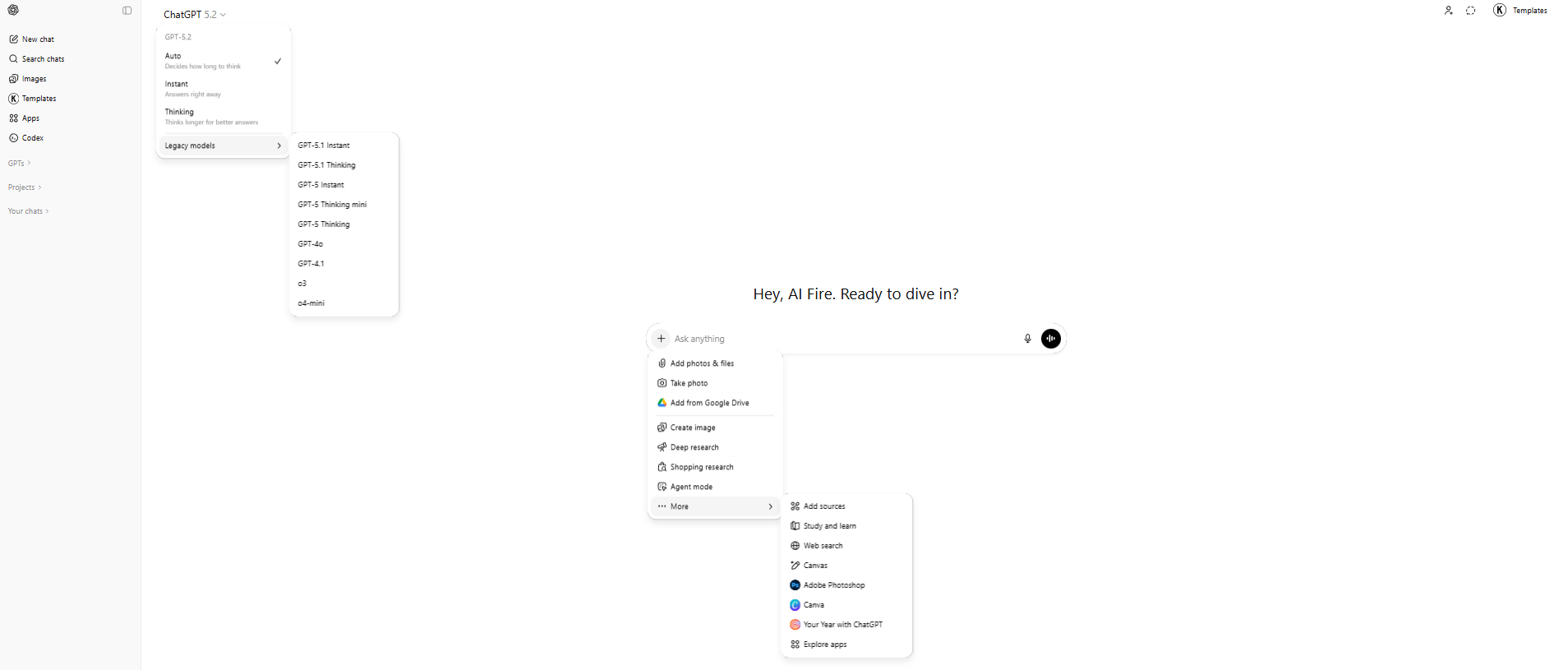
When a tool becomes universal, it’s usually because it solved a problem better than anything else. ChatGPT is that for thinking work. Writing, debugging, analysis, brainstorming, explaining,… everything starts here.
You use it to write drafts, debug code, analyze data, brainstorm strategies and explain complex ideas. While most tools specialize, ChatGPT generalizes extremely well.
The free version is enough for many people. The $20/month Plus plan adds speed and reliability that pays for itself quickly.
More importantly, ChatGPT sits at the center of the AI ecosystem. Nearly every new AI tool speaks the same language because they all build on OpenAI’s ecosystem. Learn ChatGPT well and you’ll understand how most of the modern AI stack actually works.
The ROI shows up immediately. Writers beat the blank page. Developers debug faster than Stack Overflow. Strategists generate frameworks in minutes instead of days. Content creators plan weeks of work in a single afternoon.
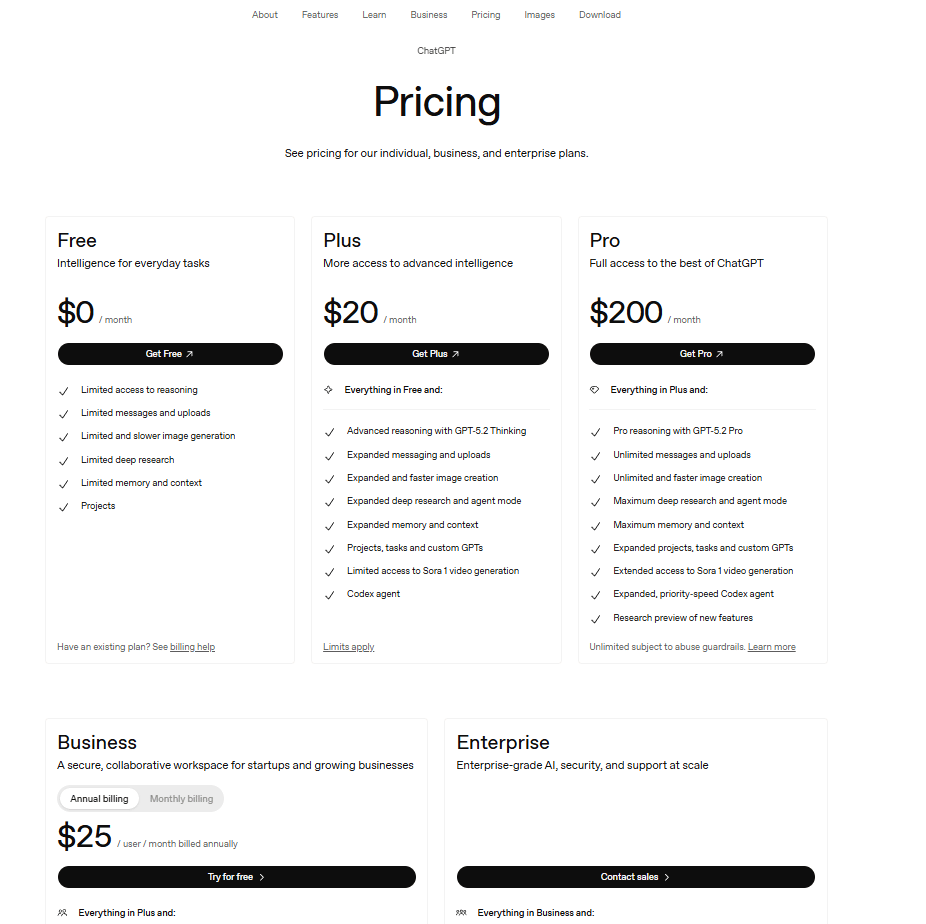
Who needs it: Anyone who works on a computer.
Cost: Free | $20/month (Plus).
ROI: Immediate.
2. Claude (Anthropic)
Claude is the tool you use when ChatGPT feels too "robotic". It has a massive context window (100k+ tokens), meaning you can upload an entire 300-page legal contract and ask it to find the hidden loopholes. Where ChatGPT struggles, Claude stays coherent.
It also reasons more carefully. Responses feel slower but more thoughtful, which matters when precision is critical. Developers often prefer Claude for complex code because it produces cleaner, safer output.

Claude shines at document analysis. So, if you deal with large codebases, legal text, technical documentation or dense research, this tool quietly saves hours and prevents expensive mistakes.
Use Claude when:
You’re working with long documents.
Accuracy matters more than speed.
You’re dealing with complex systems or code.
Cost: Free (limited) | $20/month (Pro).
ROI: Immediate if you work with documents or code regularly.
3. Cursor AI
If you write code or want to build your own apps without knowing how to code well, Cursor is a cheat code. It is a code editor with a brain.
It’s a code editor (based on VS Code) with AI that understands your entire project. You describe what you want in plain language and Cursor writes, edits and refactors the code across files.
It debugs in real time, cleans up messy logic and helps ship features far faster. Developers routinely see 2-3x productivity gains.
The speed is also amazing. Building MVPs now takes weeks instead of months. That helps maintenance costs drop and teams move faster than competitors.
Who needs it: Developers, founders, agencies.
Cost: Free | $20/month.
ROI: First project.
4. Perplexity AI
Google gives you links. Perplexity gives you answers with sources.
It combines live web search with AI synthesis, so you get current, verifiable information. Every answer is cited and follow-up questions build on context instead of starting over.
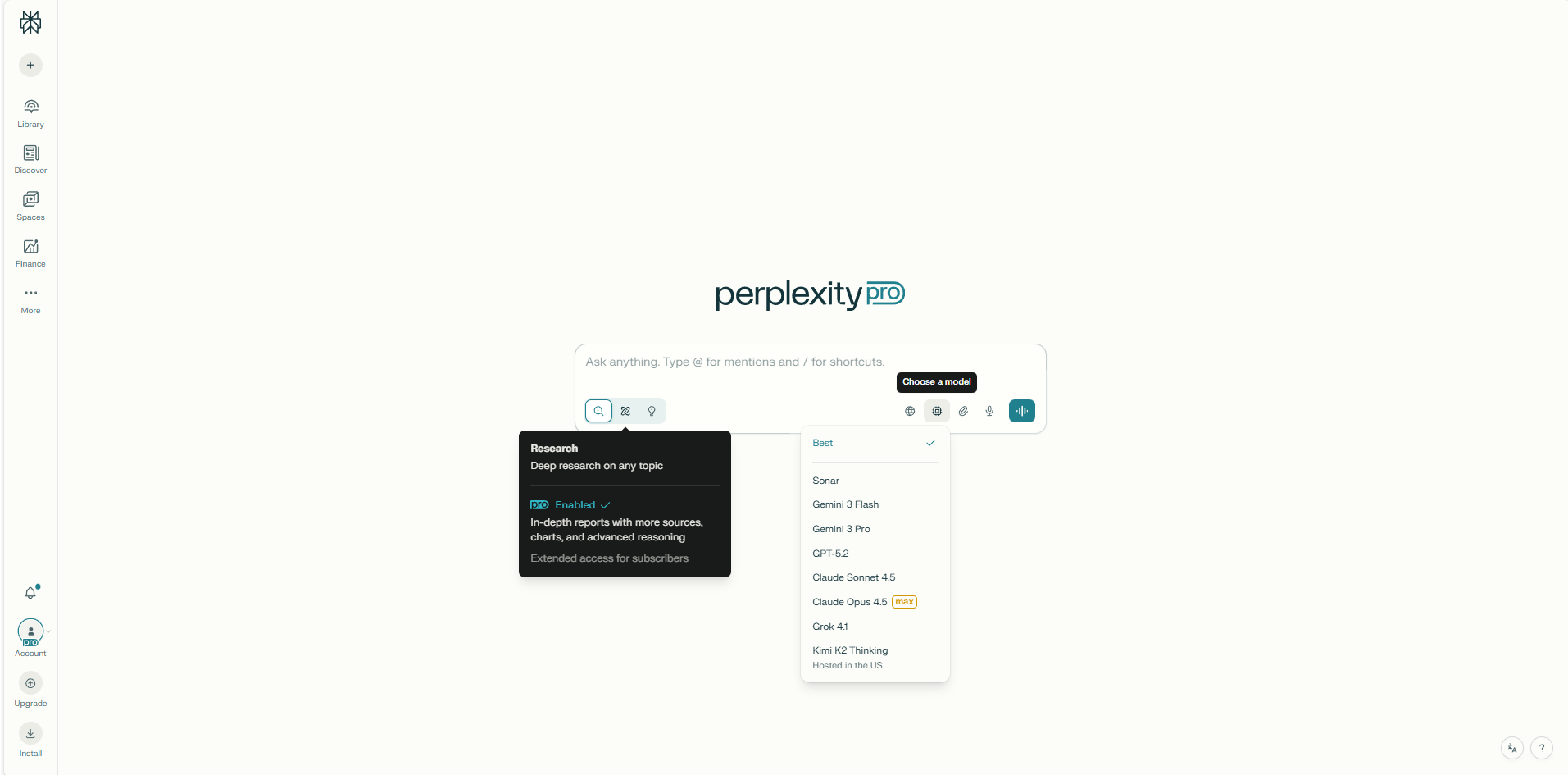
You use it for market research, competitor analysis, trends, due diligence and content research. Instead of reading 30 articles, you get the synthesis in one place and can drill deeper instantly.
The time savings add up fast. A few minutes saved per search turns into hours every week.
Perplexity does not think for you. It just stops you from scrolling through endless search results.
Cost: Free | $20/month.
ROI: Immediate. You'll save time on your first search.
5. NotebookLM (Google)
This is Google’s most underrated AI tool.
NotebookLM lets you talk to multiple documents at once. Upload documents, PDFs, websites or YouTube transcripts and then ask questions across all of them at once.
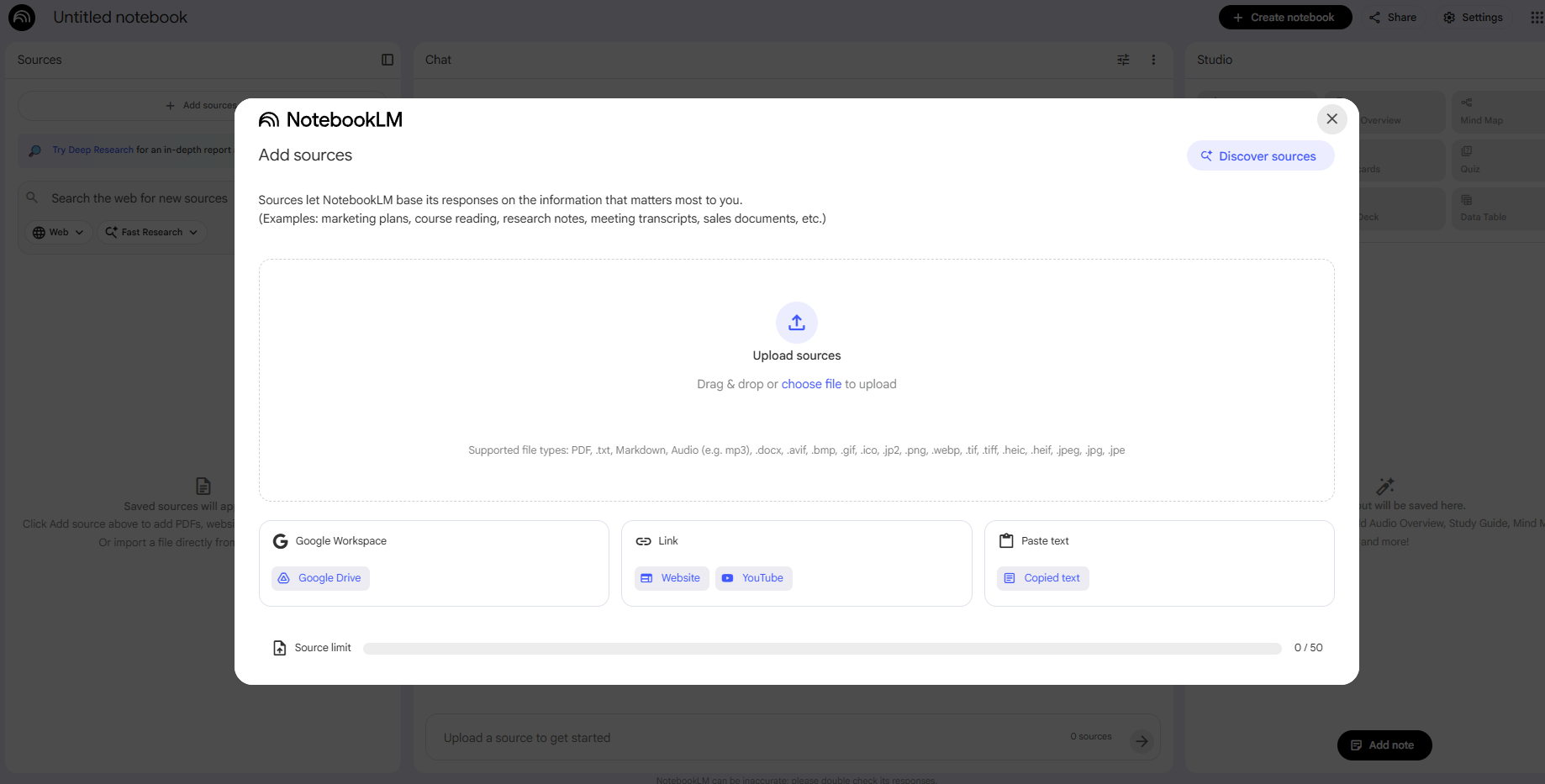
It compares sources, highlights contradictions, builds summaries and even generates podcast-style audio discussions of your materials. It’s shockingly good.
Teams use it to build internal knowledge bases.
Creators use it to analyze competitors.
Researchers use it to synthesize papers.
Sales teams use it to understand prospects faster.
This should be a $50/month product. But it’s completely free. This isn’t a toy. It’s enterprise-level research disguised as a side project.
Cost: Free.
ROI: First use. Upload a few documents and the value becomes obvious immediately.
IV. A-TIER: Excellent Tools (Highly Recommended)
These tools deliver serious value. Not essential for everyone but if they fit your use case, they're worth every penny.
6. Midjourney
Midjourney is still the old king of AI image generation (the new one is Nano Banana Pro). If image quality matters, this is still the benchmark.
After testing most AI image tools, Midjourney consistently produces the most polished, artistic results. Even average prompts tend to look good by default.
You use it when visuals matter: brand assets, ad creatives, product mockups or concept art. Styles stay consistent, which makes building a visual identity much easier.

The ROI is obvious. What used to cost hundreds per image with stock photos or designers now costs a monthly subscription. You can test dozens of ad variations in minutes instead of days.
The tradeoff is usability because it runs inside Discord, which feels clunky at first. There’s also no free tier. And for hyper-realistic photos, other tools can sometimes do better.
Who it’s for: Marketers, creators, agencies, e-commerce brands.
Cost: $10-$60/month.
ROI: First serious creative project.
7. ElevenLabs
This is where AI voice stopped sounding fake. This is the best AI voice synthesis tool, period.
ElevenLabs produces voiceovers that feel human (natural pacing, emotion and subtle variation included). You can even clone a voice from a short recording and generate unlimited audio in that voice.

This changes how content gets made. Videos, courses, podcasts and ads no longer depend on recording sessions, perfect microphones or hiring voice actors.
The math is simple. One professional voiceover can cost hundreds. ElevenLabs covers unlimited output for a fraction of that.
Who it’s for: Anyone producing audio or video at scale
Cost: Free (limited) | $5-$330/month
ROI: first voiceover project
8. n8n
This is how small teams scale without hiring. You could think of n8n as a more advanced version of Zapier that allows for complex, multi-step AI stack integrations without the high monthly cost.
n8n is workflow automation without the ceiling. It connects apps, handles complex logic and runs entire operations in the background. Unlike simpler tools, it supports branching, error handling and data transformation.

If you host it on your own server (self-hosting), the tool is free to use. Once automations are in place, work that used to take hours disappears. Lead intake, onboarding, content distribution, data scraping handled automatically.
Automation here isn’t about convenience. It’s about leverage. One person with solid automations can do the work of several.
Who it’s for: founders, agencies, ops teams, efficiency-obsessed builders.
Cost: Free (self-hosted) | $20+/month (cloud).
ROI: first workflow that removes manual work.
9. Gamma
This is the fastest way to turn ideas into presentations.
Instead of fighting slides, you write your thoughts. Gamma handles layout, structure and visual flow automatically. The result looks professional without needing design skills.
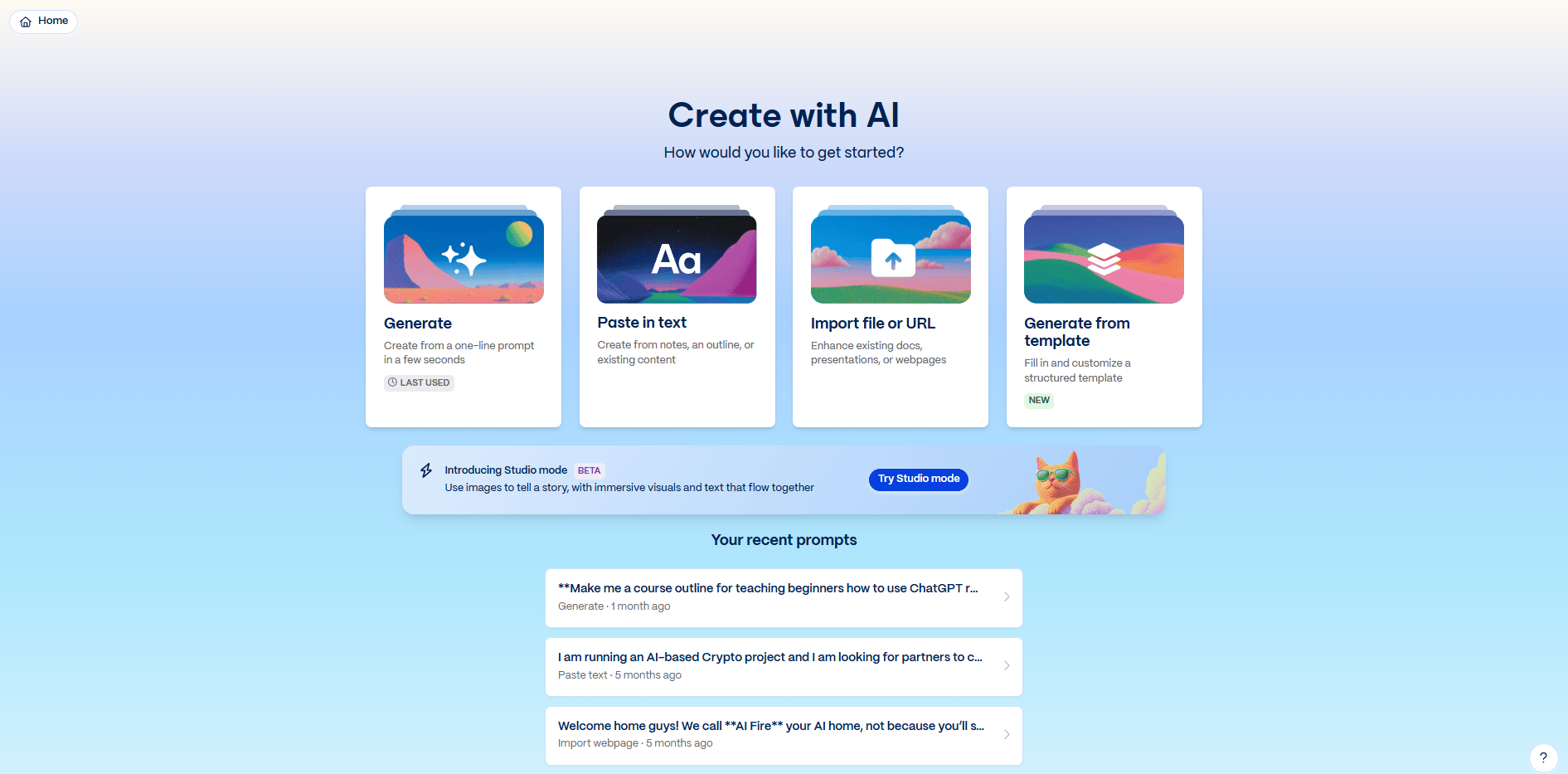
Presentations that used to take hours now take minutes. Pitch decks, proposals, internal strategy done faster, iterated faster, shared instantly.
If presentations show up often in your work, this tool quietly saves you days every month.
Who it’s for: founders, consultants, educators, teams
Cost: Free (limited) | $8-$15/user/month
ROI: first deck
10. Revio
Revio is a CRM designed for WhatsApp, Instagram DMs, Messenger and similar platforms. Instead of juggling apps, everything lives in one inbox.
AI suggests replies, follow-ups don’t get forgotten and pipelines reflect how deals actually close in DMs.
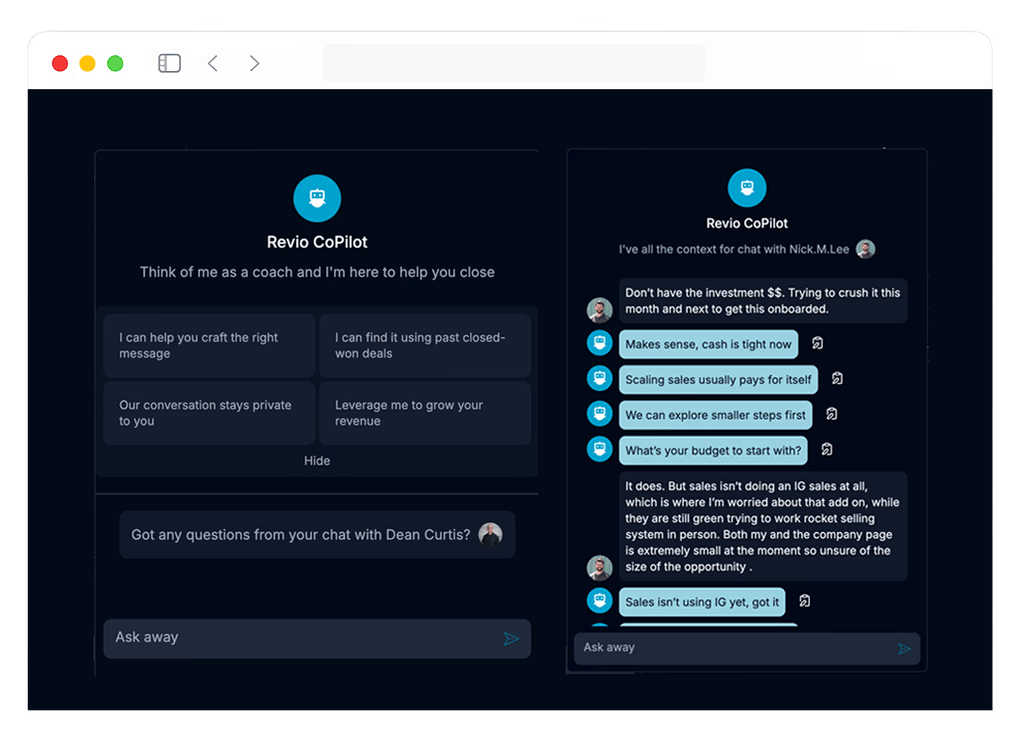
With Revio, your response speed improves, your leads stop slipping through cracks and your teams collaborate without confusion.
Close one extra deal because of better follow-up and it pays for itself.
Who it’s for: coaches, consultants, service businesses, DM-based sellers
Cost: $99-$299/month
ROI: first deal closed from better follow-up
V. B-TIER: Good Tools (Situation-Dependent)
These tools excel at specific jobs but you might not need them depending on your business model.
They’re not bad, they’re just… conditional. You could use them when they fit your task but if they don’t, you can skip them.
11. Runway ML
Video AI finally crossed from “cool demo” to “usable tool,” and Runway sits right at that line.
You use it to generate short video clips from text, remove backgrounds without green screens, track motion and apply effects that understand scene depth. For fast video experimentation, it saves hours.

But video AI still isn’t cheap. Heavy usage gets expensive fast and occasional visual glitches remain. If video isn’t core to your workflow, this tool stays unused.
Who it’s for: Video creators, advertisers testing concepts, social media teams
Cost: Free | $12-$76/month
ROI: Immediate for frequent video work
12. HeyGen
HeyGen lets you create videos with AI avatars without camera, retakes or studio.
You write a script, pick an avatar and generate a video. You can even clone your own appearance or create multilingual versions from a single script. For training, internal updates or global content, it scales fast.

The tradeoff is connection. People can often tell that a video uses AI. This is okay for some jobs but it might make customers lose trust in other situations.
Who it’s for: Course creators, corporate training teams, global marketers
Cost: Free | $24-$180/month
ROI: Strong if content volume is high
13. Leonardo AI
Leonardo trades a bit of default quality for more control.
You get fine-grained control over style, lighting, composition and most importantly consistent characters across images. It’s especially useful when you need the same character across many images or want to train custom models which matters for branding, games, comics and storytelling.

The interface takes time to learn and default image quality still trails Midjourney slightly. But for power users, the ceiling is higher.
Who it’s for: Designers, game developers, illustrators
Cost: Free | $10-$48/month
ROI: First project needing consistency
14. Zapier
Zapier is the original automation tool and it’s still useful.
You connect apps without code, trigger workflows and rely on a massive integration library. It rarely breaks, which matters for business-critical automations.

The downside shows up at scale. Costs rise quickly and complex workflows hit limits. Power users eventually outgrow it.
Who it’s for: Small teams, non-technical users, niche app users
Cost: Free | $20-$600+/month
ROI: First automation
15. Notion AI
Notion AI is only valuable if you already live inside Notion.
It helps rewrite text, summarize pages, generate plans and answer questions using your workspace data. It keeps everything in one place, which some teams love.

It’s convenient but most of what it doesn’t replace ChatGPT. If Notion is your central hub, it saves time. If not, it won’t change your workflow.
Who it’s for: Notion power users and teams
Cost: $10/user/month
ROI: Immediate if Notion is your home base
VI. C-TIER: Decent But Replaceable
These tools function fine but you can probably get similar results with higher-tier tools or free alternatives.
16. Gumloop
Gumloop tries to blend visual automation with AI features. It looks promising at first, especially if you want something simpler than n8n but once you push past basic workflows, the cracks show.
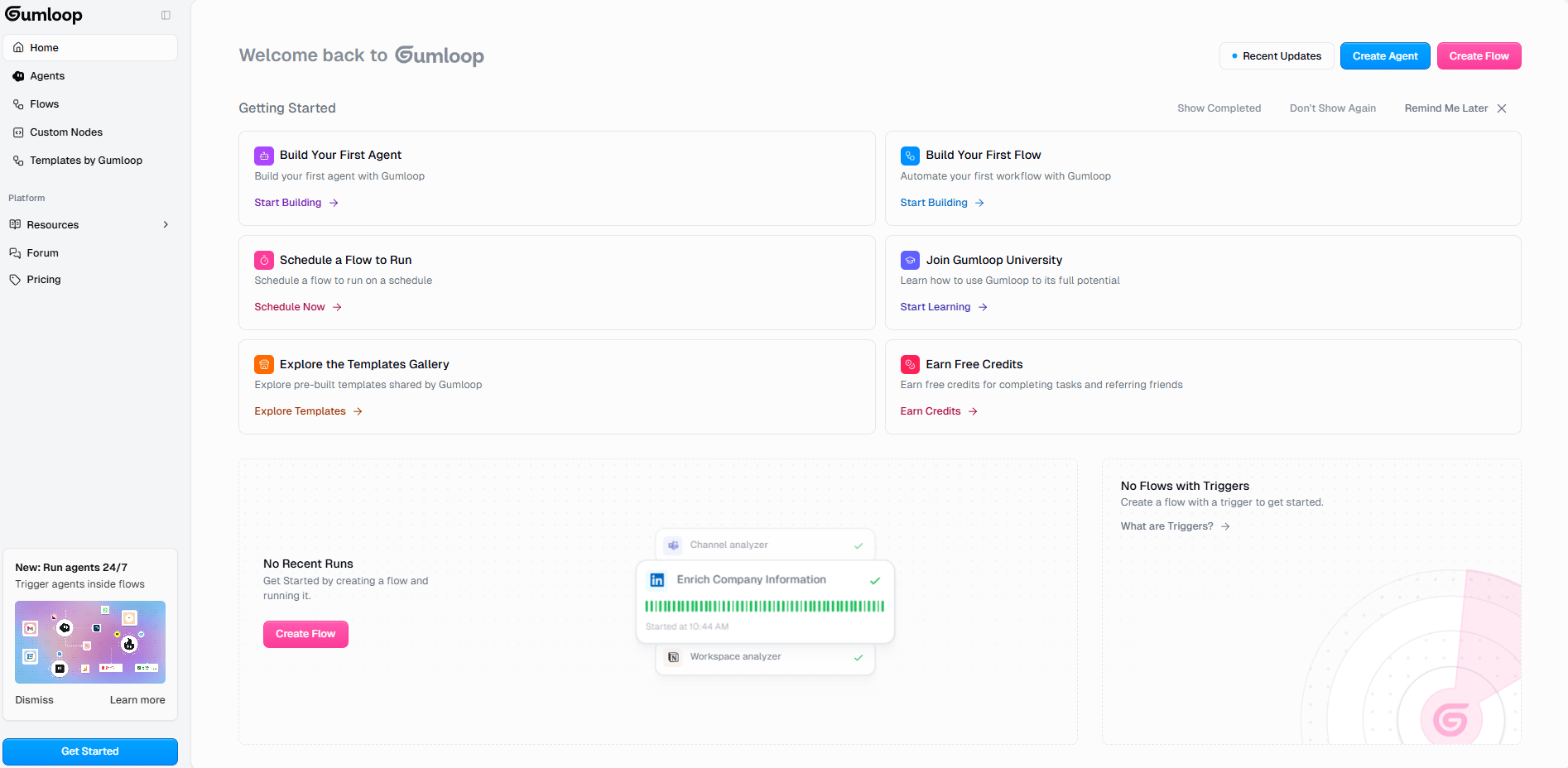
You get a visual workflow builder, some AI-native steps and a handful of templates. The problem is depth and the ecosystem is still too shallow. The ecosystem is small, integrations are limited and development feels slower than more established platforms.
If you already use n8n with ChatGPT or Claude, Gumloop doesn’t unlock much new value.
Who it’s for: People curious about newer no-code tools or anyone who finds n8n intimidating but wants more control than Zapier.
Cost: Free (limited) | Paid plans vary.
ROI: Unclear compared to established tools.
17. YourAtlas
YourAtlas uses AI voice or chat agents to qualify sales leads before they reach your calendar.
On paper, it sounds powerful but in reality, it’s only useful if you are receiving too many sales leads to handle by yourself.

If you don’t have high inbound volume, the cost is hard to justify. And if you do have technical flexibility, similar setups can be built with cheaper tools and basic automation.
This isn’t a bad product. It’s just narrowly useful.
Who it’s for: High-volume sales teams where unqualified leads are overwhelming.
Cost: ~$200-$500+/month.
ROI: Only positive at scale.
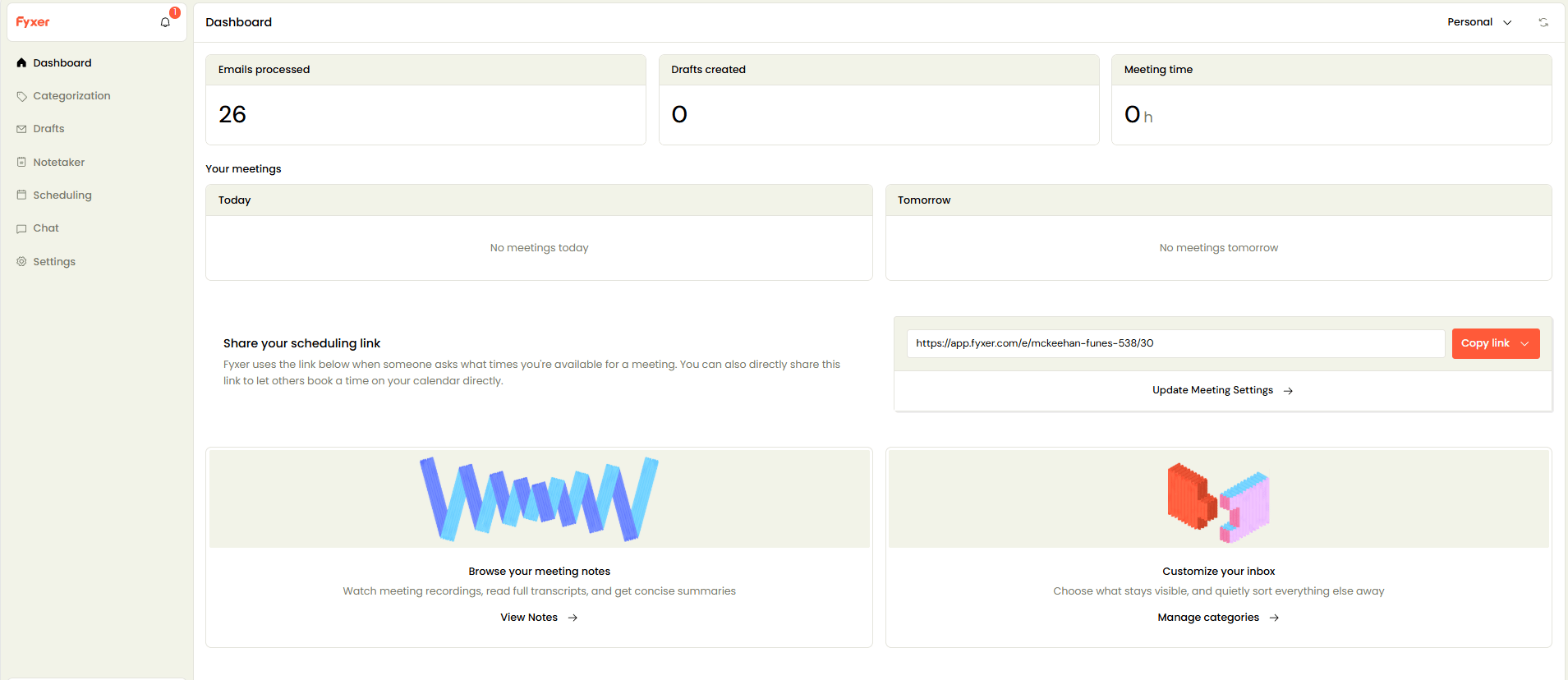
18. Fyxer AI
Fyxer focuses on AI phone agents for customer service and appointment booking. It answers calls, schedules appointments and routes complex issues to humans.
The limitation is scope. It solves one problem well but that problem only exists for certain businesses. Setup and maintenance are costly and alternatives exist either as competitors or custom builds. This only makes sense if phone calls are central to your business.
Who it’s for: Call-heavy businesses like clinics, service providers or call centers.
Cost: Enterprise pricing (likely $500+/month+)
ROI: Works only with high call volume
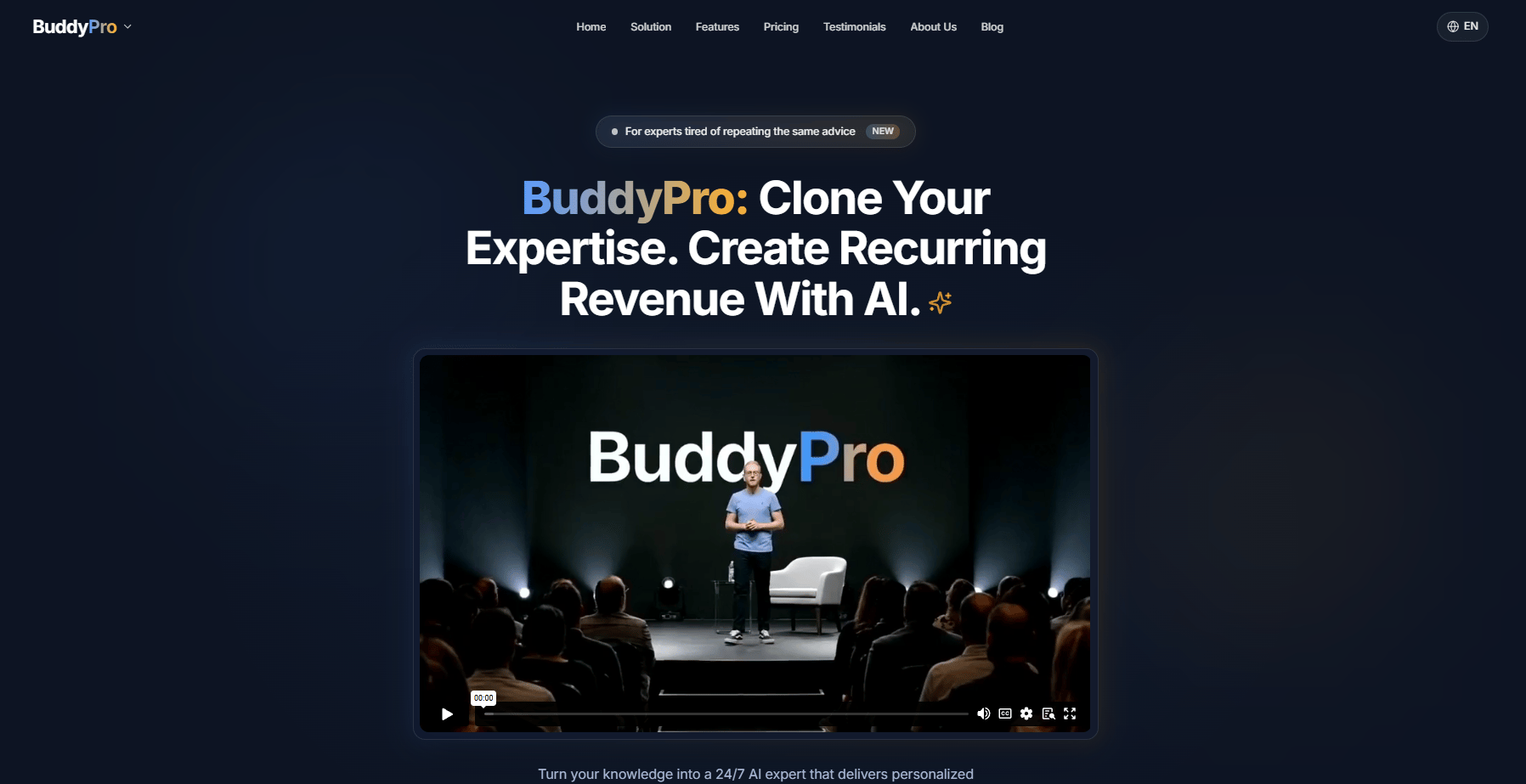
19. Buddy Pro AI
Buddy Pro positions itself as an AI business coach. You ask questions and it gives advice, frameworks and guidance; nothing much to say.
The issue isn’t quality, it’s differentiation. With the right prompts, ChatGPT or Claude can do the same job, often better. The specialized interface doesn’t add enough value to justify another subscription.
Who it’s for: Solo founders who want a guided, coach-like experience.
Cost: Subscription-based (pricing unclear)
ROI: Questionable compared to ChatGPT Plus
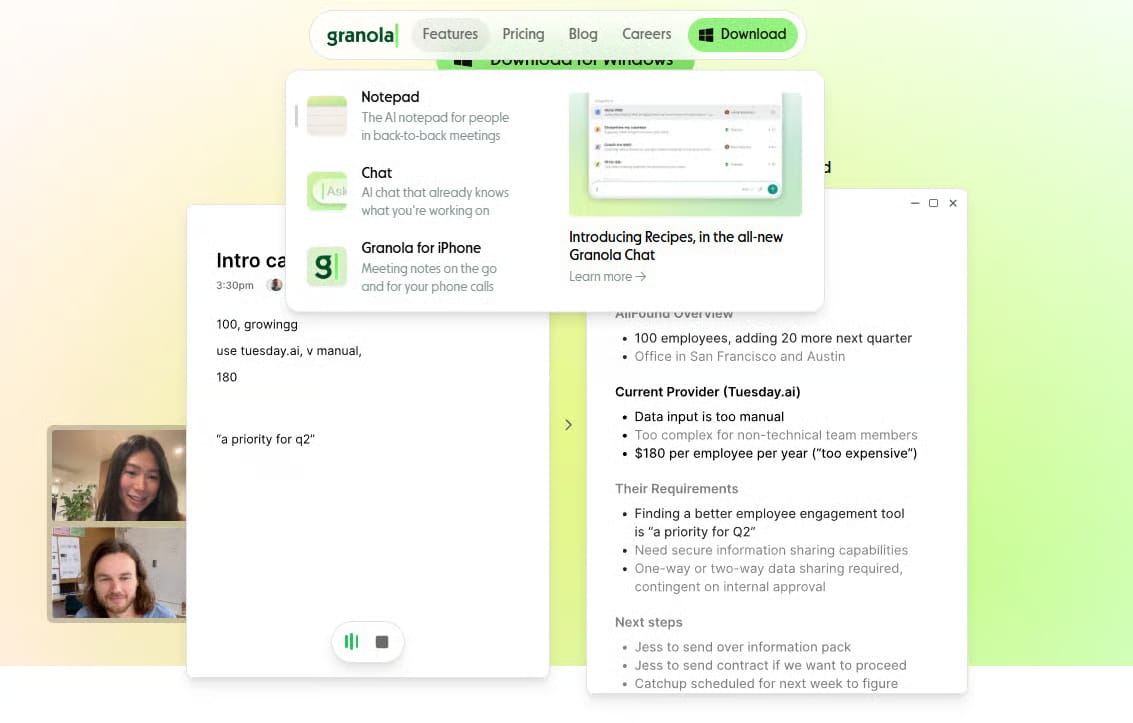
20. Granola AI
Granola records meetings, transcribes them and generates summaries. It does what many tools in this category already do.
If you’re in meetings all day, it saves some time. But the space is crowded and similar results are easy to get by pasting transcripts into ChatGPT.
It’s useful but not unique.
Who it’s for: People in frequent meetings who need searchable records.
Cost: Free (limited) | $10-$20/month
ROI: Modest time savings
VII. D-TIER: Overhyped or Overpriced
D-tier tools aren’t scams. These tools might have their moments but for most people, they're not worth the investment.
21. Gemini (Google)
I know that Gemini is Google’s answer to ChatGPT and it’s quietly hyped. On paper, Gemini should be a powerhouse. In practice, it feels unfinished.
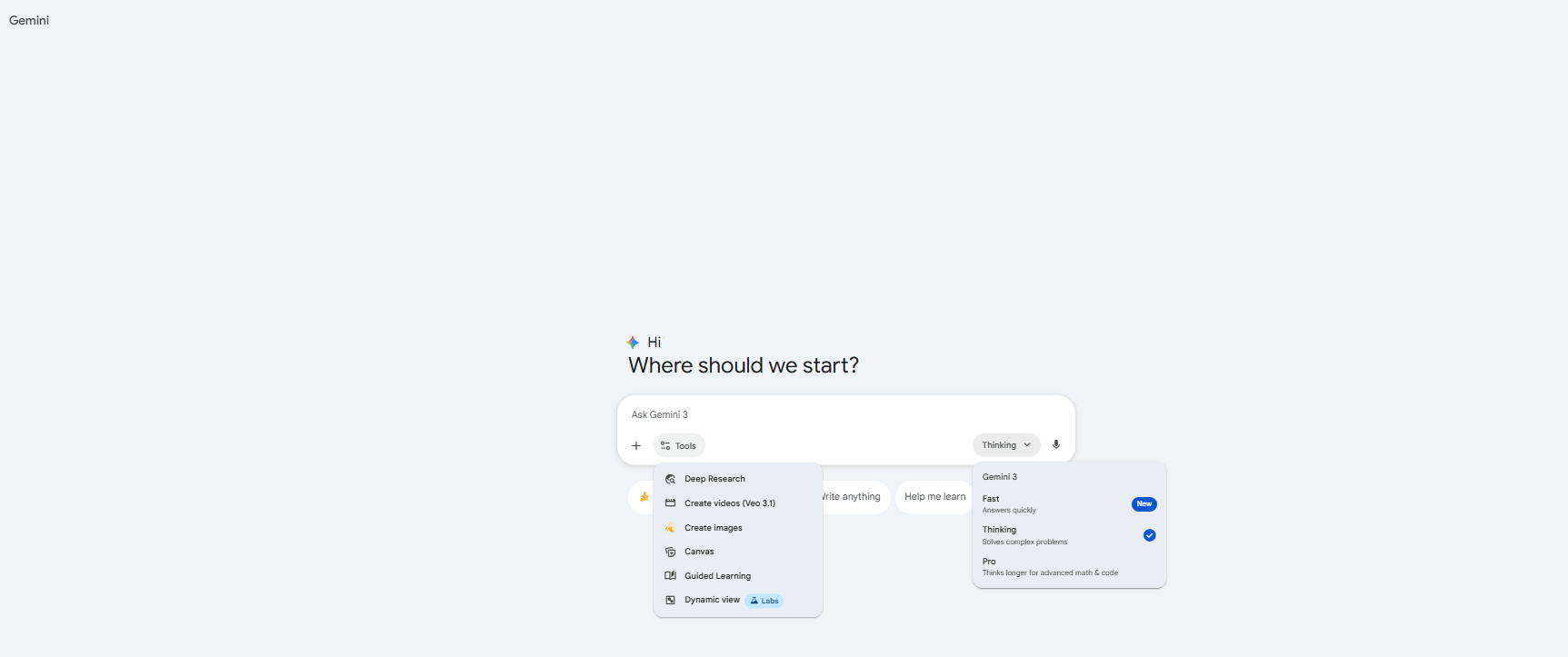
You can generate text, analyze content and write code just like ChatGPT. The difference is polish. Gemini rarely does anything better and often feels slower or less reliable. The promised deep integration with Google Workspace sounds great but day to day, it doesn’t change how you actually work.
Pricing and feature access are confusing and the fact that Google often stops supporting its products makes it hard to trust.
You might try it if you live entirely inside Google Workspace. Otherwise, better tools already exist.
Cost: Free (limited) | Bundled with Google One
ROI: Low unless deeply tied to Google’s ecosystem
22. Grok (xAI)
Grok is famous before it’s useful.
It’s positioned as a rebellious, witty AI with access to real-time X (Twitter) data. That sounds interesting until you use it for real work. The novelty wears off quickly and the answers don’t outperform free alternatives.

The bigger issue is pricing. You’re not really paying for Grok, you’re paying for X Premium+. And once that’s clear, the value equation breaks.
Unless real-time X posts are central to your work and you’re super curious about Elon-led projects, Grok doesn’t justify the cost.
Cost: Included with X Premium+ ($16/month)
ROI: Negative for most people
23. Lovable
Lovable sells a powerful idea: build full apps with plain language, no coding required. And the execution isn’t there yet.
Sometimes it produces impressive demos but other times it breaks entirely. Output quality is inconsistent and serious projects quickly hit limits. For quick experiments, it can be fun.
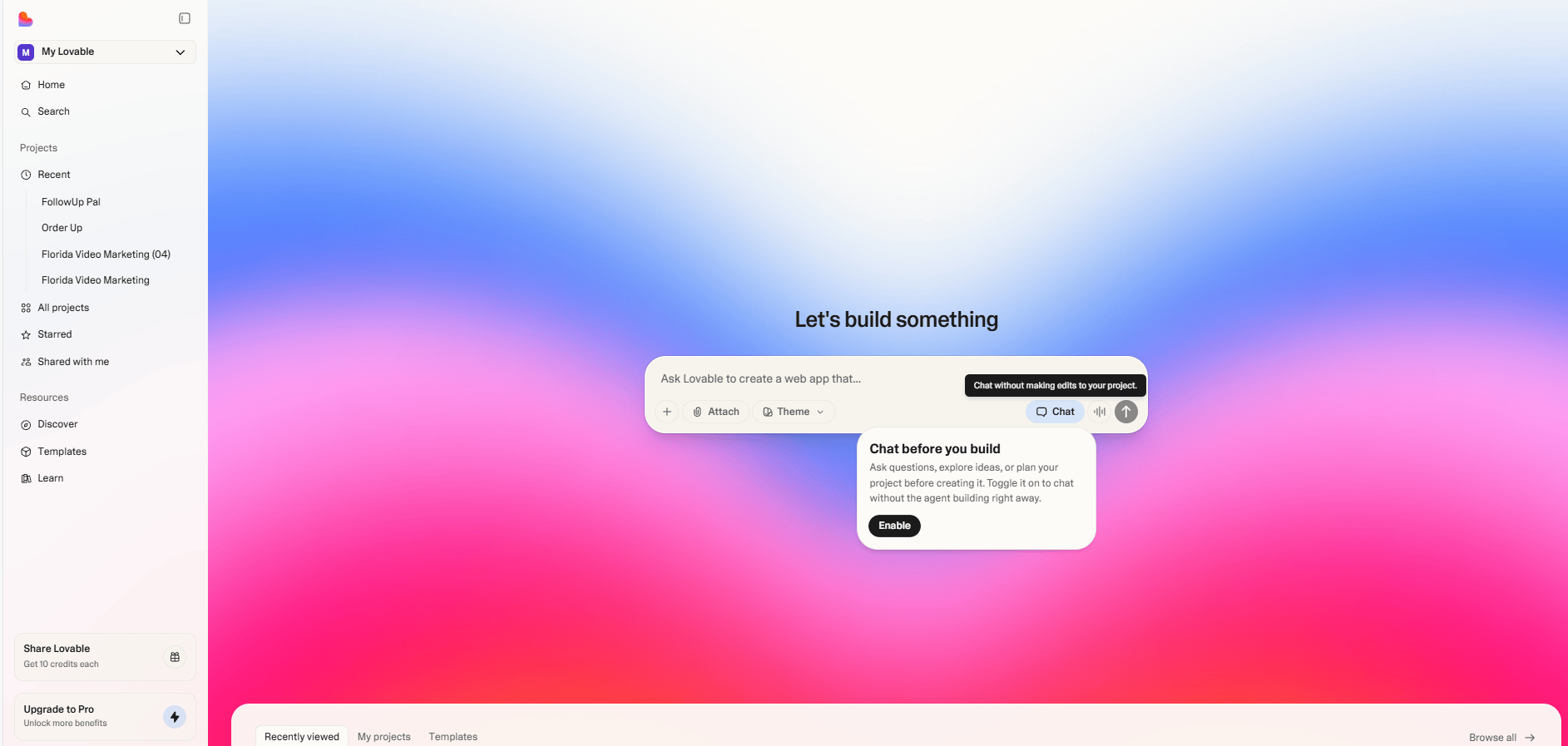
For anyone trying to actually ship software, tools like Cursor offer far more control and far better results.
Best for: Curious beginners and quick prototypes
Cost: Subscription-based (varies)
ROI: Weak compared to mature alternatives
How would you rate this article on AI Tools?Your opinion matters! Let us know how we did so we can continue improving our content and help you get the most out of AI tools. |
VIII. F-TIER: Skip These
This is one of the most overhyped AI launches I’ve seen in years. Introducing:
Apple Intelligence sounds impressive until you actually try to use it for real work.
Apple took its usual approach: privacy-first, device-based, tightly integrated. That works for casual use. It doesn’t work if you’re trying to move faster, build leverage or make money.

The features are basic. Every task Apple Intelligence can handle (writing, summarizing, assisting) other tools already do better, faster and with more flexibility. And to even access it, you need Apple’s newest hardware which quietly turns “free” into an $800-$2,000 upgrade.
Apple Intelligence is fine if you just want your phone or laptop to feel slightly smarter. But if you’re serious about AI as a productivity or income tool, this isn’t it.
If you want tools that create real leverage, skip this entirely and check out other AI tools on the list above
Cost: "Free" (requires latest Apple hardware, $800-$2,000+ investment)
ROI Timeline: None.
Creating quality AI content takes serious research time ☕️ Your coffee fund helps me read whitepapers, test new tools and interview experts so you get the real story. Skip the fluff - get insights that help you understand what's actually happening in AI. Support quality over quantity here!
IX. The ‘Winning AI Stack’ for 2026
You've seen 24 tools ranked across six tiers. Now what?
Most people make a critical mistake: they subscribe to too many tools. At one point, I was paying for 11 different tools but I only used three of them.
More tools don’t mean more output. They mean more tabs, more costs and more context switching. The goal isn’t having every tool. It’s having the right stack.
Here's how to build your AI stack based on your actual needs.
Stack | Monthly Cost | What’s Included | ROI | Who Needs This |
|---|---|---|---|---|
1. Essential Foundation | $40/month | ChatGPT Plus ($20) Perplexity Pro ($20) | Save 10-20 hours/week | Everyone. This is the baseline. |
2. Creator Stack | $75/month | Foundation ($40) Claude Pro ($20) Midjourney ($10) ElevenLabs ($5) | Replace $2,000+/month in creative services | Content creators, marketers, agencies |
3. Developer Stack | $60/month | Foundation ($40) Cursor Pro ($20) | 2-3x faster development | Founders, developers, technical teams |
4. Business Stack | $200-$400/month | Foundation ($40) n8n or Zapier ($20+) Revio ($99-$299) Gamma ($8-$15) | Save 20+ hours/week on ops | Growing businesses, sales & ops teams |
But what if you want to customize your own stack? Here’s the advice that actually works: You don’t build the full AI stack at once.
First, you start with the foundation. Then you add one tool only when a real problem shows up. Finally, you master it and measure results. Only then do you add the next tool.
If a tool hasn’t been used in two weeks, it’s gone.
If it doesn’t save time or make money for three weeks in a row, it’s gone.
This is how you avoid becoming an AI hobbyist and start acting like a builder.
To avoid tool overload, I use a simple 30-day rule to decide which AI tools stay and which get cut.
X. Final Thoughts: Don't Be a Tool Collector
Here is what I have learned after testing 500+ tools: The tools in your AI stack don't matter as much as how you use them.
I have seen people build million-dollar businesses using only ChatGPT or people with $500/month in AI subscriptions who accomplish nothing.
The difference? The first group focuses on results and the second group focuses too much on tools.
So, start with the S-tier, master them until they save you 10 hours a week and only then expand into specialized tools for specific needs.
Believe in your own skills, not just the newest technology.
If you are interested in other topics and how AI is transforming different aspects of our lives or even in making money using AI with more detailed, step-by-step guidance, you can find our other articles here:
Reply